

I’ve been trying to simplify how I create visuals with AI, and the biggest improvement for me was not using “more prompts,” but using a better workflow.
A lot of people open an image generator, type one vague sentence, and hope the result looks right. Sometimes it works, but most of the time the output feels generic, inconsistent, or just not usable.
What helped me much more was switching to a simple 4-step workflow:
- Start with a clear creative brief, not just a prompt
Before generating anything, I define four things first:
subject
style
mood
use case
For example, instead of writing:
“make a nice futuristic image”
I write something closer to:
“futuristic product concept art, clean commercial style, soft neon lighting, premium tech aesthetic, designed for a landing page hero section”
That one change already improves image quality a lot, because the model has clearer direction.
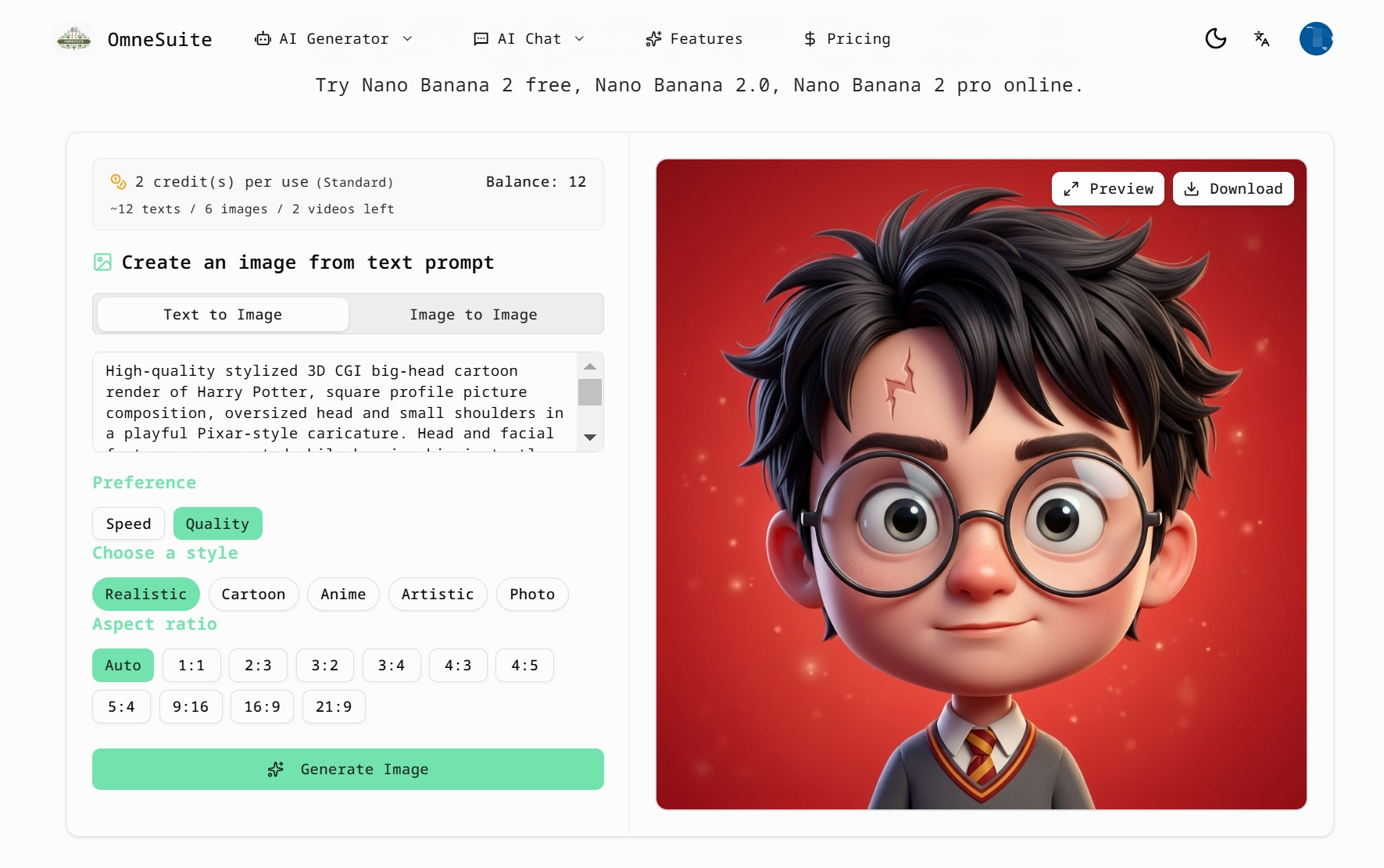
- Build one reusable prompt template
I’ve found it much easier to work from a repeatable structure instead of improvising every time.
My usual template looks like this:
[subject] + [visual style] + [lighting] + [composition] + [color direction] + [intended use]
Example:
smart wearable device, premium product render, studio lighting, centered composition, silver and blue palette, designed for a homepage hero image
This makes it much easier to test variations without losing consistency.
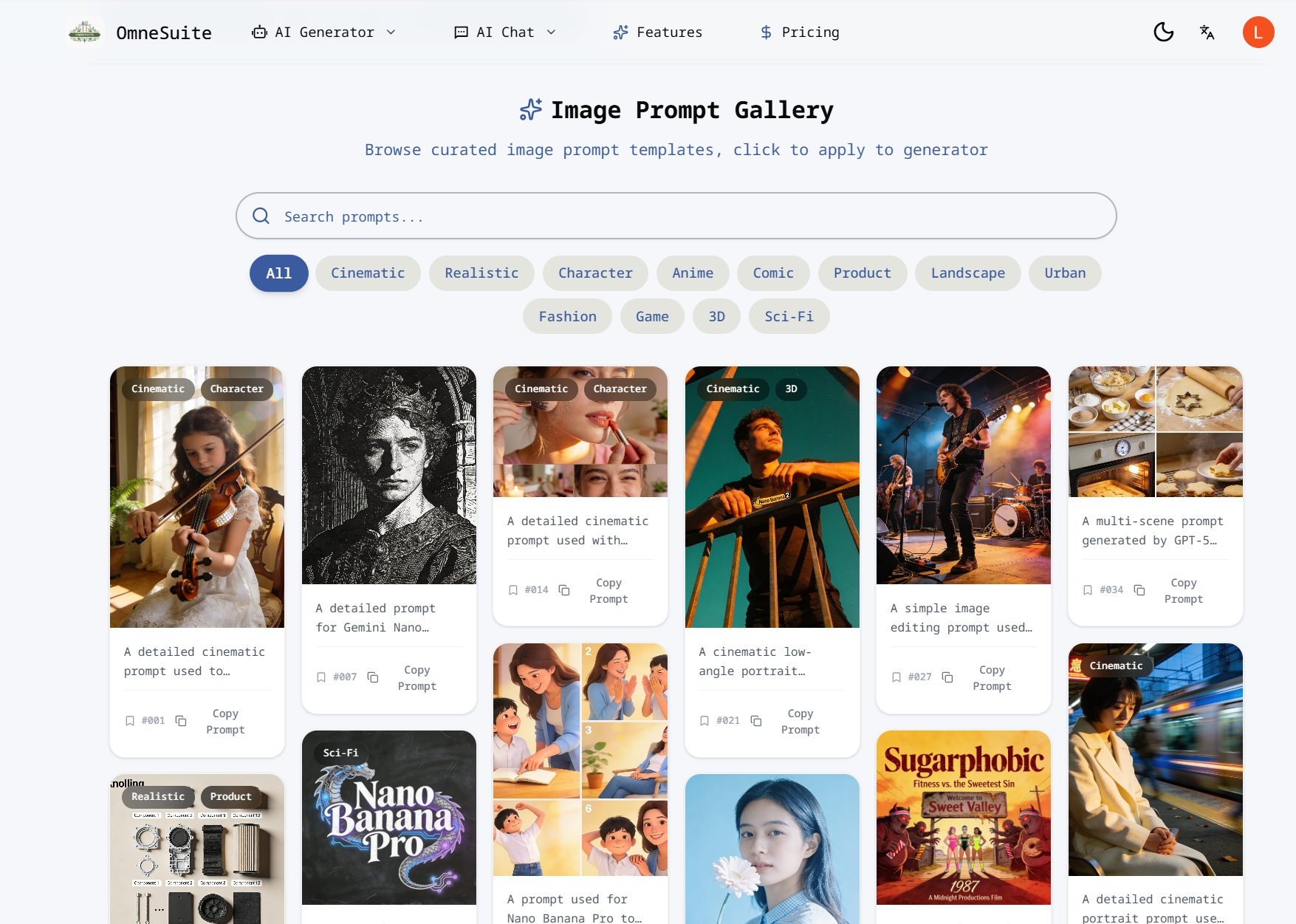
- Generate in batches, then refine the strongest direction
Instead of trying to get the final image in one attempt, I now treat the first round as exploration.
I usually do this:
create several variations from one idea
compare composition and mood
keep the strongest direction
rewrite only the weak part of the prompt
run a second version with tighter constraints
This iterative approach works much better than rewriting everything from scratch every time.
- Expand one visual idea into a full content workflow
This is the part that saves the most time.
Once I get a strong image direction, I reuse the same concept for:
ad creatives
social visuals
landing page sections
short captions
story angles
campaign concepts
That means one good prompt can become multiple useful assets, instead of just one image.
Lately, I’ve been testing this kind of workflow with OmneSuite because it’s useful for more than just image generation. I can start with visual prompt experiments, then expand the same idea into other assets like story concepts, text, lyrics, or other creative outputs without breaking my flow.
A simple example of the workflow
Let’s say the goal is to create visuals for a playful sci-fi campaign.
Instead of jumping straight into generation, I’d break it down like this:
Core concept: playful sci-fi campaign for young digital creators
Visual direction: bold shapes, glossy surfaces, vibrant lighting
Mood: energetic, imaginative, slightly futuristic
Use case: website banner + social content
Then I’d generate image variations first.
After that, I’d reuse the same concept to produce:
a short brand line
supporting copy for the banner
a story hook for a campaign post
alternate creative directions for testing
That gives me a much more reliable system than treating every task as a separate starting point.
Why this workflow works better
For me, the key shift was moving from “prompting for one result” to “building from one idea system.”
The best results usually come from:
being specific early
using a repeatable structure
generating variations on purpose
refining instead of restarting
turning one creative direction into multiple outputs
That has made AI image generation much faster and much more usable in real projects.
I’m curious how other people here handle this.
Do you mostly write fresh prompts every time, or do you work from reusable prompt templates and multi-output workflows?




Top comments (0)