

`
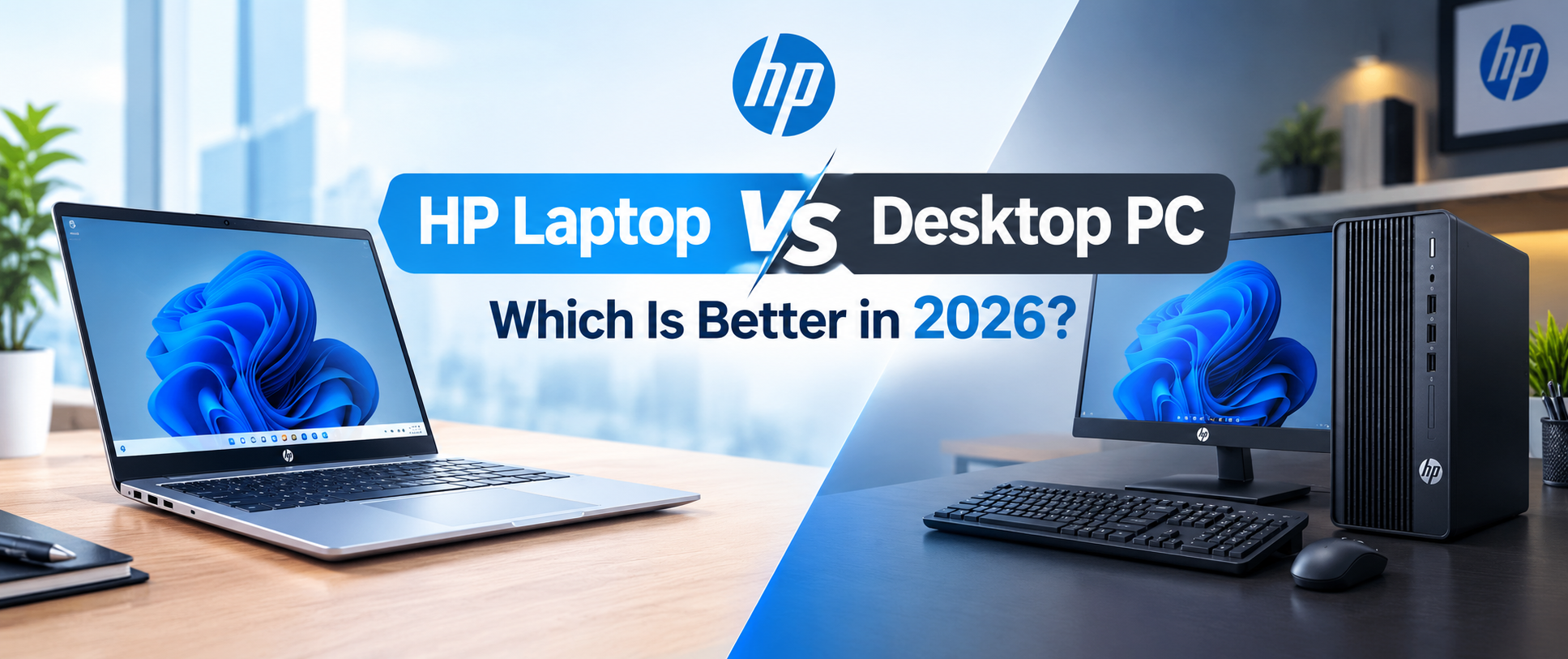
Choosing between an HP laptop and a desktop PC can be difficult when performance, budget, portability, and long-term value all matter. Both options can handle everyday computing, work, entertainment, and demanding tasks, but each has its own advantages.
An HP laptop offers portability, a built-in display, and a compact design that suits students, professionals, and home users. A desktop PC, on the other hand, provides more flexibility for hardware upgrades, cooling, and custom configurations.
So, which option is better in 2026? The answer depends on how you plan to use your computer, where you work or study, and how much you want to spend. Actual performance and value depend on the exact hardware, local prices, warranty, and accessories included with your purchase.
HP Laptop vs Desktop PC: Which Offers Better Performance?
Performance depends on the processor, RAM, storage, graphics hardware, and cooling system. Both HP laptops and desktop PCs can deliver smooth performance for everyday work, but demanding tasks may require more powerful hardware.
An HP laptop with a modern Intel Core or AMD Ryzen processor, sufficient RAM, and an SSD can handle office applications, online classes, web browsing, multitasking, and many productivity tasks. Higher-performance HP models can also support demanding workloads such as photo editing, programming, and video editing.
Desktop PCs generally have an advantage when you compare similarly positioned hardware. Their larger chassis allows more room for cooling and powerful components, which can help maintain performance during long workloads.
However, a powerful HP laptop may outperform a basic desktop PC. Always compare the exact processor, graphics card, memory, and storage rather than judging performance by the device type alone.
If you need a computer for everyday work and study, an HP laptop may provide all the performance you need. For specialised workloads that require high computing power, a desktop may offer more options.
Price and Overall Value in 2026
Budget is an important factor when deciding between an HP laptop and a desktop PC.
HP offers laptops across different price ranges, allowing buyers to choose a configuration based on their needs. Entry-level models can suit basic office tasks and online learning, while more powerful configurations are available for professional work, creative applications, and gaming.
A desktop PC can provide better hardware value when you compare the computer components alone. You can also select individual parts to match your budget and performance requirements.
However, the total cost of a desktop setup may include a monitor, keyboard, mouse, speakers, webcam, and other accessories. These additional expenses can make a complete desktop setup more expensive than the tower's advertised price suggests.
An HP laptop combines the screen, keyboard, battery, and computer hardware in one device. This makes it easier to calculate the overall cost and start working without purchasing several separate accessories.
In Bangladesh, prices vary depending on specifications, stock availability, and warranty coverage. Compare the total cost of both setups before making your decision.
Portability: Why an HP Laptop Is Convenient
Portability is one of the biggest advantages of choosing an HP laptop over a desktop PC.
You can carry an HP laptop between your home, university, office, or workplace without transporting a separate monitor and computer tower. Its built-in battery also allows you to work away from a power outlet for a limited time, depending on the model and workload.
This flexibility is useful for students attending online classes, professionals working remotely, and people who travel regularly. You can use the same laptop for assignments, meetings, presentations, browsing, and entertainment.
Desktop PCs are generally designed for a fixed workspace. Although you can move a desktop when necessary, transporting the tower, monitor, and accessories takes more effort.
If you need one computer for several locations, an HP laptop is usually the more practical option. If your computer will stay on the same desk, portability may not be a major concern.
Upgradeability and Long-Term Use
Desktop PCs generally provide more opportunities for hardware upgrades than laptops.
Depending on the motherboard and case, a desktop may allow you to upgrade the RAM, SSD, graphics card, power supply, and processor. These options can help extend the system's useful life without replacing the entire computer.
HP laptops have more limited upgrade options, although many models support SSD upgrades and some allow RAM expansion. The available options depend on the specific model, and certain components may be soldered to the motherboard.
Before buying an HP laptop, check the maximum supported RAM, available storage slots, and upgrade requirements. If you expect your workload to increase over the next few years, choosing a suitable configuration from the beginning can help you avoid limitations later.
A desktop is a good choice for users who enjoy upgrading their hardware over time. An HP laptop is suitable for people who prefer a compact, ready-to-use computer with fewer setup requirements.
Cooling, Noise, and Everyday Reliability
Cooling affects how well a computer performs during demanding tasks. Processors and graphics components generate heat, so a suitable cooling system is necessary to maintain stable operation.
Desktop PCs typically have more space for larger fans, heatsinks, and airflow systems. A well-designed desktop can manage heat effectively during extended workloads, depending on its components and cooling configuration.
HP laptops use compact cooling systems designed to fit inside a smaller chassis. Their cooling performance varies by model, processor, graphics hardware, and overall design.
For everyday tasks such as browsing, office work, and online meetings, many HP laptops can operate comfortably without demanding cooling requirements. More powerful models may produce noticeable fan noise when running intensive applications.
Keeping the laptop on a hard, flat surface and ensuring that its ventilation openings remain clear can help maintain proper airflow.
If you regularly run demanding applications for several hours, compare the cooling design of the specific models you are considering. A desktop generally provides more flexibility for managing heat and replacing cooling components.
Display, Keyboard, and Working Experience
An HP laptop includes a built-in display and keyboard, allowing you to start working without purchasing additional equipment.
Depending on the model, you may find Full HD displays, higher-resolution panels, touchscreens, or other display features. Screen size, brightness, resolution, and colour accuracy are worth checking if you spend long hours studying, working, or editing images.
Desktop PCs offer more freedom to choose a monitor, keyboard, mouse, and other accessories. You can select a larger screen for multitasking, a colour-accurate monitor for creative work, or a high-refresh-rate display for gaming.
An HP laptop can also connect to an external monitor and a separate keyboard and mouse. This creates a more comfortable desk setup while allowing you to disconnect the accessories when you need to travel.
For users who work mainly at one desk, a desktop setup may offer greater flexibility. For people who move between locations, an HP laptop provides a convenient balance between portability and productivity.
Which Is Better for Students, Professionals, and Gamers?
The right computer depends on your daily activities and performance requirements.
For Students and Online Learning
An HP laptop is a practical choice for students who need to attend online classes, prepare assignments, create presentations, and browse educational websites. Its portability makes it easy to carry between home and campus.
For these tasks, an SSD and sufficient RAM can make everyday use smoother. Students should also consider battery life, weight, keyboard comfort, and the software they need to run.
For Office Workers and Professionals
HP laptops can handle many office tasks, including spreadsheets, documents, email, video meetings, and business applications.
Professionals who work from different locations may benefit from a portable laptop. Those who work with large datasets, specialised software, or demanding applications should compare processor performance, RAM capacity, and graphics requirements before buying.
For Gamers
An HP laptop with suitable gaming hardware can run many modern games. HP's Victus and OMEN gaming laptop families offer configurations designed for gaming, although performance varies by model.
A desktop PC may provide better upgrade options and greater performance potential for the same hardware budget. It also allows users to select their preferred monitor and gaming accessories.
If you want a computer for both gaming and everyday use, compare the exact graphics hardware, cooling system, display, and total price of each option.
For Content Creators
Video editing, graphic design, animation, and other creative tasks can require a powerful processor, sufficient RAM, fast storage, and a capable GPU.
A desktop may be preferable for demanding projects because it supports a wider range of hardware configurations and upgrades. An HP laptop can be a better fit for creators who need to work at home, in the office, or while travelling.
Choose a system based on the applications you use and the size of your projects rather than the brand name alone.
Which HP Laptop Series Should You Consider?
HP offers several laptop families designed for different types of users. Understanding their general purpose can help you narrow down your options.
HP Pavilion: Pavilion models are generally aimed at everyday users who need a laptop for study, entertainment, office applications, and general productivity.
HP Envy: Selected Envy models focus on design, features, and productivity for users who want a more premium laptop experience.
HP ProBook: ProBook models are designed primarily for business and professional use, with features that vary by configuration and generation.
HP EliteBook: EliteBook models target business users who may prioritise portability, security features, and professional workflows.
HP Victus: Victus laptops offer gaming-focused configurations for users looking for dedicated graphics and gaming performance at different budget levels.
HP OMEN: OMEN models target gaming and other demanding workloads, with specifications and performance varying across configurations.
No single HP series is best for everyone. Check the processor, RAM, SSD capacity, display, graphics hardware, warranty, and price before choosing a model.
Explore available HP laptops at TechLand BD to compare specifications and find an option that matches your needs.
Frequently Asked Questions
Is an HP laptop better than a desktop PC?
An HP laptop is more convenient for portability, study, and working in different locations. A desktop PC generally offers greater hardware flexibility and easier upgrades. The better choice depends on your budget and intended use.
Can an HP laptop handle everyday office work?
Yes. Many HP laptops can handle documents, spreadsheets, email, web browsing, online meetings, and other common office tasks. The required specifications depend on the applications you use and how much multitasking you do.
Is a desktop PC cheaper than an HP laptop?
A desktop may offer better performance for the price when comparing computer hardware alone. However, a complete desktop setup may require a separate monitor, keyboard, mouse, and other accessories. Compare the total cost before deciding.
Can I upgrade the RAM and SSD of an HP laptop?
Some HP laptops support RAM and SSD upgrades, while others have limited upgrade options. Check the exact model's specifications and service documentation before purchasing.
Which HP laptop is best for students in Bangladesh in 2026?
The best model depends on your budget, study requirements, and preferred screen size. For regular assignments, browsing, and online classes, look for a suitable processor, an SSD, sufficient RAM, and good battery life. Compare current local prices and warranty terms before buying.
Should I buy an HP gaming laptop or a desktop PC?
An HP gaming laptop is suitable if you need gaming performance in a portable device. A desktop PC may provide better upgradeability and more performance options for a fixed gaming setup. Compare the exact hardware and total cost to make the right decision.
`





Top comments (0)