
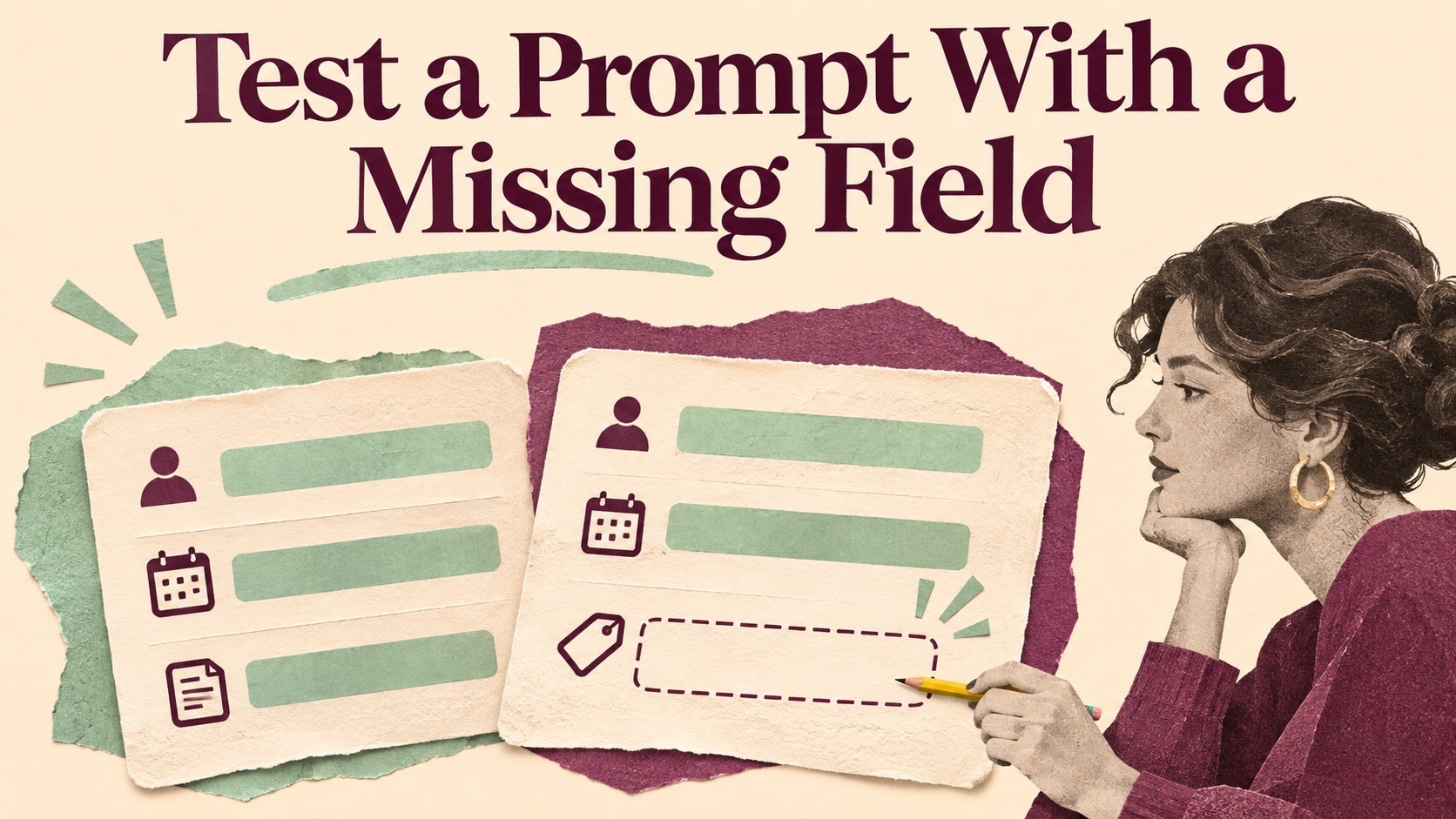
A prompt that produces a clean summary from a complete form can behave very differently when one field is empty. It may borrow a value from a neighboring row, turn a tentative date into a commitment or quietly remove the field. If the output goes to someone who never sees the input, that mistake can look like a confirmed fact. A small test set lets you see how a prompt handles missing information before people rely on it.
Decide what the missing field should mean
Imagine a workshop team that turns equipment requests into a setup sheet. A request usually includes a room, a start time, a contact and a list of items. Build one fictional request with all four values. Then make a second version with the start time missing. Keep the room and contact identical so you can trace any change in the summary back to the one field you removed.
Write the expected output before running the prompt. The setup sheet might keep a start time field with “awaiting confirmation” and assign the question to the organizer. The time must be visible as unresolved because the person setting up the room needs it. Other missing fields may have a different effect. A blank optional note can simply be omitted if it carries no decision. Document which fields fall into each group.
Give the prompt a case that looks almost complete
Put a note in the request that says the building opens at nine. The workshop start time is still missing. Ask the model for the same setup sheet and see whether it uses nine as the start time. If it does, add a clear instruction that building access time and workshop start time refer to different events. Try the revised prompt on both complete and incomplete requests. The extra instruction should preserve the confirmed start time when one is actually present.
Next place two fictional requests together. Give the first a start time and leave the second blank. Check that the model does not copy the time from the first request to the second. Keep the request identifiers in both input and output. A reviewer should be able to trace which line supplied the value without inferring it from the order of the rows.
Compare the outputs using separate checks
Use criteria for comparing prompt outputs to separate field accuracy, treatment of uncertainty and usefulness to the person taking action. An output can correctly leave a value empty and still hide the need for someone to follow up. Conversely, a bold warning may be easy to notice while naming the wrong person. Record those outcomes separately.
For each run, note the input identifier, prompt version and the exact line that matters. A record such as “request B inherits the start time from request A” is easier to investigate than “the summary was unreliable.” If the output is parsed by another system, also check that the unresolved value uses the format that system expects. A blank string, a missing property and an explicit pending state can lead to different downstream behavior.
Check a field that changes after the first draft
Imagine that the organizer confirms the missing time later. Give the model the original request plus a dated confirmation. Ask for the revised sheet and check whether the pending state clears. The confirmed time should appear once in the right record. The other fields should still match the original request. Then try a message that says the organizer might be available at ten. A tentative suggestion should stay unresolved if the process requires confirmation.
Give a colleague the two summaries without the source and ask when they would set up the room. If they treat the tentative time as confirmed, revise the wording or placement of the pending state. Then give them the source and see whether they can find the reason for the distinction. This checks the usefulness of the output as well as its factual accuracy.
Save the cases beside the prompt
Keep the complete request, the blank field, the misleading note, the two row example and the later confirmation. Record what each should produce. When you change the prompt, the model or the output format, rerun the small set before adding new scenarios. Look at the first case that changes and decide whether the new behavior is appropriate for the person who uses the sheet.
Add a new case when a real failure reveals a different decision. For instance, a missing room and a contradictory room are separate situations. A compact set of well described cases makes it easier to keep the prompt focused on what readers can safely act on.






Top comments (0)