
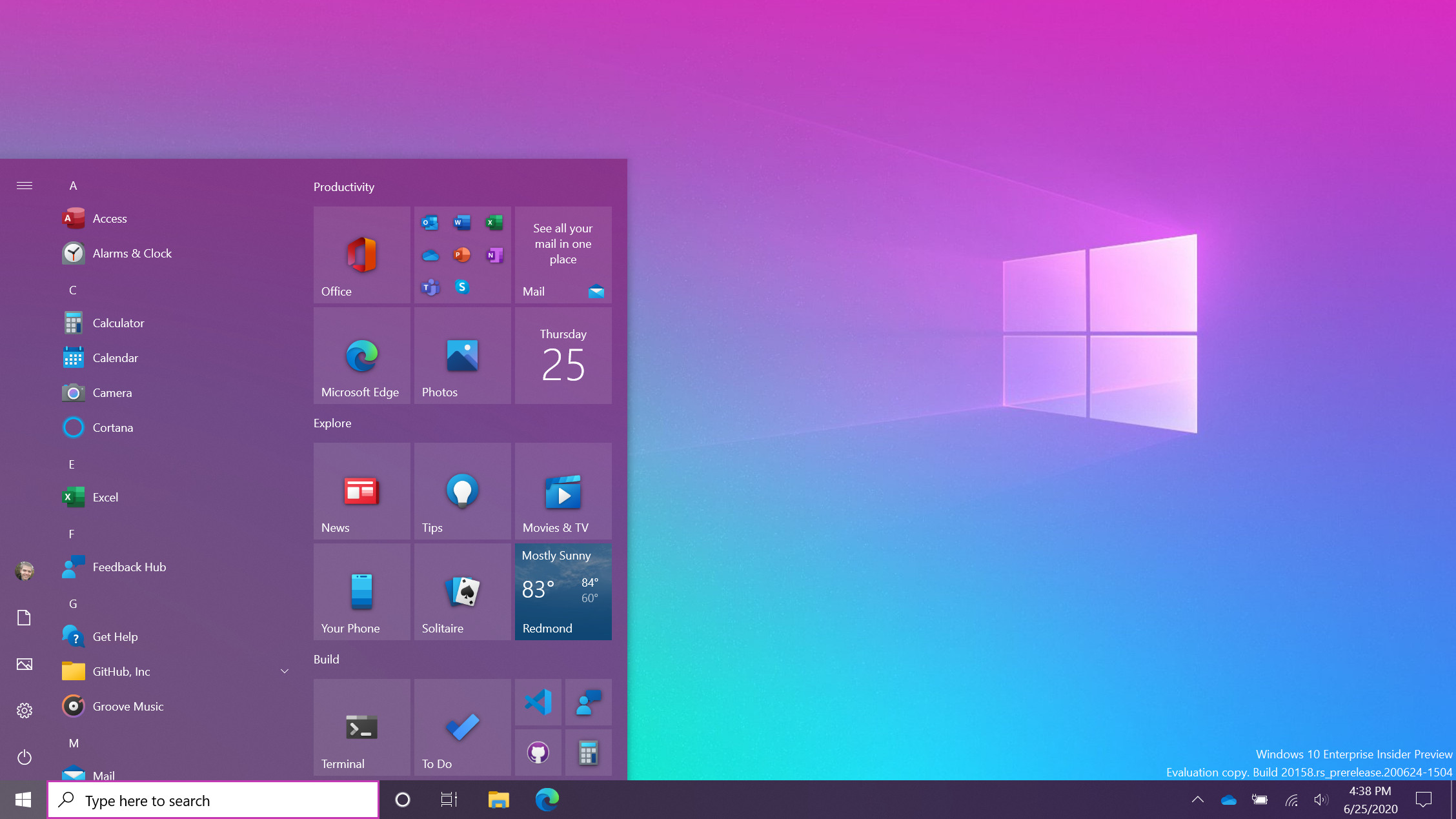

Windows 10 will receive security updates and patches for one additional year past its original October 2025 end-of-support date. The change appeared in a Microsoft update without a dedicated announcement.
The extension surfaced first in a Neowin report and drew 101 points with 66 comments on Hacker News.
What the Extension Covers
Microsoft will continue delivering monthly security updates for Windows 10 Home, Pro, and Enterprise editions through October 2026. Feature updates remain frozen at version 22H2.
No new consumer-facing features are planned. The policy applies only to devices that already meet the existing Windows 10 hardware requirements.
Timeline and Cutoff Dates
- Original end of support: 14 October 2025
- New cutoff: 13 October 2026
- Paid Extended Security Updates remain available after 2026 for organizations that enroll
These dates give developers running local models an extra twelve months before forced migration.
Impact on Local AI Setups
Many practitioners still run CUDA and ROCm stacks on Windows 10 machines with 12–24 GB VRAM cards. The extension removes immediate pressure to upgrade motherboards or CPUs that lack Windows 11's TPM 2.0 requirement.
Users gain time to test driver compatibility for newer PyTorch and TensorRT builds before committing to a full OS migration.
Upgrade Path Comparison
| Option | Cost | Hardware Change | AI Workload Disruption |
|---|---|---|---|
| Stay on Windows 10 until Oct 2026 | $0 | None | Minimal |
| Upgrade to Windows 11 | $0–139 | Possible TPM/CPU swap | Driver re-testing needed |
| Move to Linux | $0 | None on same hardware | Full environment rebuild |
Windows 11 currently shows higher rates of driver conflicts with certain NVIDIA Studio drivers used for Stable Diffusion and ComfyUI.
Who Should Delay Migration
Developers with stable Windows 10 environments running 7B–70B models locally benefit most from the delay. Teams already on Windows 11 or planning new hardware purchases can ignore the extension.
Organizations under regulatory requirements for supported operating systems should still budget for eventual migration or paid ESU contracts.
Practical Next Steps
Check your current build with winver. Enable automatic updates to receive the extended servicing branch. Test critical AI tools on a secondary partition before relying on the full extra year.
Bottom line: The one-year reprieve gives Windows 10 AI users a fixed window to plan hardware refreshes or OS switches without emergency deadlines.
Microsoft has not indicated any further extensions beyond 2026.






Top comments (0)