
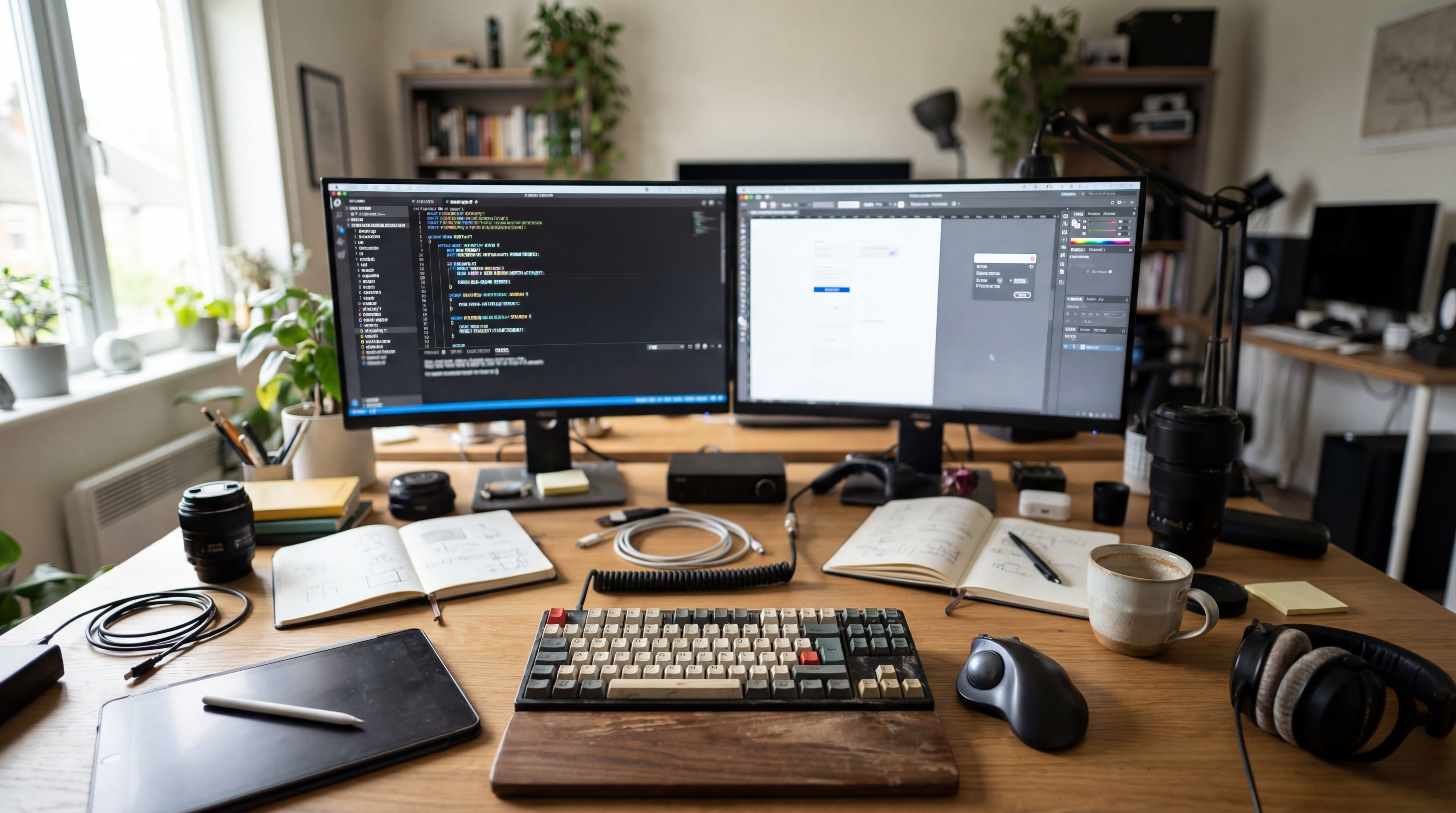

Dev Setups Unveiled on Hacker News
The Hacker News community recently shared a glimpse into their development environments in a discussion titled "Ask HN: What is your dev setup like?" With 11 points and 20 comments, the thread reveals a wide range of hardware, software, and workflow preferences among developers, including those working on AI and machine learning projects.
This article was inspired by "Ask HN: What is your dev set up like?" from Hacker News.
Read the original source.

Hardware Preferences: Power and Portability
A recurring theme in the discussion is the balance between power and portability. Several users rely on high-end laptops like the MacBook Pro (M2 Max) with 64 GB RAM for AI model training on the go, while others prefer desktop setups with NVIDIA RTX 4090 GPUs for heavy computational tasks. One commenter noted their dual-monitor setup with a 34-inch ultrawide display to streamline coding and debugging.
Another user highlighted a budget-friendly approach, using a refurbished ThinkPad X1 Carbon with 16 GB RAM, proving that effective dev environments don’t always require the latest hardware. The diversity in choices reflects the varied needs of developers, from lightweight coding to resource-intensive AI workloads.
Bottom line: Hardware setups vary widely, driven by workload demands and personal budget constraints.
Software Stacks: Tools of the Trade
Software preferences also showed significant variation. Many developers stick to VS Code as their primary editor, often paired with extensions for Python and TensorFlow for AI work. Others mentioned using Neovim for a lightweight, terminal-based experience, with one user citing a 30% faster workflow after switching from heavier IDEs.
For version control, Git remains universal, with platforms like GitHub and GitLab dominating. A few users also emphasized containerization with Docker, especially for testing AI models across different environments, ensuring reproducibility with minimal setup time.
Workflows and Productivity Hacks
Beyond tools, the HN community shared workflow insights. One developer described a Pomodoro technique setup with 25-minute coding sprints, claiming a 20% productivity boost. Another uses a custom dual-boot system with Linux for development and Windows for testing, avoiding virtualization overhead.
Remote work setups were also a focus, with several users relying on SSH for accessing powerful cloud servers, bypassing local hardware limitations. One commenter noted saving hours weekly by automating repetitive tasks with shell scripts tailored to their AI pipeline.
Bottom line: Small workflow tweaks and automation can yield outsized efficiency gains for developers.
"Community Favorites"
Ergonomics and Environment
A surprising number of comments focused on physical setup. Adjustable standing desks were mentioned by 3 users, with one citing reduced back pain after switching. Others emphasized mechanical keyboards like the Keychron K8 Pro for typing comfort during long coding sessions. Ambient lighting and noise-canceling headphones also appeared as key elements for focus, especially in shared or noisy spaces.
What’s Next for Dev Environments?
As AI and machine learning workloads grow, developer setups will likely continue evolving toward hybrid solutions—balancing local hardware with cloud resources. The Hacker News thread shows that while tools and tech differ, the drive for efficiency and comfort unites the community. Expect more innovation in ergonomic design and workflow automation to shape how developers build in the coming years.






Top comments (0)