


Qwen-Image-Edit-2511 combines reference images with a text instruction to create an edited scene. Download Alibaba Qwen's Apache 2.0 weights and use QwenImageEditPlusPipeline, passing the references as an ordered image list. Qwen reports improved subject consistency and demonstrates combining people from separate photographs. Model card
What are the key facts about Qwen-Image-Edit-2511?
| Field | Verified information |
|---|---|
| Developer | Alibaba's Qwen team. Repository |
| Released | December 23, 2025, according to the official weights release log. Repository |
| Type | Instruction-based image editing with multiple image inputs. Model card |
| Size or parameters | Approximately 20 billion parameters in the published weights; the repository metadata reports about 20.43 billion. Weight metadata |
| License and access | Apache 2.0; downloadable Hugging Face weights, with Qwen Chat also linked as an access route. Model card |
| Where it runs | The documented Python example uses CUDA and BF16; Qwen Chat provides a hosted interface. Model card |
For experiments using this checkpoint, select Qwen/Qwen-Image-Edit-2511 and record the downloaded revision. Model card
What can Qwen-Image-Edit-2511 do with multiple references?
Qwen documents improvements in retaining a person's identity during creative edits and in bringing separately photographed people into a shared scene. It also demonstrates changes to lighting, viewpoint, industrial materials, and auxiliary geometry lines. These are published capabilities and examples, rather than measured success rates for arbitrary inputs. Model card
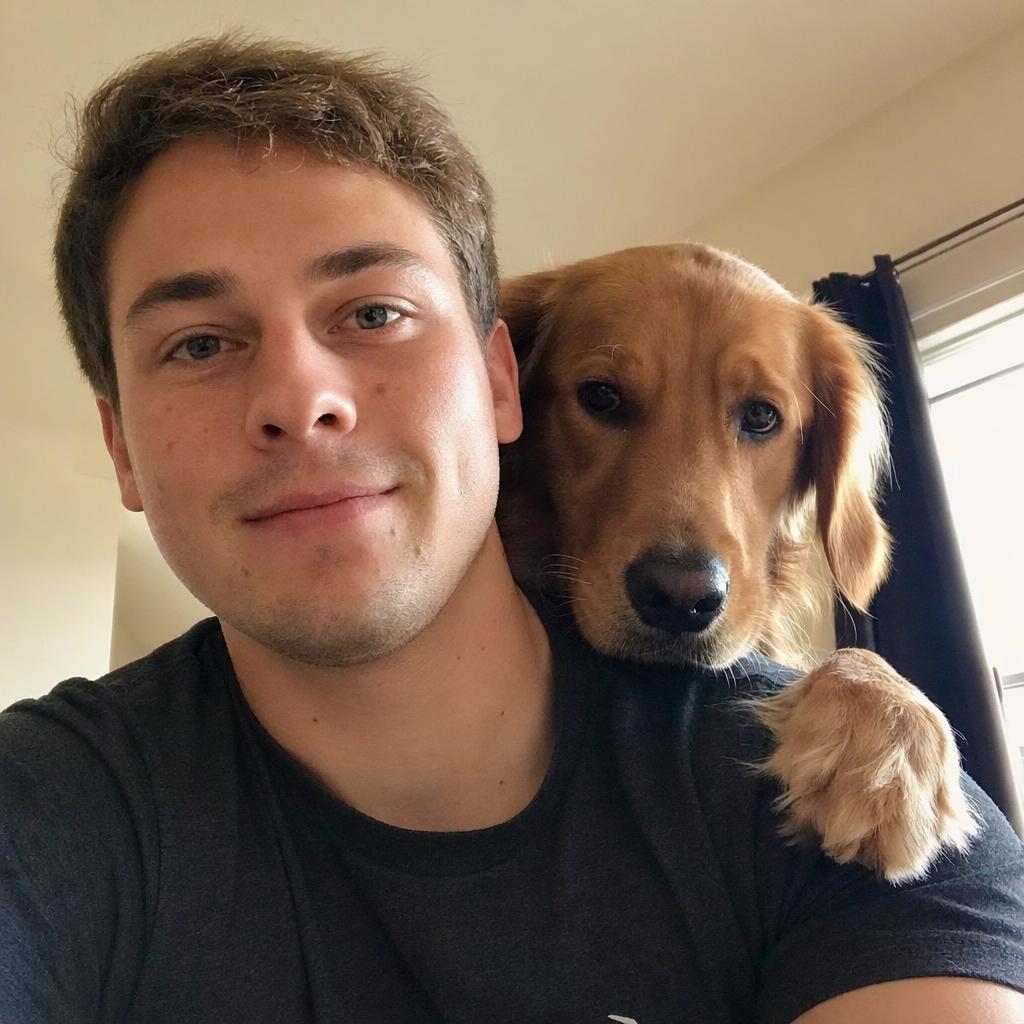
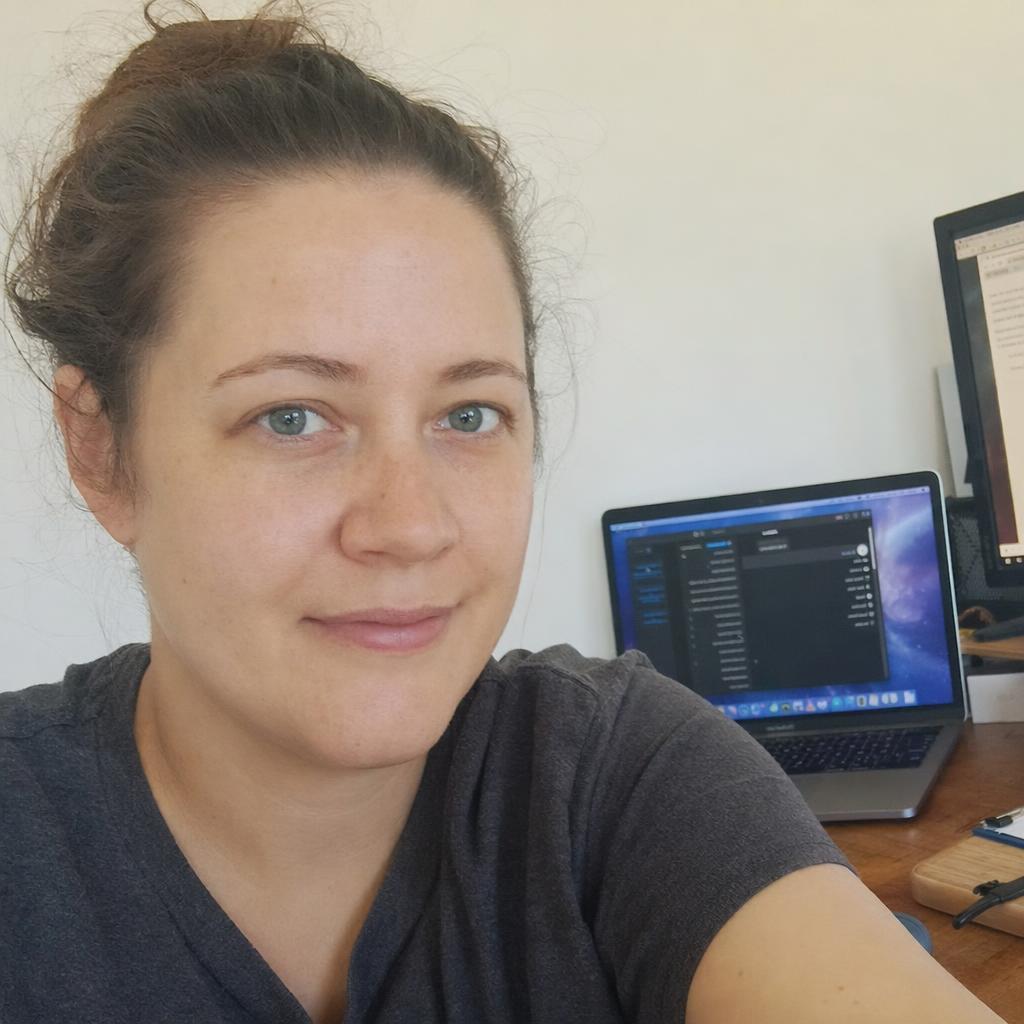
A useful first application is a controlled portrait variation. Choose a reference with a visible face, request a different setting, and define the features that matter to your review: hairstyle, clothing, facial structure, and expression. Treat these as acceptance criteria rather than assuming that a plausible portrait represents the correct person.
For a shared composition, explicitly assign a role to each input. An example instruction might say: place the person from the first image on the left and the person from the second image on the right, at the same table. This suggested prompt follows the card's demonstrated use of separate references with named positions. Model card
The integrated LoRA capabilities also deserve a precise reading. Qwen says it incorporated selected community LoRA effects into the base model, including lighting and viewpoint examples. That statement does not establish compatibility with every external adapter or eliminate the need to inspect a separate adapter's documentation. Model card
What are the limits of Qwen-Image-Edit-2511?
Improved consistency is a relative claim about the release. The card does not publish a universal identity-preservation percentage, a guaranteed edit latency, or a minimum VRAM requirement for all workflows. Its sample places a large model on CUDA, so successful installation alone does not establish that your machine can execute the complete example. Model card
Qwen's industrial examples cover product-design images, material replacement, and auxiliary construction lines. Use those examples to define a visual experiment, then review the generated shape, material boundaries, and annotations against your input. Model card
For repeated edits, keep the original references and compare them with each accepted output. A practical review should look beyond the requested change: inspect faces, hands, accessories, signs, and background details. If a result fails, return to the relevant source images instead of automatically using that result as the next reference.
How do you use Qwen-Image-Edit-2511 with Diffusers?
Start with a Python environment containing compatible PyTorch, Pillow, and the current Diffusers implementation recommended by the model card. Its installation instruction uses Diffusers from the project's Git repository. The following is a shortened adaptation of the documented inference example, using your own person1.png and person2.png. Model card
import torch
from PIL import Image
from diffusers import QwenImageEditPlusPipeline

pipe = QwenImageEditPlusPipeline.from_pretrained(
    "Qwen/Qwen-Image-Edit-2511", torch_dtype=torch.bfloat16
).to("cuda")
refs = [Image.open(p).convert("RGB") for p in ("person1.png", "person2.png")]
with torch.inference_mode():
    result = pipe(
        image=refs,
        prompt="Place the first person on the left and the second on the right at a cafe table.",
        negative_prompt=" ", true_cfg_scale=4.0,
        guidance_scale=1.0, num_inference_steps=40,
        generator=torch.manual_seed(0),
    ).images[0]
result.save("shared-scene.png")
This uses the sample's inference settings; they are starting values, not a speed promise or a hardware specification. Run the documented example successfully before adding acceleration, changing the checkpoint, or adapting it to a larger batch. Keep image order consistent when revising the prompt. Model card
For a browser trial, follow the Qwen Chat link in the model card and choose Image Editing. The card presents that interface as access to the latest model, so a hosted session alone does not prove that a particular historical checkpoint was selected. Use the explicit weights identifier when version control matters. Model card
For editing fundamentals, see the sibling Qwen-Image-Edit prompting guide. Save your input images, prompt, seed, checkpoint identifier, and environment details together so another person can understand what produced an accepted result.
How does Qwen-Image-Edit-2511 compare with Edit and Layered?
| Option | Documented purpose | Suggested reason to choose it |
|---|---|---|
| Qwen-Image-Edit-2511 | Updated reference-based editing, including multi-person consistency. Card | Explore compositions involving several references. |
| Qwen-Image-Edit | The original instruction editor, including appearance and text changes. Card | Establish a baseline for a focused edit. |
| Qwen-Image-Layered | Decomposes an image into separately editable RGBA layers. Card | Separate objects before moving or recoloring them. |
These are differences in workflow, not an independent quality ranking. The ComfyUI complete guide provides background on saving and reviewing graph-based image workflows if that is your preferred interface.
What should you know before using Qwen-Image-Edit-2511?
Does Qwen-Image-Edit-2511 have open weights?
Qwen publishes Qwen-Image-Edit-2511 weights under Apache 2.0 on Hugging Face. The model card includes a local Diffusers example and links Qwen Chat for hosted image editing. Model card
Can Qwen-Image-Edit-2511 combine two reference images?
Qwen-Image-Edit-2511 accepts two images in its official example, and Qwen demonstrates combining separately photographed people. Name each reference's role in the prompt and inspect whether the output retains the intended identities. Model card
Which Diffusers pipeline does Qwen-Image-Edit-2511 use?
Qwen-Image-Edit-2511 uses QwenImageEditPlusPipeline in its official quickstart. The original Qwen-Image-Edit example uses QwenImageEditPipeline, so keep the pipeline class paired with the checkpoint identifier. 2511 card Original card
When was Qwen-Image-Edit-2511 released?
Qwen records the release of Qwen-Image-Edit-2511 weights on December 23, 2025. Use that release date and the full checkpoint name when documenting an experiment. Repository
Sources
- Qwen-Image-Edit-2511 model card
- Qwen-Image official repository and release history
- Qwen-Image-Edit-2511 published weight metadata
- Qwen-Image-Edit model card
- Qwen-Image-Layered model card




Top comments (0)