
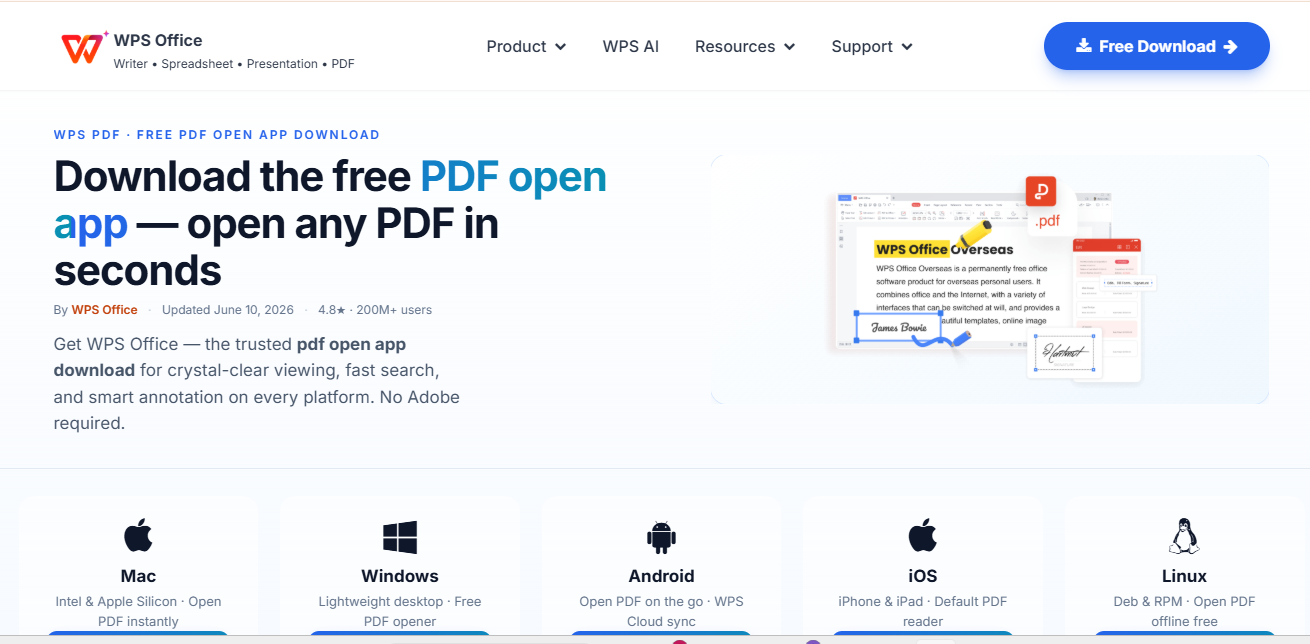

Get a free PDF open app download with WPS Office, a convenient solution for opening and reading PDF documents across desktop and mobile devices. Open existing PDF files, navigate through pages, search for specific words, and highlight important information using built-in reading and annotation tools. Whether you need to read textbooks, research papers, business documents, or contracts, WPS PDF Reader provides a smooth and reliable PDF reading experience.
https://www.wps.com/feature/free-pdf-open-app/
Download WPS Office and start using its built-in PDF Reader to open, view, search, and annotate PDF files without installing a separate PDF application. Choose between single-page, continuous scroll, and reader modes, manage bookmarks, add comments, and access password-protected documents. You can also use additional PDF tools to edit, convert, sign, and organize your files in one application. WPS PDF Reader is available for Windows, Mac, Linux, Android, and iOS, with offline reading support.
Features
Open and View PDF Files with Clear Rendering: Open PDF documents while preserving their original layouts, fonts, and images. Choose single-page, continuous scroll, or reader mode for a comfortable reading experience.
Use Advanced PDF Annotation and Markup Tools: Highlight, underline, and strikethrough important text. Add sticky notes, comments, text boxes, shapes, and freehand drawings to your documents.
Navigate and Search PDF Documents Easily: Find specific words and phrases with full-text search. Create bookmarks, manage important sections, and navigate pages using the thumbnail panel.
Open Large and Password-Protected PDF Files: Access lengthy PDF documents and password-protected files by entering the correct password when prompted.
Access Additional PDF Tools in One Application: Go beyond reading with PDF editing, conversion, OCR, merging, splitting, and signing tools.




Top comments (0)