
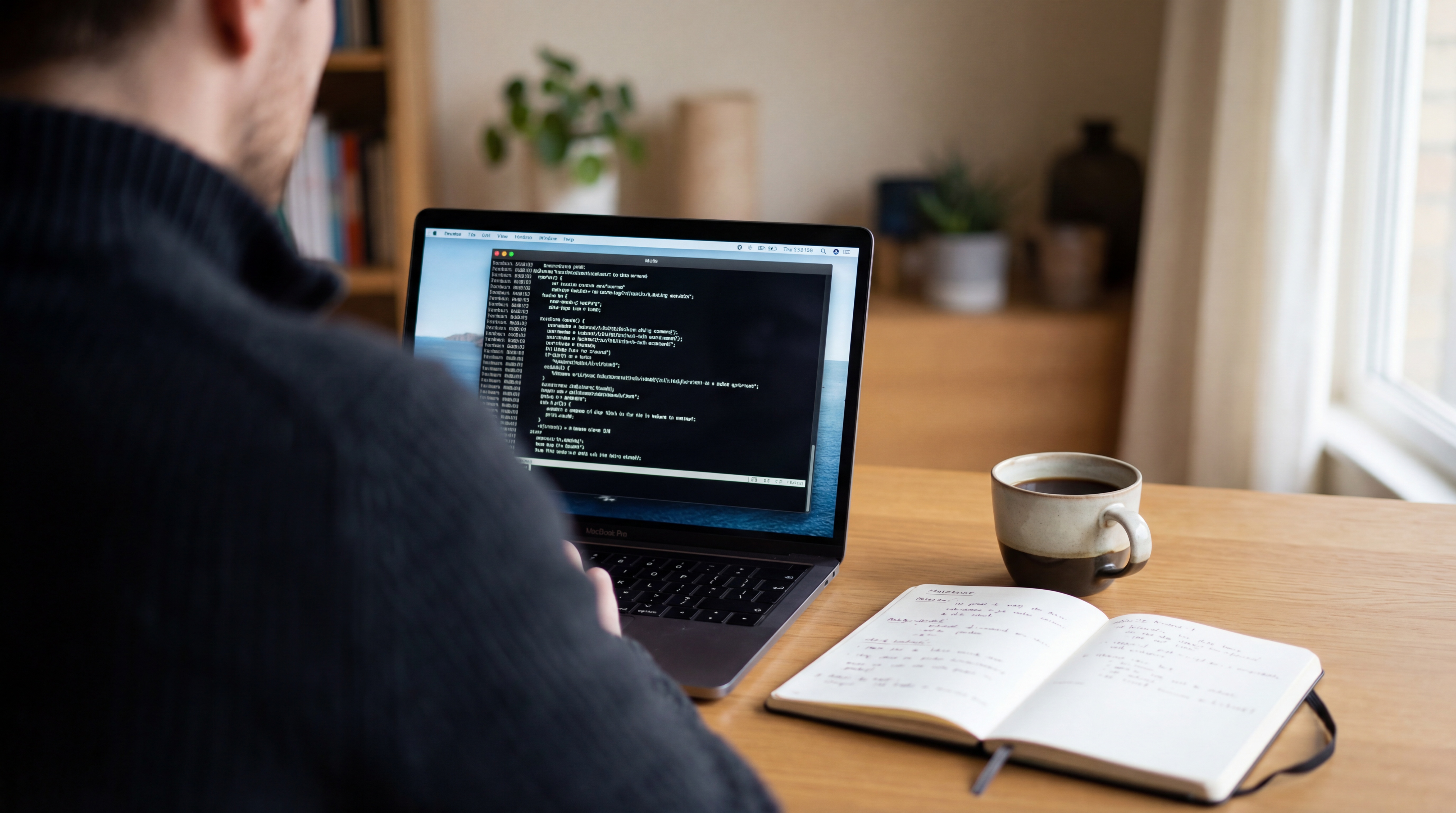

To run Qwen-Image with Nunchaku, install a compatible Nunchaku runtime and load the corresponding SVDQuant image-model weights. The Nunchaku team provides quantized conversions of Alibaba Qwen's 20B model, a Python inference example, and a ComfyUI plugin. Match the checkpoint precision to the supported GPU architecture before selecting a workflow. Model card Python example Plugin Installation Qwen repository
What are the key facts about Qwen-Image with Nunchaku?
| Field | Verified information |
|---|---|
| Developer | Alibaba Qwen develops the base model; the Nunchaku team develops the published conversion and runtime. Qwen repository Model card |
| Released | The Nunchaku Qwen-Image model card records its initial quantized release on August 15, 2025. Model card |
| Type | Text-to-image generation with SVDQuant quantization and specialized inference kernels. Model card Engine README |
| Size or parameters | The base image model is 20B; the converted checkpoints offer rank 32 and rank 128 choices. Qwen repository Model card |
| License and access | Apache 2.0 for the published Qwen-Image conversion weights, downloadable from Hugging Face. Model card |
| Where it runs | The installation guide documents supported NVIDIA GPU architectures and Linux or Windows setup; Python and ComfyUI routes are provided. Installation Plugin |
The model file and inference package form a pair. Identify both before downloading: an appropriate quantized checkpoint needs the compatible Nunchaku implementation to execute the documented workflow.
How does Nunchaku quantize and run Qwen-Image?
Nunchaku implements SVDQuant, a post-training method involving four-bit weights and activations, together with kernels intended to execute that representation efficiently. The engine README explains how a low-rank branch and quantized computation are combined. Its Qwen model card then identifies the concrete converted files available for this model. Engine README Model card
The publisher distinguishes r32 and r128 files, describing the former as a faster option and the latter as a quality-oriented option with slower inference. Treat that as guidance from the conversion developer and compare the choices on your own prompts before adopting one. Model card
A documented offloading path is another practical feature. The official Qwen Python example selects between model CPU offloading and a lower-memory arrangement involving transformer offloading and sequential pipeline offloading. That makes the source example useful to inspect when the complete pipeline does not fit comfortably on the GPU. Python example
For a first evaluation, use a short prompt with visible lettering and one identifiable subject. Inspect the text and subject details alongside runtime. Save the chosen precision, rank, checkpoint filename, and package versions so a later environment update can be compared with a known result.
Which compatibility limits affect Qwen-Image with Nunchaku?
Precision selection is hardware-specific. The model card assigns INT4 files to supported pre-Blackwell GPUs and NVFP4 files to Blackwell GPUs. The installation guide separately lists supported architectures; the phrase pre-Blackwell does not establish compatibility with every older graphics card. Model card Installation
The runtime package must also match the Python, PyTorch, platform, and accelerator environment. Nunchaku's installation instructions explain wheel selection and emphasize using ComfyUI's bundled Python for a portable installation. A model download cannot resolve an incompatible binary package. Installation
Published performance diagrams in the engine README include measurements on FLUX models. Those measurements are not Qwen-Image benchmarks merely because the same engine supports both families. Use Qwen-specific evidence or a local measurement when deciding whether the runtime meets your needs. Engine README
The Qwen model repository also contains Lightning-fused variants. Their filenames and card entries identify the associated step counts and adapters, so preserve that distinction when choosing sampling settings. A base quantized file and a Lightning-fused file are different documented configurations. Model card
How do you set up Qwen-Image with Nunchaku?
First follow the official installation guide and select a Nunchaku package compatible with your environment. It documents prebuilt wheels and a source-build route. For ComfyUI portable users, install into the Python environment shown by ComfyUI's startup log. Installation
Next choose a base Qwen-Image conversion from the Nunchaku model card. Its examples separate precision and rank in the filename. Use the project helper or the card's hardware guidance to select the appropriate precision, then keep the remaining pipeline components associated with Qwen/Qwen-Image. Model card Python example
The following is a shortened adaptation of the official Python example for a GPU with enough memory for model-level offloading. If that arrangement does not fit, use the complete source example's lower-memory branch instead of assuming this snippet covers every GPU. Python example
import torch
from diffusers import QwenImagePipeline
from nunchaku.models.transformers.transformer_qwenimage import NunchakuQwenImageTransformer2DModel
from nunchaku.utils import get_precision

transformer = NunchakuQwenImageTransformer2DModel.from_pretrained(
    f"nunchaku-tech/nunchaku-qwen-image/svdq-{get_precision()}_r32-qwen-image.safetensors"
)
pipe = QwenImagePipeline.from_pretrained(
    "Qwen/Qwen-Image", transformer=transformer, torch_dtype=torch.bfloat16
)
pipe.enable_model_cpu_offload()
with torch.inference_mode():
    image = pipe(
        prompt='A garden gate with a sign reading "Welcome Home".',
        negative_prompt=" ", width=1664, height=928,
        num_inference_steps=50, true_cfg_scale=4.0,
    ).images[0]
image.save("nunchaku-trial.png")
For a visual interface, install the official ComfyUI-nunchaku plugin and use its nunchaku-qwen-image.json example workflow. The plugin README links that graph and distinguishes it from editing and Lightning examples. Resolve package installation and node imports before changing the graph's model selections. Plugin README
Use the sibling Qwen-Image GPU guide to structure the resource measurements. If considering a fused adapter variant, read the sibling Lightning guide so the step-distillation choice remains explicit.
How does Nunchaku Qwen-Image compare with native and GGUF setups?
| Route | Required implementation | Suggested evaluation focus |
|---|---|---|
| Native ComfyUI Qwen-Image | The documented split model files and native loaders. Guide | Establish the reference output and resource use. |
| Qwen-Image GGUF | city96 conversion files with ComfyUI-GGUF. Conversion card | Test another quantization and loader path. |
| Nunchaku Qwen-Image | SVDQuant checkpoint, compatible Nunchaku runtime, and optional ComfyUI plugin. Card Plugin | Check environment compatibility, runtime, and detail preservation. |
The ComfyUI complete guide explains the surrounding workflow concepts. Keep the same evaluation prompts across routes, while following each route's own supported loading instructions.
What should you check before using Qwen-Image with Nunchaku?
What is Nunchaku's role in Qwen-Image generation?
Nunchaku supplies SVDQuant conversions and an inference runtime for Qwen-Image. The underlying Qwen image model has a 20B architecture; the Nunchaku model card identifies the converted checkpoints and their precision and rank choices. Model card Qwen repository
Should Qwen-Image with Nunchaku use INT4 or NVFP4?
Nunchaku's Qwen-Image card assigns NVFP4 weights to Blackwell GPUs and INT4 weights to supported pre-Blackwell GPUs. Check the installation guide's architecture list and package requirements before downloading the matching checkpoint. Model card Installation
Can Qwen-Image with Nunchaku run in ComfyUI?
The official ComfyUI-nunchaku plugin includes a Qwen-Image workflow. Install the Nunchaku runtime into the Python environment ComfyUI uses, then load the plugin's example graph. Plugin Installation
Does a Nunchaku Qwen-Image Lightning checkpoint need another LoRA?
The Nunchaku Qwen-Image card identifies its Lightning checkpoints as already fused with specific adapters. Use the sampling steps documented for that fused checkpoint and preserve its full filename in the saved workflow. Model card
Sources
- Nunchaku Qwen-Image model card
- Nunchaku inference engine README
- Nunchaku official installation instructions
- Nunchaku Qwen-Image Python example
- Official ComfyUI-nunchaku plugin
- Qwen-Image official repository and release history
- city96 Qwen-Image GGUF model card
- ComfyUI official Qwen-Image workflow guide





Top comments (0)