

Running an online store means constantly creating new content.
Every new product needs:
- product photos
- short videos
- social media posts
- landing page visuals
The problem is that organizing a photo or video shoot for every product is expensive and time-consuming.
I wanted a faster way to test product ideas before investing in professional production.
That's why I started experimenting with AI video workflows.
What
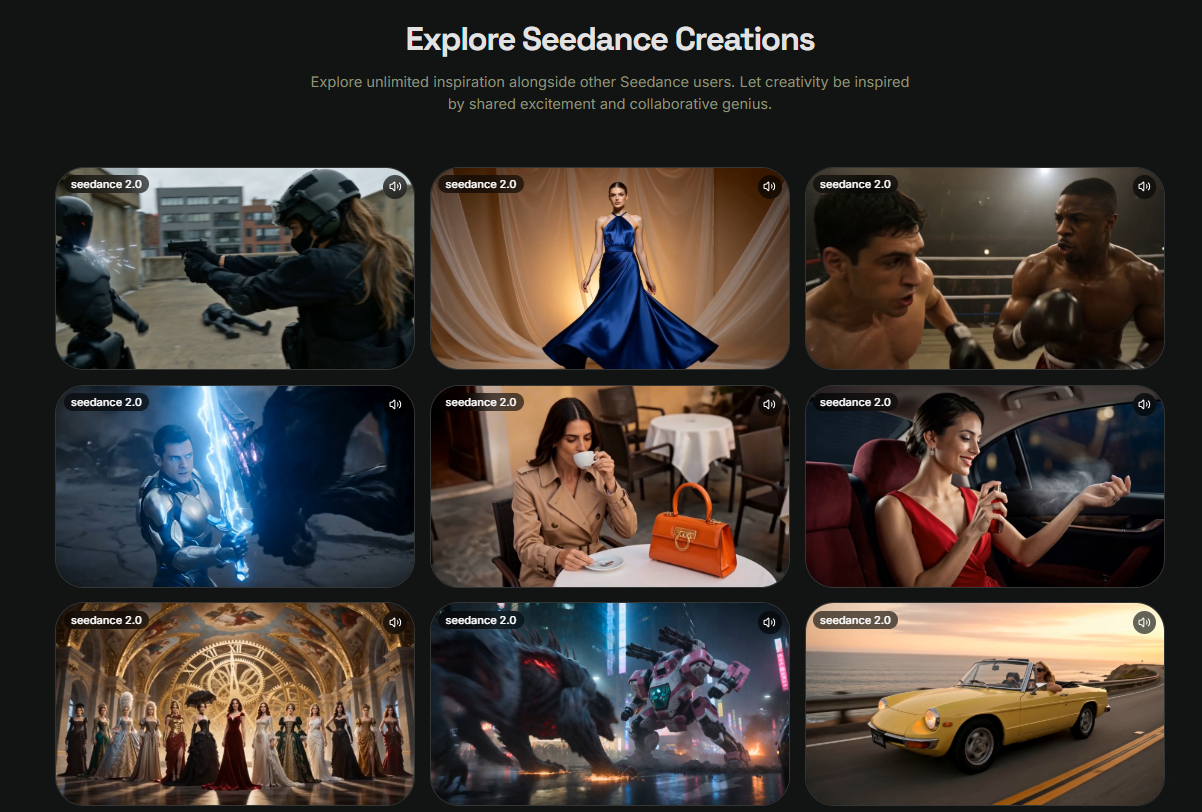
Recently I've been using Seedance 2 Pro as part of my product content workflow.
Instead of replacing professional product photography, I use it to create short concept videos for product launches and social media.
Some capabilities that fit this workflow include:
- Image-to-video generation
- Multi-reference inputs
- Cinematic camera movement
- Scene consistency
- Natural language prompting
Seedance's workflow supports text, images, audio, and video references, making it easier to create product-focused scenes with more creative control.
How
Step 1: Prepare Product Images
I usually collect:
- front view
- side view
- packaging
- lifestyle photo
These become the visual references.
Step 2: Define the Usage Scene
Instead of describing the product only, I describe how people use it.
Example:
premium coffee mug on a wooden breakfast table, morning sunlight through the window, slow cinematic camera movement, cozy lifestyle atmosphere
This produces much more natural-looking scenes.
Step 3: Generate Multiple Clips
Rather than making one long video, I create several short shots:
- product reveal
- close-up detail
- lifestyle usage
- final hero shot
Later I combine them into one promotional video.
Step 4: Refine the Best Version
If one scene doesn't feel right, I change only that prompt and regenerate the clip instead of rebuilding the whole sequence.
Prompt Example
handmade ceramic coffee mug, warm morning kitchen, soft sunlight, slow orbit camera movement, minimalist home aesthetic, realistic lifestyle photography
Use Case
This workflow works well for:
Shopify Store Owners
Creating product page videos.
Etsy Sellers
Showing handmade products in realistic environments.
Amazon Sellers
Preparing short promotional clips.
Social Media Managers
Creating Reels and Shorts for product launches.
Small Business Owners
Testing marketing ideas before investing in professional production.
Why
After testing this workflow on several products, I noticed a few practical improvements:
- Faster product launches
- Better engagement than static images
- More reusable marketing assets
- Easier A/B testing for different product styles
- Less time spent planning photo shoots
The biggest benefit wasn't replacing professional video production.
It was giving me a fast way to validate creative ideas before committing additional time and budget.
Final Thoughts
I still use professional photography for major product launches.
But for new collections, seasonal campaigns, and social content, Seedance 2 Pro has become part of my creative planning process.
If you sell physical products online, try turning one product photo into a short lifestyle video before scheduling a full production shoot.
You might discover that a simple AI-assisted workflow is enough to test ideas, gather feedback, and create content much faster.




Top comments (0)