

I've been testing different AI video workflows recently, and one of the most interesting experiments was using Gemini Omni to create a complete product showcase video without traditional editing software.
Most AI video tools are great at generating clips, but the challenge is usually maintaining consistency when you want to make changes. You adjust one thing and suddenly the lighting, camera angle, or even the subject changes completely.
That's what made Gemini Omni interesting to me.
What Is Gemini Omni?
Gemini Omni is Google's new multimodal generation system that can create and modify content from different types of inputs, including text, images, audio, and video. Unlike traditional text-to-video tools, Omni focuses heavily on iterative editing and maintaining context across changes.
For this test, I used:
- Text prompts
- Reference images
- Scene editing instructions
- Multiple revision passes
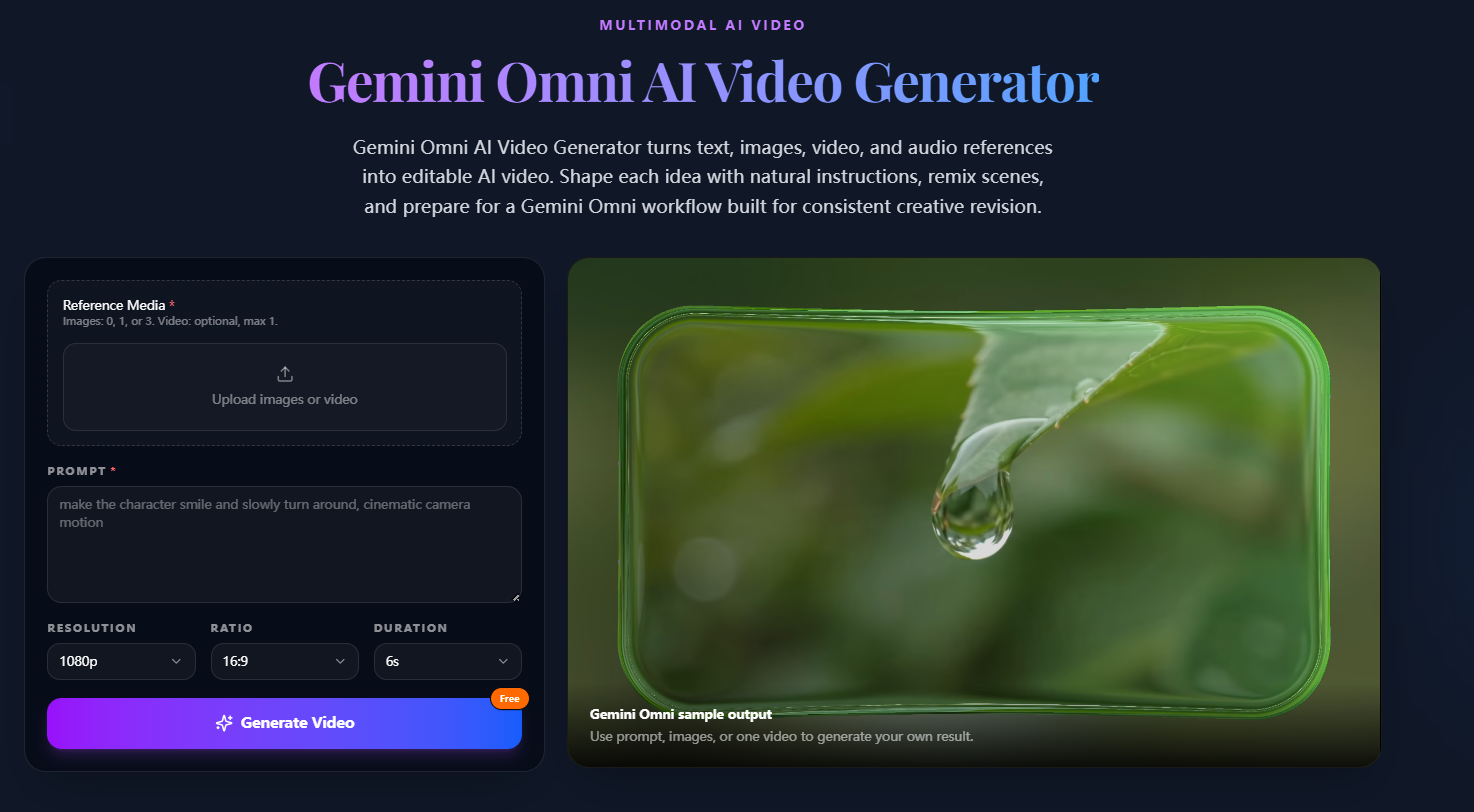
My Workflow
Step 1: Create the Base Scene
I started with a simple prompt:
A cinematic product showcase on a dark reflective table, dramatic lighting, premium commercial style, shallow depth of field.
The goal wasn't perfection.
The goal was creating a usable starting point.
Step 2: Improve Composition
Instead of regenerating everything, I made targeted edits:
Move the camera closer.
Increase reflections on the surface.
Add soft blue accent lighting.
Gemini's image and editing workflow is specifically designed around iterative refinement rather than starting over each time.
Step 3: Build Consistency
This was where the workflow became interesting.
Rather than generating multiple unrelated assets, I kept editing the same visual direction:
- same product
- same lighting style
- same environment
- same camera language
This produced much more consistent results.
Step 4: Generate Supporting Assets
Next I created:
- close-up shots
- wide-angle shots
- hero images
- promotional visuals
Using the same visual language across generations made everything feel like part of a single campaign.
Prompt Formula That Worked Best
I found that prompts became more reliable when structured like this:
Subject + Camera + Lighting + Environment + Style
Example:
Premium smartwatch, cinematic close-up, soft rim lighting, reflective black background, luxury commercial photography.
Google's own prompting guidance recommends including subject, composition, action, location, and style rather than relying on simple keywords.
What I Learned
Three things improved quality significantly:
- Keep prompts focused.
- Edit instead of regenerating.
- Maintain one visual direction across the project.
Many creators are focusing on this "stateful editing" approach because it avoids the constant restart problem found in many AI video workflows.
Final Thoughts
My biggest takeaway is that Gemini Omni feels less like a traditional generator and more like a creative workflow system.
Instead of producing random clips, it allows you to gradually refine ideas while preserving the visual direction you've already established.
For creators building product demos, marketing content, social videos, or concept trailers, that workflow may end up being more valuable than raw generation quality alone.





Top comments (0)