


Diffusion models are trained to produce pleasant pictures, which is exactly the problem when you want a frightening one. This covers why SDXL drifts toward clean and attractive output, a four-layer prompt structure that pulls it back toward dread, and the negative prompt and sampler settings that decide whether an image reads as horror or as a stock photo with a filter applied.
Why dark scenes fight you
SDXL, released by Stability AI in July 2023, was trained on data filtered heavily for aesthetic quality. Aesthetic scoring rewards balanced composition, clean subjects and appealing light, which is close to the opposite of what makes a horror image land. Ask for something disturbing and the model will often hand back a well-composed, softly lit, faintly gothic portrait: technically fine, emotionally inert.
Fear in a still image comes from three things the model has no incentive to produce on its own.
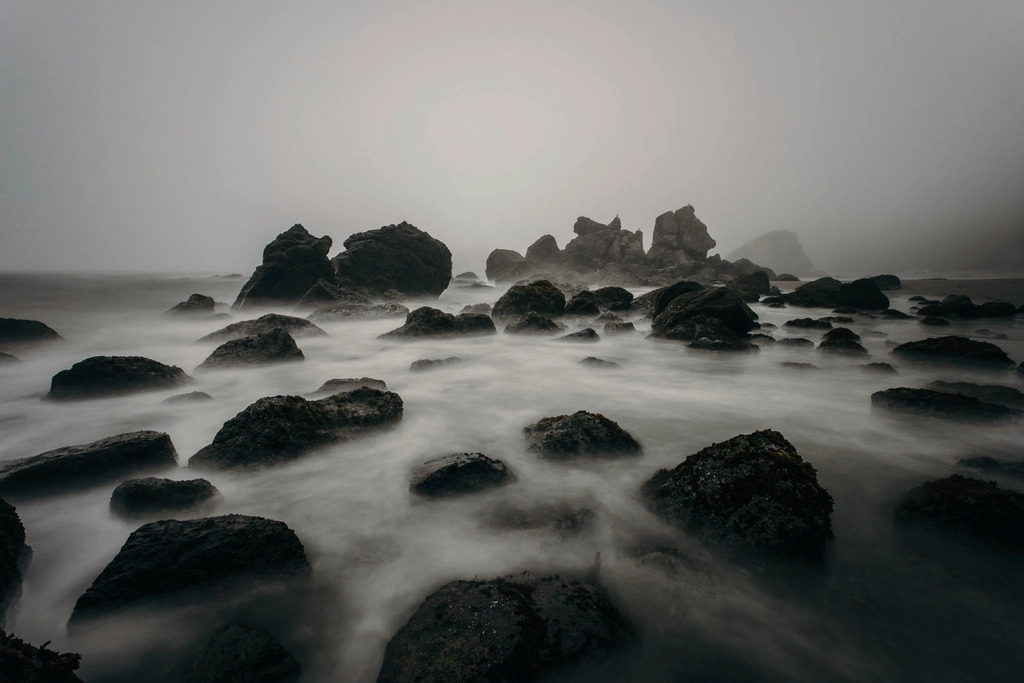
- Occlusion. You cannot see all of the threat. Fog, rain, darkness, a doorway, a bad crop.
- Degraded capture. Grain, motion blur, underexposure, colour cast. Clean images read as fiction; damaged ones read as evidence.
- Off-balance framing. The subject sits too low, too far right, or too close.
All three have to be asked for explicitly.
Build the prompt in four layers
| Layer | What it controls | Example tokens |
|---|---|---|
| Subject and state | What is in frame and what is wrong with it | tall thin figure, half-obscured, emerging from |
| Environment | Occlusion and atmosphere | building in ruins, heavy rain, thick fog, flooded corridor |
| Light | Direction and contrast | single sodium streetlight, backlit, glowing eyes |
| Medium and era | Grain, colour cast, believability | old photography, expired film, security camera still |
The fourth layer is the one most people skip and the one that does the most work. "Old photography" is not just a grain filter. It moves the generation into a lower-fidelity, lower-saturation region of the model's output distribution, where imperfection reads as authenticity instead of as a rendering error.
A worked example
This prompt suits SDXL and its fine-tuned checkpoints:
Old photography of the Slenderman coming out of a building in ruins, sick glowing eyes, heavy rain, creepy, unsettling, dark horror, spooky, suspenseful, highly detailed
Read it layer by layer and the structure is visible: medium (old photography), subject and state (coming out of a building in ruins), light (sick glowing eyes), environment (heavy rain), then a run of mood adjectives.
One tension worth noticing: highly detailed pulls directly against old photography. Detail tokens push toward sharp, high-frequency output; the medium token pushes toward soft and degraded. Which one wins depends on the checkpoint. If your results come out crisp and modern, drop the detail token first rather than adding more grain words.
The negative prompt carries the mood
cheerful, happy, light-hearted, cute, illustration, comic, black and white
Three different jobs are happening in that short list.
The emotional terms push against the aesthetic bias baked into training. The medium terms (illustration, comic) keep the output photographic, which matters because dark subject matter drags many checkpoints toward stylised art. And black and white is there because low-light prompts frequently collapse to near-monochrome, when what you usually want is a colour cast in the shadows: sodium orange, sickly green, cold blue.
Resist the urge to paste a hundred-token negative prompt from a SD 1.5 workflow. SDXL responds badly to bloated negatives; they flatten contrast and wash out exactly the texture a horror image depends on. Ten to fifteen tokens is plenty.
Settings that matter more than extra adjectives
- CFG scale. Keep it low, roughly in the 4 to 7 band for SDXL base. High CFG oversaturates and produces the plastic surface that kills any sense of a real photograph.
- Resolution. SDXL is trained around one megapixel. Use its native buckets, such as 1024x1024 or 832x1216, rather than upscaling a small render. A portrait aspect ratio raises tension on its own by cropping the escape routes out of frame.
- Steps and sampler. Very low step counts smooth away the grain you asked for. Give it enough steps for texture to survive, and prefer a sampler that preserves noise character over one tuned for speed.
- VAE. SDXL's VAE is known to produce black or NaN output in fp16 on some GPUs. If dark scenes come back as pure black frames, swap in the fp16-fixed VAE. Shadow-heavy images are where VAE problems surface first, because banding and crushed blacks live in the darkest region.
- Refiner. The SDXL refiner exists to clean up detail, which can undo the degradation you deliberately introduced. If the output looks too tidy, cut the refiner or reduce the fraction of steps it handles.
LoRAs and LyCORIS for a consistent look
Prompt vocabulary gets you one good scene. A LoRA gets you the same look across twenty images, which is what a series actually needs.
Civitai hosts most of the community style adapters. Filter by base model before downloading, since SD 1.5 adapters will not load against an SDXL checkpoint. LyCORIS is a family of alternative low-rank training methods, including LoHa and LoKr, that many people find holds a diffuse atmospheric style better than a plain LoRA holds it.
A few working rules: keep adapter weights in the 0.5 to 0.8 range, stack at most two, and give the style adapter a lower weight than any subject adapter. Stacked at full strength they overwhelm the prompt and every image collapses into the same composition.
Where it goes wrong
-
Adjective pile-up.
creepy, unsettling, dark horror, spooky, suspensefulare near-synonyms. After two or three, they stop adding signal and start diluting the tokens that describe the actual scene. Keep the strongest two. - Unreadable frames. If the image is too dark to parse, do not add brightness words. Name a light source instead, and let it define what you can see.
- Faces in shadow. Partially lit faces degrade badly. Either keep the face out of frame, which is usually scarier, or light it properly and put the horror elsewhere.
Practical takeaway
Write the prompt in layers: subject and its wrongness, environment, light, then medium. Spend your negative prompt on emotional tone and medium rather than on a generic quality list. Turn CFG down, render at a native SDXL resolution, and be suspicious of anything, refiner included, that makes the image cleaner. Once a look works, freeze it in a style adapter at moderate weight instead of retyping forty adjectives every time.



Top comments (0)