

Hook
Creating educational videos sounds simple.
Until you actually start making them.
Every lesson requires:
- visuals
- examples
- animations
- transitions
- scene changes
The biggest challenge isn't explaining concepts.
It's keeping learners engaged visually.
I found myself spending more time searching for stock footage than building lessons.
That's when I started looking into AI video workflows.
What
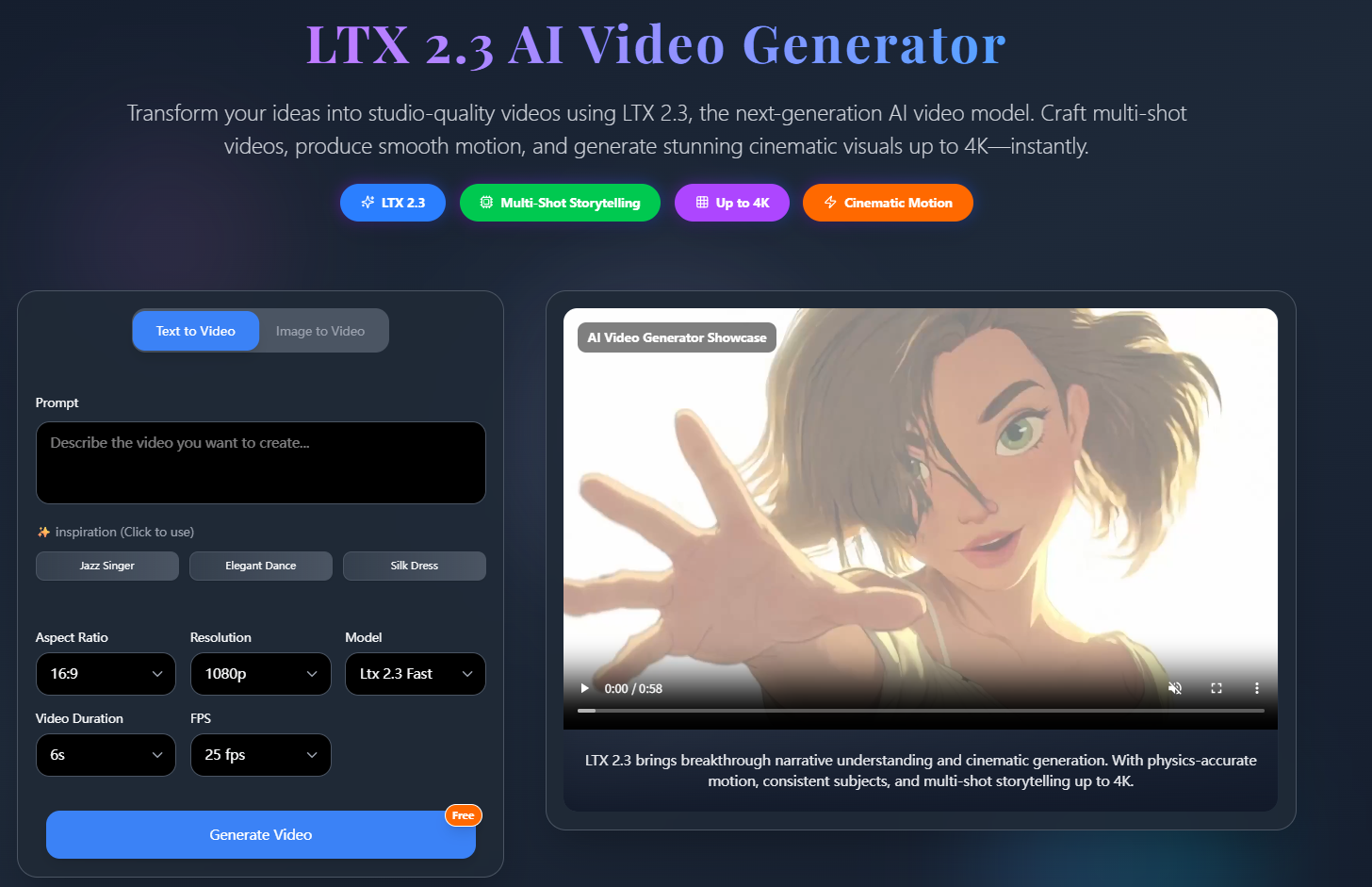
Recently I've been experimenting with LTX 2.3 as part of my educational content workflow.
I wasn't looking for cinematic trailers.
I was looking for a faster way to create visual explanations.
Some features that caught my attention:
- Text-to-video generation
- Image-to-video workflows
- Scene editing
- Video extension
- Multi-modal inputs
The goal wasn't replacing my teaching process.
It was making lessons easier to visualize.
How
Step 1: Start With One Learning Concept
For example:
Explain how renewable energy works.
Instead of creating the entire lesson at once, I focus on one visual idea.
Step 2: Build a Scene Prompt
I found that prompts work better when they describe:
- subject
- action
- camera
- environment
Example:
aerial view of solar panels, slow camera movement, bright daylight, educational documentary style
Step 3: Create Supporting Scenes
Then I generate supporting visuals.
For example:
Scene 1:
solar farm overview
Scene 2:
close-up of solar cells
Scene 3:
energy flowing into homes
Breaking concepts into scenes makes explanations easier to follow.
Step 4: Combine With Narration
After generating visuals, I add:
- voice-over
- captions
- diagrams
- lesson text
This creates a more complete learning experience.
Prompt Example
educational documentary shot, wind turbines rotating slowly at sunrise, clean environment, realistic motion, informative visual style
Use Case
This workflow works well for:
Online Teachers
Creating lesson visuals.
Course Creators
Building training materials.
YouTube Educators
Adding visual examples.
Corporate Trainers
Producing internal learning content.
EdTech Teams
Testing educational concepts quickly.
Why
After several projects, I noticed a few benefits:
- Faster lesson production
- Easier concept visualization
- Reduced dependence on stock footage
- More flexibility during revisions
- Better learner engagement
The biggest improvement wasn't visual quality.
It was workflow efficiency.
Instead of spending hours looking for the right clip, I could generate visuals that matched the lesson directly.
Final Thoughts
I'm still refining the process, but LTX 2.3 has become a useful tool for turning abstract concepts into visual learning materials.
If you're creating educational videos, tutorials, or training content, try building a scene-based workflow instead of searching for stock footage first.
You may find that creating custom visuals is faster than adapting existing ones.
Explore the workflow with your own teaching topics and see what works best for your audience.






Top comments (0)