
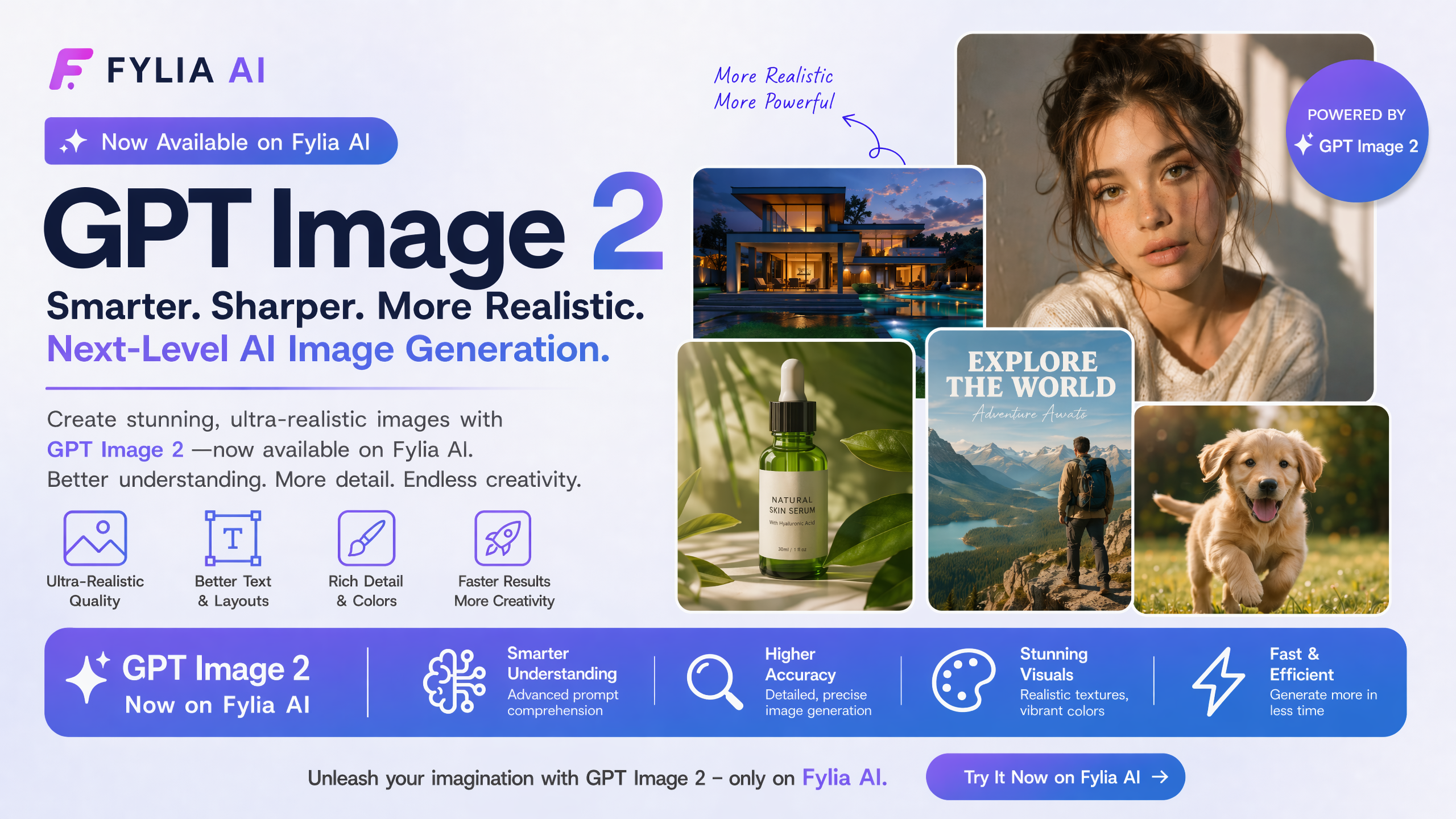

On April 21, 2026, OpenAI officially released GPT Image 2 — and it feels like a true generational shift in AI image generation.
If you’ve been frustrated with garbled text, unnatural details, or spending extra time fixing AI images in Photoshop, this model directly addresses those long-standing pain points. With DALL-E 3 scheduled to end service on May 12, 2026, many creators are now evaluating their next move.
After spending considerable time testing GPT Image 2 on Fylia.ai, here’s my honest, in-depth breakdown.
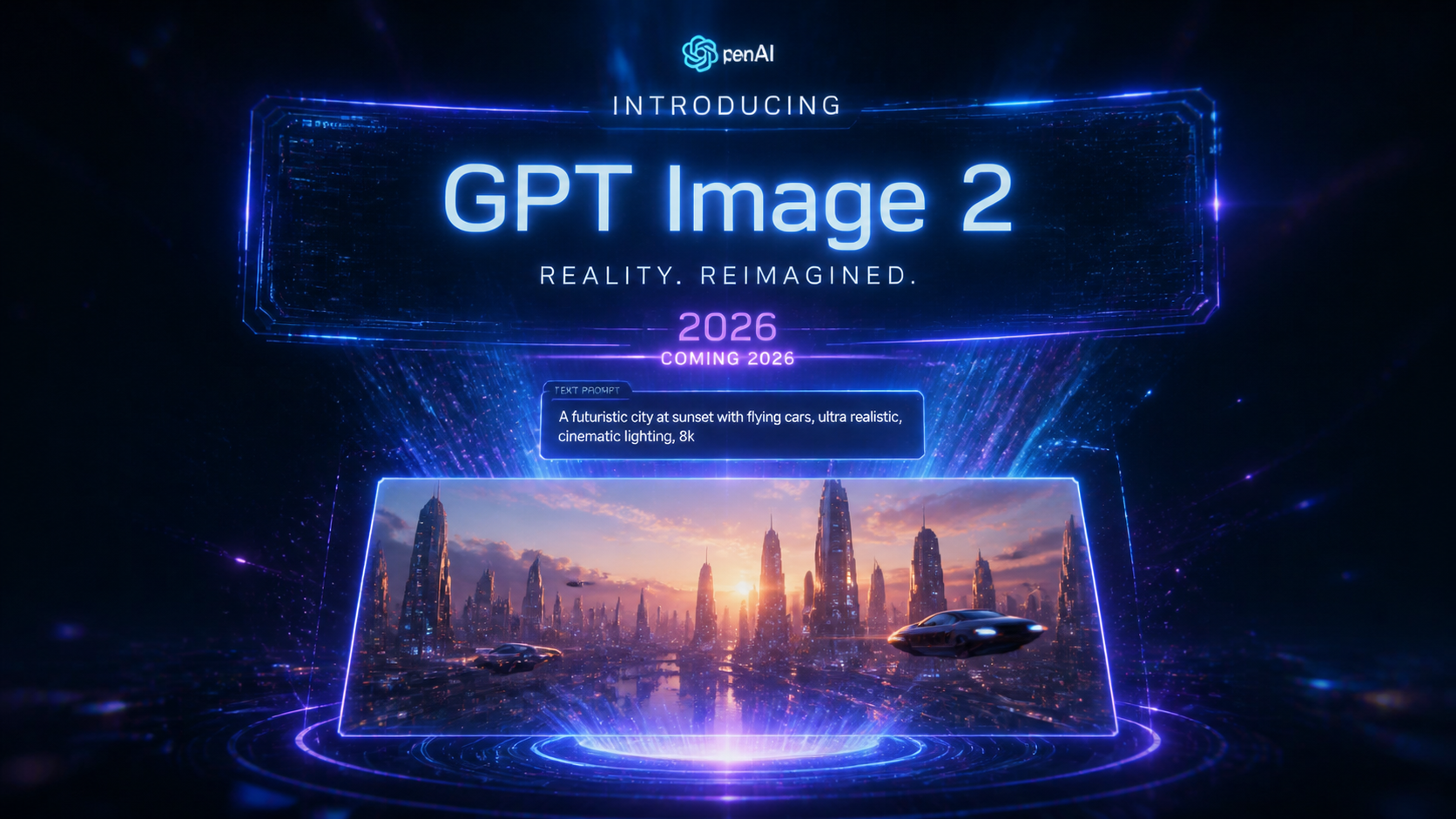
What is GPT Image 2?
GPT Image 2 is OpenAI’s latest flagship image generation model (model ID: gpt-image-2).
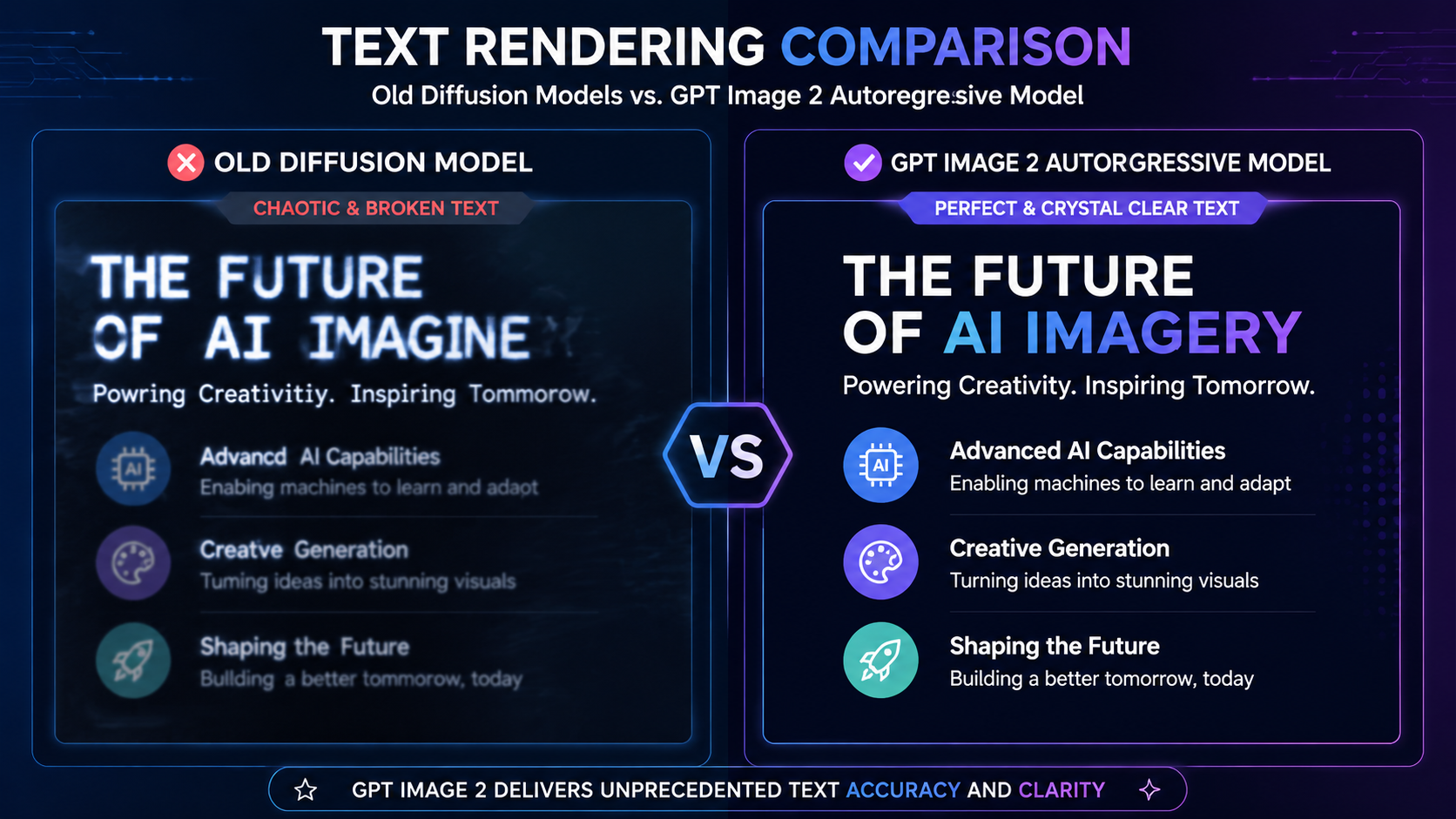
Unlike DALL-E 3, which relied on a diffusion-based architecture, GPT Image 2 uses an autoregressive model — the same fundamental approach behind ChatGPT’s text generation. This architectural shift is the key reason for its massive improvement in text rendering.
Key Specifications
- Release Date: April 21, 2026
- Architecture: Autoregressive (non-diffusion)
- Maximum Resolution: 2K standard / 4K (API Beta)
- Aspect Ratio Support: Extremely flexible (3:1 to 1:3)
- Text Accuracy: Approximately 99%
- Generation Speed: Roughly 2x faster than previous generation
- Batch Generation: Up to 8 images in Thinking Mode
5 Standout Features That Actually Matter
1. Near-Perfect Text Rendering
This is the biggest breakthrough. GPT Image 2 can reliably render English, Japanese, Chinese, Korean, and other languages with impressive accuracy. You can now include headlines, product descriptions, UI text, or data labels directly in prompts with minimal errors.
2. Thinking Mode (Reasoning Before Generation)
For the first time, an image model can “think” before creating. When enabled, it analyzes composition, lighting, physics, and context — and can even perform web searches. This leads to more coherent and intelligent results.
3. Photorealistic Quality
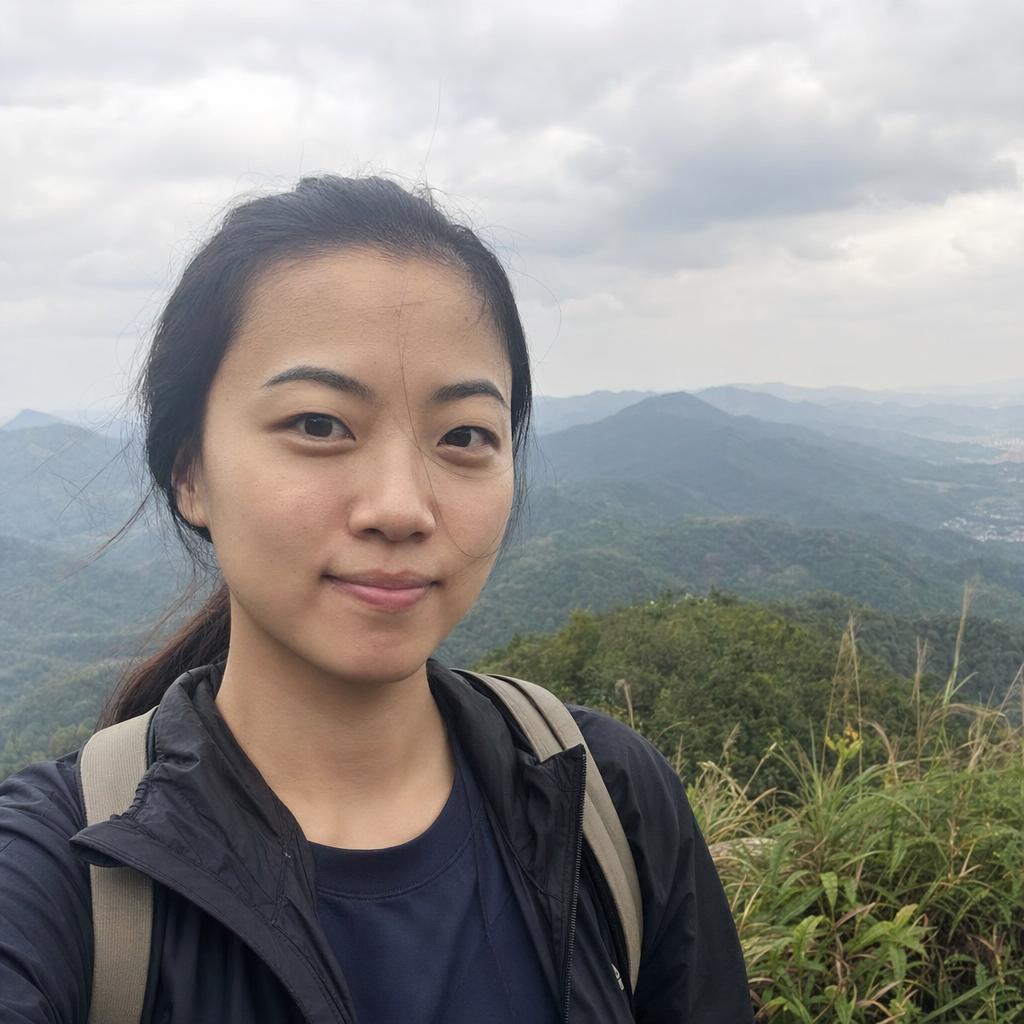
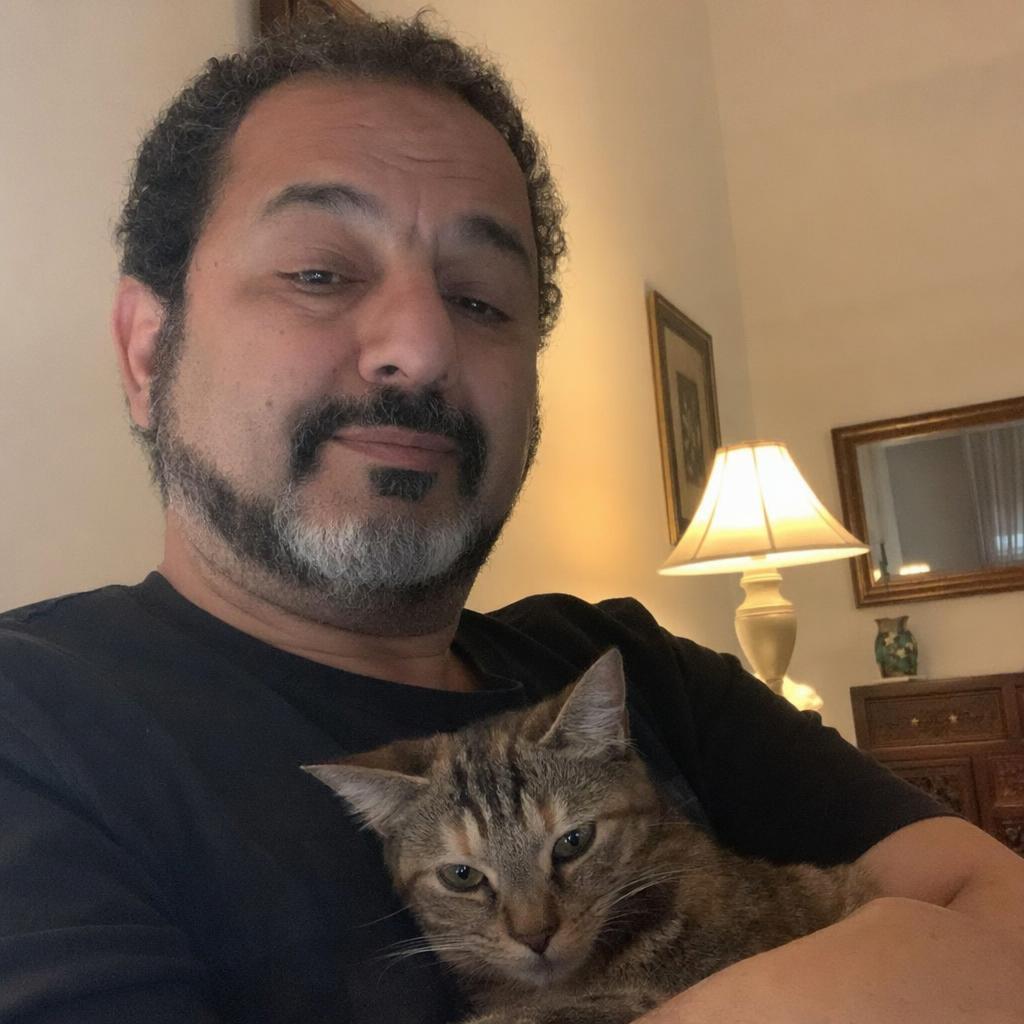
Skin textures, material reflections, lighting, and anatomy look significantly more natural. Many users report that product shots, portraits, and lifestyle images are now hard to distinguish from real photography.
4. Local Editing Capabilities
Modify specific parts of an image (change colors, replace text, adjust objects) without regenerating the entire scene. This dramatically improves workflow efficiency.
5. Strong World Knowledge
Thanks to its shared architecture with GPT-4o, the model understands brands, UI patterns, cultural elements, and real-world logic much better than previous systems.
DALL-E 3 vs GPT Image 2 Comparison
| Feature | DALL-E 3 | GPT Image 2 |
|---|---|---|
| Architecture | Diffusion | Autoregressive |
| Text Accuracy | 90-95% | ~99% |
| Reasoning Capability | No | Yes (Thinking Mode) |
| Max Resolution | 1024×1024 | 2048×2048 (4K via API) |
| Local Editing | No | Yes |
| Generation Speed | Standard | ~2x faster |
7 Practical Use Cases Prompt Engineers Love
- High-converting product visuals for e-commerce
- Social media content with perfect overlaid text
- Mobile app and website UI mockups
- Educational diagrams and infographics
- Event posters and multilingual promotional materials
- Technical manuals and instruction illustrations
- Architectural visualization and interior design concepts
How to Use GPT Image 2 Without ChatGPT Plus
You don’t need a paid ChatGPT subscription to access GPT Image 2.
Fylia.ai offers one of the most convenient ways to use this model right now, with benefits including:
- No monthly subscription required
- Free trial credits available immediately
- Support for 1K, 2K, and 4K resolutions
- Built-in prompt optimization tool
- Clean and user-friendly interface
Pro Prompt Tips for GPT Image 2
- Put important text in quotation marks:
"SUMMER SALE 2026" - Be specific about lighting, mood, and composition
- Use Thinking Mode for complex or factual scenes
- Leverage local editing for quick refinements
Final Verdict
GPT Image 2 feels like the first image model truly built for practical, everyday professional use. The combination of excellent text rendering, stronger reasoning, and solid photorealism makes it a serious contender — especially for prompt engineers and content creators who need reliable results.
If you’ve been waiting for AI image generation to become truly useful for real work, this release might be exactly what you’ve been hoping for.
Try GPT Image 2 here:
https://fylia.ai/gpt-image-2/




Top comments (0)