

A technical breakdown of why familiar AI tool URLs go quiet — and what it means for your bookmarks, your workflow, and Google's index
You typed fluxproweb.com into your browser and something went wrong. Maybe you got a redirect, a blank screen, or a "site not found" error. So you searched "is fluxproweb.com down?" to figure out if it's just you.
Short answer: the site didn't go down. It moved.
But understanding why that distinction matters — and why Google keeps surfacing down-detector results even when a site is perfectly healthy — is worth a few minutes of your time, especially if you rely on any SaaS or AI tool for regular work.
"Down" vs. "Moved": They Feel the Same, But They're Not
When a URL stops working, users experience two very different situations as identical:
Actual downtime means the server is unreachable. The domain still exists, DNS resolves, but the web server crashes, times out, or returns a 5xx error. Usually temporary. Usually involuntary.
Domain migration means the operators deliberately moved to a new address. The old URL stops resolving (or redirects to the new one), but the service is alive and running under a different domain. Permanent. Intentional.
Both feel like "the site is broken" from a user's perspective — especially if the redirect isn't working perfectly, or if you're hitting a cached DNS record, or if a browser extension is interfering.
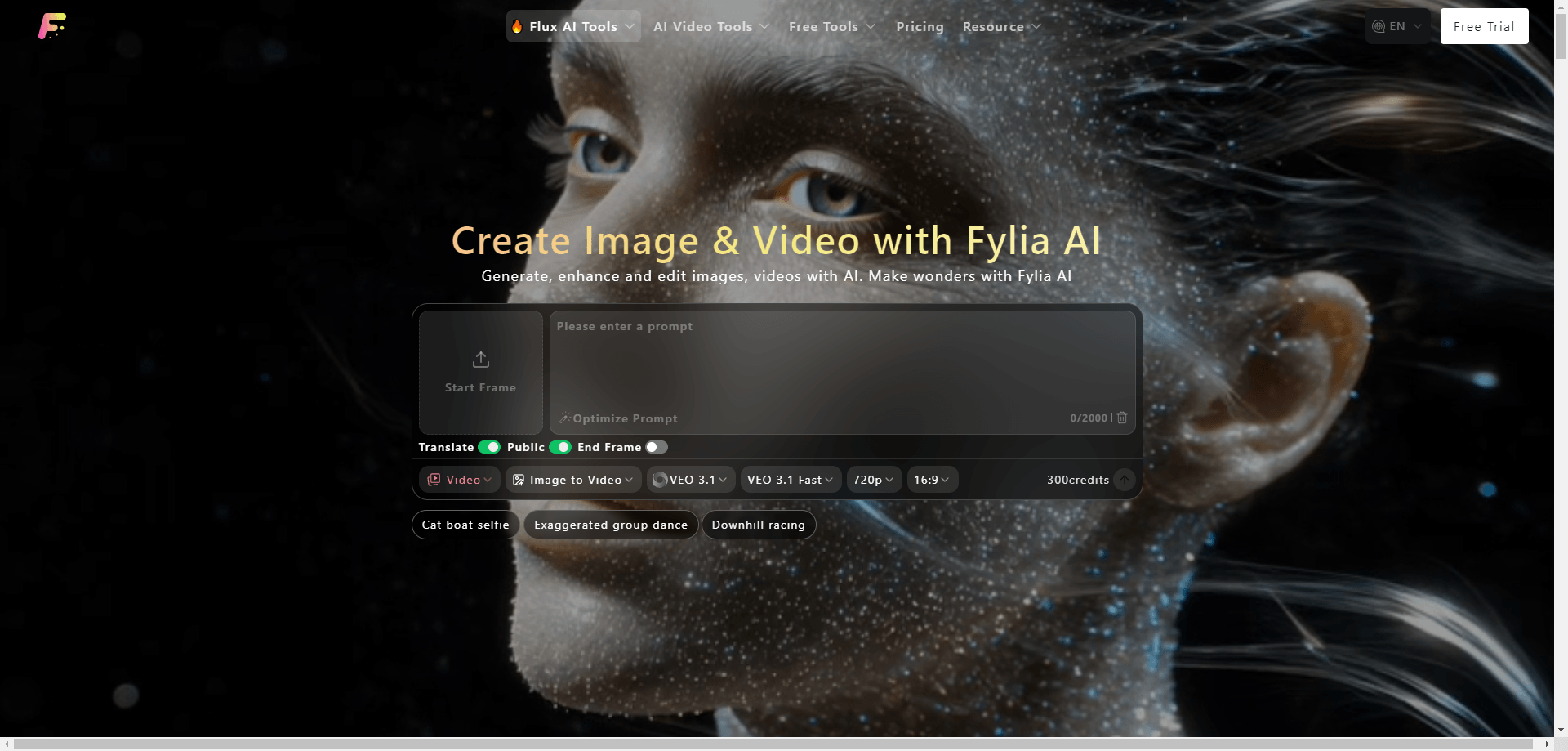
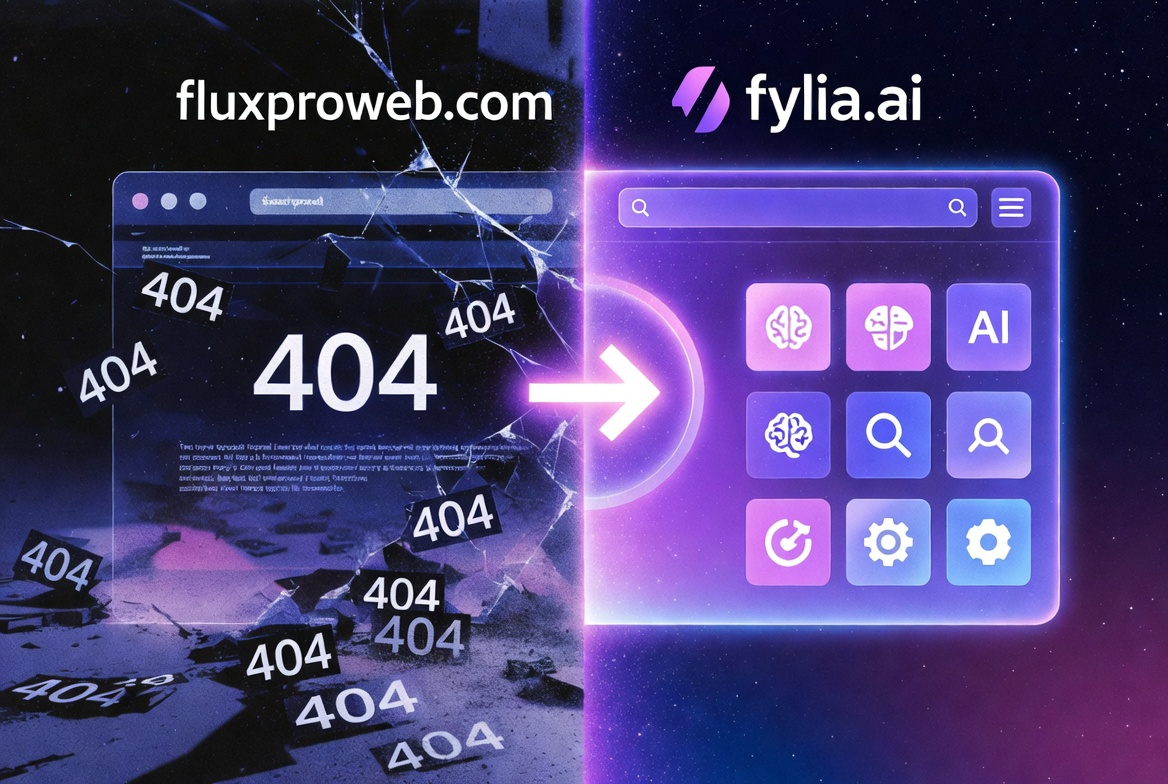
FluxProWeb.com falls into the second category. The platform migrated to fylia.ai. The tools are there. The servers are running. The only thing that changed is the address.
Why Do Established Services Change Their Domain?
Domain migrations are more common than most users realize, and they almost never signal a dying product. Here are the real reasons they happen:
Rebranding scope creep. A product starts as one thing and evolves into something broader. "FluxProWeb" communicates a specific tool; a platform serving multiple AI models — image generation, video generation, multimodal outputs — benefits from a name that doesn't lock it to one technology.
The .ai TLD has become a credibility signal. In 2025–2026, .ai domains function similarly to how .io did a decade ago: they signal sector relevance instantly. For AI-focused products, the TLD is doing real SEO and brand work.
Technical debt cleanup. A domain accumulated over years of iteration carries baggage — old backlinks, thin-content pages, crawl errors, legacy URL structures. A fresh domain, executed with a clean migration, can outperform the original within 6–12 months.
Consolidation. When multiple tools or services merge under one umbrella, a new domain signals that cleanly, rather than inheriting one product's brand over others.
None of these reasons indicate the product is struggling. They usually indicate the opposite.
What Happens to Your Bookmarks and Saved Links?
Here's where domain migrations create real user friction — even when they're executed well.
When a migration uses proper 301 redirects (permanent redirects, the gold standard), old bookmarks will still work. Your browser follows the redirect silently, and you land on the new domain. You might not even notice.
But several things can break this:
Subpage redirects missing. The homepage redirects, but deep links (like fluxproweb.com/tools/flux or fluxproweb.com/account) were never mapped. Those 404.
Browser cache. Your browser cached the old page from before the migration. It serves the cached version and never sends a live request to check the redirect.
DNS propagation lag. Changes to DNS records take 24–72 hours to propagate globally. Users in different regions may see different behavior for days after a migration.
Extensions interfering. Ad blockers, VPNs, or privacy tools sometimes block redirect chains, especially across different TLDs.
Old links in the wild. Forum posts, newsletters, bookmarks, and shared links all still point to the old domain. If the redirect is ever removed, those links die permanently.
The practical advice for any migration you encounter: update your bookmarks to the new domain directly. Don't rely on the redirect indefinitely. Domains have annual renewal fees, and if an old domain ever lapses, the redirect disappears.
For FluxProWeb specifically, the current address is fylia.ai.
How Google Handles Domain Migrations — and Why It Takes So Long
This is the part most users don't understand, and it's the reason you're finding "is fluxproweb.com down?" results in Google even when the service is healthy.
When a site migrates domains, Google doesn't instantly update its index. Instead, a process unfolds over weeks to months:
Phase 1: Discovery. Googlebot encounters the 301 redirect and follows it to the new domain. It begins crawling the new domain's pages.
Phase 2: Evaluation. Google's algorithm evaluates the new domain for content quality, backlink profile, server response times, and crawlability. This is where it builds confidence that the new domain is the "real" version of the content.
Phase 3: Index replacement. The old domain's URLs gradually get replaced by new domain URLs in the search index. This doesn't happen all at once — high-value pages migrate first, long-tail pages take longer.
Phase 4: Authority transfer. The link equity (PageRank signals) accumulated by the old domain begins transferring to the new one through the 301 redirect chain. This is never 100% efficient — estimates range from 85–95% transfer.
During phases 1–3, you get the weird situation where Google still shows old domain URLs, old cached results, and old queries about downtime — even though the site has moved and is operating normally.
There's a tool that speeds this up: Google Search Console's Change of Address feature. Submitting a migration notice there signals directly to Google's indexing team, rather than waiting for Googlebot to discover and re-evaluate organically. Sites that skip this step take significantly longer to re-establish search visibility.

The Technical Checklist for a Clean Migration
If you ever run a domain migration yourself — or want to evaluate whether a site you depend on handled their migration correctly — here's what separates a clean move from a messy one:
301 redirects on all pages, not just the homepage. Every URL that ever appeared in a search index needs a redirect.
Google Search Console Change of Address submission. Reduces re-indexing time from months to weeks.
Canonical tags updated on every page of the new domain. All pages should self-canonicalize to their new URL, not point back to the old domain.
XML sitemap rebuilt and resubmitted. The sitemap on the new domain should contain only new domain URLs.
Backlinks updated where possible. High-authority sites that link to the old domain should ideally update those links directly — redirects work, but a direct link is cleaner.
Internal links cleaned up. All links within the site's own content should point to new domain URLs, not create redirect chains through the old domain.
Structured data / schema markup updated. Any sameAs, url, or mainEntityOfPage schema properties that reference the old domain need updating.
Missing one or two of these won't kill a migration, but it extends the period of inconsistent crawl behavior and slows the authority transfer.
Why "Is [Site] Down?" Searches Spike After Migrations
There's a predictable pattern that follows any domain migration:
- Regular users encounter the old URL and it doesn't work as expected
- They search "[old domain] down" to find out what's happening
- Those searches surface old forum threads, Reddit posts, and status-check articles — most of which are out of date
- Users can't easily find a clear current answer
- Search volume for the old domain's "down" queries persists for months
This is actually a content gap that benefits readers: there's real demand for a clear, current explanation, and the existing results don't provide it. Articles that answer the question accurately and update the reader on the current state of the service tend to rank for these transitional queries.
From a user perspective, the lesson is: when a familiar URL suddenly stops working, check whether there's been a migration before assuming the service is gone. LinkedIn posts, official social accounts, and the domain's own status page will usually confirm a migration within hours of the old URL going quiet.
Summary
- FluxProWeb.com is not down — it migrated to fylia.ai
- Domain migrations and downtime feel identical to users but have completely different causes and outcomes
- Migrations happen for legitimate reasons: rebranding, TLD upgrades, technical consolidation
- Google's index takes weeks to months to fully reflect a migration — this is normal
- The practical action for users: update bookmarks directly to the new domain, don't depend on redirect permanence
- For developers: update API base URLs, internal documentation, and any hardcoded references to the old domain





Top comments (0)