

ImgPilot is an AI photo editor where you describe the change in one sentence instead of using brushes, masks or layers. Upload a photo, type something like "Change the background to a beach at sunset" or "Change the date to November 20", and the AI image model redraws only what you asked for. It runs in the browser, so there's nothing to install.

What problem does ImgPilot solve?
Most photo edits are small: a new background, a corrected date on a poster, a stranger removed from a travel photo. In a traditional editor, each of those means selecting, masking and blending by hand. Many AI tools fix one task each, so you end up switching between five sites.
ImgPilot puts these edits in one chat. You describe the change, compare the result with your original, and type the next fix in the same conversation.
Change the background by typing the new place
You don't need to cut out the subject first. Upload the photo and name the new place. The AI image model keeps the person or product and redraws only the background.
Prompt: Change the background to a beach at sunset

This works best for portraits, product shots and travel photos with one clear subject. Here's a step-by-step guide with prompts.
Edit text in an image and keep the font
Posters, menus and screenshots often need one word changed. ImgPilot's text editor replaces the words you name and matches the original font, color and layout.
Prompt: Change "OCTOBER 15, 2025" to "NOVEMBER 20, 2026"


Short headlines, dates and prices on a clear background work best. Tiny print, long paragraphs and curved text are harder.
Remove a background for free, no sign-up
For a transparent PNG, use ImgPilot's Background Remover. It's free, needs no account, and downloads in HD without a watermark. You can preview the cutout on transparent, white, black or a custom color.
Bring color back to old photos
ImgPilot's Photo Colorizer adds natural color to black-and-white photos and keeps the original pixel size.
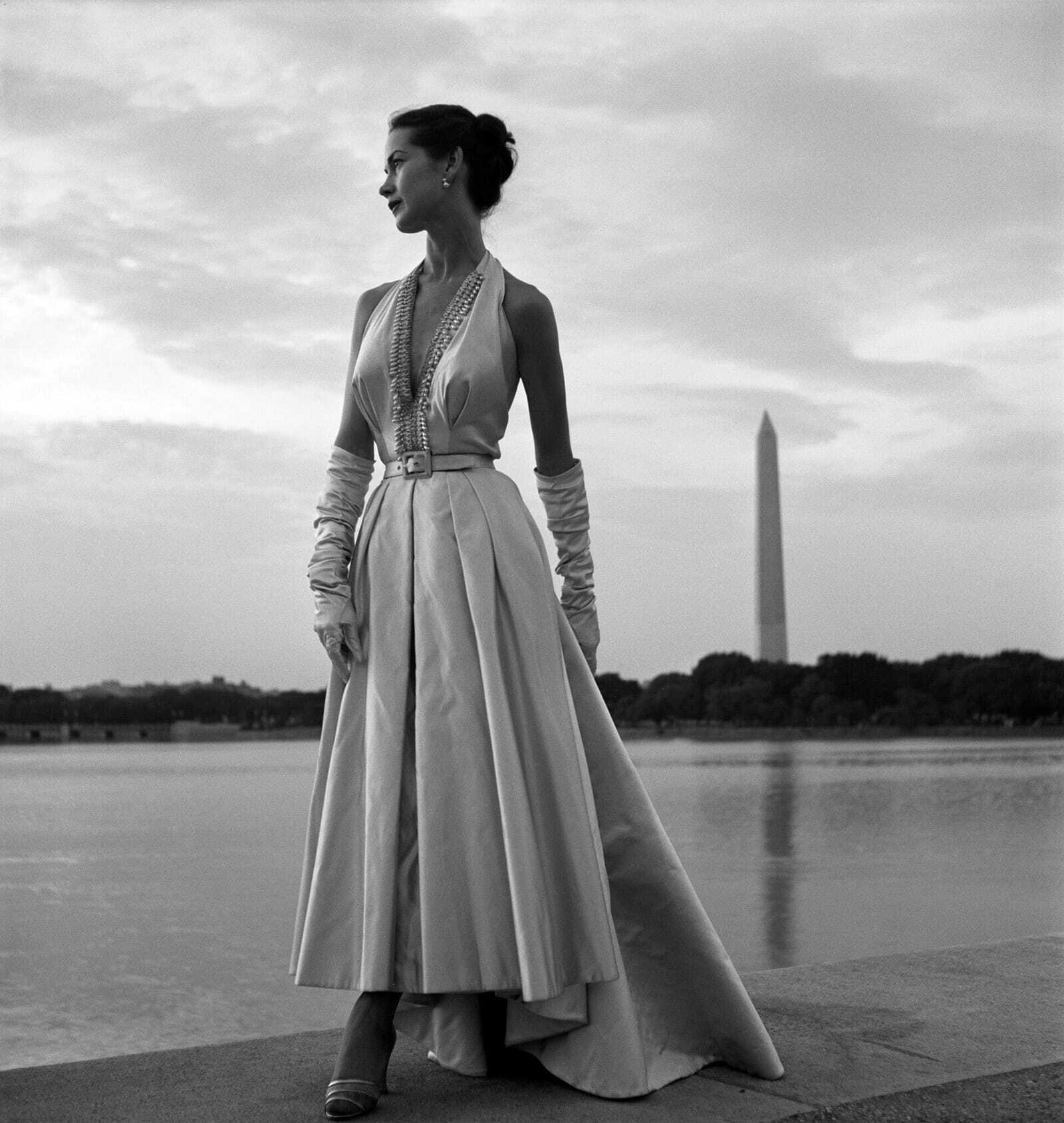
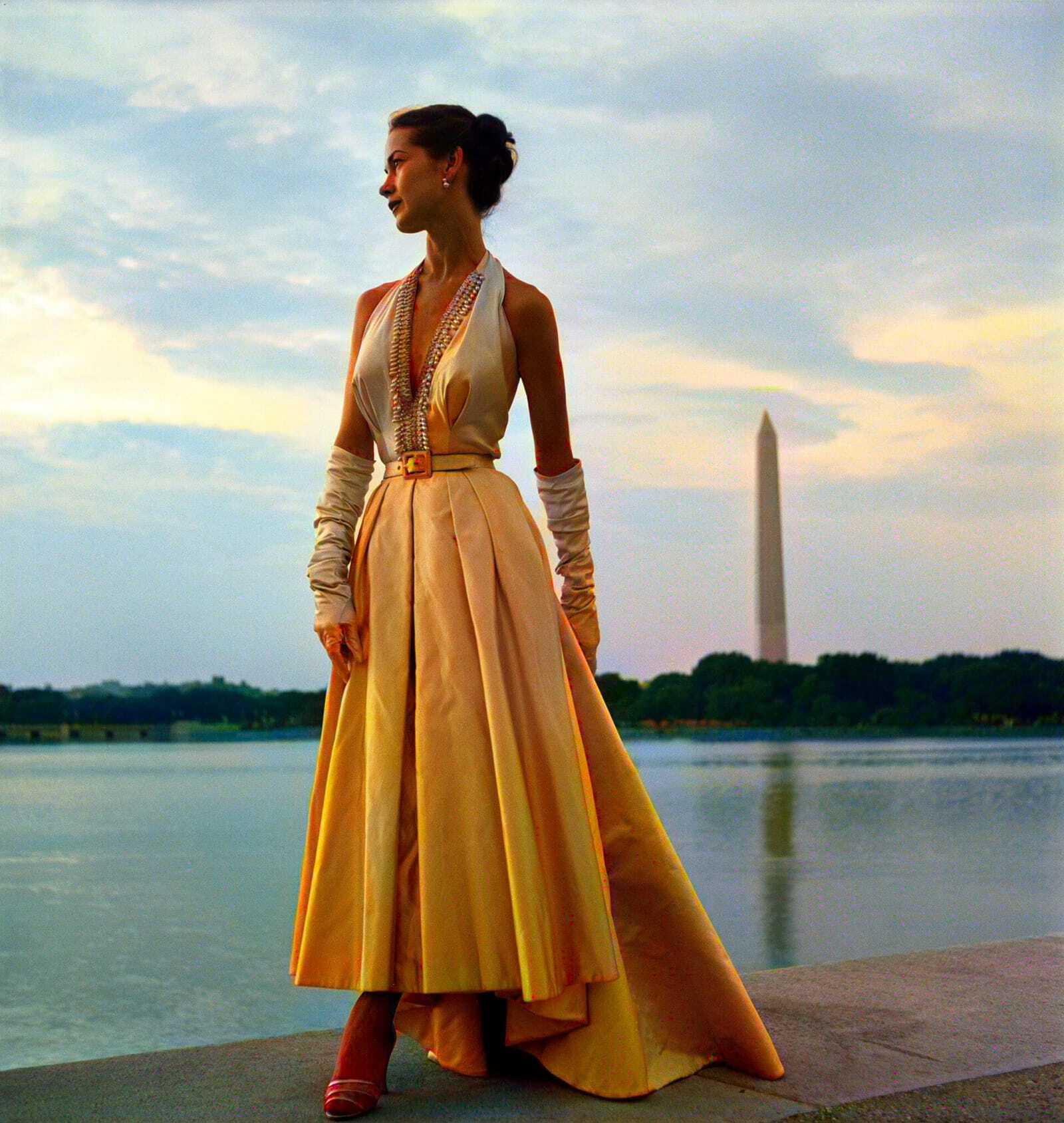
The colors are a plausible guess, not a record of the real ones. That's fine for family albums, but not for historical claims.
How do you edit a photo with ImgPilot?
- Upload your photo. Open the AI image editor and add a PNG, JPG, WebP or GIF up to 10 MB.
- Type the change. One sentence is enough. Name one change at a time.
- Check the cost and send. The credit cost shows next to the send button before you send. You can pick a model, or compare up to three models side by side.
- Keep editing. If the result is close but not right, type the next fix in the same chat. It continues from the last version instead of starting over.
What does ImgPilot cost?
The Background Remover is free with no sign-up. AI edits such as background changes, text edits and colorizing use credits, and new accounts get free starter credits to try them. No card is needed to sign up.
Try it
What's the photo edit you do most often? Tell me in the comments and I'll share a prompt that works for it.




Top comments (0)