

Disclosure: I work on AnyScript. This article was drafted with AI assistance. The prompts below are suggested workflows, not measured performance claims.
“Write a script like this video” leaves several decisions hidden. Which part should be similar: the opening question, the order of ideas, the tone, or the product claim? A model can produce a fluent answer before anyone has decided what the reference is meant to teach.
A more useful first task is a comparison. Keep the source available, ask narrow questions, and decide what to carry forward before drafting.
1. Give each reference a job
Choose a few videos you are allowed to study. For each, retain the original URL and a checked transcript with timestamps. Add the audience and the question you are researching. For example, the question could be “How do these videos introduce an unfamiliar product without assuming prior knowledge?”
Check names, numbers and unclear words against the video. A transcript cannot tell you everything about the visuals, on-screen evidence or pacing.
2. Ask for observations with boundaries
Try a prompt like this with the references you have actually reviewed:
Compare these references for the research question below.

For each video, return:
- its source URL and the relevant timestamp;
- a short excerpt from the supplied transcript;
- what the excerpt literally says;
- one possible explanation of its role in the video;
- visual or audio context that must still be checked.

Keep observation and interpretation in separate columns.
If a detail is absent, say “not provided.” Do not infer audience
retention, conversions, revenue or the cause of a video's views.

Research question: [your question]
References: [checked source material]
The point is to make an answer reviewable. A table with a confident label but no source location is still difficult to trust. Return to the original clip when a classification seems surprising.
3. Choose one direction yourself
After checking the comparison, write a short decision: which approach fits your audience, and what evidence can you show? This is where a reference becomes a creative input rather than a template to copy.
Then use a second prompt:
Draft an original video brief for the audience and product below.
Use the chosen approach as a structural idea, not as wording to copy.

Include an opening, the viewer's question, the evidence we can show,
the explanation, and a next action. Flag any product claim that is
not supported by the facts supplied. Do not invent testimonials,
statistics or personal experience.

Audience: [who this is for]
Product facts: [verified facts]
Chosen approach and reason: [your decision]
Evidence available: [what can actually be shown]
Review that brief before asking for a full script. An unsupported promise is easier to remove while it is still one bullet point.
Where the tool fits
AnyScript brings supported public video links into a workflow for timestamped transcripts, translation and export, AI analysis, reference research, and original script drafts. It can help prepare material for this process; it does not replace checking the original video or deciding what your own audience needs.
Availability depends on the source and video, and features and usage vary by plan. Whichever tools you use, keep a simple rule: first compare what the references actually contain, then decide what your new script should do.
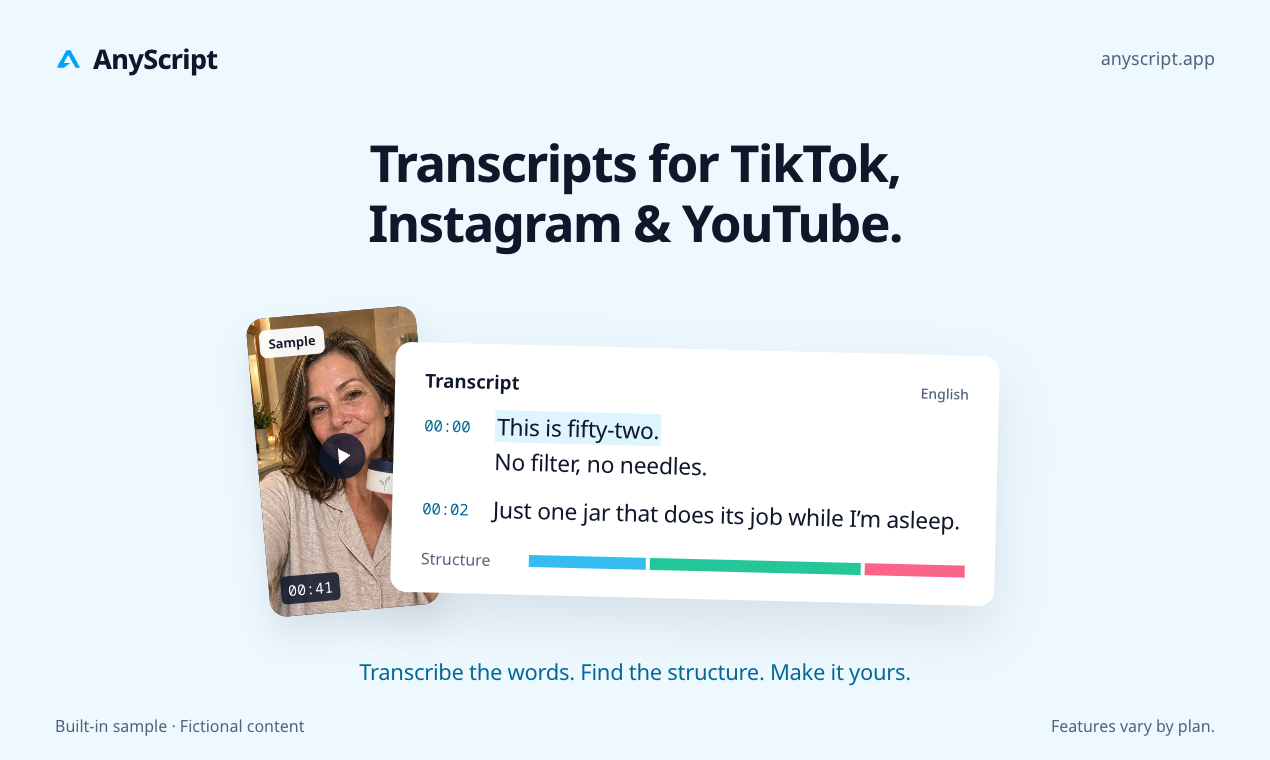
Product concept illustration using fictional sample content; features vary by plan.





Top comments (0)