
Getting a few good-looking AI video clips is fairly easy. Making them feel like they belong to the same song takes more thought.
A slow, atmospheric shot might work beautifully under a verse, then feel completely flat when the chorus arrives. And once you start combining clips, you have to think about pacing, color, transitions, and whether the whole thing still feels like one video.
For independent musicians and producers, that can become a project of its own.
The workflow I use starts with a simple question: What should this song feel like on screen? From there, I build a visual prompt and bring it into the music video workflow.
Here’s the structure, along with three prompts you can adapt.
Start with a scene and a sense of movement
This is the prompt formula I use:
Subject + setting and lighting + camera movement + mood and colors + visual style
The subject gives you something to look at. The camera movement helps set the pace.
For a mellow track, that might mean a slow drift through a room. For something heavier, it could be a steady push through a tunnel, with more movement happening inside the frame.
I try to keep the direction clear. “Dreamy” is a useful starting point, but “a slow camera drift, soft blue light, and barely moving water” gives the scene more to work with.
A prompt establishes the visual mood; the timing of individual cuts and musical changes still needs attention when you review the result.
Three prompts to build from
🎧 Lo-fi / Chillhop
For a warm, slightly melancholy track, I’d start with a small, familiar space and let the weather do most of the moving.
A cozy bedroom in a 1990s apartment at night. Rain runs down the window, catching soft purple neon from the street below. A vintage cassette deck sits on a worn wooden desk, with dust drifting through the lamplight. The camera moves slowly toward the window. Muted lavender, amber, and faded blue, hand-painted anime backgrounds, subtle film grain, a quiet and nostalgic atmosphere.
[Embed the lo-fi music video here, with audio available.]
There’s plenty you can change without losing the mood: the room, the time of day, or a few objects that connect to your song.
🪩 EDM / Bass Music
For a more energetic track, I’d give the camera a clear path and build the motion around it.
The camera rushes forward through an abstract tunnel of neon green geometry and dark chrome. Liquid-metal spheres stretch and fold along the walls as bands of light travel into the distance. Brief flashes reveal the depth of the corridor. Sharp contrast, glossy 3D surfaces, an acid-green and black palette, a futuristic club atmosphere, continuous forward momentum.
This gives you a strong visual direction for a drop or a high-energy section. A quieter passage could use the same tunnel with slower movement and softer lighting.
🌌 Cinematic Pop / Ethereal Indie
For a spacious, atmospheric song, I’d leave more room in the frame.
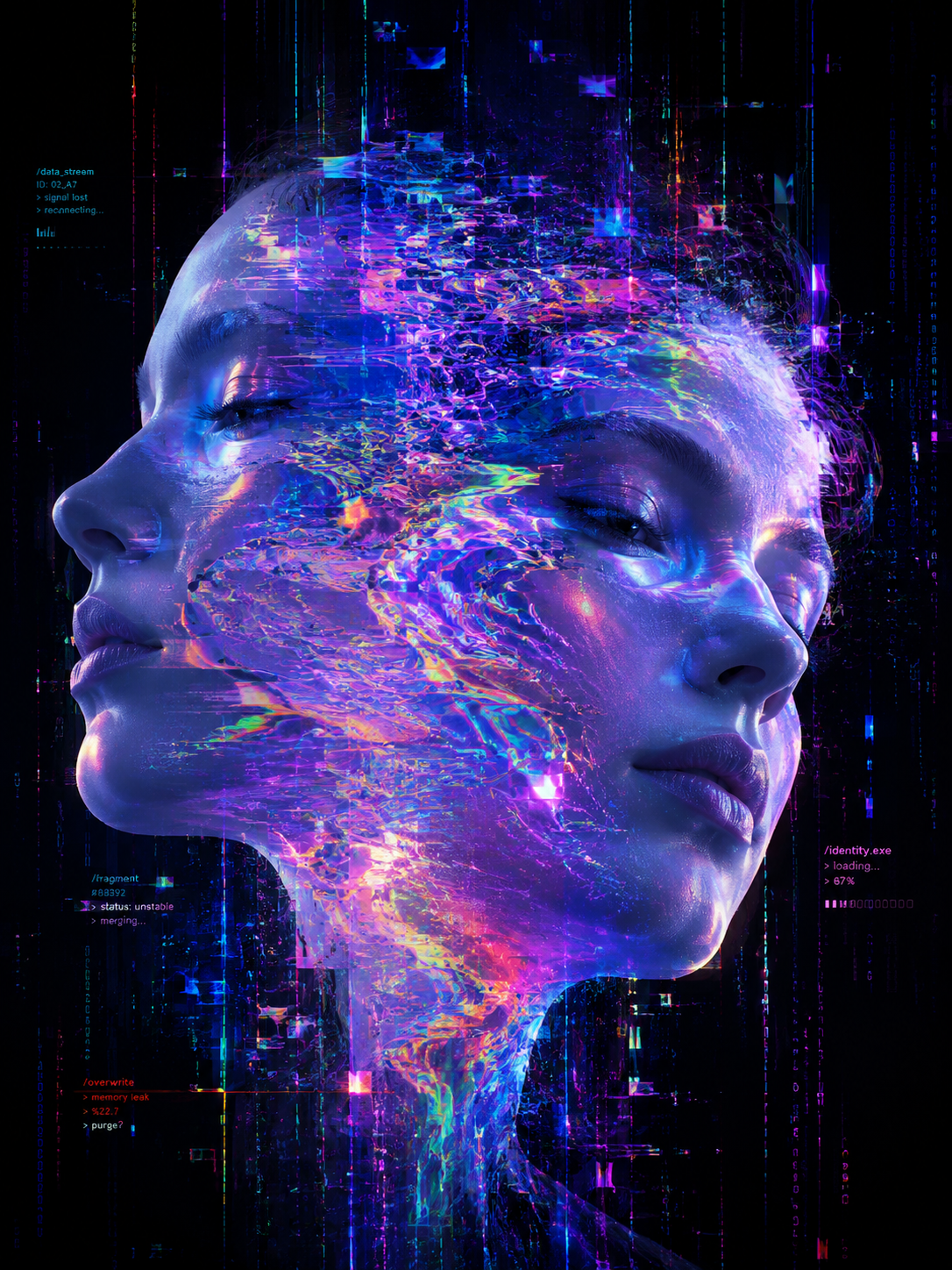
A luminous sea creature drifts through a vast midnight-blue ocean. Fine gold and cyan tendrils trail behind it, slowly fading into the dark water. Faint nebula-like reflections shimmer far above. The camera pans gently across a wide frame, keeping the creature small against its surroundings. Soft volumetric light, fluid movement, detailed organic textures, a dreamlike sense of scale and solitude.
You can make this feel more intimate by moving closer to the creature, or more expansive by letting it disappear into the distance.
Bringing the visuals and music together
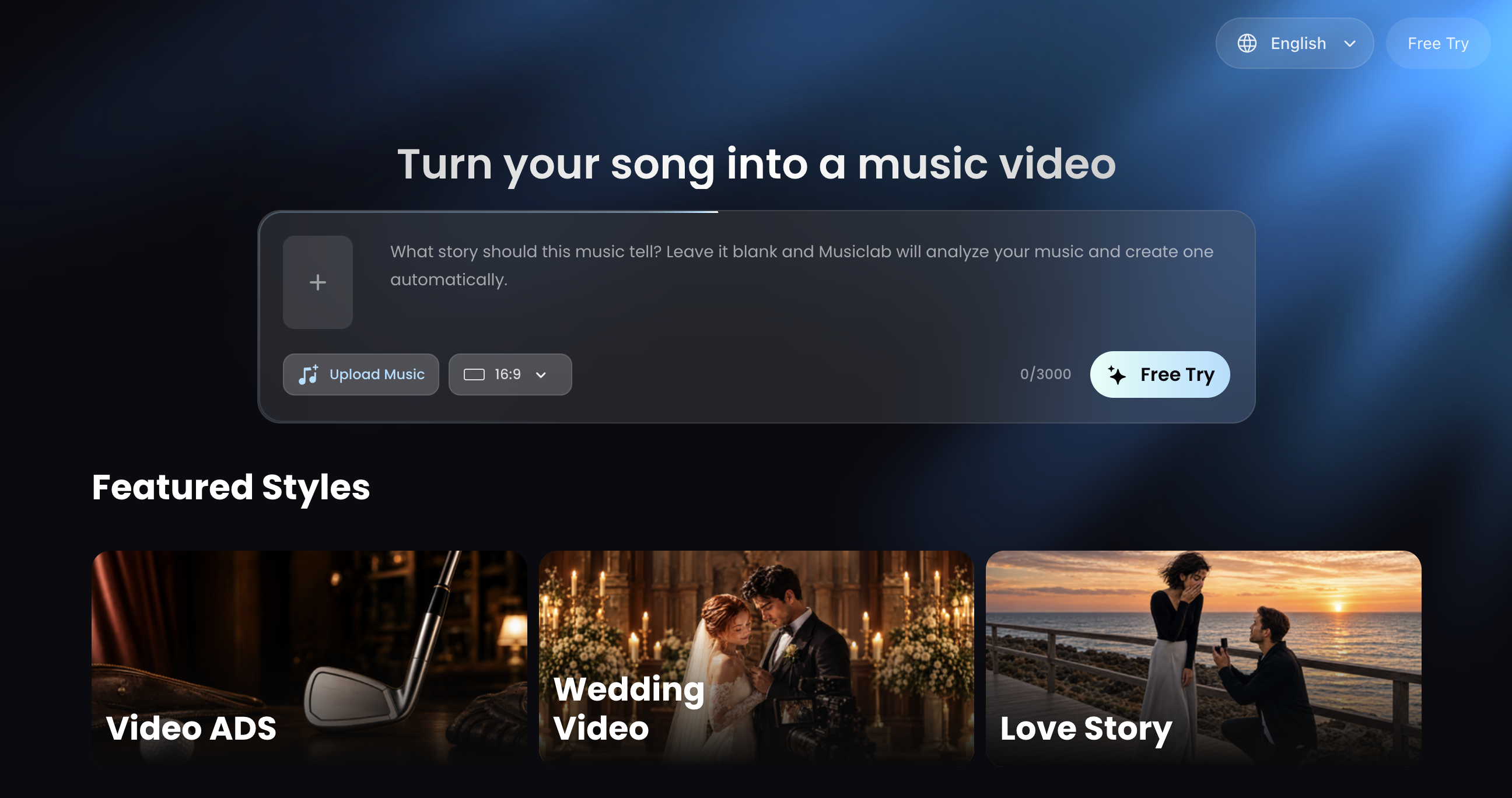
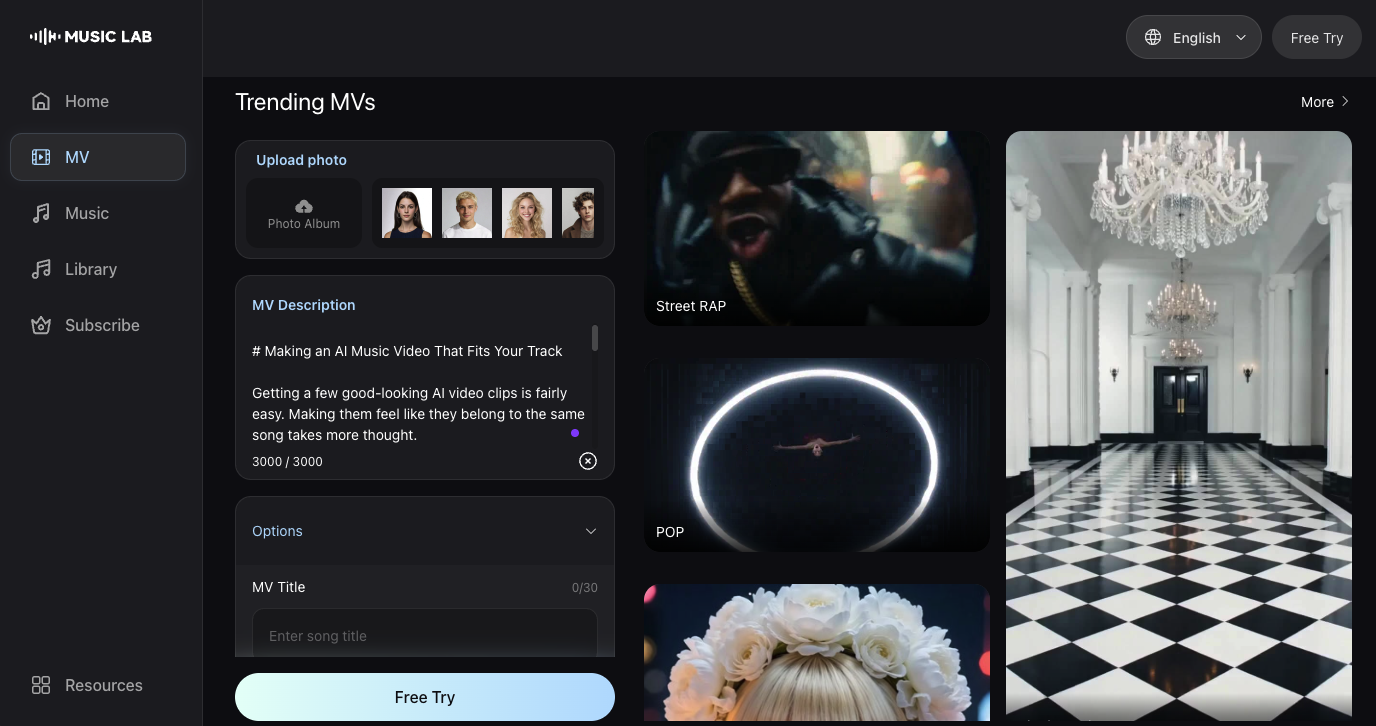
Once I have the track and a visual direction, I use MusicLab’s AI Music Video Generator to bring them into the same workflow.
My process is:
- Start with the music. Generate the track in MusicLab or establish the musical direction first. Listen for the mood, the pace, and where the energy changes.
- Adapt the visual prompt. Choose a scene that suits the song, then adjust the camera movement, lighting, and colors.
- Generate and review with the audio on. Watch how the visuals feel against the track, especially around the chorus, breakdown, or drop.
That last listen matters. A clip can look great on its own and still feel wrong for the song. I pay attention to whether the movement feels too busy, whether the mood holds together, and whether a change in musical energy needs a change on screen.
The three prompts above are starting points. A few details from your lyrics, artwork, or the setting you associate with the song can help make the video feel more personal.
What are you working on? Leave the genre, mood, and a little about the track in the comments. I’ll suggest a visual prompt you can build from.
You can try the workflow on MusicLab.




Top comments (0)