

I run a small YouTube channel, and one thing I always struggled with was creating intro sequences.
Not full videos.
Just those first few seconds that make people stop scrolling.
Recently I started experimenting with LTX 2.3, and it became part of my content workflow much faster than I expected.
My Goal
I wanted to create:
- channel intros
- cinematic opening shots
- transition scenes
- visual hooks for Shorts
without spending hours editing.
My Workflow
Step 1: Start With One Image
Usually I generate or choose a single frame that matches the video's theme.
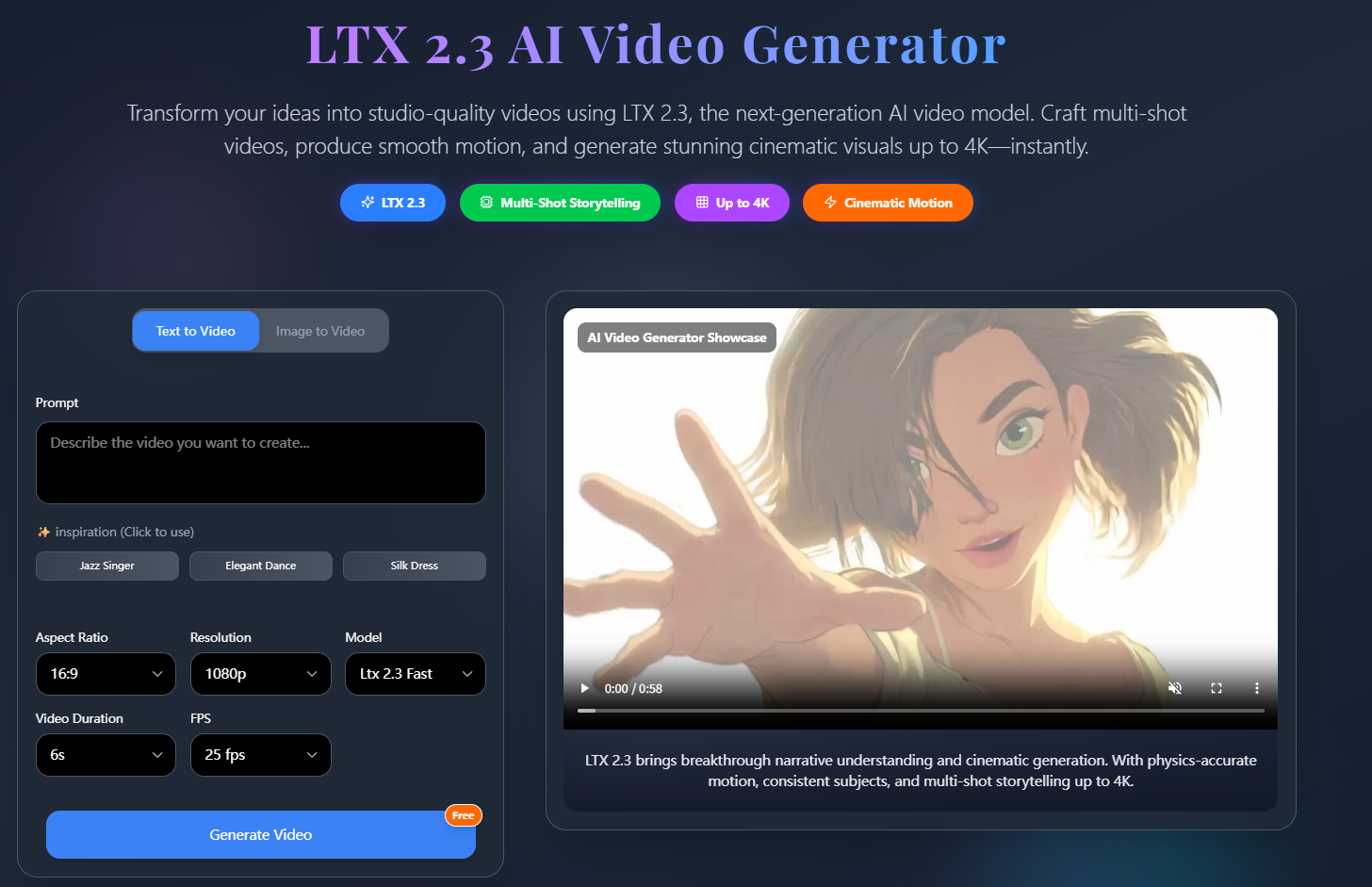
For example:
- a city skyline
- a gaming setup
- a futuristic room
- a product shot
Step 2: Focus on Motion
Instead of describing every detail, I focus on movement.
Example:
slow dolly-in camera, neon reflections, atmospheric fog, cinematic lighting, subtle motion
LTX's prompting guide recommends emphasizing shot design, action, camera movement, lighting, and atmosphere rather than keyword-heavy prompts.
Step 3: Build a Short Sequence
I usually generate several versions:
- slow push-in
- orbit movement
- handheld movement
- static cinematic shot
Then I pick the strongest one.
What Improved My Results
After dozens of tests, I found:
- camera descriptions matter more than visual adjectives
- one clear action works better than multiple actions
- shorter prompts produce more stable motion
- image-to-video workflows outperform random text-only generations
The LTX team also recommends keeping prompts focused and maintaining one main action for every few seconds of video.
Example Prompt
One of my favorite intro prompts:
cinematic aerial shot of a futuristic city at sunrise, slow camera push forward, warm orange lighting, atmospheric fog, realistic motion, film trailer aesthetic
Simple.
But surprisingly effective.
Final Thoughts
I still edit my final videos manually.
But for:
- YouTube intros
- Shorts hooks
- trailer openings
- visual transitions
- channel branding
LTX 2.3 has become one of the fastest tools I've found for generating cinematic opening sequences.
Curious how other creators are using AI video tools in their editing workflow.



Top comments (0)