

When I start a new game project, I usually have dozens of ideas.
The problem isn't creativity.
It's figuring out whether those ideas actually feel exciting when they become visual.
Building a playable prototype takes weeks.
Creating a polished trailer takes even longer.
I wanted a faster way to test the atmosphere of a game before investing months in development.
That's why I started experimenting with AI video workflows.
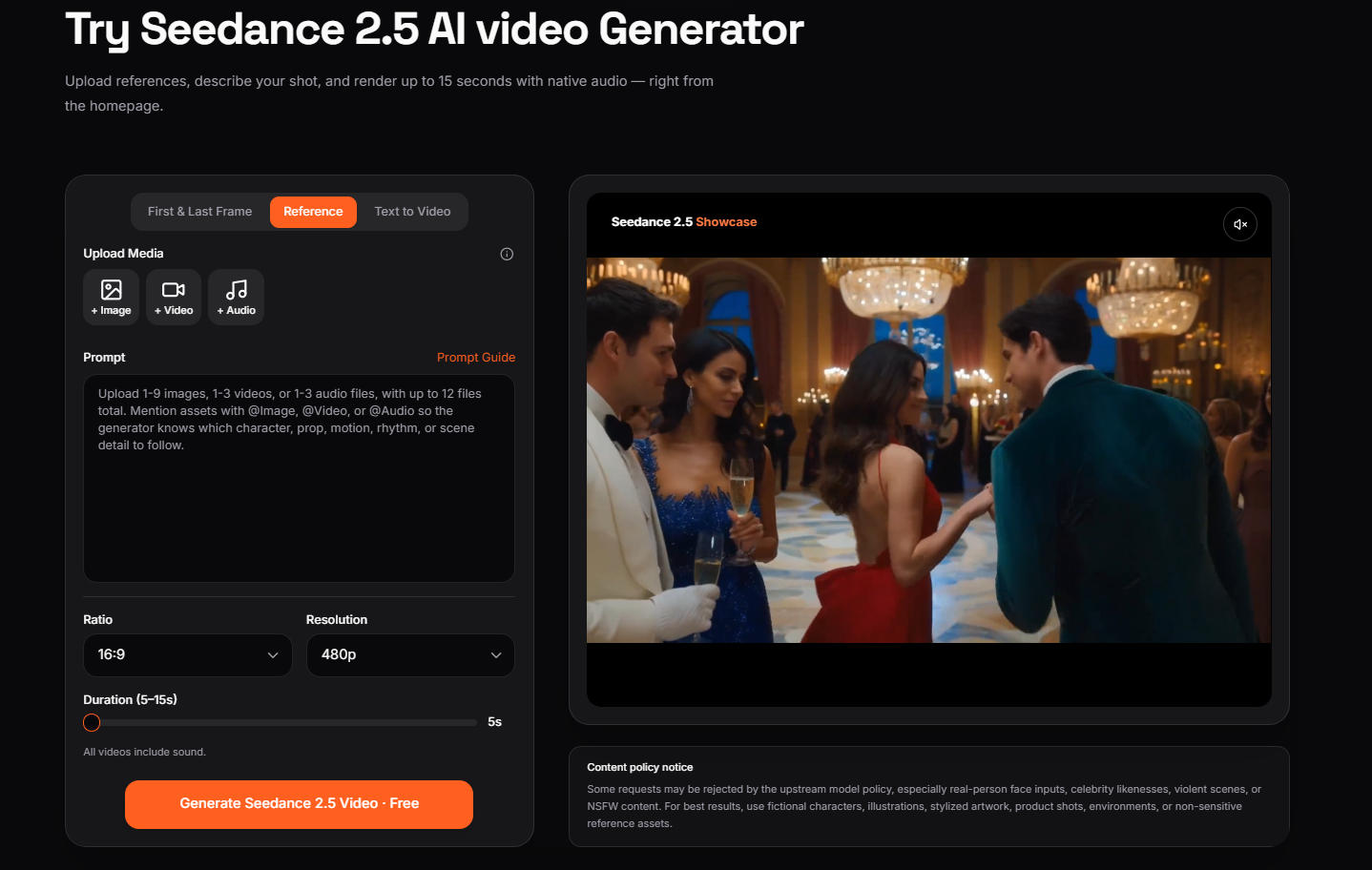
What
Recently I've been using Seedance 2.5 as a pre-production tool instead of a final production tool.
Rather than generating random cinematic clips, I use it to visualize game worlds, opening sequences, and cutscene ideas.
Some features that fit this workflow include:
- Text-to-video generation
- Image-to-video generation
- Multi-reference support
- Native audio generation
- Multi-shot scene creation
Seedance 2.5 expands on earlier versions with longer native clips, more reference inputs, and improved prompt adherence, making it more practical for structured storytelling workflows.
How
Step 1: Write the Scene
Instead of writing a full game script, I begin with one moment.
Example:
A lone explorer enters an abandoned underground laboratory.
Step 2: Collect References
I prepare:
- character concept art
- environment sketches
- color palette
- mood references
Using multiple references helps keep the world visually consistent throughout the sequence. Seedance 2.5 supports a much larger reference budget than previous versions, making it easier to organize characters, locations, and visual styles in one project.
Step 3: Create a Shot List
Rather than using one giant prompt, I separate the scene into shots.
Shot 1
Wide establishing shot.
Shot 2
Character enters the room.
Shot 3
Camera reveals an abandoned experiment.
This makes it easier to review pacing before gameplay even exists.
Step 4: Iterate
If one shot doesn't work, I adjust only that part instead of rebuilding the entire sequence.
Example Prompt
cinematic underground laboratory, slow tracking camera, flickering emergency lights, abandoned research equipment, mysterious atmosphere, realistic cinematic motion
Use Case
This workflow works well for:
Indie Game Developers
Visualizing story scenes before production.
Game Designers
Testing environmental storytelling.
Narrative Designers
Planning opening cinematics.
Kickstarter Creators
Creating teaser videos for campaigns.
Small Studios
Pitching game ideas without building a full demo.
Why
After several experiments, I noticed a few practical advantages:
- Faster idea validation
- Better communication with collaborators
- Easier storyboard creation
- More consistent visual planning
- Less time spent creating placeholder cinematics
The biggest improvement wasn't rendering quality.
It was being able to answer a simple question early:
"Does this game world feel interesting enough to build?"
For me, that saved far more time than any rendering shortcut.
Final Thoughts
I still rely on traditional game engines for final cinematics.
But during pre-production, Seedance 2.5 has become a useful brainstorming tool.
Instead of waiting until the game is playable, I can quickly explore mood, pacing, and visual storytelling from a simple concept.
If you're developing a game, try creating one cinematic scene before writing all the gameplay systems.
Sometimes seeing the world in motion is the fastest way to decide whether an idea is worth pursuing.






Top comments (0)