

Hiring has changed a lot over the past few years.
Job descriptions are still important, but many candidates decide whether to apply after watching a short video about the company.
The problem?
Creating a recruitment video for every position isn't realistic.
It usually means:
- scheduling video shoots
- editing multiple versions
- updating content whenever a role changes
I wanted a faster workflow for creating simple recruitment videos.
That's when I started experimenting with AI video generation.
What
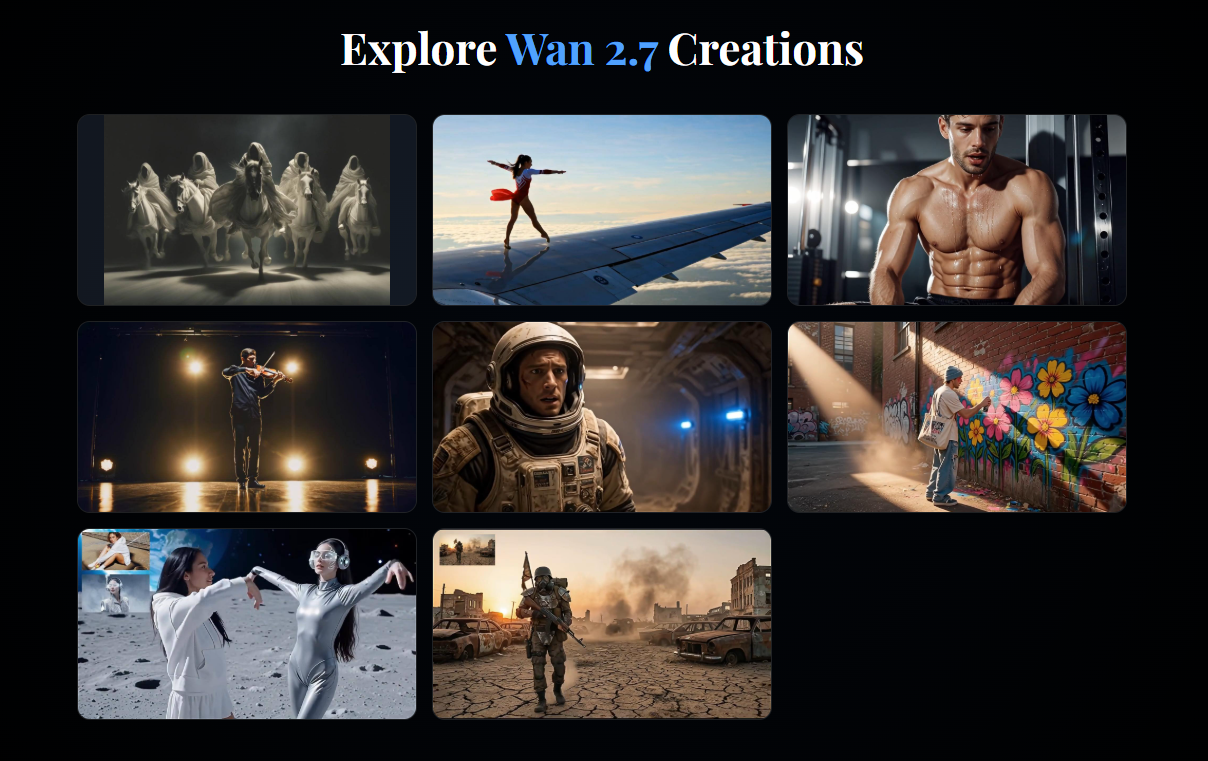
Recently I started using Wan 2.7 to build short recruitment videos from existing company assets.
Instead of filming everything from scratch, I combine office photos, product screenshots, and simple prompts.
The workflow supports:
- Text-to-video
- Image-to-video
- Reference-based generation
- Instruction-based editing
- Video extension
One thing I like is that Wan 2.7 combines generation, editing, and reference control into a single workflow instead of treating them as separate tools.
How
Step 1: Collect Existing Materials
I prepare:
- office photos
- team activity images
- product screenshots
- company logo
Most companies already have these assets.
Step 2: Plan the Story
Instead of writing one long prompt, I divide the video into several scenes.
Scene 1
Company introduction
Scene 2
Working environment
Scene 3
Team collaboration
Scene 4
Open positions
Breaking the story into scenes usually creates a more natural sequence than one large prompt.
Step 3: Write Scene-Based Prompts
Example:
modern technology office, employees collaborating around a meeting table, natural daylight, slow camera movement, professional documentary style
I avoid adding too many style keywords.
Keeping the prompt focused gives more consistent results.
Step 4: Review and Refine
If one scene doesn't feel right, I edit only that section instead of rebuilding the whole video.
Instruction-based editing makes small revisions much easier than restarting from scratch.
Use Case
This workflow works well for:
HR Teams
Creating recruitment videos.
Startup Founders
Introducing company culture.
Tech Companies
Explaining engineering roles.
Universities
Promoting internship programs.
Remote Teams
Showing distributed work environments.
Why
After several hiring campaigns, I noticed a few practical benefits:
- Faster content production
- Easier updates when job openings change
- Better engagement than static job posts
- More efficient use of existing company assets
- Consistent visual style across recruitment campaigns
The biggest benefit wasn't making cinematic videos.
It was helping candidates understand the company before the first interview.
Final Thoughts
I still use professionally filmed videos for employer branding campaigns.
But for everyday hiring, Wan 2.7 has become a practical way to turn existing photos and ideas into short recruitment videos.
If your team is hiring regularly, try creating one scene at a time instead of producing a long promotional video all at once.
You may discover that a simple, structured workflow is easier to maintain—and much easier to update as your company grows.





Top comments (0)