

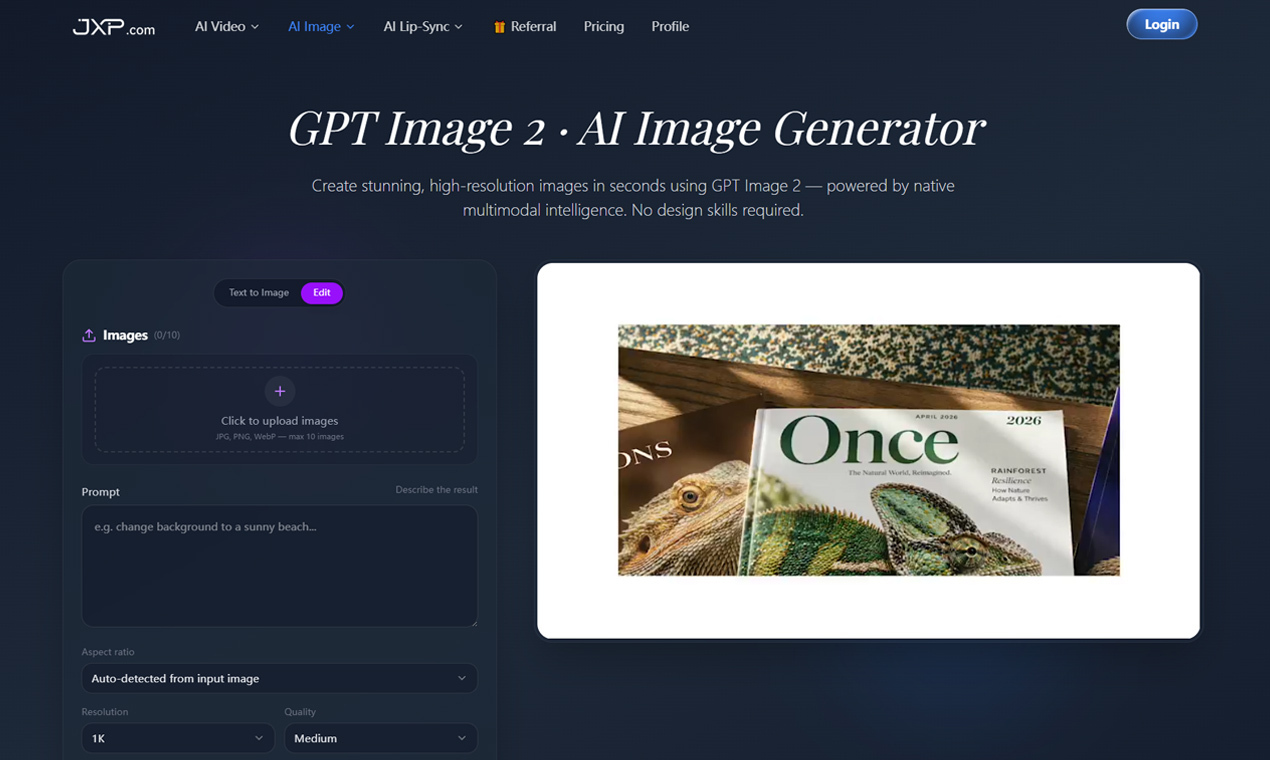
Lately I’ve been experimenting with GPT Image 2 for concept art, thumbnails, and cinematic scene generation.
What impressed me most is how well it handles detailed instructions and in-image text compared to older image models. A lot of AI image tools still struggle with composition consistency, but GPT Image 2 feels much better when prompts are structured clearly.
Prompt Style That Worked Best
Instead of writing vague prompts like:
“futuristic city”
I started using more structured cinematic descriptions:
wide-angle cinematic shot, futuristic Tokyo alley, neon reflections on wet pavement, soft fog, realistic lighting, shallow depth of field, photorealistic
The results became noticeably more consistent.
What Helped the Most
A few things improved my outputs immediately:
shorter prompts with clear structure
explicit lighting descriptions
camera angle references
material and texture details
keeping the subject description consistent
GPT Image 2 seems to reward clarity more than “fancy wording.
Final Thoughts
Still testing different workflows, but GPT Image 2 has become one of my favorite tools for fast visual ideation and AI-assisted design work.
Curious how other people are structuring prompts for cinematic or photorealistic results lately.



Top comments (0)