
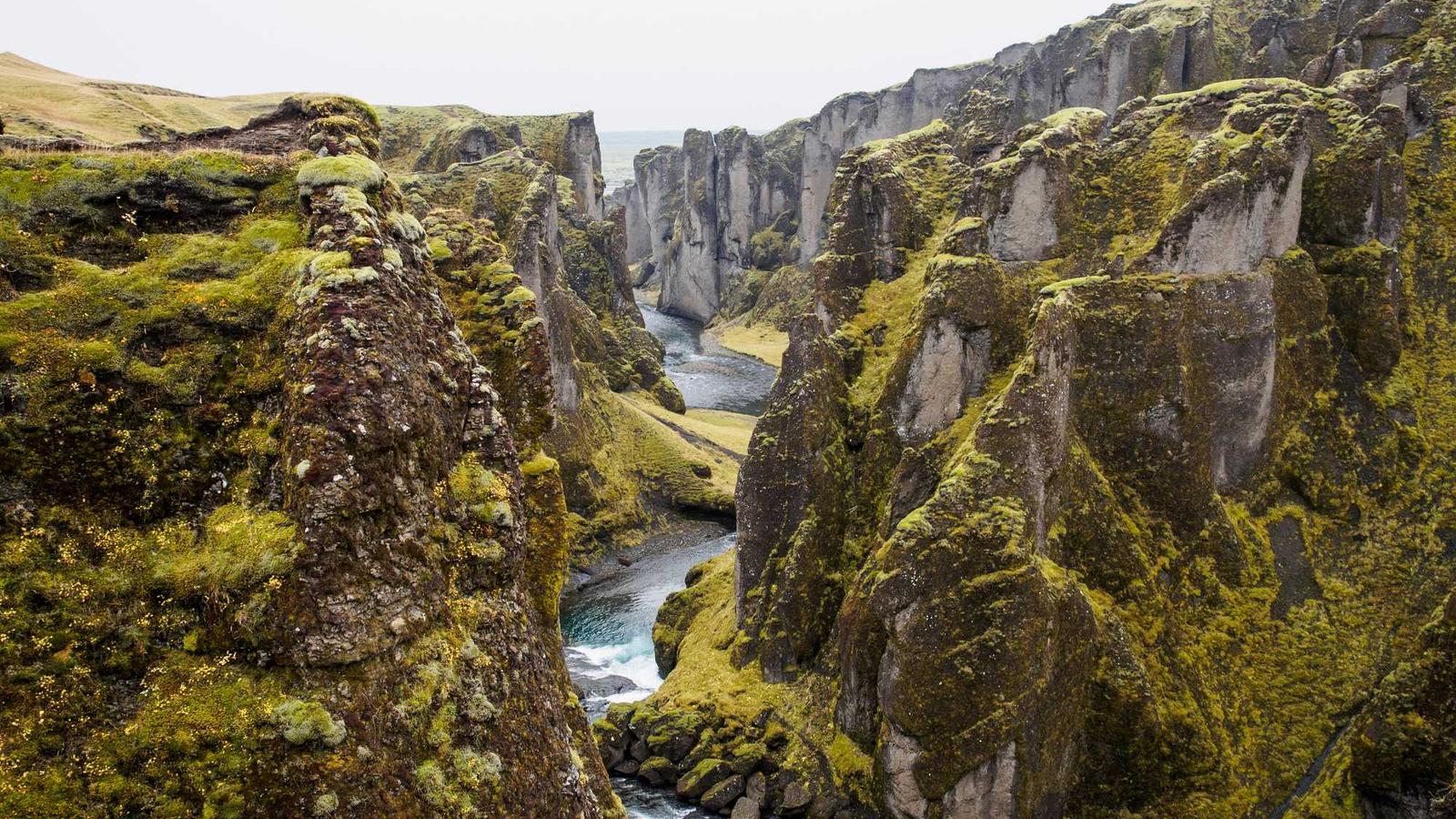

ImagineArt 1.5 Pro is ImagineArt's hosted image model for generation with an emphasis on composition, typography, and realistic rendering. It is available through the ImagineArt image generator and a fal text-to-image endpoint named imagineart/imagineart-1.5-pro-preview/text-to-image. No open weights are provided through these documented access paths. ImagineArt documentation, fal API
What are the key facts about ImagineArt 1.5 Pro?
| Field | Verified information |
|---|---|
| Developer | ImagineArt. Model documentation |
| Released | An initial release date is not stated in the cited model guide. Model guide |
| Type | Hosted image generation; ImagineArt documents text and image guidance, while the cited fal endpoint accepts text prompts. Model guide, API schema |
| Size or parameters | Parameter count not published in the cited model documentation. Model guide |
| License and access | Hosted access through ImagineArt or fal; fal labels this endpoint for commercial use. Product page, fal endpoint |
| Where it runs | Hosted generation accessed through a browser or API client. Product workflow, fal API |
What can ImagineArt 1.5 Pro do for posters and typography?
ImagineArt describes Pro's main capabilities as arranging multiple visual elements, assigning colors to the intended regions, rendering text, and handling materials and lighting. Its help center places posters, product concepts, and typography-focused creatives among the intended uses. These are vendor-described capabilities rather than a measured guarantee for every prompt. Model guide
For a poster, turn those capabilities into a reviewable brief. Specify the headline, the main object, the background, and the space required around them. For example, ask for a ceramic vase on a pale background, a short headline at the top, and an uncluttered lower margin. This gives you discrete requirements to inspect after generation.
ImagineArt's base-model guide recommends exploring a composition in 1.5 before producing a final high-resolution image in Pro. Use that suggestion to choose a test: a poster with readable type gives you specific layout requirements to assess. Base-model workflow
Build your first prompt around the part of the design that cannot change. If the headline is essential, write its exact wording and intended location. If the product silhouette is essential, describe its shape and keep background decoration secondary. Treat these as practical briefing choices, then evaluate whether the output follows them.
What resolution and input limits should you check?
Resolution claims need careful interpretation. ImagineArt's product page advertises native 4K generation and gives 3840 × 2160 as an example. The fal Pro API documentation, however, exposes an aspect-ratio field rather than an explicit 4K switch, and its sample response reports 2048 × 2048. Inspect the dimensions actually returned by your chosen service before promising a particular export size. Product page, API schema
ImagineArt's model guide lists text rendering as a capability. For a finished poster, proofread every word, numeral, and punctuation mark, including small supporting text; assess the actual output against your brief. Model capabilities
The access paths have different capabilities. ImagineArt documents reference-image guidance in its interface; the cited fal text-to-image schema lists prompt, aspect_ratio, and seed. Do not assume that an image upload control exists in this particular endpoint because it exists in the web app. Product workflow, API schema
For ImagineArt's own service, Pro-labeled models require an active subscription according to the credit guide. The same guide says credits consumed vary by model, settings, and result count. Check the displayed cost before generating variants, and budget a separate allowance for revisions. Credit documentation
How do you create a poster with ImagineArt 1.5 Pro?
In the ImagineArt web interface, open the AI Image Generator, select ImagineArt 1.5 Pro, and describe the intended visual. Add reference material if needed, choose the aspect ratio, and generate. The help center also documents applying styles, effects, and palettes within this workflow. Web instructions
A useful original test prompt is: "Editorial poster for a ceramics exhibition. A cobalt vase stands on a cream pedestal. Put the exact title 'Clay Study' above the vase. Keep a clear lower margin for details added later. Soft side lighting, quiet background, centered composition."
Inspect the result in stages. First check the vase and its position. Then read the headline at the size it will appear to viewers. Finally inspect the image dimensions and margins. Keep the requirements unchanged while comparing alternatives so you can identify a candidate that satisfies the brief.
For API access, install @fal-ai/client, set FAL_KEY in your server environment, and run this JavaScript as an ES module. The endpoint and fields follow fal's API documentation:
import { fal } from "@fal-ai/client";

const result = await fal.subscribe(
  "imagineart/imagineart-1.5-pro-preview/text-to-image",
  { input: {
    prompt: "A cobalt vase on a cream pedestal, title 'Clay Study' above it.",
    aspect_ratio: "3:4",
    seed: 42
  } }
);
console.log(result.data.images);
The output schema requires an image URL and also defines optional width and height fields. If dimensions are absent, inspect the downloaded image. Keep the API key on the server, following fal's authentication instructions for applications with a browser interface. API documentation
For development details around the related base service, see the ImagineArt 1.5 fal access guide. Use the PromptZone prompt library to organize your own test briefs and record which constraints each one checks.
When should you use ImagineArt 1.5 Pro instead of 1.5?
| Model | Documented emphasis | Suggested evaluation |
|---|---|---|
| ImagineArt 1.5 | Photorealistic draft exploration at a lower credit tier in ImagineArt. Base model guide | Establish subject, framing, and lighting |
| ImagineArt 1.5 Pro | Higher-resolution output, composition, and typography. Pro guide | Test the final layout and proofread text |
ImagineArt recommends exploring a direction with 1.5 before moving to Pro. Treat that as a workflow suggestion, and recheck the composition after changing models. For a locally managed alternative, the SDXL model guide explains a different route to building an image workflow.
What else should you know about ImagineArt 1.5 Pro?
What inputs does the ImagineArt 1.5 Pro API accept?
The fal ImagineArt 1.5 Pro text-to-image endpoint accepts a required prompt, an aspect ratio, and a seed. For reference-image guidance in ImagineArt's web interface, follow its separate model guide. API schema, Web workflow
Can I download ImagineArt 1.5 Pro for local inference?
The documented access paths are hosted ImagineArt and fal services, with no open weights provided. Running the API example locally still sends the generation request to the hosted endpoint. Web workflow, API
Does every fal output have native 4K dimensions?
The vendor advertises 4K, but the cited fal schema does not expose a resolution selector and shows a smaller square response example. Read the actual width and height of your output before treating it as a 4K deliverable. Product page, API schema
Sources
- ImagineArt Pro model guide
- ImagineArt Pro product details
- fal Pro API documentation
- ImagineArt 1.5 comparison
- ImagineArt credit rules






Top comments (0)