
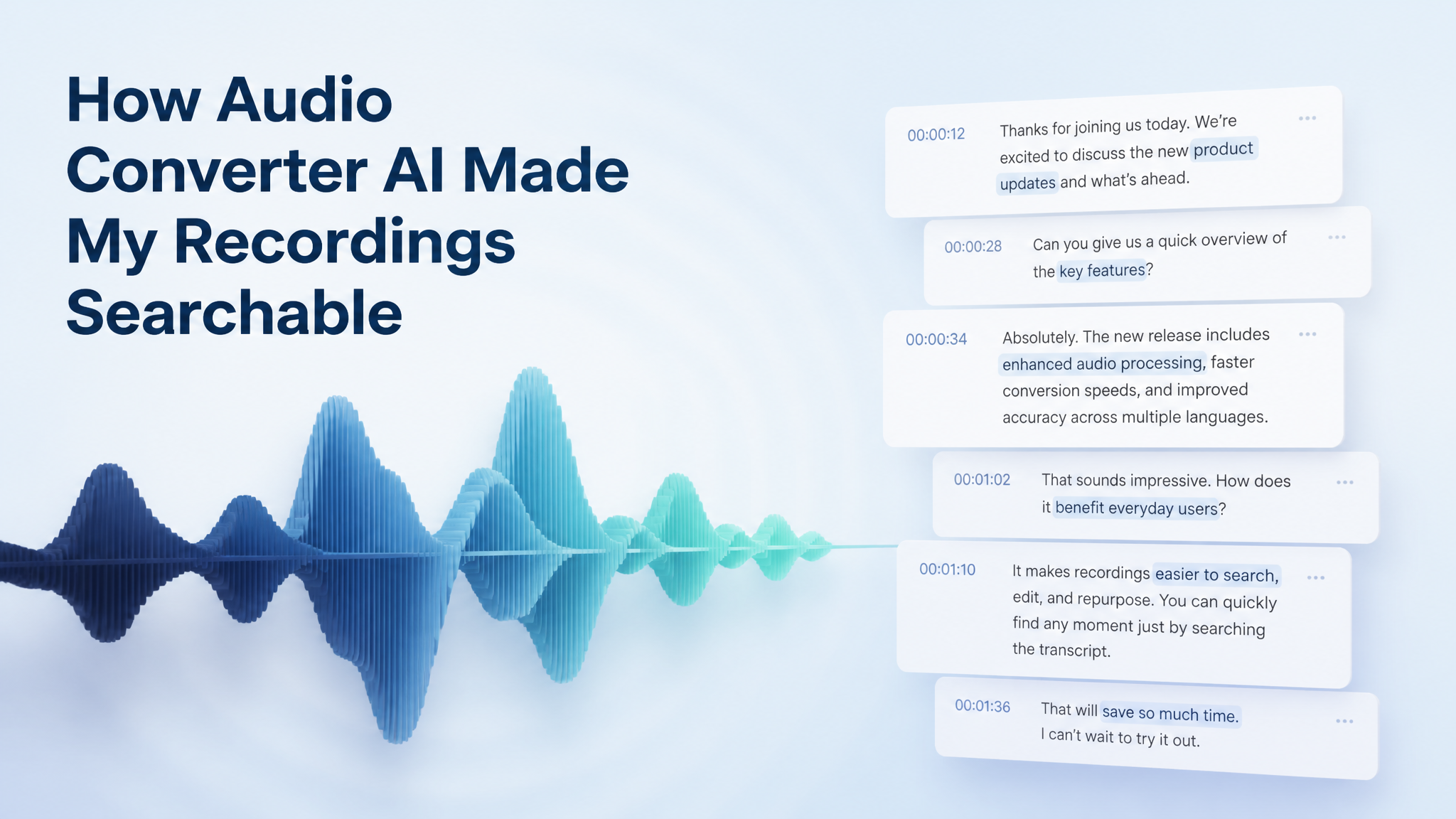

As someone who works between lectures, podcast interviews, voice memos, and the occasional rushed meeting recording, I used to have a mess of audio files on my laptop and almost no way back into them. When Audio Converter AI added the ability to transcribe audio to text in one click, I expected the usual cleanup tool. What I got was a habit change.
The shift isn't about a flashy new feature. It's about the fact that every recording I make is now a file I can actually use again. Here's what changed for me as a regular user.
Faster Note-Taking Without Replaying Recordings
The single biggest benefit is also the simplest one:
I stopped replaying audio just to find one sentence.
Instead of scrubbing back and forth to hear "the part where the speaker mentioned X", I can now:
- upload an audio file
- get the full transcript within a minute or two
- press Ctrl+F and search the keyword I actually remember
For long lectures or back-to-back podcast interviews, that one change saves me an embarrassing amount of time every week. The audio went from being a "thing I made" to being a thing I can read.
Clearer Understanding of Long Conversations
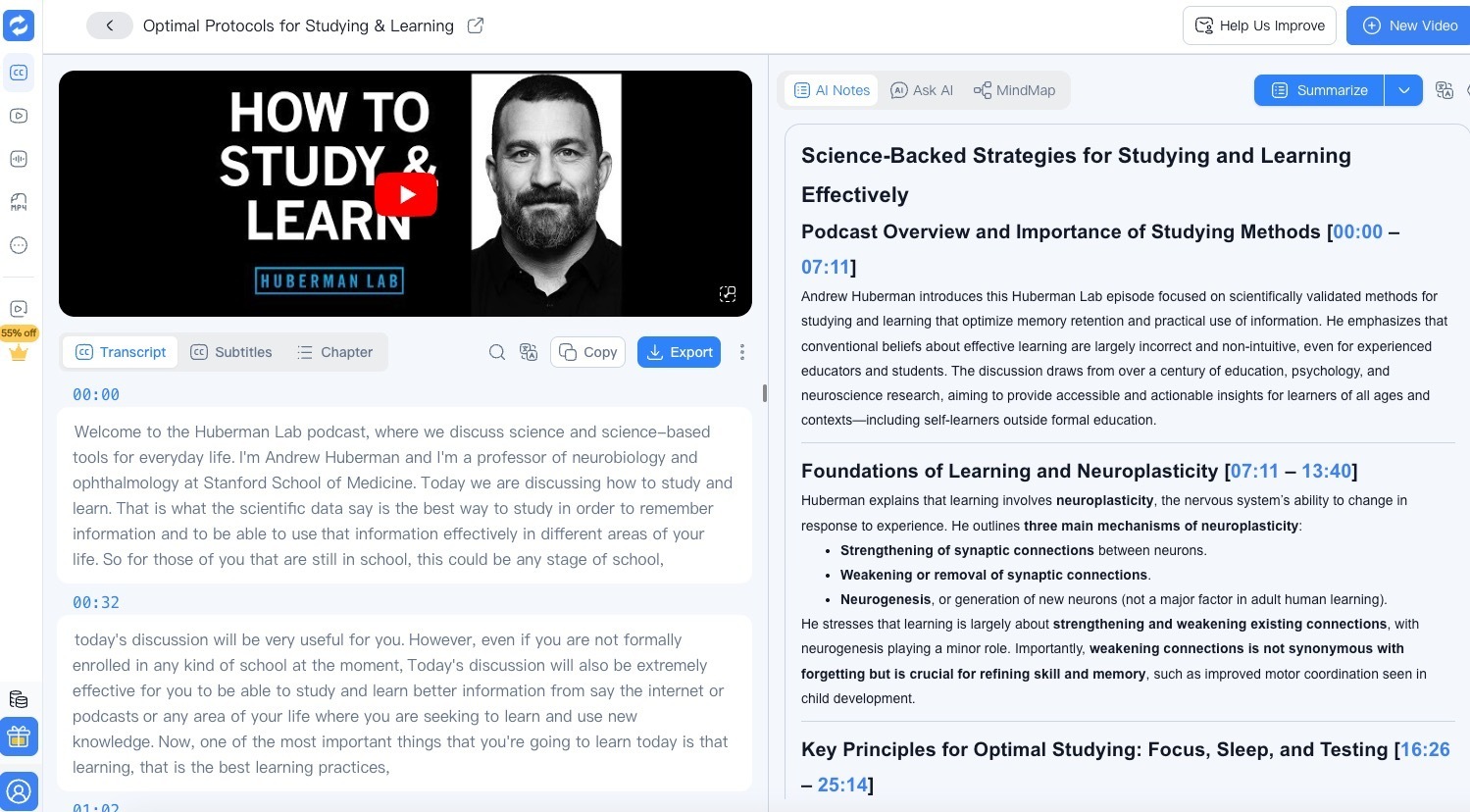
When a recording holds something dense — a client interview, a research call, a 90-minute panel — I usually miss details the first time. Audio Converter AI's transcripts give me a second pass without the effort of listening again.
What I can do with the text:
- re-read complicated parts at my own pace
- highlight the exact lines that matter
- copy short quotes straight into my notes
- turn fast cross-talk into calm, readable paragraphs
Even when the recording is in a language I don't fully understand, the combination of speaker labels and timestamps usually gets me close enough. And when English isn't the speaker's first language, having the text on screen makes the meaning land instead of slipping past.
Better Notes for Study and Revision
If you study from recorded lectures or recorded interviews, this part is where the tool quietly shines.
A typical workflow now looks like this:
- pull the transcript out of the audio
- trim it down to the parts that match the topic I'm revising
- drop the timestamps next to my own notes so I can jump back if needed
- paste the key lines into a study summary
It turns passive listening into active reading. The audio file stops being a thing I "have to get through" and becomes raw material I can shape into study notes.
More Productive Workflow for Work & Content Creation
For work, the new feature fits more corners of the day than I expected. Especially if your job involves interviews, meetings, or research-heavy content.
A few patterns that stuck:
- Interview recaps → I record the call, transcribe it, and turn the transcript into a clean summary I can share with stakeholders.
- Research notes → When I'm pulling from long podcast episodes or recorded talks, the transcript lets me grab quotes and timestamps in seconds instead of rewinding.
- Content drafting → Transcripts double as rough first drafts for blog posts, social captions, or talking points.
- Team handoff → Sharing a short written version of a long voice call is just easier than sharing a recording link.
It removes a lot of small friction. I think less about "where is that bit in the recording" and more about what I actually want to do with it.
Great for Multitasking
Sometimes I don't have the time, the focus, or the right environment to actually sit through an audio file. That's the case for a lot of people, honestly.
With Audio Converter AI, I can:
- skim the transcript on a phone
- jump to the timestamps that matter
- decide whether the recording is worth playing at full attention
It turns a pile of audio into something skimmable. For a busy week, that matters more than any single accuracy number on the marketing page.
Handles Accents, Fast Speech, and Background Noise
Real recordings are not studio clean. Some speakers talk fast, some have thick accents, some interviews were recorded in a café with a phone propped on a napkin.
The transcripts handle that better than I expected. Specifically:
- it stays readable when speech is fast or overlapping
- it stays accurate when the accent is strong
- it gives me something useful even when the background noise is rough
It's not perfect — nothing is — but the failure mode is small. I rarely have to throw a transcript away and start over. Usually I just fix a word or two and move on.
A Simple Tool That Fits Into Any Workflow
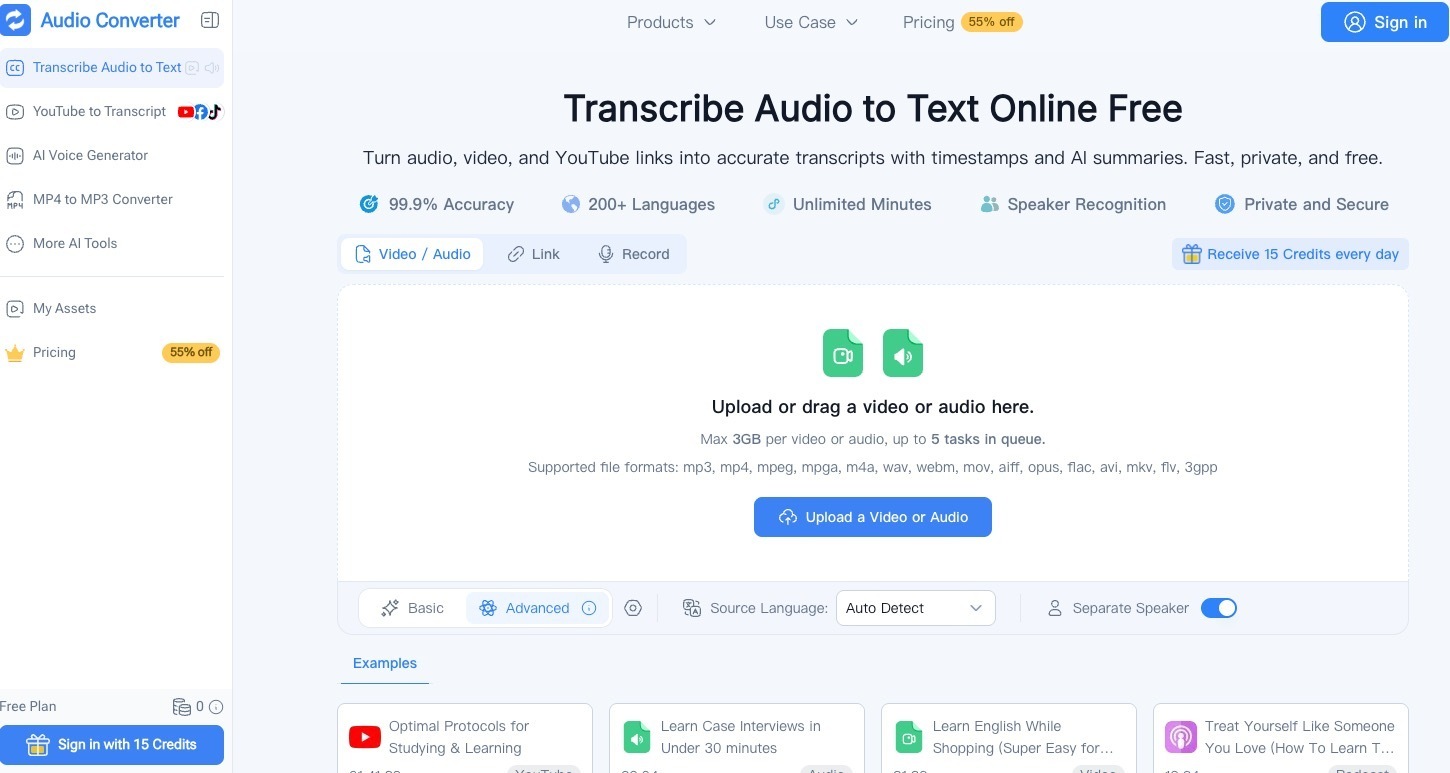
What I appreciate most is that the feature doesn't overcomplicate anything. The flow stays short:
- upload audio
- get the transcript with speaker labels and timestamps
- copy, edit, or download it
It slides into the tools I already use — note apps, doc editors, research folders — without making me learn anything new. The free daily credits are enough for my normal week, which is honestly more than I expected from a tool that handles 200+ languages.
Final Thoughts — A Quiet Tool That Solves a Real Problem
From a regular user perspective, Audio Converter AI adding the ability to transcribe audio to text feels like it solved a problem I had quietly carried for years:
Audio files hold a lot of information, but nobody has time to listen to all of it twice.
Now my audio is searchable, skimmable, and reusable. I learn faster, write better notes, and waste less time rewinding.
You can try it out here:
👉 Audio Converter AI – transcribe audio to text
It's one of those updates that doesn't feel flashy on a feature list, but makes everyday work with recordings noticeably lighter.






Top comments (0)