
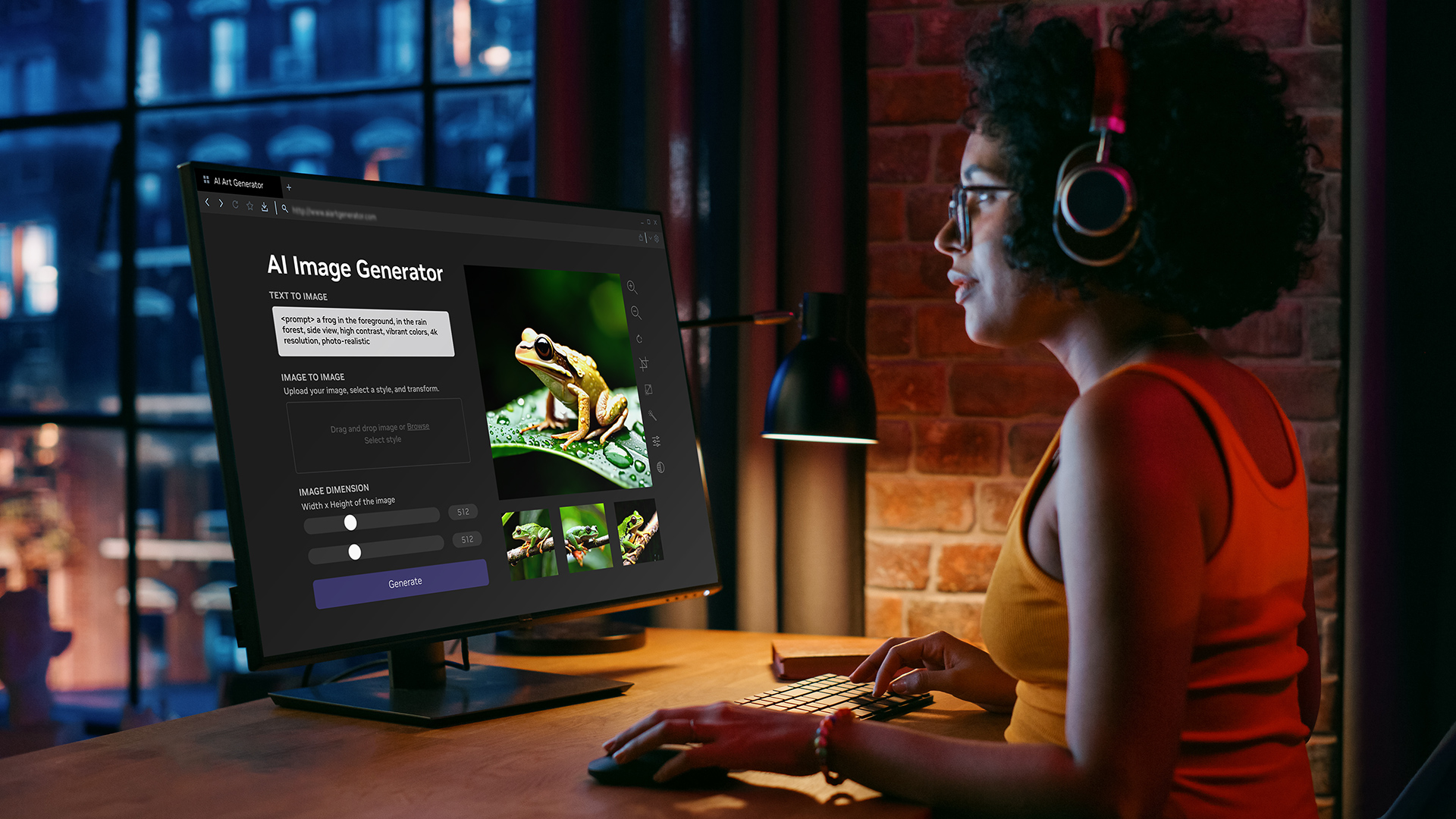

Mindtown AI was offered as a browser-based image-generation service with prompt enhancement and subscription features. About Published plans Its homepage and pricing URL returned a redirect-only landing page when checked on September 6, 2026, so working generation and billing access could not be confirmed. Website The cited product materials provide no model-weight download or local installation procedure. About Published plans
What are the key facts about Mindtown AI?
| Field | Verified detail |
|---|---|
| Developer | The Mindtown team; its indexed About page credits Aykut, Hilal, and Ogulcan. About |
| Released | Not stated in the cited product pages. About Published plans |
| Type | AI image-generation web application. About |
| Size or parameters | Not published in the cited product pages. About Published plans |
| License and access | Published subscription offerings; no open-weight model license or download in the cited materials. Current subscription access was not verified. Published plans Website |
| Where it runs | Offered through Mindtown's website; live generation access was not verified on September 6, 2026. About Website |
The indexed About and pricing pages establish the product's identity and advertised offering. They do not establish that the corresponding account features remain available today. Keep that distinction in mind when comparing a saved product description with a working application.
Which image features did Mindtown advertise?
Mindtown's indexed pricing page listed prompt enhancement, a realism mode, a quality-boost option, image upscaling, and access to background removal. It also separated fast-generation allowances from another image-generation allowance. These are historical product descriptions, not a verified list of features available in a current account. Published features
Mindtown's own prompting article described prompt enhancement as a way to refine an image description. Its examples focused on stating the subject, appearance, setting, and relevant visual details clearly. Prompting article
For a practical brief, start with the image's purpose. An illustration beside a headline needs a different composition from a close-up product concept. Write down the subject and the space the final layout requires before adding stylistic details.
An original example brief is: a ceramic cup on a pale kitchen counter, soft light from the left, simple surroundings, and empty space above the cup for a headline. Use this as an evaluation prompt in a working generator; it is not a tested Mindtown result.
Keep the exact wording with any exported file. If an enhancement feature changes the description, save both versions so you can evaluate whether it preserved the original requirements.
Is Mindtown AI currently accessible for image generation?
A direct check of Mindtown's homepage, About URL, and pricing URL on September 6, 2026 returned an HTML page that redirects to a landing page, without the image-generation interface. That observation does not establish why the site changed or whether the service is permanently closed. Website About URL Pricing URL
The available evidence therefore does not support a current sign-up tutorial, a promise that existing accounts can generate images, or a recommendation to purchase a plan. A search-engine copy of a pricing table is not confirmation that checkout and generation still work.
If you already used Mindtown, work from files and prompts you previously exported while checking whether account access has returned. The cited pages do not document an alternative recovery or export endpoint, so this guide cannot supply a verified recovery procedure. About Published plans
Can you use Mindtown locally or through an API?
The cited Mindtown pages describe a website and do not publish an API, CLI, downloadable checkpoint, or local inference instructions. They also do not provide the technical specification needed to assign a parameter count or GPU-memory requirement to the application. About Published plans
Treat deployment as a separate requirement when choosing another tool. For an automated workflow, start with a documented endpoint and response format. For local execution, start with a model card, downloadable weights, and a supported inference implementation.
For local workflow concepts, read the PromptZone ComfyUI guide. For creative-brief examples, browse the PromptZone prompt library.
How should you interpret Mindtown's published pricing?
Mindtown's indexed pricing page showed Basic, Standard, and Pro subscriptions. The displayed monthly figures in that view were labelled as billed yearly. Those historical labels do not provide a verified current monthly checkout price. Published plans
Current billing access could not be confirmed at the pricing URL on September 6, 2026. If a functioning subscription page becomes available again, check its billing period, included operations, and generation allowances directly before estimating a project. Pricing URL
For any generator you evaluate, track generated candidates separately from accepted files. An allowance alone does not tell you how many usable assets a particular brief will produce. Use a small representative task to establish your own acceptance rate and finishing effort.
Which documented alternatives cover hosted and local workflows?
| Requirement | Documented alternative |
|---|---|
| Hosted image generation with style inputs | Ideogram 3.0 provides a generation API with style-reference controls. Ideogram API |
| Downloadable weights and local inference | Black Forest Labs publishes FLUX.1-schnell weights and a Diffusers example under Apache-2.0. FLUX model card |
This comparison concerns documented access paths. It does not establish a speed or image-quality ranking against Mindtown, whose live generation could not be tested.
Use the same creative brief when evaluating an alternative. Check the subject, composition, delivery format, and review effort before deciding whether the tool fits your work. Preserve accepted files outside the application's history so that a future change in account access does not remove your only copy.
What else should you know about Mindtown AI?
Was Mindtown AI a real image-generation product?
Mindtown's own About, pricing, and prompting pages describe an image-generation web application. Indexed copies verify that offering, while current generation access remains unconfirmed after the September 6, 2026 website check. About Prompting article Website
Can I download Mindtown model weights?
The cited Mindtown product pages provide no downloadable model weights or local installation instructions. They describe access through a hosted website. About Published plans
Are Mindtown's listed subscription prices current?
Mindtown's indexed pricing page preserves plan information, but the live pricing URL did not provide a usable subscription page at the September 6, 2026 check. The listed figures therefore cannot be presented as verified current checkout prices. Pricing
Does Mindtown's fast-generation label prove a speed advantage?
Mindtown's cited product pages do not provide a reproducible benchmark for its fast-generation option. A feature name alone does not establish latency or a speed advantage over another generator. Published features
Sources
Mindtown product descriptions were checked in indexed copies of its own pages; the live URLs returned a landing-page redirect during the September 6, 2026 access check.
- Mindtown website, live access check
- Mindtown About page, indexed product and team description
- Mindtown pricing page, indexed plan and feature descriptions
- Mindtown's article about image prompts and prompt enhancement
- Ideogram 3.0 official API reference
- Black Forest Labs FLUX.1-schnell model card






Top comments (0)