
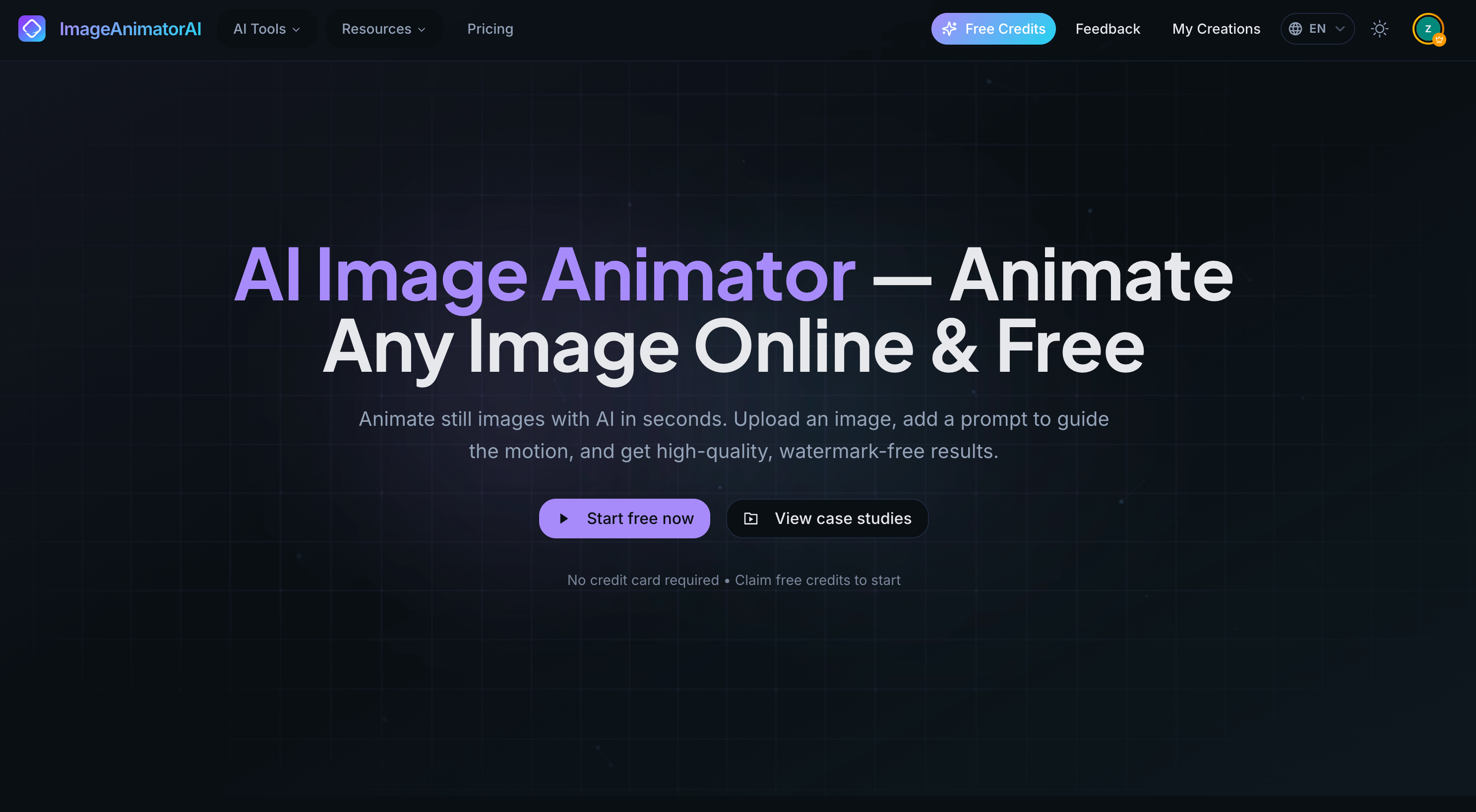

Static images are fast to make—but they often get ignored in busy feeds. ImageAnimatorAI is built for the common “I just need this to move” moment: turn one still image into a short MP4 clip you can post, run as an ad, or drop into a landing page—without installing software.
1) What is ImageAnimatorAI?
ImageAnimatorAI is a browser-based AI image animator (also called image-to-video or photo-to-video) that transforms a single still image into a short motion clip. You upload a photo, keep the default prompt (or write your own), choose the format you need, and download an MP4.
Two things it focuses on:
Keeping your main subject and layout clear (so faces, logos, and product details don’t get “messed up”)
Making motion easy for non-editors: simple controls + sensible defaults
2) How it works (3 simple steps)
Upload a photo (or paste an image URL)
Choose a format (like vertical for social, square for posts, or landscape for YouTube/website) and click Generate
Download your MP4 once it’s ready (usually within seconds to a couple of minutes)
That’s it. If you don’t want to think about prompts, just keep the defaults and run.
3) What you can do with it (practical use cases)
A) Social posts that feel more “alive”
Turn a portrait, artwork, or cover image into a short clip for Reels/Shorts/TikTok-style posting. It’s a simple way to make your post stand out without making a full video.
B) Product visuals without reshoots
Got product photos but need video-like content for ads or product pages? Animate a hero product image into a short MP4 so it feels less static and more attention-grabbing.
C) Marketing assets from existing designs
Reuse a campaign banner, thumbnail, or key visual in more places by turning it into a short motion clip. Useful for landing pages, social promos, and ad creatives when time is tight.
D) Personal photos for fun (the “just for laughs” category)
This is underrated: animate a pet photo, a friend’s selfie, a travel shot, or a meme image into a shareable short clip. It’s a fun way to make everyday photos more playful—perfect for messages, posts, and inside jokes.
E) Simple motion for education and explainers
Add light motion to a diagram or slide image to make it easier to watch and remember—without building a full animated video.
4) Who it’s best for (tool selection advice)
You’ll likely love ImageAnimatorAI if you are…
Creators & designers who want quick motion content from posters, thumbnails, portraits, or artwork—without a heavy editing workflow.
Marketing & growth teams who need lightweight motion assets for ads, landing pages, and social content.
Ecommerce & product teams who want product photos to look more engaging using what they already have.
Everyday users who just want to make fun animated clips from personal photos—easy, fast, and shareable.
Easy to try before committing
The pricing page states the Free plan includes watermark-free 720p animations with free models and tools, so you can actually test the workflow properly.
5) A sincere invitation to try it (and tell me what breaks)
If you give it a try and anything feels off—odd movement, details changing, or a feature you wish existed—please share feedback. Real examples are the fastest way to improve results and make the tool more reliable for everyone.
6) Links
Try the AI Image Animator (Image to Video): https://imageanimatorai.com/ai-image-animator






Top comments (0)