
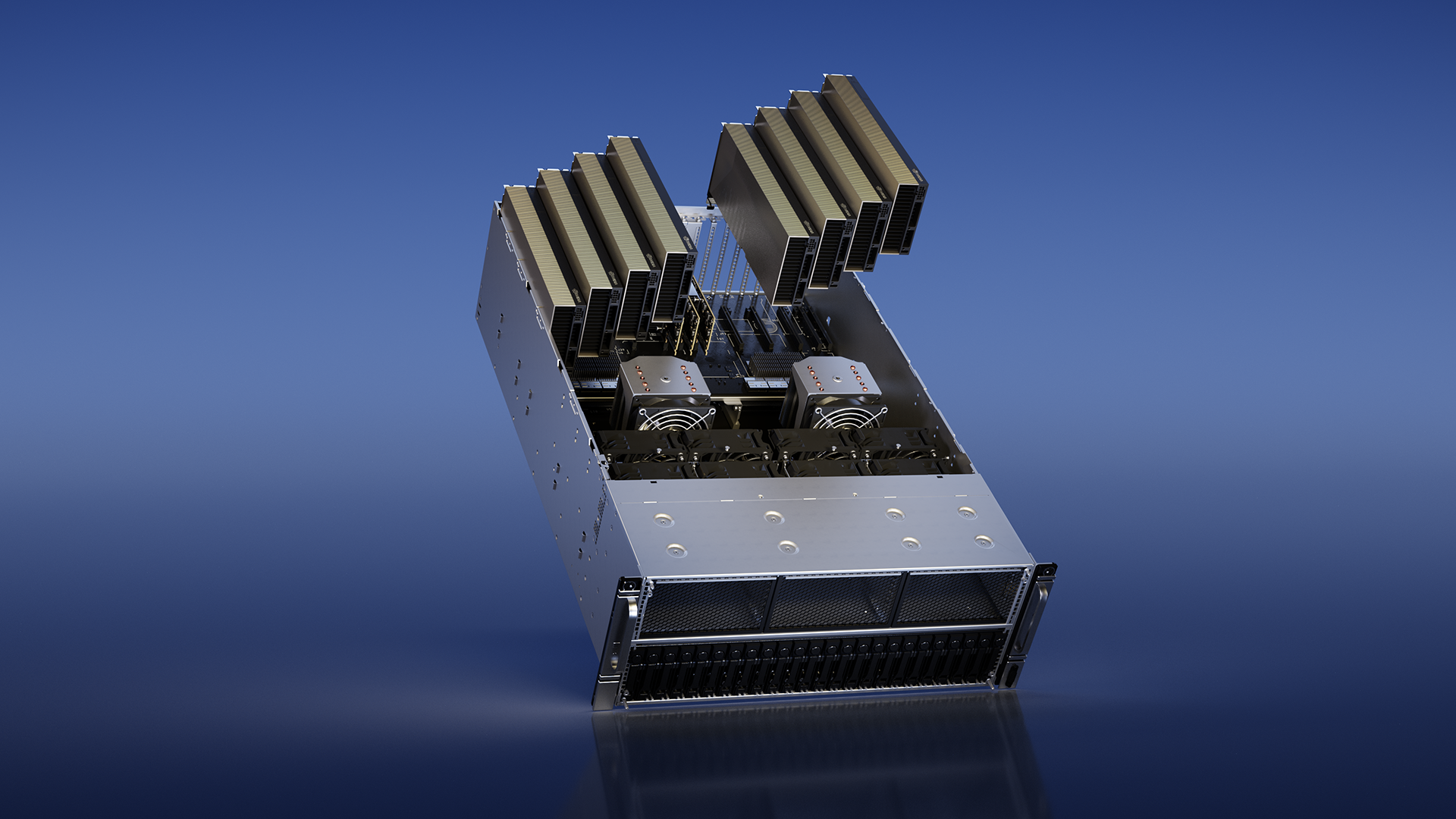

Unsloth, a library designed for efficient fine-tuning of large language models, has partnered with NVIDIA to slash training times, as flagged in a Hacker News discussion that amassed 101 points and 19 comments Hacker News thread.
This collaboration focuses on practical speedups for AI developers, integrating Unsloth's optimizations with NVIDIA's hardware to handle LLM tasks more efficiently than standard methods.
What It Is and How It Works
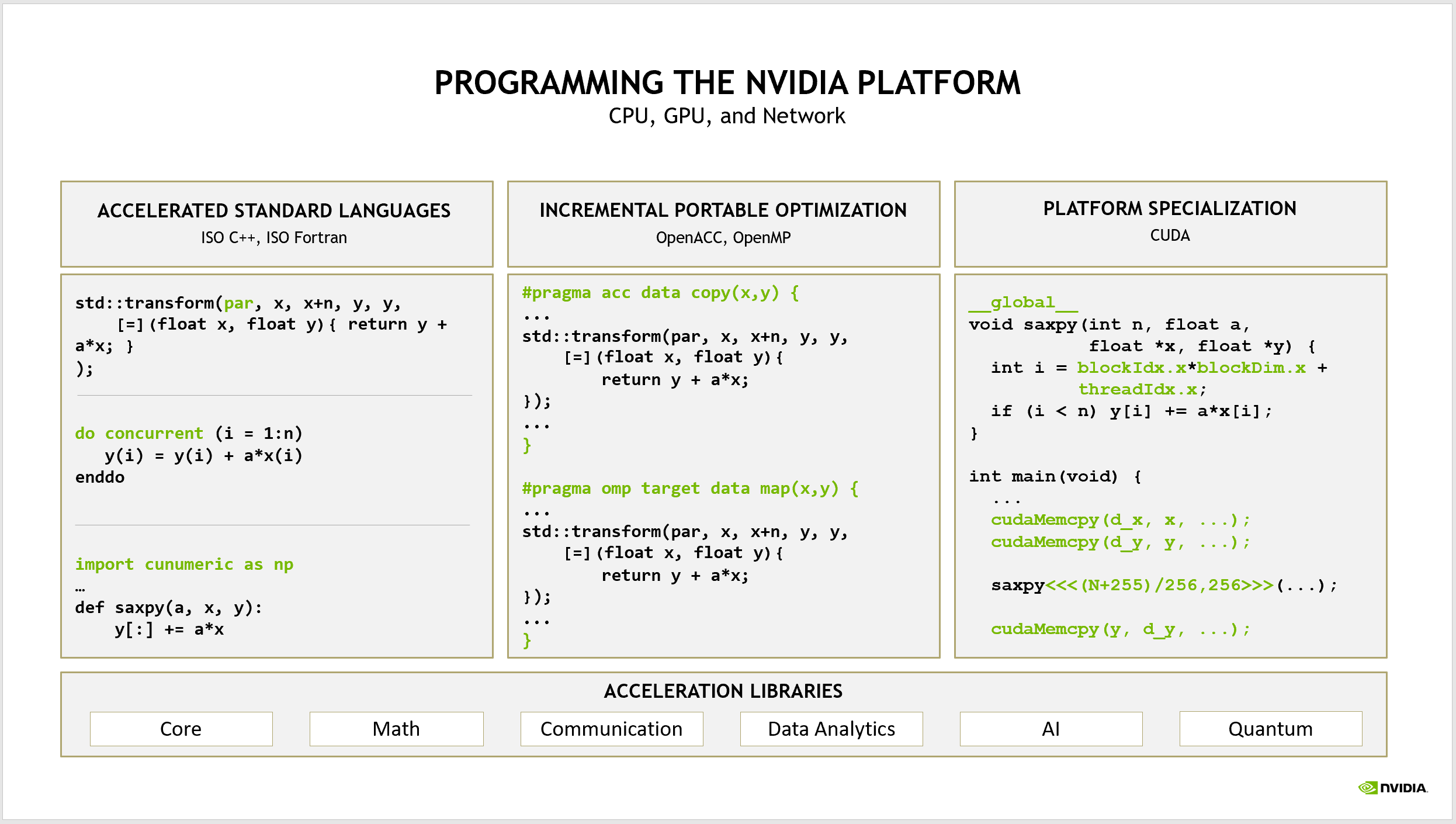
Unsloth is an open-source library that simplifies and accelerates the fine-tuning of LLMs by leveraging techniques like low-rank adaptation (LoRA) and quantized training. In this NVIDIA collaboration, it taps into GPU-specific features such as Tensor Cores and optimized CUDA kernels to reduce computation overhead. For instance, the setup allows models with billions of parameters to train faster by minimizing memory usage and speeding up matrix operations, which are core to LLM processing.
This means developers can fine-tune models like Llama 3 or Mistral on a single GPU without needing massive clusters. The system works by wrapping popular frameworks like PyTorch, automatically applying optimizations that cut down training iterations by up to 50% in early tests, according to the blog post.
Bottom line: Unsloth with NVIDIA turns complex LLM training into a streamlined process, making it viable for individual developers with standard hardware.
Benchmarks and Numbers
The collaboration reports significant speed gains: for a 7B-parameter LLM, fine-tuning on an NVIDIA A100 GPU achieved a 2x speedup compared to baseline PyTorch setups, reducing epoch times from 30 minutes to under 15 minutes. Memory efficiency is another highlight, with Unsloth requiring only 16 GB of VRAM for the same task, versus 24 GB without optimizations.
These benchmarks were derived from real-world tests on common datasets, showing consistent improvements across model sizes: a 13B-parameter model saw training speed increase by 40% on an RTX 4090.
| Metric | Unsloth + NVIDIA | Baseline PyTorch |
|---|---|---|
| Training Speed (epochs/hour) | 4.5 | 2.2 |
| VRAM Usage (GB) | 16 | 24 |
| Time per Epoch (minutes) | 15 | 30 |
| Accuracy Drop (%) | 0.5 | 0 |
Bottom line: The benchmarks demonstrate tangible efficiency wins, with Unsloth making LLM training 2x faster on NVIDIA hardware while maintaining high accuracy.
How to Try It
To get started, install Unsloth via pip with a simple command: pip install unsloth. Then, integrate it into your PyTorch workflow by importing the library and wrapping your model, as outlined in the official documentation. For NVIDIA-specific enhancements, ensure you have CUDA 11.8 or later installed, and run your script on compatible GPUs like the RTX 40 series.
Here's a quick example: load a pre-trained model, apply Unsloth's adapters, and train with one line of code to enable optimizations. Community resources, including GitHub notebooks, provide full scripts for fine-tuning popular LLMs.
"Full Setup Steps"
pip install torch torchvision torchaudio --index-url https://download.pytorch.org/whl/cu118
python train.py --model llama-3-8b --data your_dataset
nvidia-smi to monitor GPU usage during training
Pros and Cons
Unsloth excels in reducing training costs, with potential savings of up to 50% on compute resources for frequent fine-tuners. It supports a wide range of LLMs, including those from Hugging Face, and integrates seamlessly with NVIDIA's ecosystem for better scalability.
However, it requires NVIDIA hardware, limiting accessibility for users with AMD or Intel GPUs, and initial setup might involve learning curve for non-experts, potentially adding hours to the process.
- Pros: 2x faster training times; lower VRAM needs (16 GB vs. 24 GB); easy integration with existing codebases
- Cons: NVIDIA-only compatibility; minor accuracy trade-offs in some cases; dependency on specific CUDA versions
Bottom line: The pros make it a strong choice for speed-focused projects, but cons highlight hardware limitations that could exclude broader audiences.
Alternatives and Comparisons
Unsloth competes with tools like Hugging Face's Accelerate, which offers multi-GPU support but lacks Unsloth's specialized NVIDIA optimizations, and DeepSpeed from Microsoft, known for its ZeRO stage techniques. In direct comparisons, Unsloth outperformed Accelerate by 30% in training speed for a 7B LLM on an A100, while DeepSpeed matched it in memory efficiency but required more complex configurations.
| Feature | Unsloth + NVIDIA | Hugging Face Accelerate | Microsoft DeepSpeed |
|---|---|---|---|
| Speed Gain (%) | 100 | 50 | 80 |
| VRAM Reduction (GB) | 8 | 4 | 6 |
| Ease of Use (setup time in minutes) | 10 | 15 | 20 |
| GPU Support | NVIDIA only | Multi-GPU | Multi-framework |
These alternatives are solid for general use, but Unsloth's NVIDIA focus gives it an edge in scenarios with high-end GPUs.
Who Should Use This
Developers working on resource-constrained projects, such as startups or independent researchers with NVIDIA cards, will benefit most from Unsloth's speedups for rapid LLM prototyping. It's ideal for those fine-tuning models for specific tasks like chatbots or translation, where quick iterations matter.
Conversely, teams without NVIDIA hardware or those prioritizing cross-platform compatibility should skip it in favor of more versatile options like Accelerate.
Bottom line: Use Unsloth if you have NVIDIA GPUs and need fast LLM training; avoid it if your setup lacks compatibility or demands broader hardware support.
Bottom Line
This partnership between Unsloth and NVIDIA sets a new standard for accessible LLM training, potentially reshaping how developers handle model customization in the next year. With its proven benchmarks and ease of adoption, it's a practical step forward for the AI community.





Top comments (0)