

As an indie hacker, my product roadmap is driven by one thing: real user demand.
When we first launched the web version of our tool, the goal was simple—prove that our AI-driven image processing pipeline could handle complex manga inpainting and typesetting flawlessly. Once the Web app stabilized and built a loyal, consistent user base, the feedback loop kicked in. Our power users didn't want to keep downloading and uploading files; they wanted a seamless, zero-friction reading experience directly inside their target websites.
They demanded a browser extension. So, we locked in and shipped it.
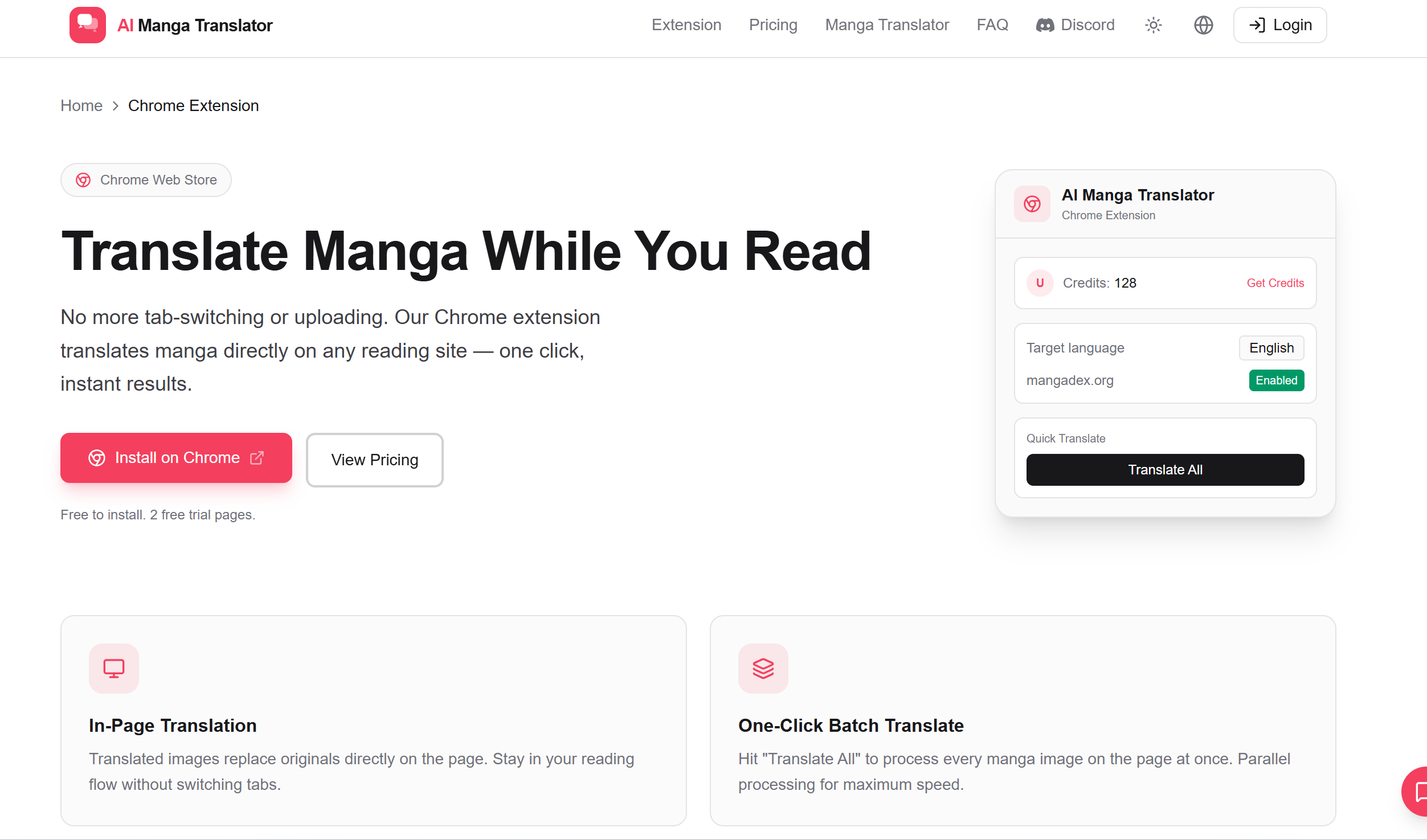
Today, as of July 8, the AI Manga Translator Chrome Extension has officially crossed 545 active users. For a lean, independent laboratory, this milestone is pure validation that we are solving a massive friction point for global readers.
Here is how we transitioned from web to extension, optimized the pipeline to render translations in under a second, and what we are building next.
The Extension Challenge: Bringing Heavy AI to the Live DOM
Moving our pipeline from a controlled web application into a dynamic browser extension introduced brutal engineering hurdles. Manga doesn't use HTML text—it is entirely flattened image data.
To deliver a premium experience, our extension injects content scripts directly onto target raw manga aggregators and webtoon portals. The system must extract the image data, pass it through our custom OCR and texture-matching background layers, and re-render the translated text without causing a single millisecond of layout shift or browser stutter.
Three Architectural Wins Driving Our Growth
1. In-Context DOM Overlays
Instead of forcing users to open a new tab or look at an intrusive popup, the extension injects a transparent canvas layer directly on top of the native image elements. The system seamlessly erases the original text bubbles and paints the new translations right in place. The native layout remains completely untouched; only the language changes.
2. Intelligent Intersection Pre-fetching
Manga readers scroll fast. If the extension only translates images when they hit the viewport, the reading flow is broken by loading spinners. We hooked our content scripts into the browser's native Intersection Observers. As you read the current page, the extension silently pre-fetches and processes the next 2 to 3 images down the stream. By the time you scroll down, it’s already fully rendered.
3. High-Efficiency Binary Transfers
We kept the local extension footprint incredibly lightweight. By optimizing how binary data is passed between the content scripts, background workers, and our serverless processing clusters, we cut down local memory serialization to near zero. It runs smoothly on everything from high-end rigs to basic Chromebooks.
What’s Next: Expanding the Ecosystem to Firefox
Reaching 545 users on Chrome proves that the demand for integrated, instant translation is scaling rapidly. But we aren't stopping here.
To support the broader, open-web community and accommodate the massive influx of requests from non-Chrome users, our next immediate step is bringing this exact high-performance pipeline to Firefox. The architecture is already being adapted to ensure Firefox users get the same lag-free, 1-second rendering experience.
Join the Movement
We are deeply grateful to the first 545 users who have trusted our extension to power their daily reading sessions. If you are ready to experience seamless, in-browser manga translation, grab the extension today:
👉 Install the AI Manga Translator Chrome Extension Live
Want to check out the original web platform that started it all, or explore our specialized French localization tools for European comic ecosystems? Visit our main hub:
👉 Explore the Official AI Manga Translator Multi-Language Site
Keep pushing boundaries, stay focused, and let's keep shipping.






Top comments (0)