
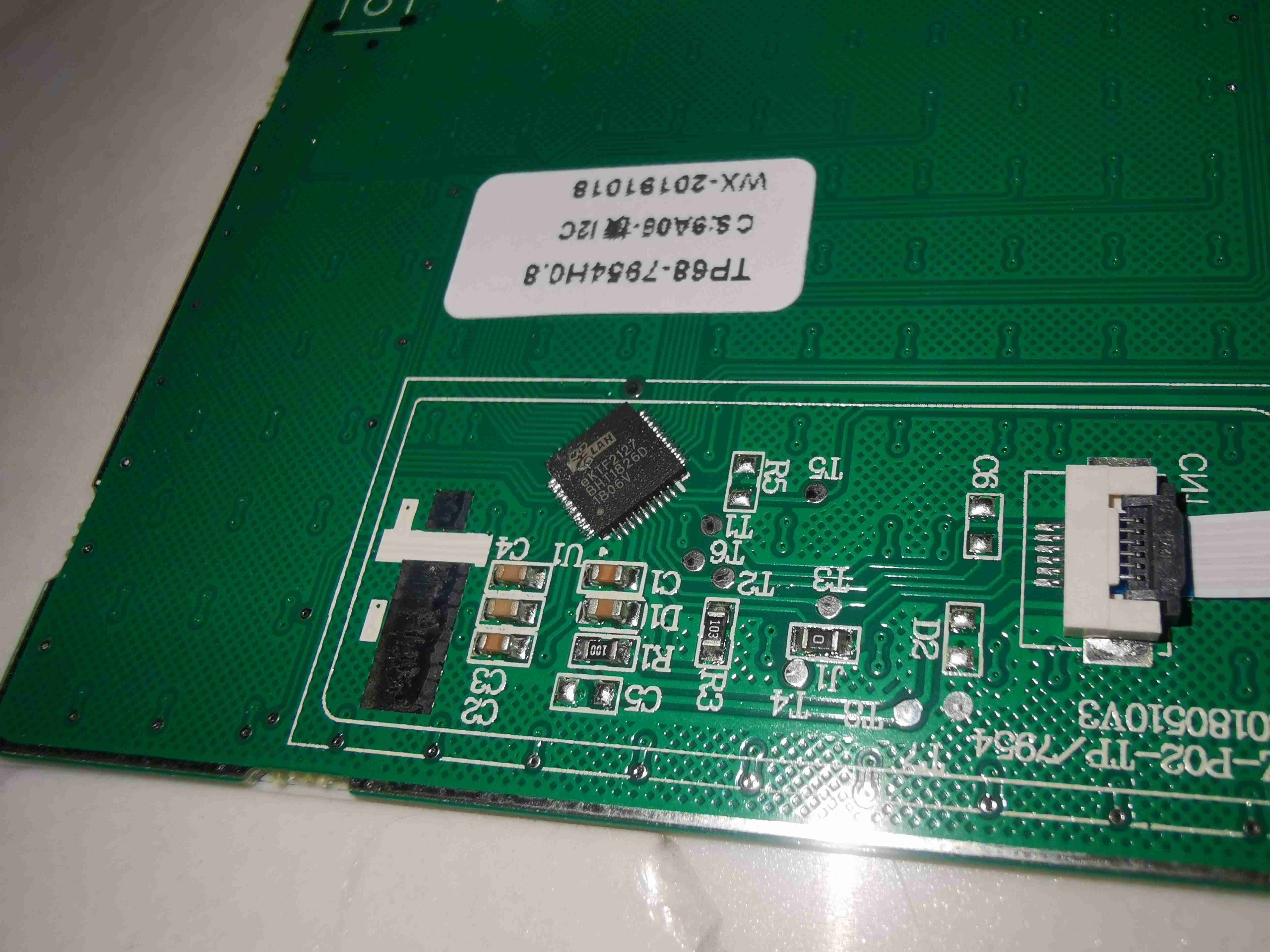

A recent Hacker News thread detailed how one researcher used Claude Code to analyze Android malware embedded in budget Chinese projectors. The post received 56 points and 12 comments, with readers noting the practical steps for decompiling APKs and tracing command-and-control behavior.
What It Is and How It Works
The workflow starts with extracting the APK from the projector firmware. Standard tools unpack the package, after which Claude processes the smali code and manifest files to identify suspicious permissions and network calls.
Claude generates summaries of each class and suggests data-flow paths. The researcher fed decompiled output in chunks, asking the model to flag hardcoded IPs and base64 strings that matched known C2 patterns.
Community Numbers and Engagement
The Hacker News discussion accumulated 56 points within 48 hours. Twelve comments focused on three themes: reliability of AI-generated decompilation notes, legal risks of analyzing commercial firmware, and requests for the exact prompt templates used.
Early testers reported that Claude reduced initial triage time from four hours to roughly 45 minutes on similar 2–3 MB APKs.
How to Try It
Install apktool and jadx, then run:
apktool d projector.apk -o out/
jadx -d sources/ out/
Feed the resulting Java or smali files into Claude Code with this structure:
- Upload one file at a time.
- Prompt: "List all network endpoints and explain their purpose."
- Request: "Rewrite this method in pseudocode and mark any obfuscation."
Save each response in a running analysis document.
"Example prompt sequence"
Pros and Cons
-
Pros
- Rapid explanation of unfamiliar smali constructs
- Consistent formatting of findings across multiple files
- Free tier sufficient for APKs under 5 MB
-
Cons
- Occasional hallucinated method names requiring manual verification
- Context window limits force chunking on larger codebases
- No native support for dynamic analysis or Frida scripts
Alternatives and Comparisons
| Tool | Primary Strength | AI Integration | Time for 3 MB APK |
|---|---|---|---|
| Claude Code | Code explanation | Native | 45 min |
| Ghidra + GPT-4o | Binary analysis | Plugin | 90 min |
| IDA Pro + custom scripts | Deep disassembly | Limited | 120 min |
Claude Code wins on speed for initial static review. Ghidra remains stronger when full binary lifting or scripting is required.
Who Should Use This
Security researchers analyzing IoT firmware and students learning Android internals benefit most. Teams already comfortable with apktool and basic Java will see the largest time savings. Skip this approach if the target involves heavy obfuscation or native libraries, where manual tools still outperform current models.
Bottom Line
Claude Code accelerates static analysis of Android malware in consumer devices when paired with traditional unpackers, but always requires human verification of flagged behaviors.
The approach signals a shift toward AI-assisted triage becoming standard in malware labs handling firmware-scale samples.






Top comments (0)