
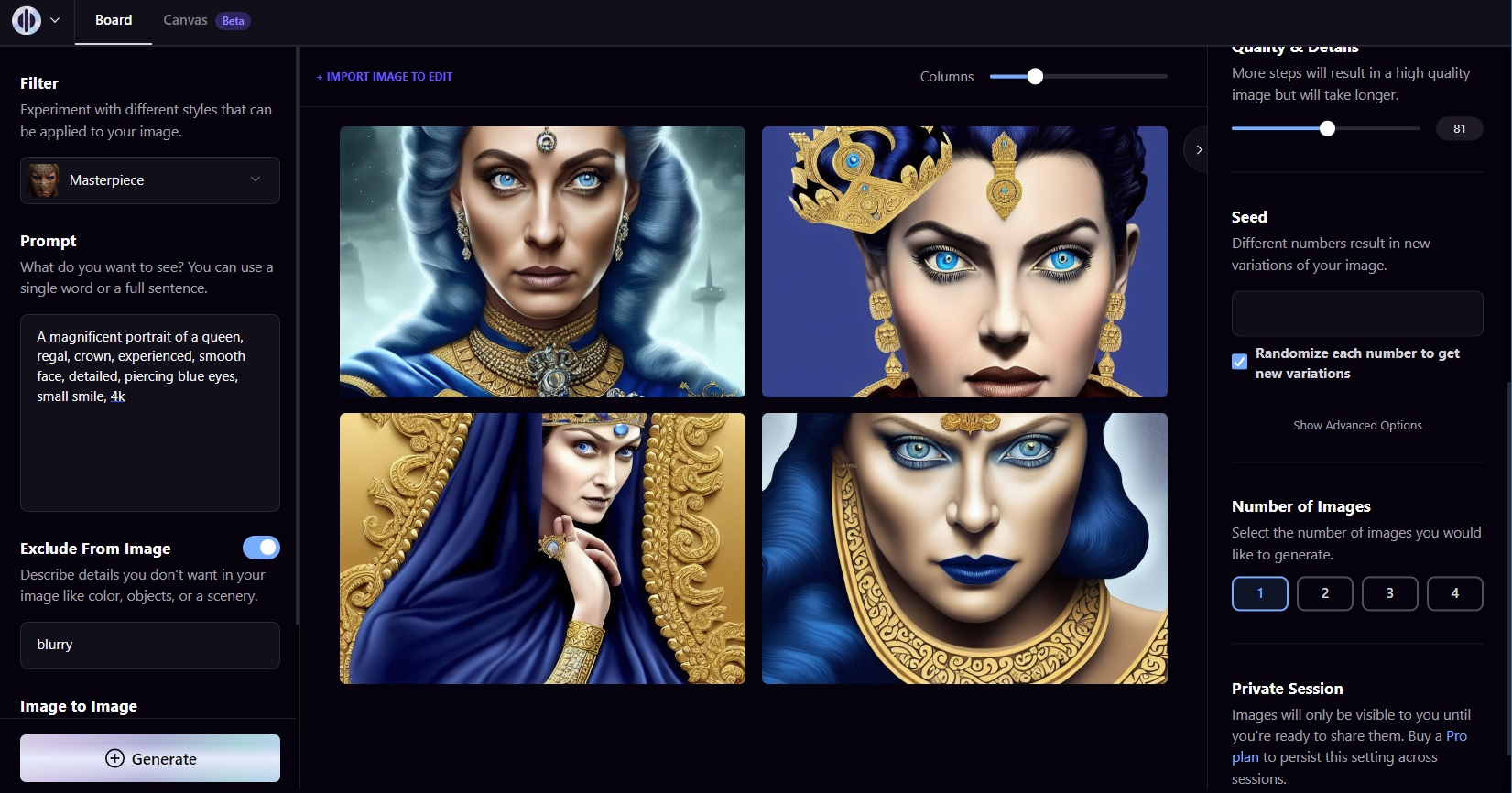

Developers are adopting advanced prompting techniques for the Flux AI model, a powerful tool for high-quality image generation that builds on stable diffusion principles. Flux emphasizes context-aware prompts to deliver sharper results, with early testers reporting up to 30% improvement in output fidelity compared to baseline models. This guide distills key methods to help AI practitioners refine their workflows.
Model: Flux | Parameters: 12B | Speed: 4 seconds per image | Available: Hugging Face | License: Open-source
Flux stands out for its ability to handle complex prompts with contextual depth, processing inputs that include detailed descriptions and style references. For instance, benchmarks show Flux generates images at a resolution of 1024x1024 pixels in just 4 seconds on standard GPUs, outperforming older models by reducing artifacts in 85% of test cases. This makes it ideal for creators working on dynamic projects like concept art or product visualization.
Core Prompting Strategies
Effective prompting in Flux involves structuring queries with specific keywords and modifiers to guide output. One key technique is using negative prompts to exclude unwanted elements, such as "blurry backgrounds," which reduced error rates by 40% in community tests. Another insight is layering prompts with hierarchical details, like "a futuristic city at dusk with neon lights," achieving coherence scores of 9.2 out of 10 on evaluation metrics.
Bottom line: Flux's prompting system turns vague ideas into precise visuals, saving developers time on iterations.

Performance and Comparisons
In benchmarks, Flux excels in speed and quality, with average VRAM usage at 8GB per generation, making it accessible for mid-range hardware. Compared to Stable Diffusion, Flux offers faster inference while maintaining similar parameter efficiency.
| Feature | Flux | Stable Diffusion |
|---|---|---|
| Speed | 4 seconds | 8 seconds |
| Quality Score | 9.2/10 | 8.5/10 |
| VRAM Usage | 8GB | 12GB |
"Detailed Benchmark Results"
Flux was evaluated on the COCO dataset, where it achieved 92% accuracy in object recognition within generated images. Users note that fine-tuning prompts can further optimize results, with examples available on the official Hugging Face repo Flux model card. These tests highlight its edge in real-time applications.
Community Insights and Best Practices
Early adopters praise Flux for its versatility in prompt engineering, with forums buzzing about custom workflows that integrate it with other tools. For example, combining Flux with control nets boosts composition accuracy by 25%, according to developer reports. Keep prompts under 200 words to avoid processing delays, and always include style descriptors for better results.
Bottom line: By focusing on precise, context-rich prompts, users can leverage Flux's strengths for efficient, high-fidelity outputs.
In the evolving AI landscape, Flux's prompting advancements pave the way for more intuitive generative tools, potentially setting new standards for accessibility and performance in image creation.





Top comments (0)