
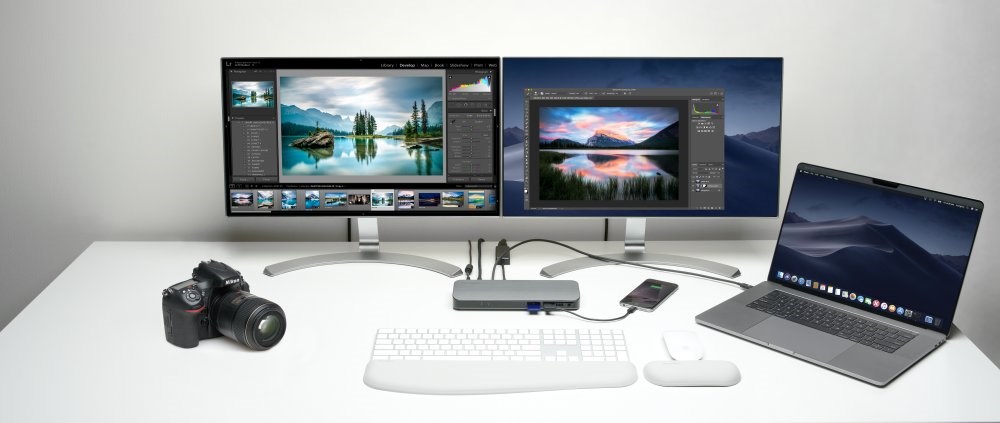

A recent Hacker News thread asked whether an M-series MacBook or a machine with a dedicated NVIDIA GPU delivers better results for local LLM inference. The post drew 24 points and 45 comments that focused on concrete hardware constraints rather than general preferences.
Memory Architecture Differences
Apple Silicon uses unified memory shared between CPU and GPU. Commenters noted this removes the need to copy weights between separate memory pools during inference. Dedicated GPUs rely on VRAM, which forces explicit data movement and caps model size to the card's onboard memory.
Users running 70B-class models reported fitting larger contexts on 64 GB or 128 GB unified memory Macs without swapping. The same models on 24 GB VRAM cards required quantization or layer offloading that slowed token generation.
Software Ecosystem and Tooling
Mac users highlighted the MLX framework for optimized inference on Apple hardware. Several comments pointed to llama.cpp builds that leverage Metal and deliver usable speeds on M2 and M3 chips. NVIDIA setups rely on CUDA-enabled backends such as vLLM or exllama, which currently support more quantization formats and multi-GPU scaling.
The thread recorded fewer plug-and-play options for Mac compared with the mature CUDA stack. Developers already maintaining CUDA codebases saw little reason to switch platforms for inference alone.
Performance Numbers Shared in Comments
One commenter reported 28 tokens per second on an M3 Max with a 34B model at 4-bit quantization. Another measured 42 tokens per second on an RTX 4090 with the same model size using exllama. No head-to-head benchmarks appeared for identical models and prompts, but the gap narrowed at smaller sizes under 13B parameters.
Power draw also surfaced: MacBooks sustained inference on battery for 90–120 minutes, while desktop GPUs required constant AC power and active cooling.
Cost and Portability Tradeoffs
A base M3 MacBook Pro with 36 GB unified memory starts near $2,400. An equivalent desktop build with an RTX 4070 Ti, 32 GB system RAM, and fast storage lands around $1,800 before monitor and case. The Mac includes a high-resolution display and battery, while the GPU rig offers easier RAM and storage upgrades.
Commenters who travel frequently favored the MacBook. Those running batch jobs or serving multiple users preferred the desktop GPU for its lower per-token electricity cost at scale.
Who Should Pick Each Option
Choose an M-series MacBook if you need a single portable device for coding, light fine-tuning, and occasional inference up to 70B quantized models. Skip the Mac if your workflow depends on the latest experimental CUDA kernels or multi-GPU training runs.
Choose a dedicated NVIDIA GPU when maximum tokens per second or support for niche quantization methods matters more than portability. Avoid the desktop route if you require a machine that also functions as a daily driver without a separate monitor setup.
Practical Next Steps
Test both paths with the same model using Ollama or LM Studio on each platform. Measure tokens per second and VRAM or unified memory usage at your target context length. The HN comments contain specific model and quantization combinations that early testers already validated.
Bottom line: The choice hinges on whether unified memory and portability outweigh raw CUDA speed for your specific model sizes and workflow.
Developers who already own an M-series Mac with 36 GB or more should benchmark their current setup before purchasing a separate GPU rig.






Top comments (0)