

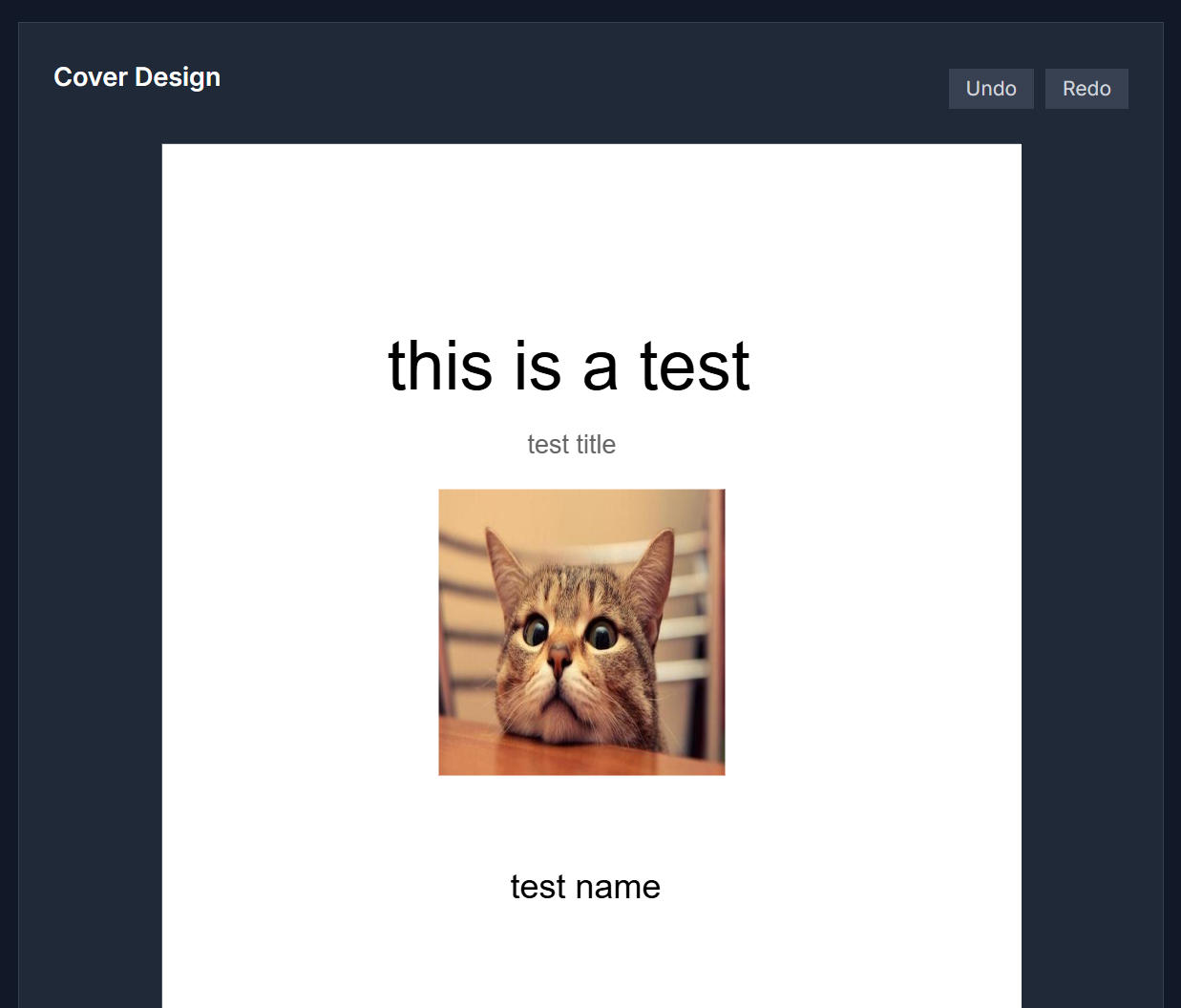
Imagine holding a book, an album, or a podcast episode; the cover is the first thing that grabs your attention. With Cover Factory, you become the creator of that first impression. This tool lets you design stunning covers — fast, easy, and beautifully, even if design tools intimidate you.
What You Can Do
- Choose from cover templates shaped for books, music albums, podcasts, social media posts, digital thumbnails
- Customize images, background colors, shapes, and overlays
- Add text with stylish fonts, adjust size, color, alignment, and effects
- Upload your own graphics or pick from a built-in image / icon gallery
- Layer elements: bring text in front or behind shapes, adjust transparency or shadows
Who It’s For / Where It Shines
- Authors & Self-Publishers crafting book covers for ebooks or printed books
- Musicians preparing album art or podcast cover art that looks polished
- Social media creators needing thumbnails or featured images that stop the scroll
- Entrepreneurs making marketing materials, product covers, event promotions
- Anyone wanting a creative outlet to express visually without steep learning curves
How to Bring Your Cover to Life
- Launch Cover Factory in your browser.
- Pick a template based on the cover type you need.
- Pick or upload an image / background that matches your theme.
- Add text — title, subtitle, name. Play with fonts, size, colors.
- Adjust layout: move elements, resize, change layers, adjust opacity or effects.
- Preview your cover. Once satisfied, download in high resolution or export for print / digital use.
What Makes It Stand Out
Cover Factory doesn’t ask you to learn complex design software. Instead, it gives you creative freedom with guardrails: templates make things fast; layer control gives flexibility; image assets + font choices give polish. Whether you’re a beginner or someone wanting quick, quality visuals, this tool bridges the gap.
Common Questions
Do I need design experience?
No. The interface is intuitive and visual. Templates guide you; adjustments are drag-and-drop or point-and-click.
Can I use my own images?
Absolutely. You can upload your own image or graphics, or use built-in assets.
What formats are available for export?
Typically high-resolution image formats suitable for digital or print (e.g. PNG, JPEG).
Is there a cost or registration needed?
It’s free to start; no mandatory sign-ups for basic functions.
Let’s Create Something Great
Don’t let average visuals hide your message. With Cover Factory, design a cover that gets noticed.
Try Cover Factory now



Top comments (0)