

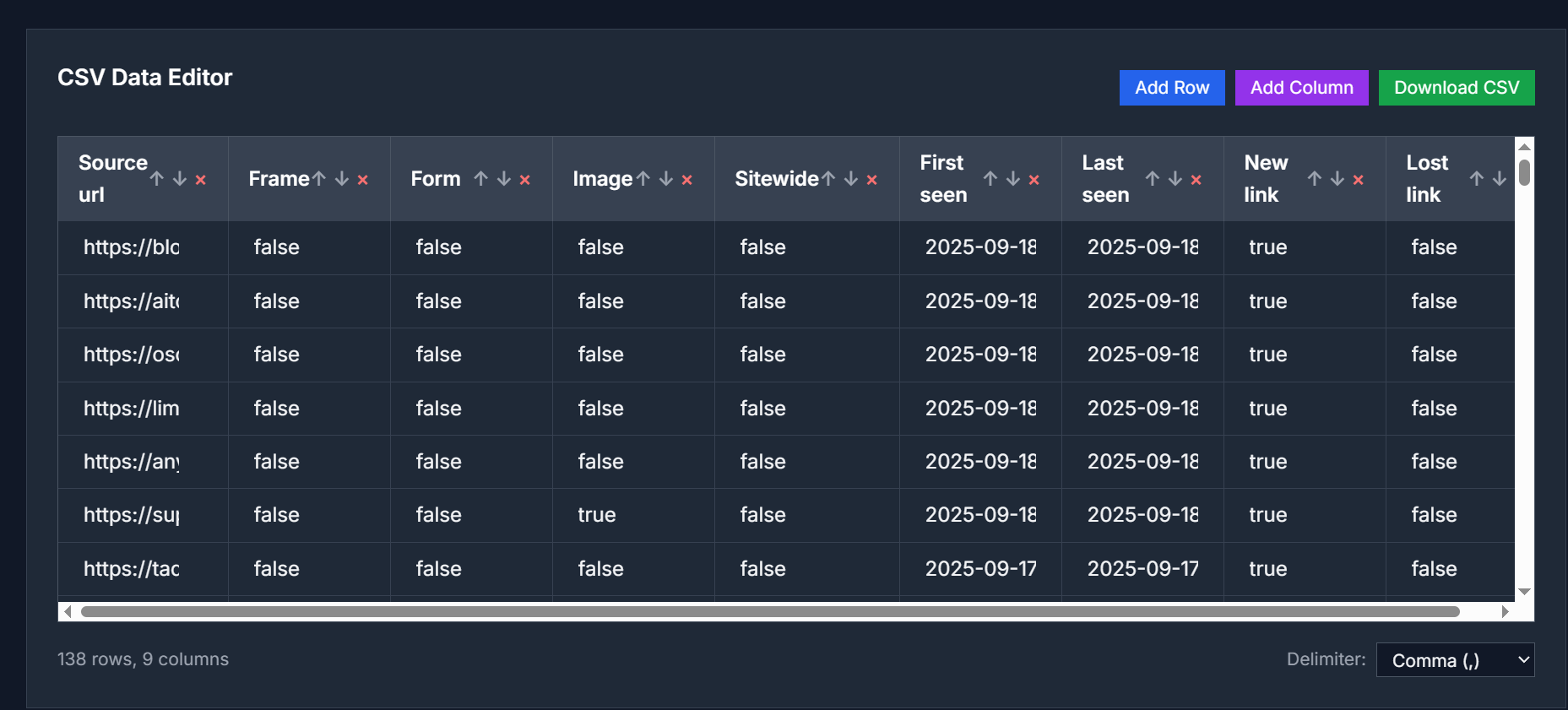
The CSV Editor is a free, browser-based tool that allows you to view, edit, and manipulate CSV files without the need for any software installation. It supports various delimiters and offers a range of features to help you manage your data efficiently.
Key Features
- Upload and Edit CSV Files: Easily upload CSV files from your computer and edit them directly in your browser.
- Support for Multiple Delimiters: Handle CSV files with different delimiters such as commas, semicolons, tabs, and pipes.
- Add or Remove Rows and Columns: Quickly add new rows or columns, or remove existing ones as needed.
- Sort and Filter Data: Organize your data by sorting columns in ascending or descending order and filter rows based on specific criteria.
- Download Edited Files: After making changes, download the edited CSV file to your computer.
Use Cases
| Scenario | Benefit |
|---|---|
| Data Analysis | Clean and organize raw data exports from databases or surveys. |
| Contact Management | Edit and organize contact lists or mailing lists. |
| Inventory Management | Update product catalogs and inventory lists. |
| Financial Records | Process bank statements and expense reports. |
| Data Migration | Prepare data for system migrations or database imports. |
How to Use
- Upload CSV File: Click the "Upload CSV File" button to select a file from your computer.
- Edit Data: Click on cells to edit their content, add or remove rows and columns as needed.
- Apply Changes: Use the sorting and filtering options to organize your data.
- Download Edited File: Once you're satisfied with the changes, click the "Download CSV" button to save the edited file.
FAQ
What is a CSV Editor?
A CSV Editor is a specialized tool that allows you to view, edit, and manipulate CSV (Comma-Separated Values) files. You can add, delete, sort columns and rows, modify cell data, filter information, and export the results in various formats.
Is this CSV Editor free to use?
Yes, our CSV Editor is completely free to use. There are no charges, registration requirements, subscription fees, or limitations on file size or number of edits you can make. All features are available without any cost.
Is my CSV data safe when using this editor?
Absolutely. All CSV processing is done locally in your browser using JavaScript. Your data is never uploaded to our servers, transmitted over the internet, or stored anywhere. This ensures complete privacy and security of your sensitive information.
What file formats and delimiters are supported?
Our editor supports CSV files with various delimiters including comma (,), semicolon (;), tab, and pipe (|). You can change the delimiter setting to properly parse your data. The tool also handles quoted fields and escaped characters correctly.
Can I sort and filter CSV data?
Yes, you can sort columns in ascending or descending order by clicking on column headers. The editor also supports filtering rows based on criteria and searching for specific values within your CSV data to help you find and organize information quickly.
What are the file size limitations?
Since all processing happens in your browser, the file size is limited by your device's memory and browser capabilities. Most modern browsers can handle CSV files up to several hundred megabytes, but performance may vary depending on your system specifications.
Can I download the edited CSV file?
Yes, you can download your edited CSV file at any time using the "Download CSV" button. The file will be saved with your chosen delimiter format and will include all your modifications, additions, and deletions.
Try It Now
Edit your CSV files online:
👉 CSV Editor



Top comments (0)