

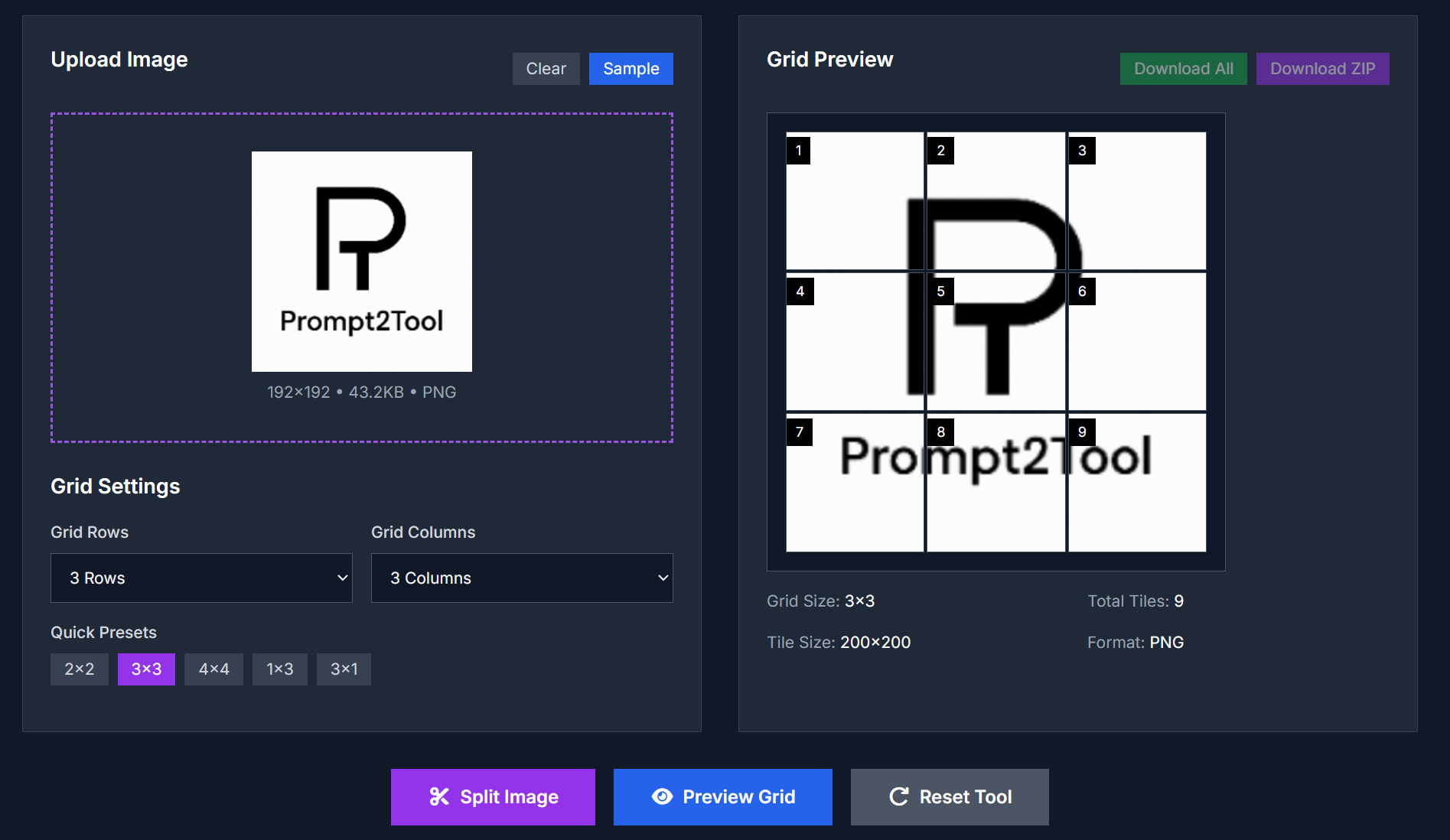
Image Grid Splitter lets you divide a single image into multiple tiles for Instagram, social media feeds, puzzles, or any creative grid layout while preserving image quality. No watermark, no account needed.
Key Features
- Upload images (JPG, PNG, GIF, WebP) up to 10MB in size.
- Choose grid dimensions: rows × columns (2×2, 3×3, 4×4, 5×5) or custom combinations up to 5×5.
- Quick presets available: 1×3, 3×1, 2×2, 3×3, 4×4.
- Preview the grid before splitting.
- Download tiles individually or all at once via ZIP file.
- Output format is PNG to keep quality and support transparency.
Use Cases
| Scenario | Benefit |
|---|---|
| Instagram Grid Posts | Create seamless multi-post layouts that form a larger image when viewed in profile. |
| Social Media Campaigns | Break large promos or infographics into tiles for story-series or carousel posts. |
| Digital Puzzles | Split images into tiles to be rearranged as puzzles or interactive content. |
| Portfolio Showcases | Display artwork or photography in organized grid formats for online galleries. |
| Educational Materials | Divide diagrams/maps into sections for step-by-step teaching and detail focus. |
| Video Thumbnails / Thumbnails Series | Prepare consistent tile series for video channels or content digests. |
How to Use
- Open the Image Grid Splitter tool in your browser.
- Upload or drag & drop your image.
- Select how many rows and columns you want in the grid.
- Preview the grid to see how the splits will look.
- Click Split Image.
- Download each tile individually or click Download ZIP to get all tiles in a packaged file.
FAQ
What image formats are supported?
Supported formats include JPG, PNG, GIF, WebP.
Does it preserve image quality?
Yes. The tool splits images without quality loss. Each tile retains the original pixel data for its portion.
What is the maximum grid size?
You can choose up to 5 rows × 5 columns (i.e. a 5×5 grid).
Do I need to register or pay?
No. The tool is free, with no registration required, and no watermarks.
Is the output format adjustable?
Tiles are output in PNG format to preserve quality and support transparency.
Where is image processing done?
Processing happens locally in your browser. Images are not uploaded to servers, protecting your privacy.
Try It Now
Split your images for grid layouts or creative designs:
Image Grid Splitter



Top comments (0)