

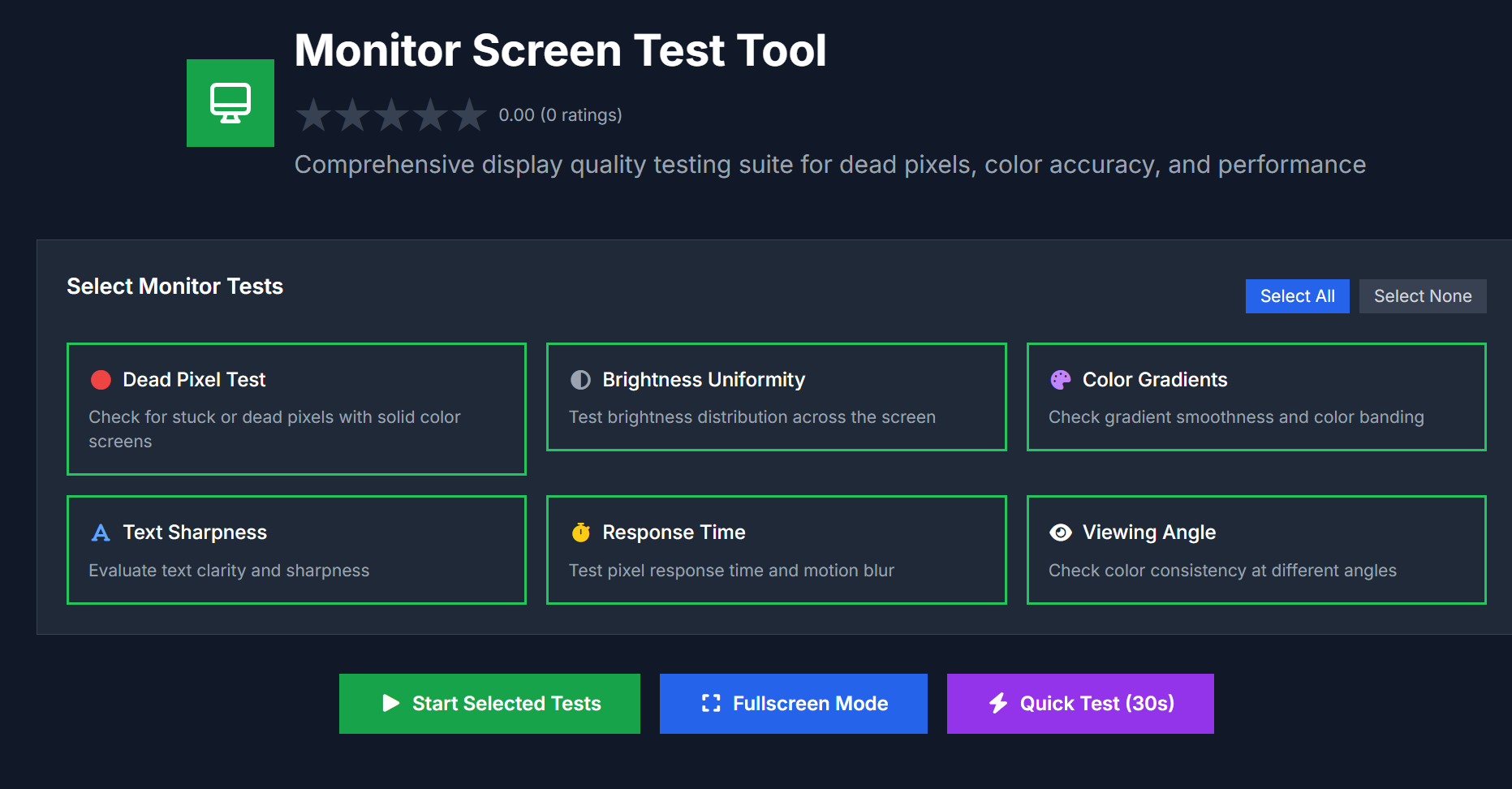
Monitor Screen Test Tool is a free browser-based utility for diagnosing common display issues. Whether you suspect stuck pixels, poor color uniformity, or want to adjust brightness and contrast, this tool helps you identify and fix screen problems without needing special hardware.
Key Features
- Solid color screens (black, white, red, green, blue) for detecting stuck or dead pixels
- Gradient test to reveal banding or uneven color transitions
- Checkerboard / Grid pattern for alignment, geometry, and sharpness checks
- Ability to toggle full-screen or borderless mode for better visibility
- Quick comparison of multiple test scenes
- No registration or installation needed
Use Cases
| Scenario | Benefit |
|---|---|
| Buying a new monitor | Check for dead/stuck pixels before acceptance |
| Calibrating color settings | Adjust contrast, brightness, color uniformity |
| Troubleshooting display issues | Reveal image distortion, misalignment, or bleed |
| Gaming and video editing | Ensure accurate colors and sharp detail |
| Routine maintenance | Keep screen performance consistent over time |
How to Use
- Open the Monitor Screen Test Tool in your browser
- Select a test pattern (solid color, gradient, grid, etc.)
- Switch to full-screen mode if available to remove UI distractions
- Observe carefully: look for color shifts, dead/stuck pixels, irregularities
- Use multiple test patterns to cover different test types
- Exit full screen when done; adjust your monitor settings if needed
Advantages
- Very quick and easy way to check screen health
- Covers multiple test types in one tool
- Works entirely in the browser; no extra downloads or drivers
- Helpful even without technical equipment
- Good for casual users, gamers, designers, and tech enthusiasts alike
FAQ
Can I test my monitor on any device (desktop / laptop / mobile)?
Yes, though the experience is best on larger screens and desktops. Some test patterns may be harder to evaluate on smaller/mobile displays.
Does it require registration or payment?
No. It’s free and does not require you to create an account.
Will it damage my eyes if I leave full screen for too long on bright colors?
Bright colors in full screen can be harsh. Use short intervals, reduce brightness, or look away regularly.
What should I do if I find stuck or dead pixels?
Depending on your warranty/monitor brand you might get replacement. Sometimes pixel massage tools help, but results vary.
Try It Now
Check your screen’s performance quickly using this tool:
Monitor Screen Test Tool



Top comments (0)