

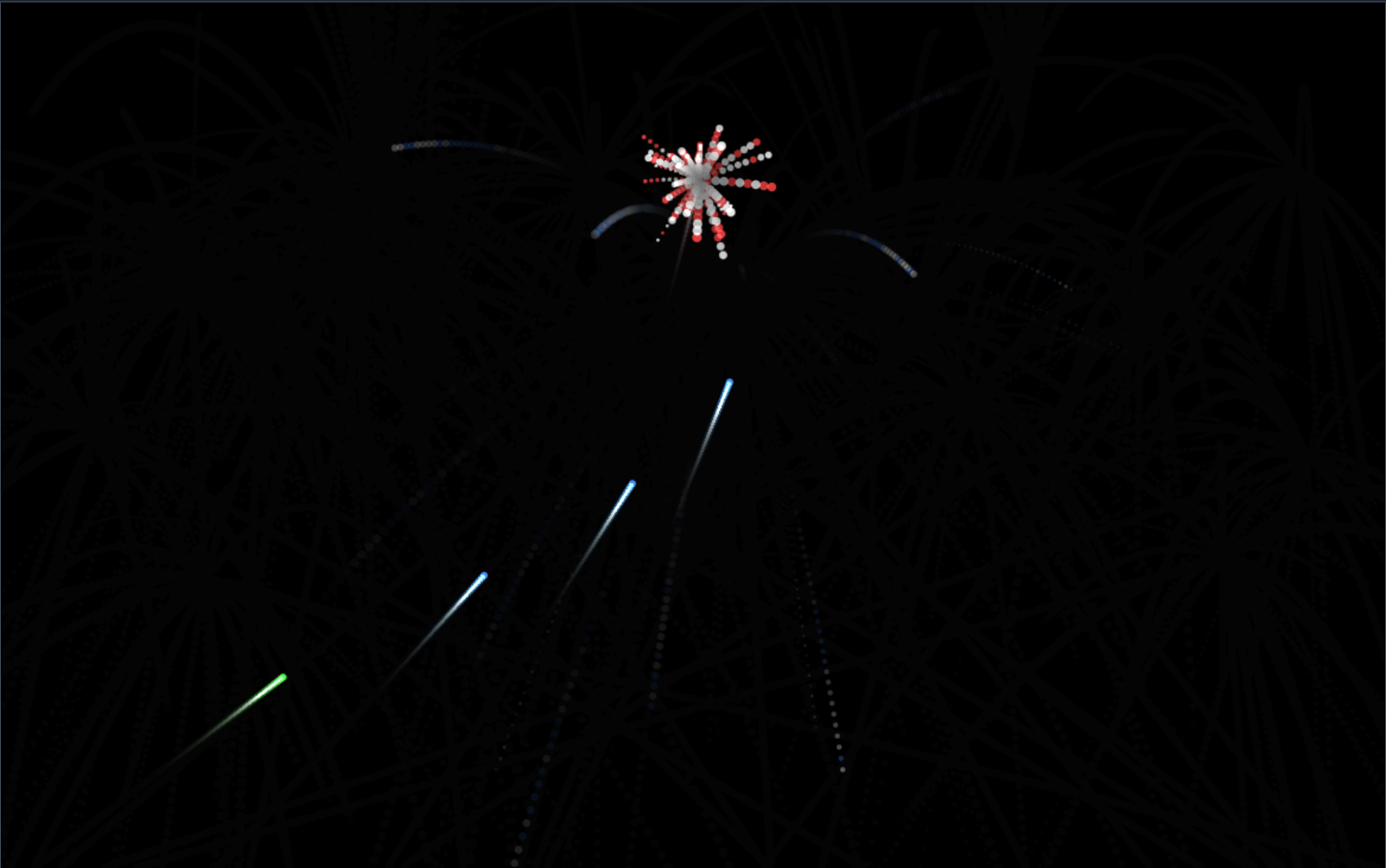
Virtual Fireworks Display is a fun browser-based tool that lets you generate animated fireworks on screen. Customize colors, shapes, sounds, and display settings to create your own digital light show. Perfect for celebrations, parties, events, or simply enjoying a festive mood online.
Key Features
- Interactive firework animations that respond to your clicks or timed triggers
- Multiple firework styles, colors, and sizes to choose from
- Background settings (night sky, city silhouette, etc.) and custom sound effects
- Adjustable timing and intensity (e.g., burst count, delay between launches)
- Works fully in browser — no installs or registrations needed
Use Cases
| Scenario | Why It Fits |
|---|---|
| Virtual celebrations | Add sparkle to online parties, virtual events, or greeting cards |
| School / presentations | Use as a visual effect for slideshows or interactive teaching |
| Web & UI design mockups | Showcase festive or celebratory themes on websites or apps |
| Personal enjoyment | Relax or entertain yourself with a beautiful visual display |
| Marketing & Social Media | Create short festive animations or captures to share on social platforms |
How to Use
- Navigate to the Virtual Fireworks Display page.
- Choose firework styles, colors, and any background or sound settings.
- Set display parameters like number of bursts, delay, intensity, or fade-out.
- Start the show by clicking or triggering events.
- Replay, tweak settings, or restart to get the effect you like.
Advantages
| Feature | Virtual Fireworks Display | Static Images / Videos |
|---|---|---|
| Interactivity | You control how and when fireworks launch | Fixed animation, no user input |
| Customization | Colors, shapes, sounds adjustable | Often preset and not editable |
| No downloads or installation | Runs in browser | Video editors or apps needed for custom content |
| Lightweight & fast | Quick loading and responsive | Videos can be large or slow to render |
FAQ
Can I use my own background image or music?
If the tool supports uploads of custom assets, yes; otherwise you'll use the built-in options.
Does this tool cost anything?
No, it’s free and requires no registration.
Will it work in all browsers?
It should work in modern browsers with HTML5 / Canvas support. Some features (like custom sounds) may vary by browser.
Is there support for mobile?
Yes, but performance might differ depending on the device’s capabilities.
Try It Now
Experience your own virtual fireworks display here:
Virtual Fireworks Display



Top comments (0)