

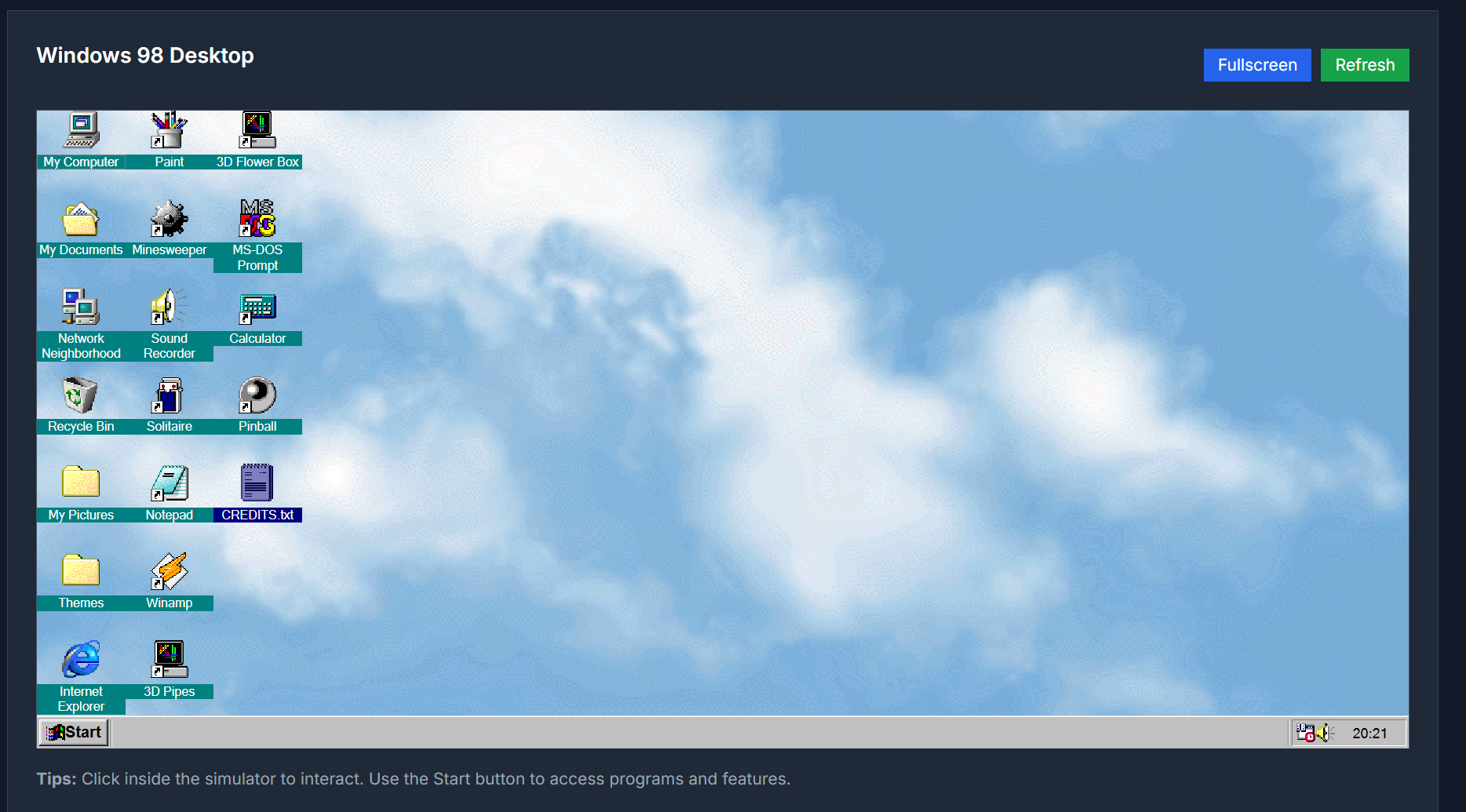
Windows 98 Simulator lets you experience the look and feel of the iconic Windows 98 operating system directly in your browser. Complete with classic desktop, start menu, icons, and nostalgic system sounds, it’s a fun throwback for retro lovers, educators, or anyone curious about older OS design.
Key Features
- Authentic Windows 98 style desktop environment: Start menu, taskbar, window frames, desktop icons
- Classic apps included: Notepad, Paint, Calculator, Minesweeper, Solitaire, etc.
- System sounds reminiscent of the late 90s: startup, shutdown, clicks, alerts
- Functional UI interactions: drag & drop, open/close windows, resize, move icons
- Works in modern browsers, no installation needed
- Responsive to desktop / tablet / large screen view
Use Cases
| Scenario | Benefit |
|---|---|
| Retro fun / nostalgia | Jump back to a simpler era and enjoy the visuals and sounds you remember |
| Education / UX History | Show students or designers how early GUIs worked and how UI/UX evolved |
| Content & Media Creation | Create retro themed visuals, thumbnails, or artwork with authentic vibes |
| Demonstrations & Prototypes | Prototype applications with vintage desktop feel or playful demos |
| Museum / Tech Exhibits | Illustrate computing history by letting people interact with an OS from the past |
How to Use
- Go to the Windows 98 Simulator page
- Wait for the interface to load; you’ll see the classic desktop with icons
- Interact using mouse/touch: open “My Computer”, launch built-in apps like Notepad, Paint, Minesweeper etc.
- Move or resize windows, explore menus, enjoy the transition animations and sounds
- Close or restart the simulation when done
Pros & Considerations
-
Pros
- High nostalgia factor; strong visual and auditory throwback
- No installation or login required — instant access
- Good for creativity, education, fun
-
Considerations
- Not a full OS — functionality is limited to simulation of core apps
- Performance / animations depend on browser speed / device power
- No file persistence across sessions
FAQ
Is this a real Windows 98 OS?
No. It’s a simulation/emulation of the interface and common apps, not a full operating system with full low-level functionality.
Does it work offline?
No; to load assets, scripts, and sounds, you’ll need internet access. Once loaded, some parts may run locally within the session.
Are my interactions saved?
Usually not. This simulator doesn’t save files or settings across closed sessions.
Which browsers are supported?
Modern browsers that support HTML5, CSS3, WebAudio etc. Edge, Chrome, Firefox, Safari — desktop and large screen tablets work best.
Is it free to use?
Yes, you can try the simulator for free, without registration.
Try It Now
Step into the vintage cyber-wonder of Windows 98:
Windows 98 Simulator



Top comments (0)