
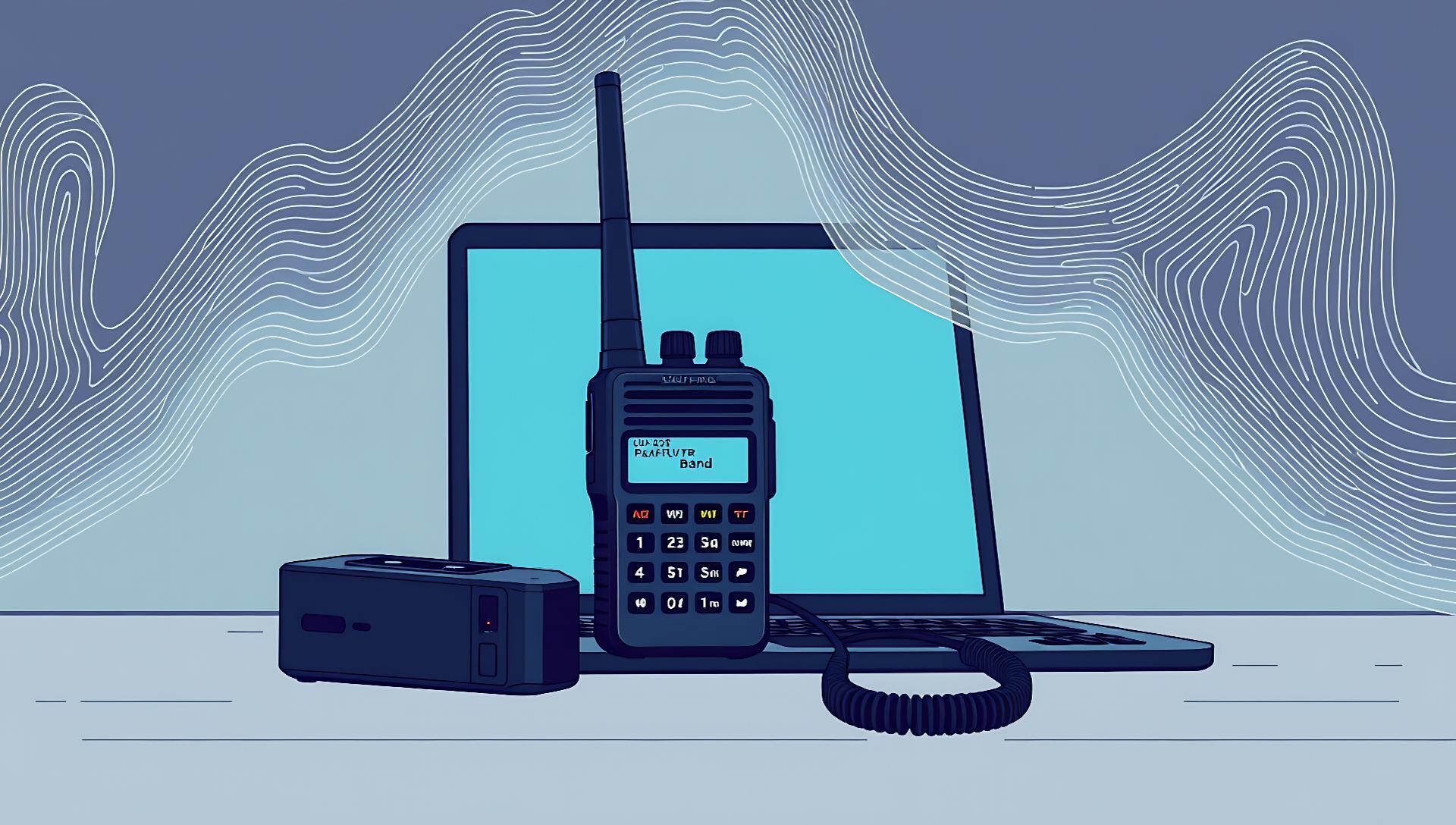

A new Python utility for programmatically managing Baofeng UV-5R radio configurations surfaced on Hacker News, offering a scriptable alternative to manual GUI tools. The UV-5RM-Radio-Mod tool enables developers and researchers to automate the reading and writing of channel settings, frequencies, and CTCSS codes via a serial connection.
Tool: UV-5RM-Radio-Mod | Language: Python 3 | Interface: Serial CLI
License: MIT | Dependencies: pyserial, argparse
How It Works: Scripting Over Serial
The core of UV-5RM-Radio-Mod is a command-line interface that communicates with a Baofeng UV-5R radio connected via a programming cable. It bypasses point-and-click software by sending direct serial commands. You can dump a radio's full configuration to a CSV file with one command, modify the data programmatically, and write it back—enabling batch operations and version control for radio setups.
The tool uses the same underlying serial protocol as the popular CHIRP software but exposes it through a Python API. Early testers on the HN thread noted its reliability for bulk editing hundreds of channels, a tedious process in graphical tools.
How to Try It: Setup in Three Steps
Getting started requires specific hardware and a standard Python environment. The process is straightforward for developers familiar with CLI tools.
Software: Install from GitHub and required libraries:"Installation and Commands"
git clone https://github.com/jakegarrett13-afk/UV-5RM-Radio-Mod.git
cd UV-5RM-Radio-Mod
pip install pyserial
Basic Usage: Connect the radio (powered on) and identify its serial port (e.g., COM3 on Windows, /dev/ttyUSB0 on Linux).
- Read all config to a file:
python uv5rm.py -p COM3 read -o radio_backup.csv - Write config from a file:
python uv5rm.py -p COM3 write -i new_config.csv
Pros and Cons: The Automation Trade-off
This tool fills a specific niche but isn't a replacement for all users.
Pros:
- Enables automation: Integrate radio programming into larger deployment scripts or CI/CD pipelines for field devices.
- Version control friendly: Configuration stored as CSV can be diffed and tracked in Git.
- Lightweight: No GUI overhead; runs on headless servers or Raspberry Pi units.
Cons:
- No GUI validation: Lacks the visual safeguards and real-time spectrum data of CHIRP, increasing risk of user error.
- Hardware-dependent: Requires the exact correct cable and driver setup; serial port issues are common.
- Narrow scope: Only supports UV-5R and closely related models, unlike CHIRP's support for thousands of radios.
Alternatives and Comparisons
For programming Baofeng radios, CHIRP is the dominant open-source tool. The choice hinges on workflow needs: manual management versus automation.
| Feature | UV-5RM-Radio-Mod | CHIRP |
|---|---|---|
| Primary Interface | Command Line (CLI) | Graphical (GUI) |
| Automation | Full (Python scripts) | Limited (via CLI companion) |
| Ease of Setup | Moderate (requires serial setup) | Easy (downloadable executable) |
| Radio Support | Baofeng UV-5R series | ~2000+ models from many brands |
| Data Format | CSV | .img proprietary, CSV export |
| Best For | Batch operations, integration | One-off programming, exploration |
For those needing automation with broader hardware support, CHIRP's command-line companion (chirpc) offers a middle ground, though its API is less direct than a pure Python library.
Who Should Use This
This tool is highly specialized. It delivers clear value for specific scenarios but is unnecessary for most casual users.
Use UV-5RM-Radio-Mod if:
- You are a developer or researcher deploying multiple radios in the field (e.g., for sensor networks, disaster response comms) and need identical, version-controlled configurations.
- You are building a larger system where radio config is one component and must be managed programmatically alongside other device provisioning.
- You prefer infrastructure-as-code principles for all your hardware setups.
Skip it and use CHIRP if:
- You program radios infrequently or one at a time.
- You need support for multiple radio models beyond the UV-5R.
- You value the visual safety checks and live frequency database of a GUI.
Bottom line: This is a niche automation tool for a specific hardware piece, not a general-purpose radio programming solution.
The Verdict: A Niche Tool for Hardware-AI Pipelines
UV-5RM-Radio-Mod won't replace CHIRP, but it doesn't try to. Its value is in bridging the gap between consumer radio hardware and automated software workflows. For AI practitioners and developers working on edge deployments, drones, or field research projects that incorporate radio communication, this scriptable layer is a logical step. It treats hardware configuration as code—a principle that is becoming standard in IoT and robotics but is still rare in consumer RF gear. The project's simplicity and MIT license make it a low-risk component to embed in larger toolchains, signaling a small but meaningful push toward full-stack automation of field hardware.






Top comments (0)