

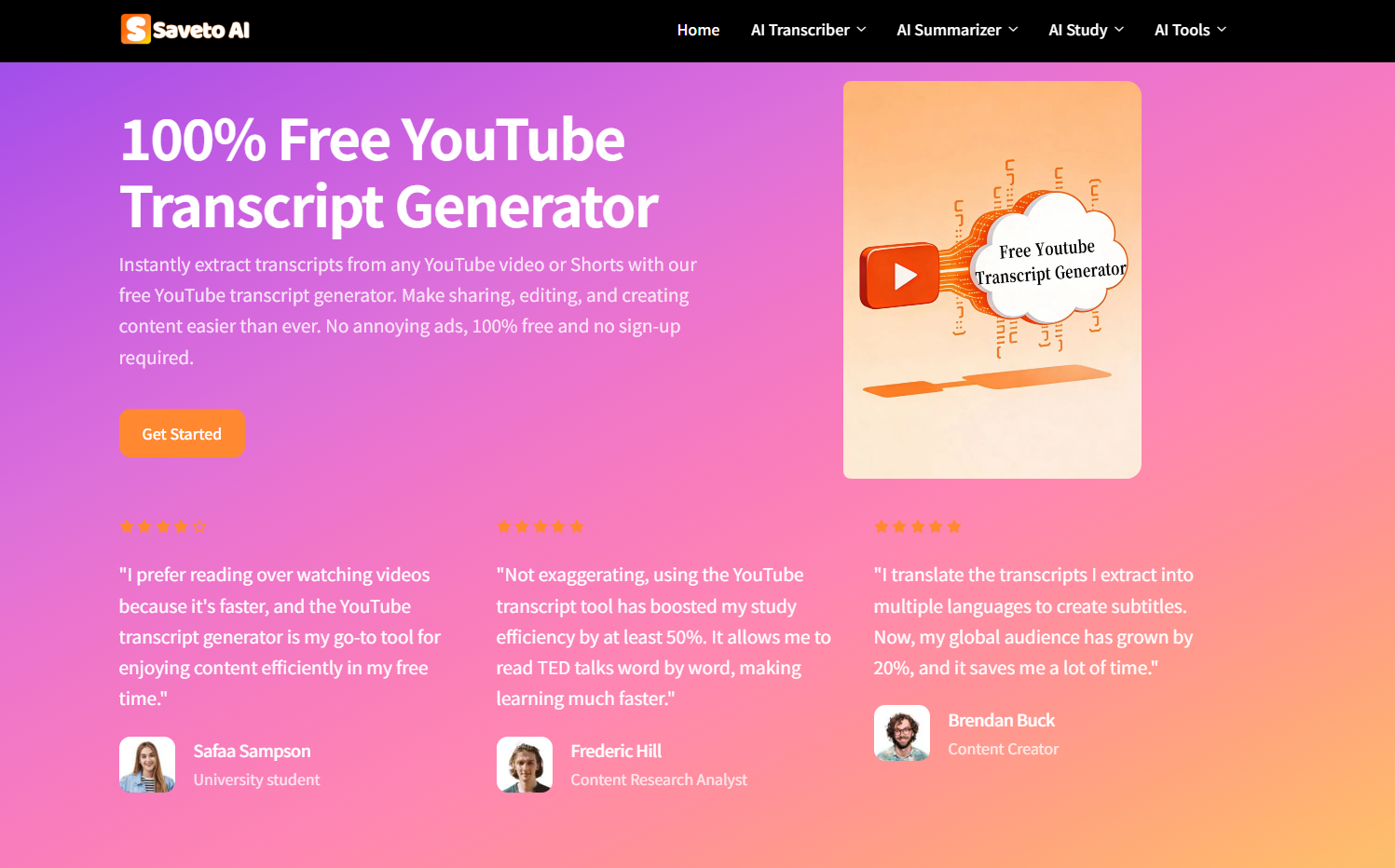
In today’s fast-paced world, videos are everywhere—from online courses and tutorials to webinars and social media content. But watching every video in full can be time-consuming, and taking notes manually is often tedious. This is where Saveto AI’s YouTube Transcript Generator comes in. It’s a completely free, no-login tool that quickly converts videos from YouTube and other platforms into accurate transcripts, subtitles, chapters, and summaries. With fast processing and multilingual support, it makes understanding and organizing video content effortless.
Key Features
Transcripts & Subtitles: Quickly convert any video into accurate transcripts and readable subtitles.
Chapters & Summaries: Break long videos into chapters and extract concise summaries for easier navigation and review.
Multilingual Support: Transcribe and translate content in multiple languages, making global videos accessible.
Fast Processing: Generate results in seconds, even for long videos.
Platform Flexibility: Works with YouTube and other major video platforms.
Knowledge Organization: Combine transcripts with mind maps or outlines for structured note-taking and content management.
Use Cases
Students & Researchers: Summarize lectures, tutorials, or interviews and organize key points for study or research papers.
Content Creators: Generate subtitles and transcripts to make videos more accessible and repurpose content efficiently.
Professionals: Record meetings, webinars, or presentations and extract structured insights to use in reports or planning.
Language Learners: Transcribe and translate videos to practice comprehension and study new languages more effectively.
With these use cases, Saveto AI is not just a transcription tool—it becomes a knowledge organization assistant, helping users extract value and insights from video content quickly.
Tips for Using the Tool
Using Saveto AI is simple: just paste the video link and let it process. For long videos, take advantage of chapters to navigate efficiently. Combine the generated summaries with mind maps or outlines to organize your notes and create a structured learning or work system.
Conclusion
Saveto AI YouTube Transcript Generator transforms how we interact with video content. By providing fast, accurate, and multilingual transcripts, subtitles, chapters, and summaries, it saves time and improves productivity. Whether you’re a student, professional, content creator, or language learner, this free, no-login tool makes it easy to review, organize, and extract knowledge from any video efficiently.





Top comments (0)