
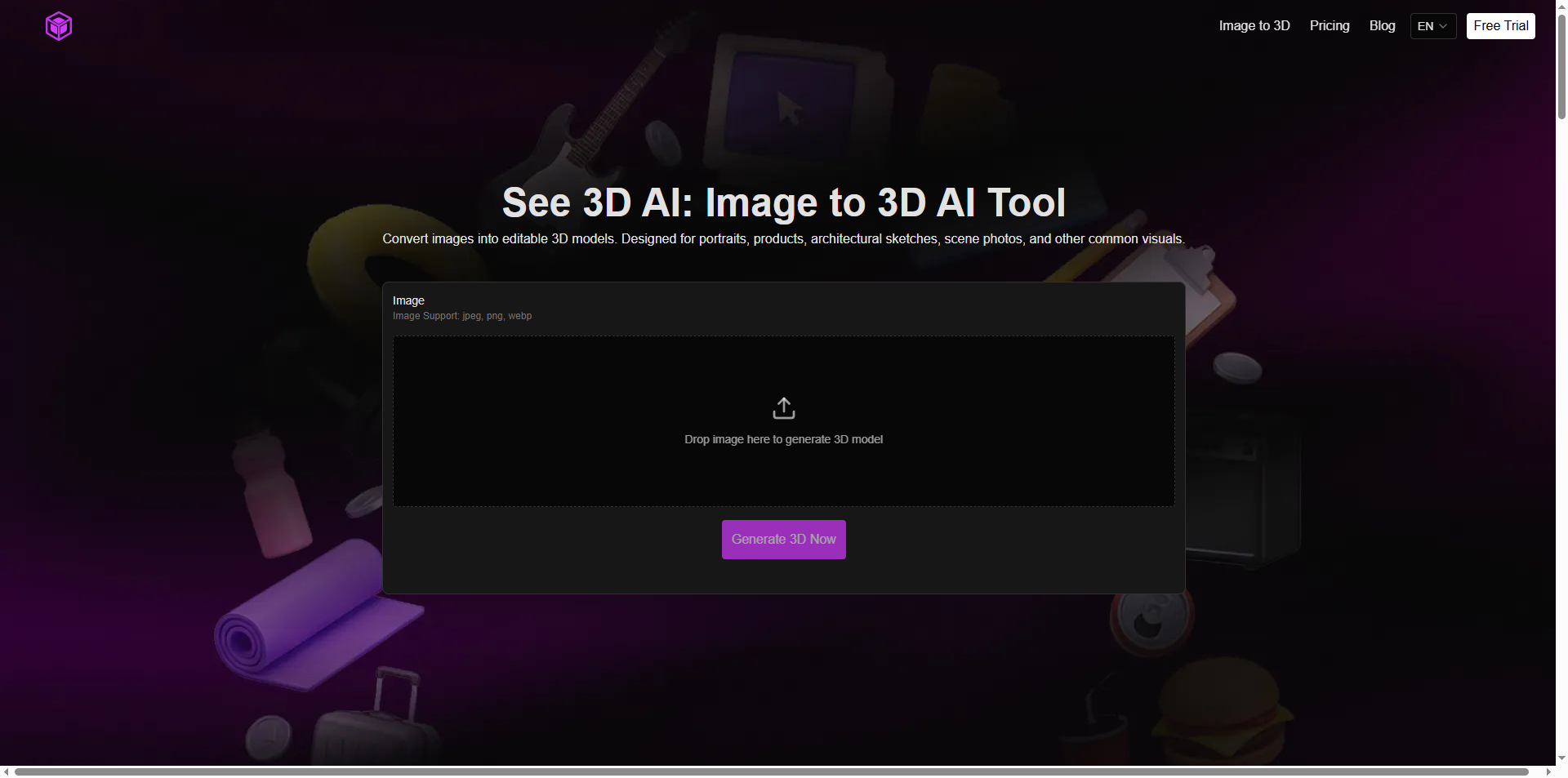

In 2026, the barrier between a simple photograph and a professional-grade 3D asset has all but vanished. No longer do you need expensive software, years of training, or a studio full of cameras to create rotatable, textured 3D models. One AI-powered platform — See 3D AI at see3d.art — is making this possible for anyone with a smartphone photo or product shot.
Whether you’re an e-commerce seller wanting 360° views, a game developer prototyping props, an architect visualizing sketches, or a hobbyist dreaming of 3D printing your favorite teddy bear, See 3D AI delivers usable 3D models in seconds. This isn’t hype. It’s a practical, viewer-first workflow that bridges the 2D-to-3D gap with astonishing reliability. In this deep exploration, we’ll unpack exactly how it works, why it stands out, real-world applications, pricing realities, and the bigger philosophical shift it represents for creativity itself.
What Is See 3D AI and Why Does It Matter Now?
See 3D AI is a browser-based AI image-to-3D converter designed for speed, simplicity, and real usability. Its core promise: upload one image — JPEG, PNG, or WebP — and receive an editable 3D model complete with mesh geometry and applied textures.
The homepage hero puts it plainly: “Convert images into editable 3D models. Designed for portraits, products, architectural sketches, scene photos, and other common visuals.”
This matters because traditional 3D modeling (think Blender or Maya) still demands technical expertise and hours per asset. Photogrammetry requires dozens of photos and specialized rigs. See 3D AI collapses both into a single-click process powered by advanced image analysis and spatial reconstruction. In an era where AI is already rewriting text, code, and images, 3D creation was the last creative frontier to feel truly accessible. See 3D AI changes that.
How See 3D AI Actually Works: The Technical Magic Explained
The process feels deceptively simple, but the underlying pipeline is sophisticated:
Upload – Drag in your image. The system instantly begins processing.
Image Recognition – AI automatically detects the main subject, separates it from the background, traces contours, edges, and spatial relationships. No manual masking required.
Mesh Generation – Using the recognized geometry, it builds a complete 3D mesh that preserves real-world proportions and volume. The result adheres to industry-standard topology so you can import it anywhere.
Texture Mapping – Surface colors, details, and lighting information from your original photo are projected onto the mesh, creating realistic appearance without separate texturing work.
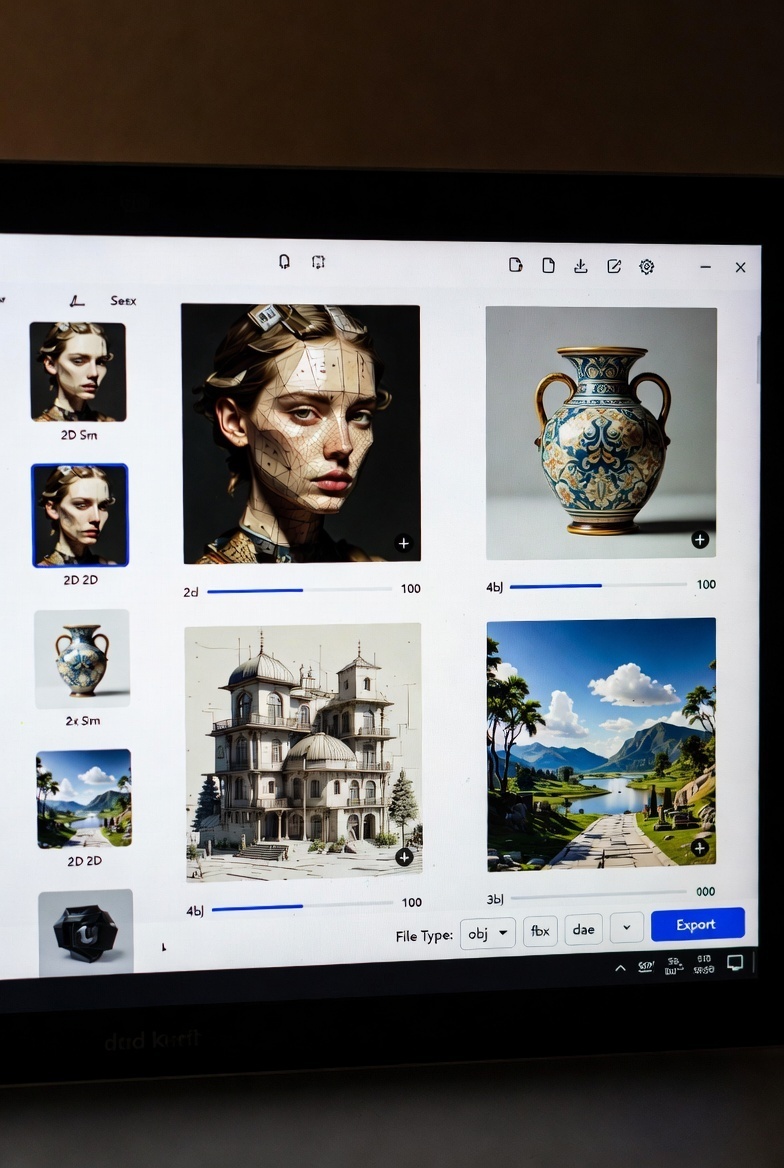
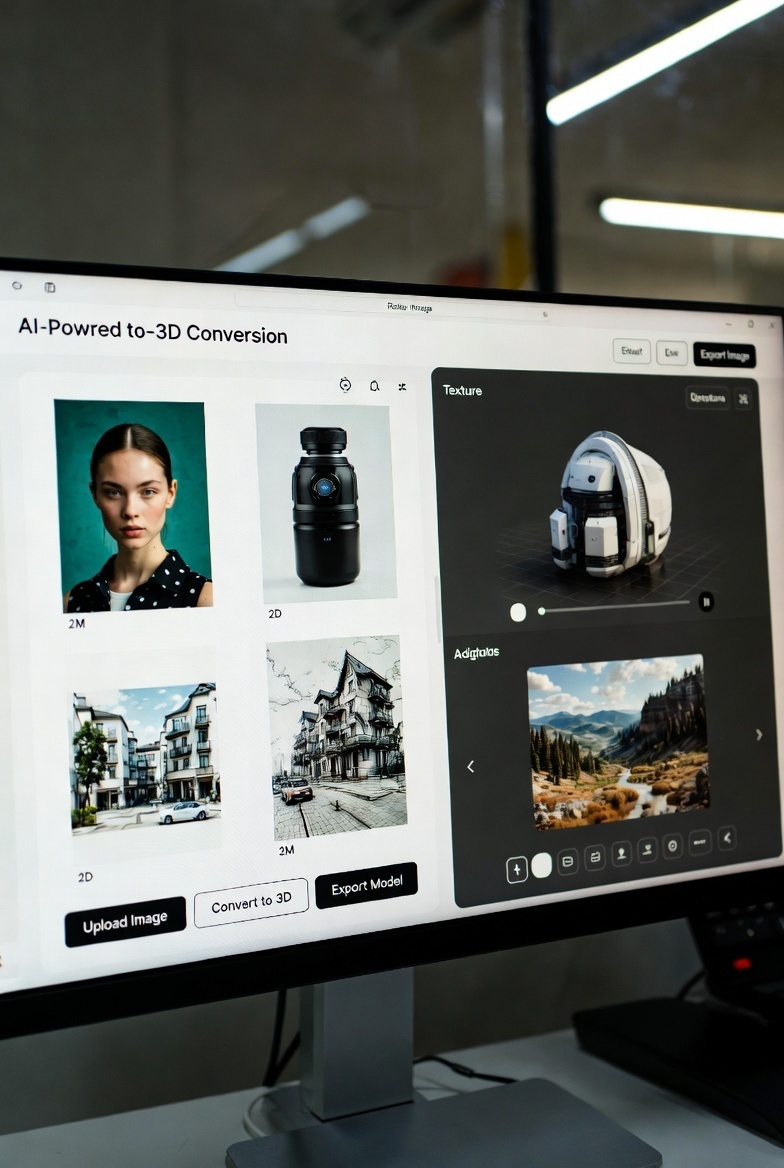
Preview & Export – Spin the model in-browser, inspect from every angle, then download in standard formats ready for Blender, Unity, Unreal, 3D printing slicers, or e-commerce platforms.
The site emphasizes stability: “A complete workflow built around image recognition, geometric construction, and model detail recovery — allowing users to obtain usable 3D assets from a single image.”
Unlike some competitors that produce “pretty but broken” meshes, See 3D AI focuses on models you can actually edit or use immediately. It’s not perfect every time (complex shapes or reflective surfaces can challenge any single-image tool), but the output is consistently 70–90% ready for real work.
Key Features That Make See 3D AI Stand Out
- One-Click Simplicity – No settings overload. Upload, generate, done.
- Viewer-First Preview – Rotate, zoom, and inspect the model instantly in-browser before committing to download.
- Commercial License Included (on paid plans) – Use generated models in client work, products, or sales without legal worries.
- Watermark-Free Exports on higher tiers.
- History Retention – Up to 365 days on premium so you never lose a generation.
- Fast Queue & Priority Processing – No more waiting behind hundreds of users.
- Multi-Use Flexibility – Works on product shots, portraits, toys, furniture, sketches, even simple scene photos.
Examples on the site speak volumes: a 2D sofa photo becomes a rotatable 3D furniture model; a teddy bear turns into a printable toy asset; headphones and dog toys demonstrate clean product conversions.
Practical Use Cases: Where See 3D AI Delivers Real Value
The true power emerges in application:
- E-commerce & Product Visualization – Turn catalog photos into interactive 360° spins or AR previews. Customers see products from every angle without expensive studio shoots.
- Rapid Prototyping & Design Validation – Architects and industrial designers convert sketches or reference photos into 3D blockouts for quick client feedback or 3D printing tests.
- Game & Indie Development – Generate props, weapons, or environmental assets in minutes. Perfect for placeholders or final low-poly models after light cleanup.
- Marketing & Social Content – Create spinning product videos or 3D social media assets without hiring modelers.
- Education & Concept Art – Teachers turn textbook images into tactile 3D models; concept artists quickly validate ideas before full production.
- 3D Printing Enthusiasts – Phone photos of everyday objects become printable files — think custom toys, replacement parts, or personalized gifts.
One beginner-friendly insight from the platform’s own guide: “AI gets you to 70–90% quickly. You decide if you need the final 10–30% (touch-ups in Blender).”
See 3D AI vs. Other Image-to-3D Tools: An Honest Comparison
The 2026 landscape includes Tripo 3D, Meshy, Hunyuan3D, and others. See 3D AI positions itself as the simpler, more reliable choice for real users:
- It avoids the complexity of tools requiring multiple images or heavy post-processing.
- Its strength lies in clean, single-subject photos (product shots shine brightest).
- While competitors may offer more advanced text-to-3D or multi-view options, See 3D AI wins on speed and beginner accessibility.
- The platform’s own blog posts provide transparent reviews — for instance, acknowledging Tripo’s strengths while highlighting See 3D’s faster, lighter workflow for everyday image-to-3D needs.
This isn’t marketing spin; it’s pragmatic positioning. If you want “upload one clean photo → usable model in seconds,” See 3D AI often feels like the path of least resistance.
Pricing That Makes 3D Creation Accessible
See 3D AI follows a generous freemium model:
- 1. Free Tier: Daily check-ins for 20 credits + 60 starter credits. Standard models, slower queue, 15-day history. Perfect for testing and light personal use.
- 2. Yearly Basic ($7.99/year): 5,000 credits/month, watermark-free, fast queue, 365-day history, commercial license.
- 3. Yearly Popular ($15.99/year): 13,000 credits/month + unlimited tools.
- 4. Yearly Professional ($39.99/year): 40,000 credits/month, fastest generation, dedicated support.
- 5. One-Time Credit Packs: $9.99 for 4,000 credits or $19.99 for 10,000 (1-month validity).
Payments are secure via Stripe, and you can cancel anytime. Credits remain valid for a full year on subscriptions. For most creators, the free tier or Basic plan covers serious experimentation; heavier users quickly see value in the Popular tier.
Step-by-Step: How to Get Professional Results with See 3D AI
Want consistently strong outputs? Follow these proven tips:
- Choose a single-subject image with clear separation from the background.
- Prefer a 3/4 angle shot for better depth cues (straight-on front views work but are less ideal).
- Avoid shiny, transparent, or highly reflective objects.
- Quick prep: Crop tightly, brighten shadows, remove clutter.
- Upload and generate.
- Use the in-browser preview checklist: Check silhouette from multiple angles, proportions, missing details, surface artifacts, and texture clarity.
- Download and optionally refine in Blender if needed.
Small input improvements yield dramatically better meshes and textures. The platform even notes: “Iterative generation is normal — try a better photo if the first result isn’t perfect.”
The Deeper Philosophical Impact: AI as Creativity’s New Collaborator
Beyond the technical specs, See 3D AI represents something profound. For decades, 3D creation was gated behind skill, time, and cost. Today, a teenager with a phone can generate a printable 3D model of their pet in under a minute. An independent designer can mock up an entire product line without hiring specialists. This isn’t just efficiency — it’s democratization on a historic scale.
Yet it doesn’t replace human creativity; it amplifies it. The AI handles the tedious geometry; creators focus on vision, storytelling, and refinement. The final 10–30% polish remains a deeply human act. In this sense, See 3D AI embodies the ideal AI future: tools that remove friction so imagination can soar.
We’re also seeing ripple effects across industries. E-commerce conversion rates rise with interactive 3D. Education becomes more tactile. 3D printing moves from niche to mainstream. And as AR/VR headsets proliferate, the demand for quick 3D assets will only explode — See 3D AI positions everyday creators to meet that demand.
Of course, limitations exist: complex multi-object scenes, intricate topology, or photorealistic perfection still benefit from traditional methods. But for 80% of practical needs, this tool delivers where it counts.
Final Thoughts: Your Invitation to 3D Creation
See 3D AI isn’t just another AI gimmick. It’s a mature, thoughtful platform that respects users’ time, budgets, and creative goals. With its free entry point, robust paid upgrades, transparent workflow, and genuine focus on usable results, it has earned its place as one of 2026’s most compelling creative tools.
Ready to experience the shift from flat image to rotatable 3D model? Head to see3d.art, upload your first photo, and watch the magic unfold. Whether you’re testing for fun or building the next big project, the future of 3D creation is already here — and it’s delightfully accessible.
Frequently Asked Questions
How long does generation take?
Usually seconds to under a minute, depending on queue and plan.What file formats can I export?
Standard 3D formats compatible with most software and printers.
Can I use models commercially?
Yes — included on all paid plans.
Does it work on phone photos?
Absolutely. Clean, well-lit shots perform best, but quick cropping helps dramatically.
Is there a mobile app?
No dedicated app yet — the browser experience works seamlessly on mobile.
The 3D revolution isn’t coming. It’s already in your browser. Welcome to See 3D AI.






Top comments (0)