

What Is AI Video Generation?
AI video generation uses large generative models trained on massive datasets to produce short video clips from a text prompt, an image, or a combination of both. Instead of editing every frame manually, you describe what you want—subject, motion, camera, style—and the model synthesizes a video that matches your intent.
Modern workflows usually break into two big paths:
Text-first creation (idea → prompt → video)
Visual-first creation (image/reference → motion → video)
That’s why features like Text to Video and Image to Video are now the core building blocks for creators.
Why Prompts Are the Key to Better Videos (Not Just Images)
A prompt is more than a description—it’s a set of instructions. The best prompts typically include:
Subject (who/what is on screen)
Action + motion (walking, pouring, dancing, camera pan)
Style (cinematic, anime, documentary, product ad)
Lighting + mood (soft daylight, neon night, dramatic shadows)
Camera language (close-up, wide shot, dolly zoom, handheld)
Constraints (duration, aspect ratio, “no text,” “no watermark,” etc.)
Example prompt (video):
“Close-up product shot of a sneaker on a rotating pedestal, soft studio lighting, shallow depth of field, cinematic, slow dolly-in, clean background, 9:16.”
Even small prompt changes—like swapping “handheld” for “locked tripod”—can completely change the feel.
The Rise of Image-First Workflows: From Still to Motion
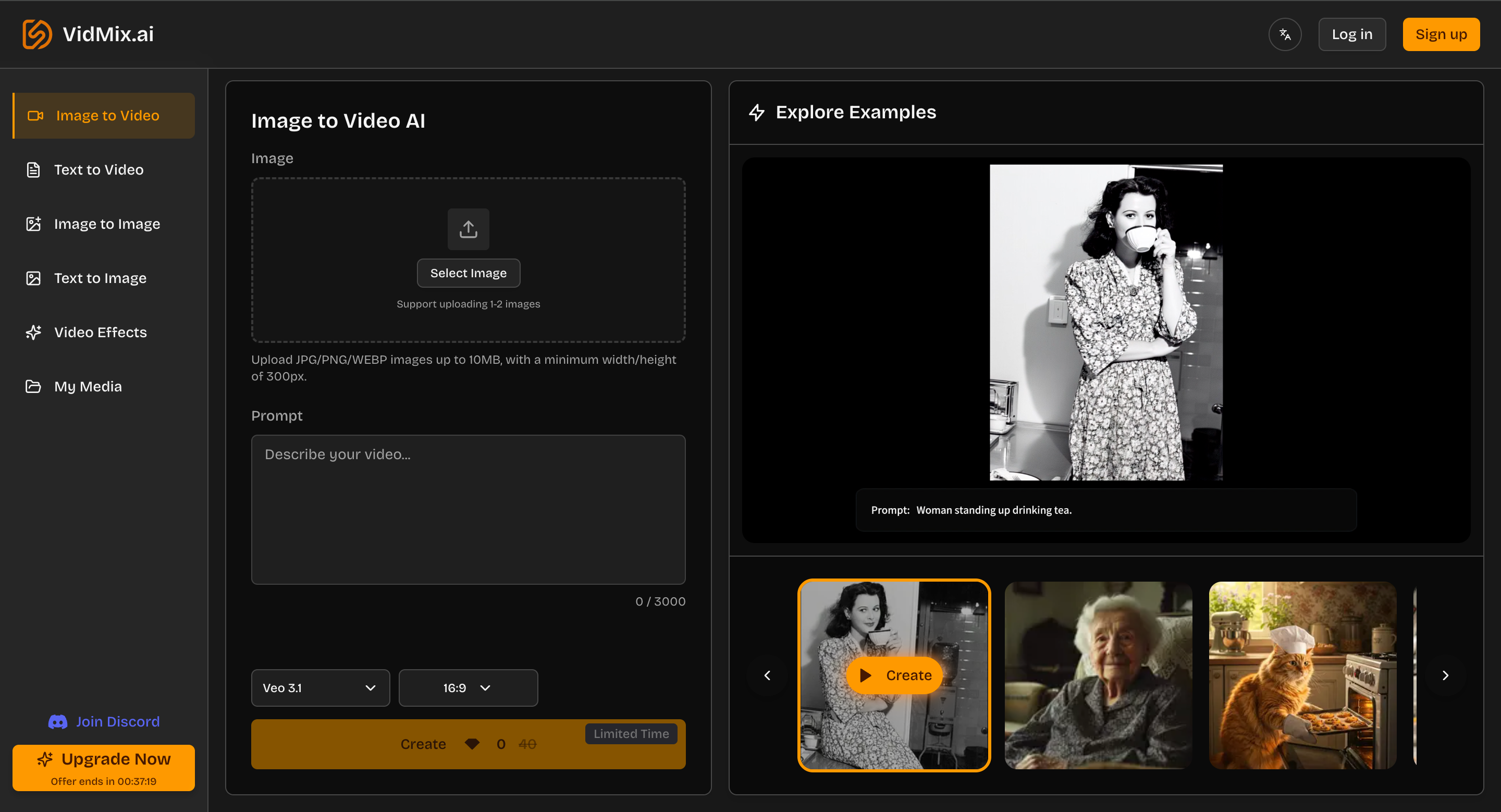
For marketing and social content, creators often start with a strong still image (poster, product shot, concept art) and then animate it into a clip. That’s exactly what Image to Video is for: turning a photo/illustration into motion you can actually post.
A simple image-to-video prompt pattern that works well:
Keep subject: “preserve the main character/product”
Add motion: “subtle camera push-in + gentle wind”
Add atmosphere: “floating dust, light bloom, film grain”
Avoid artifacts: “no text, no extra limbs, no logo distortion”
Why “All-in-One” Matters for Creators
The biggest bottleneck in AI creation isn’t generating once—it’s iterating:
Try 3–10 variations
Compare results across models
Keep the best direction
Polish with effects
Export in the right ratio
That’s where an all-in-one hub helps. On Vidmix
you can move between video generation, image generation, and finishing steps without constantly switching tools.
Practical Workflow: A “Launch Post” in One Session
Here’s a simple, repeatable workflow that many creators use for social or ads:
1) Create a key visual with Text to Image
Start with a clear art direction. The Text-to-Image page itself recommends being specific (subject + details), then choosing model/settings, generating, and downloading from My Media.
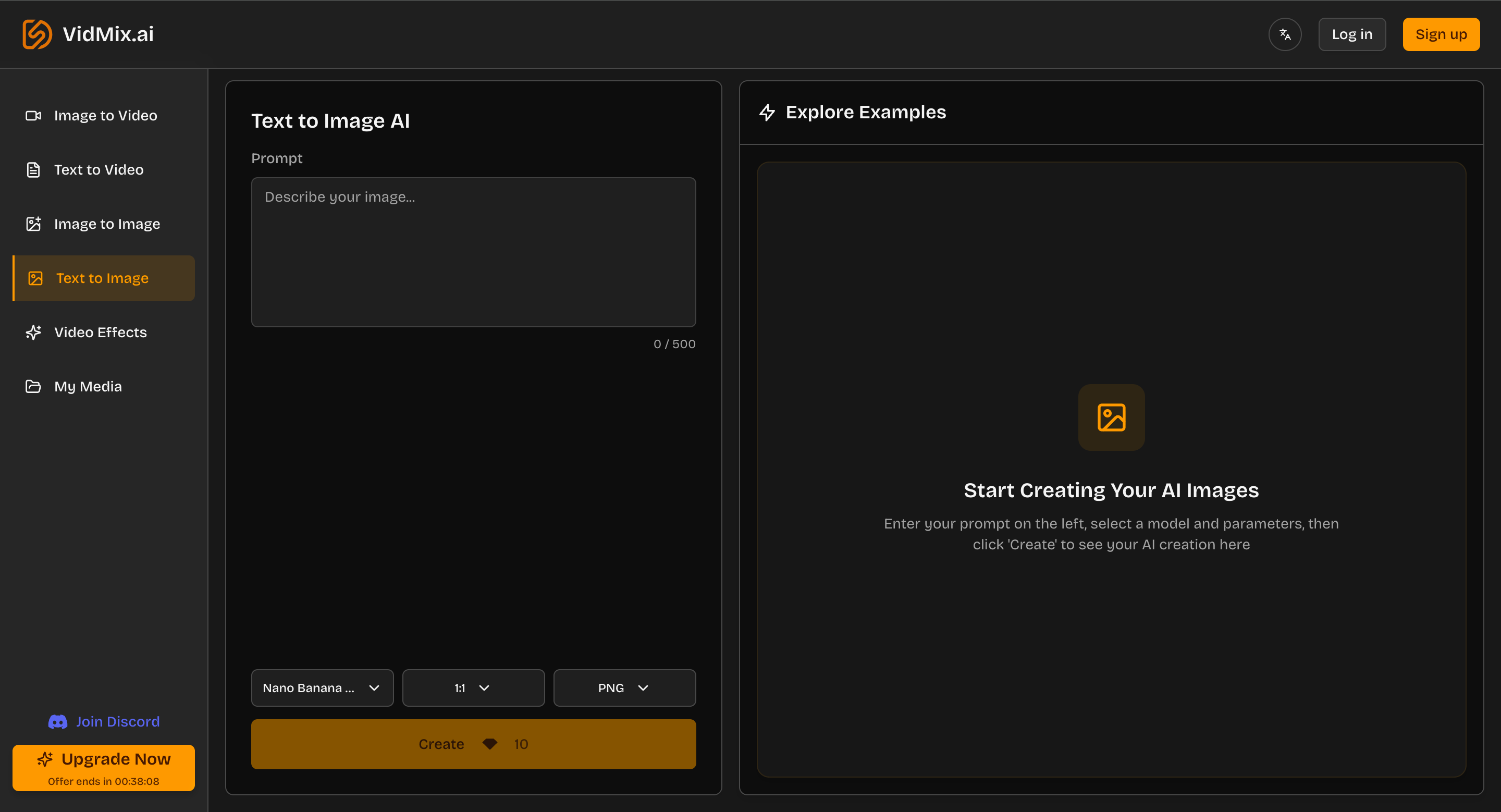
Example prompt (image):
“Minimalist product poster, white background, soft shadow, premium studio lighting, high detail, clean composition.”
2) Make variations with Image to Image
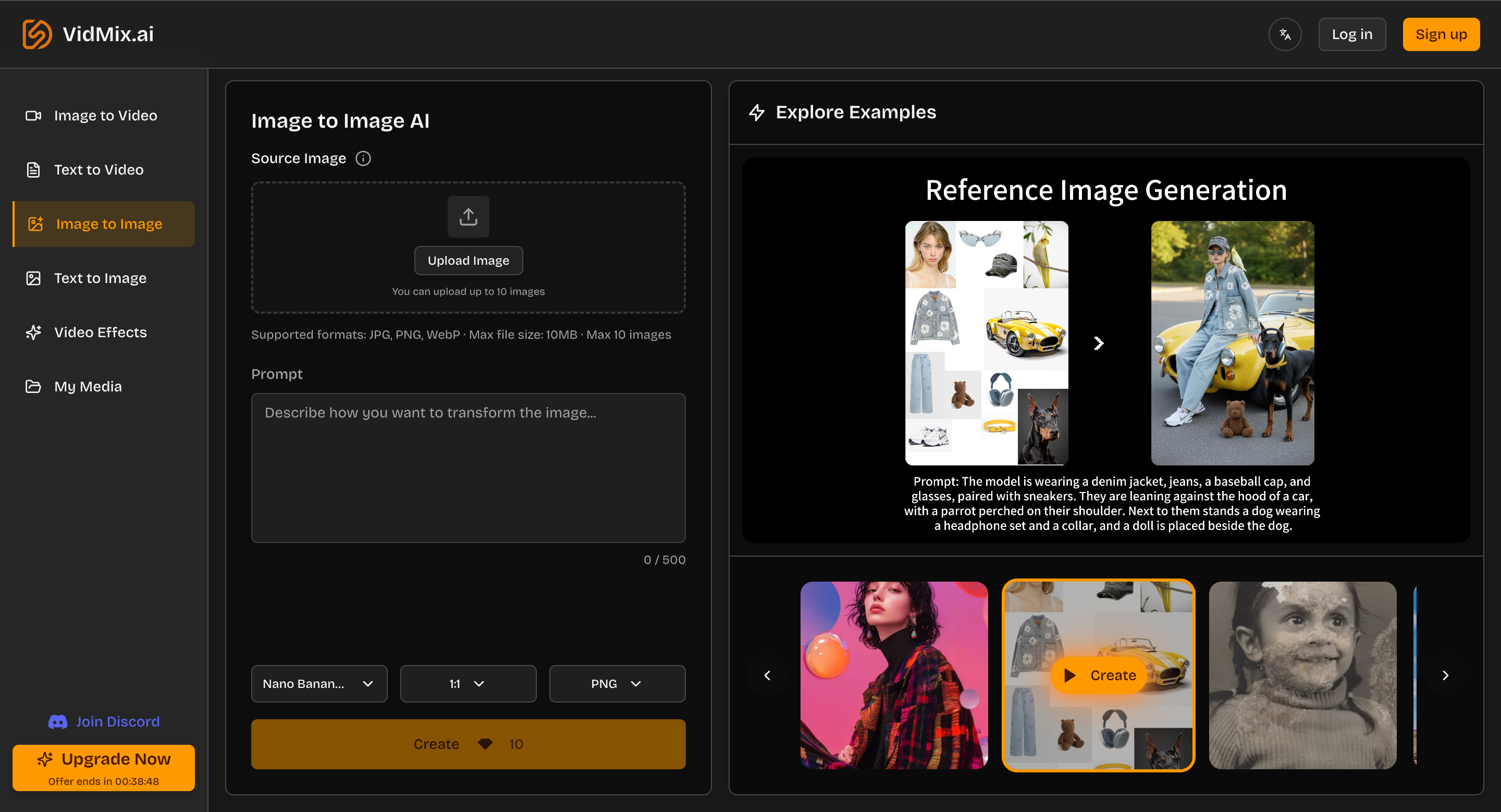
Upload your best image and prompt variations like:
“Make it more cinematic, add rim light”
“Change background to neon night city bokeh”
“Switch to editorial fashion style”
Vidmix’s Image-to-Image flow is literally: upload → describe the transformation → generate → download.
3) Animate it using Image to Video
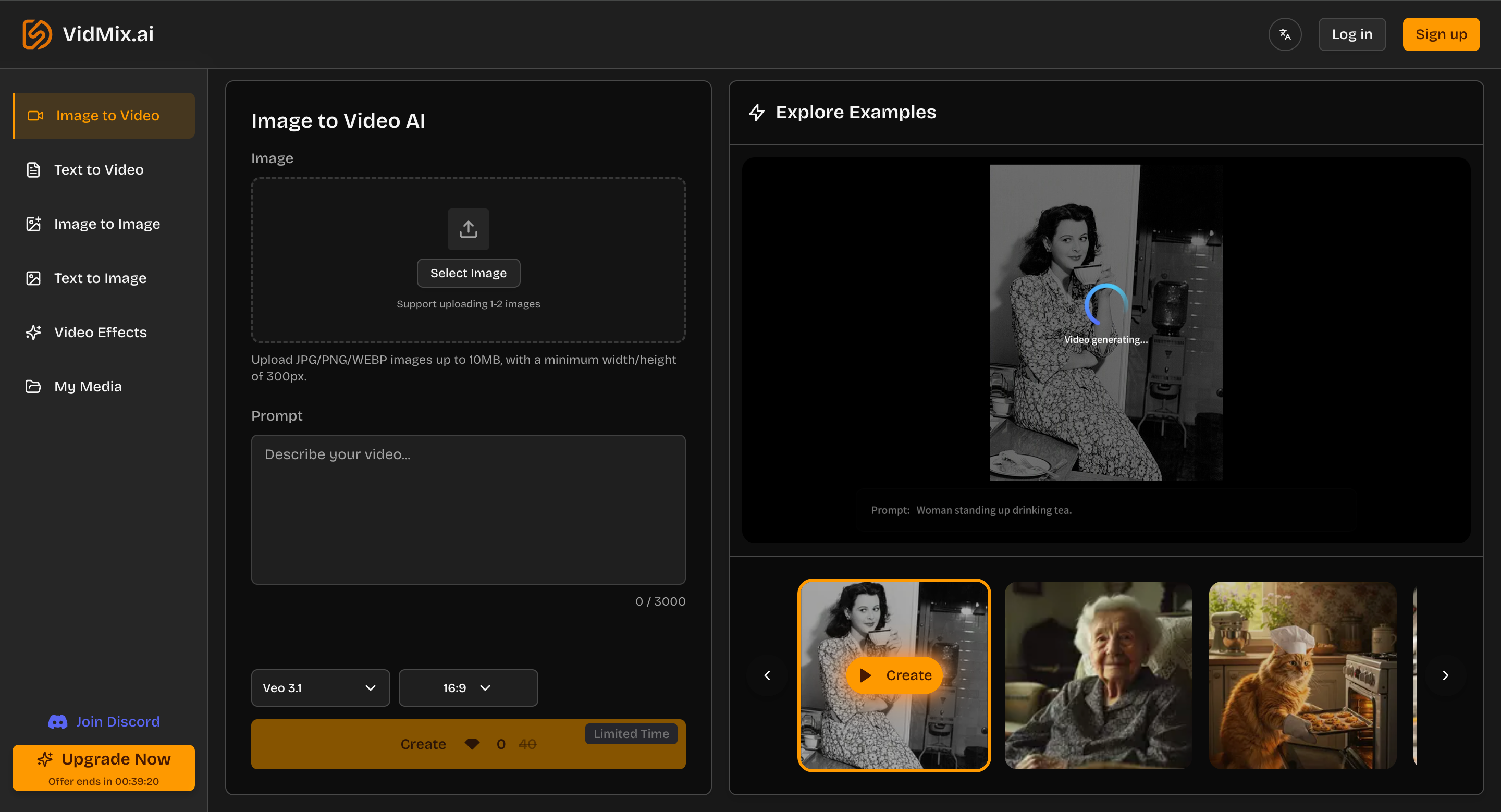
Now convert the still into a motion clip:
“Slow zoom-in, subtle parallax, gentle light flicker”
“Add flowing fabric motion” (for fashion)
“Add floating particles” (for cinematic mood)
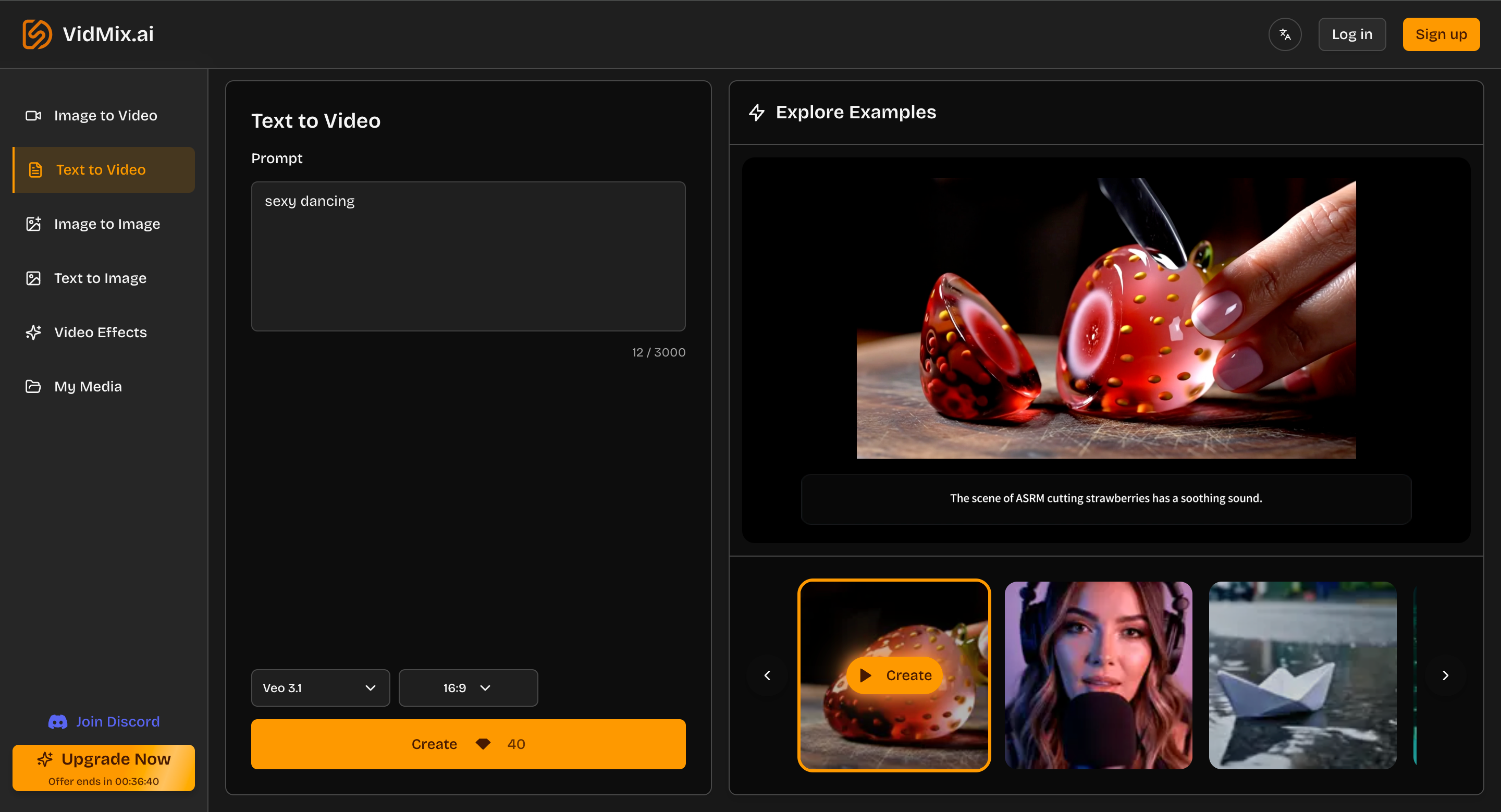
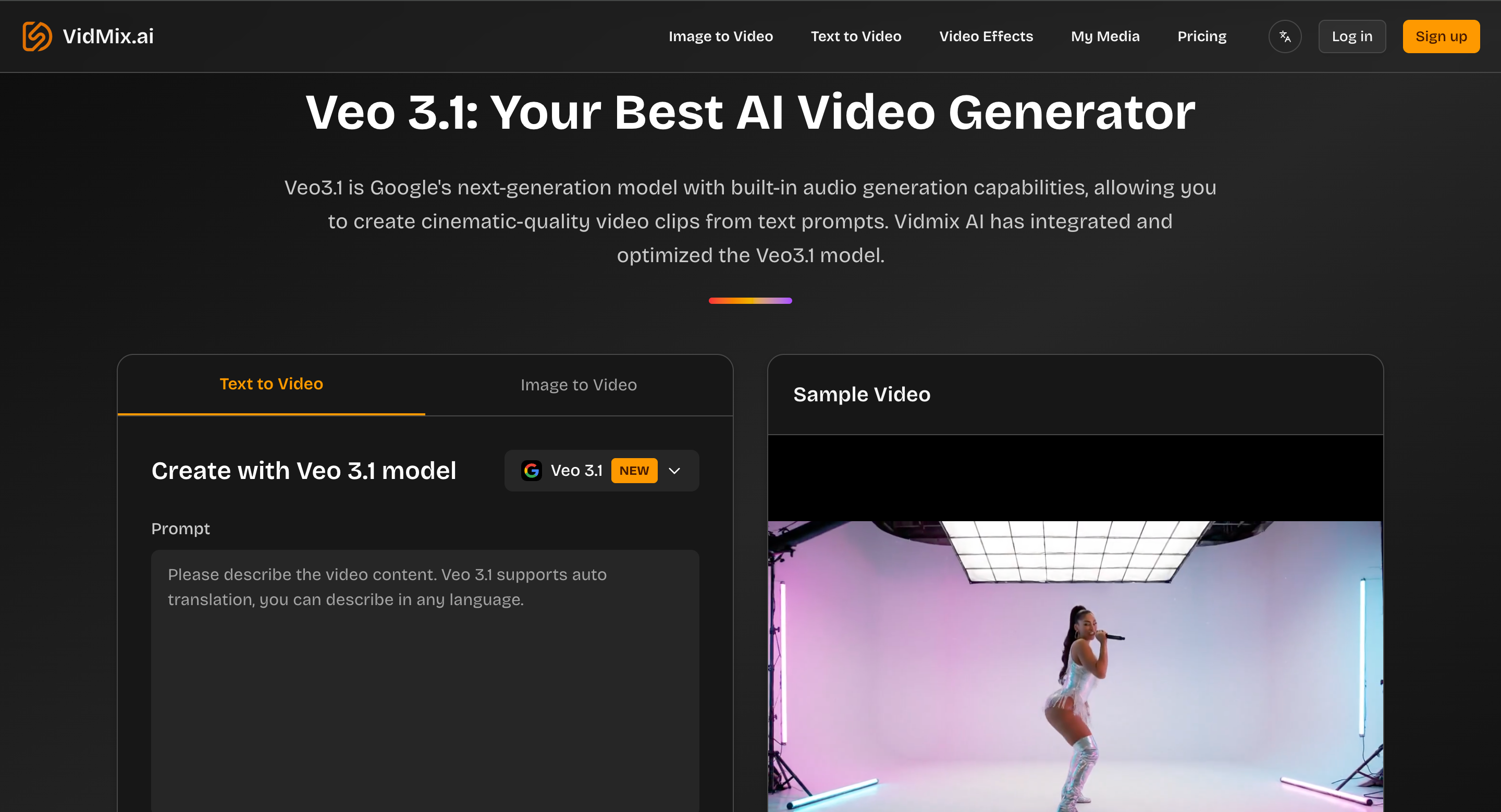
4) Generate an alternate clip with Text to Video
Text-to-video is great for creating a second option (different angle, different scene) so your post doesn’t rely on only one concept.
Vidmix describes its text-to-video generation as supporting 1080p output and multiple aspect ratios, and highlights use with models like Sora 2 and Veo 3.1.
5) Add polish via Video Effects
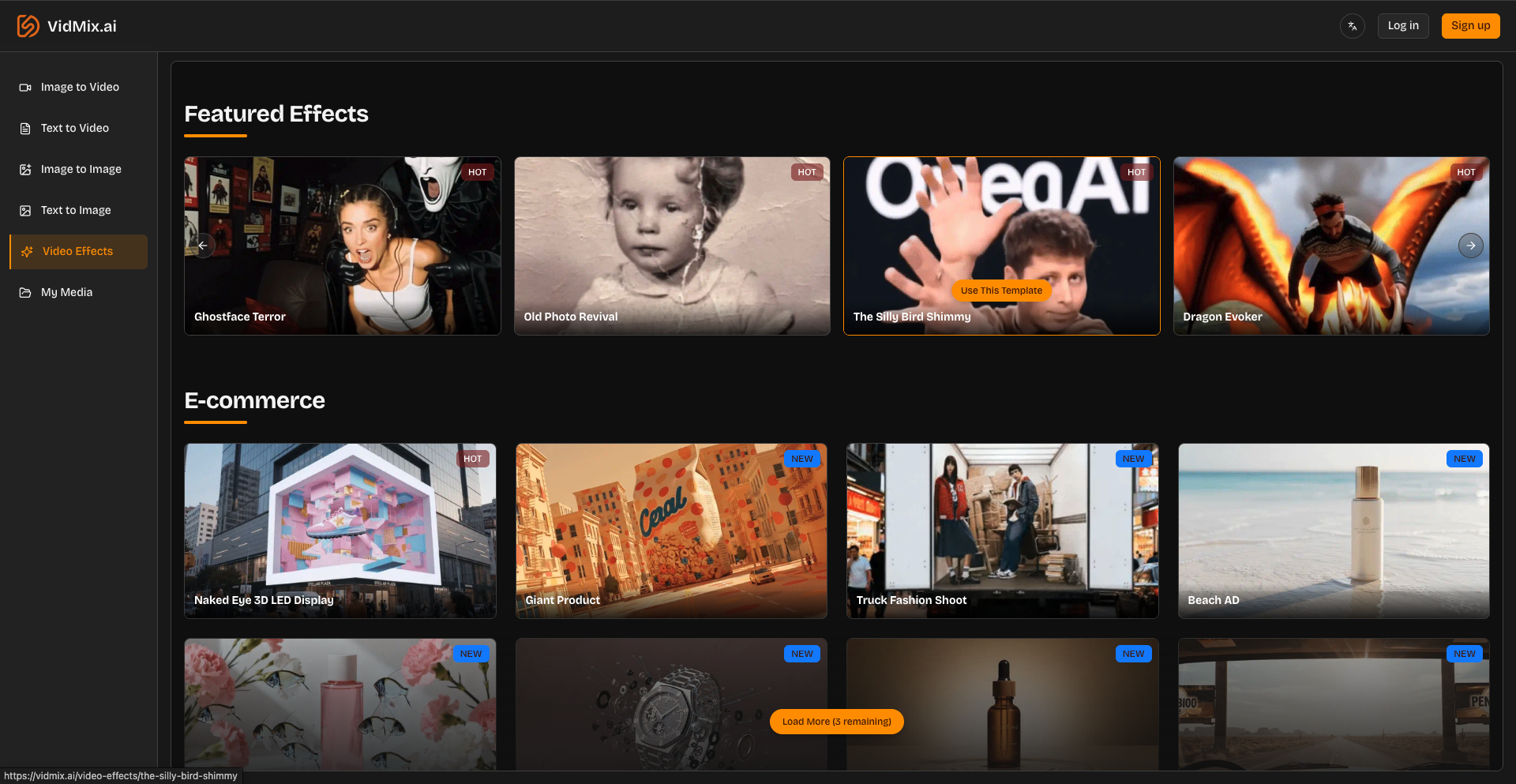
Effects/templates can quickly turn a “good” clip into something more shareable. The Video Effects page includes template-style effects and categories (e-commerce, viral growth, restyle, dancing, etc.), which is useful when you want a trend-like finish without editing manually.
Picking a Model: Sora 2 vs Veo3.1
If you’re comparing models inside a single workflow, it helps to think in terms of creative intent:
Use Sora 2 when you want a cinematic feel from text prompts and you’re experimenting with storytelling.
Use Veo3.1 when you want strong motion handling and camera control options for “filmic” shots; Vidmix’s Veo 3.1 page emphasizes cinematic clips and audio-enabled generation.
In practice, many creators generate the same concept twice—once in each model—then keep the winner.
SEO and Distribution Benefits (Yes, Video Helps)
Short, unique visuals can improve performance across platforms because they:
Increase time spent on page (engagement)
Improve shareability (social + community reposts)
Reduce dependence on overused stock content
Best practices when publishing AI visuals/videos:
Use descriptive titles and filenames
Add keyword-relevant captions and ALT text (for images/thumbnails)
Keep page speed in mind (optimize media size)
Final Thoughts
AI creation in 2025 is about speed + iteration + consistency. If you can generate images, animate them, test multiple models, and apply finishing effects in one place, you can ship content daily without burning hours on tool-hopping.
If you want to try an end-to-end workflow—images + motion + effects—start here: Vidmix.





Top comments (0)