

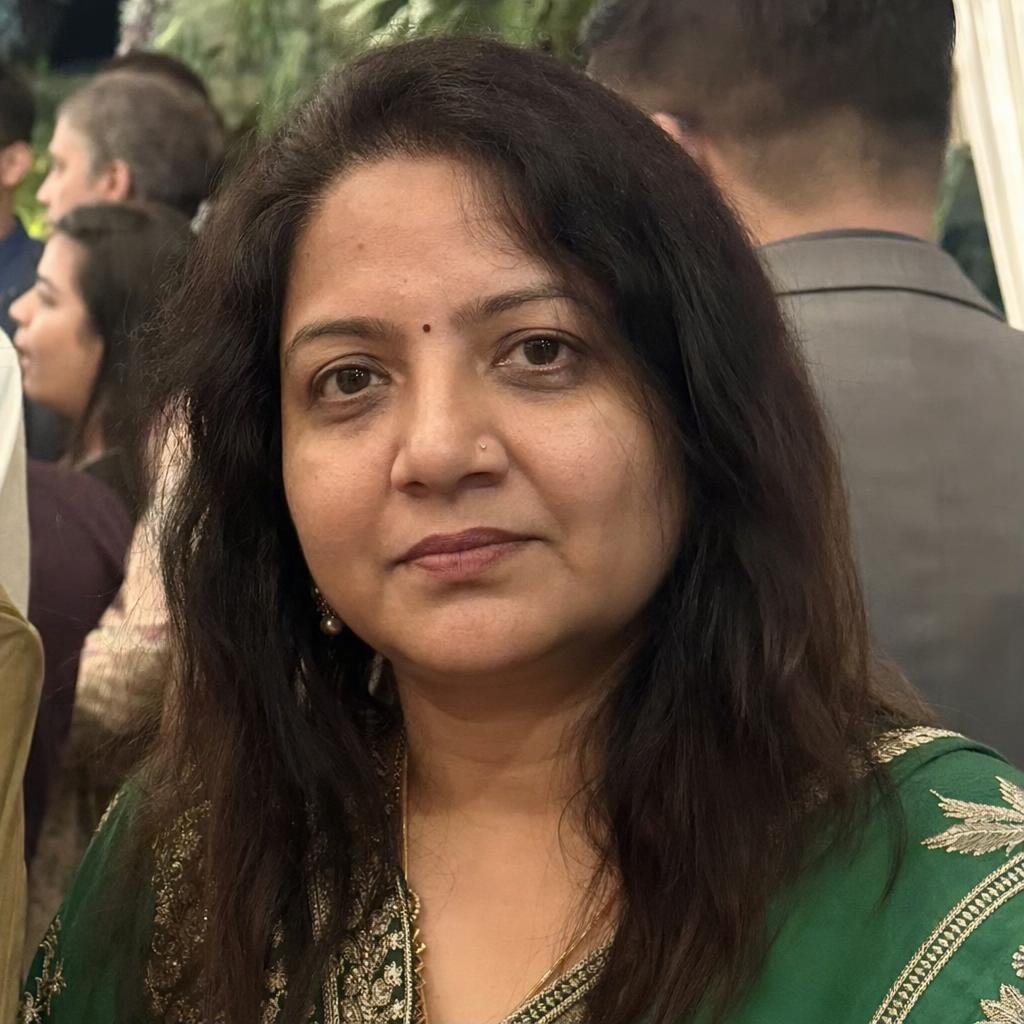
You can usually tell a generated portrait in under a second: the skin has no pores, the light is symmetrical, the eyes are too clean. None of that is a limitation of the model. It is what the default prompt asks for, and it is fixable. This article covers why SDXL leans toward that look, the prompt vocabulary that pulls it back toward photography, the negative prompt that actually earns its place, and the finishing passes that handle what prompting cannot.
Stable Diffusion XL, released by Stability AI in July 2023, is still a practical choice for this work: it runs on consumer hardware, it trains cheaply, and the ecosystem of photographic fine-tunes and LoRAs built on it is larger than for any newer open model. The techniques below apply to the SDXL family and to its community checkpoints.
Why the default output is not photographic
Models of this generation were filtered and weighted using aesthetic scoring, which favours high-contrast, saturated, heavily retouched images. Stock photography and portfolio work dominate. The result is a model whose idea of a portrait is a magazine cover, not a snapshot.
Everything below is a way of steering away from that centre of mass. You are not asking the model to do something it cannot do; you are asking it to sample from a less popular part of what it learned.
Write a caption, not an art brief
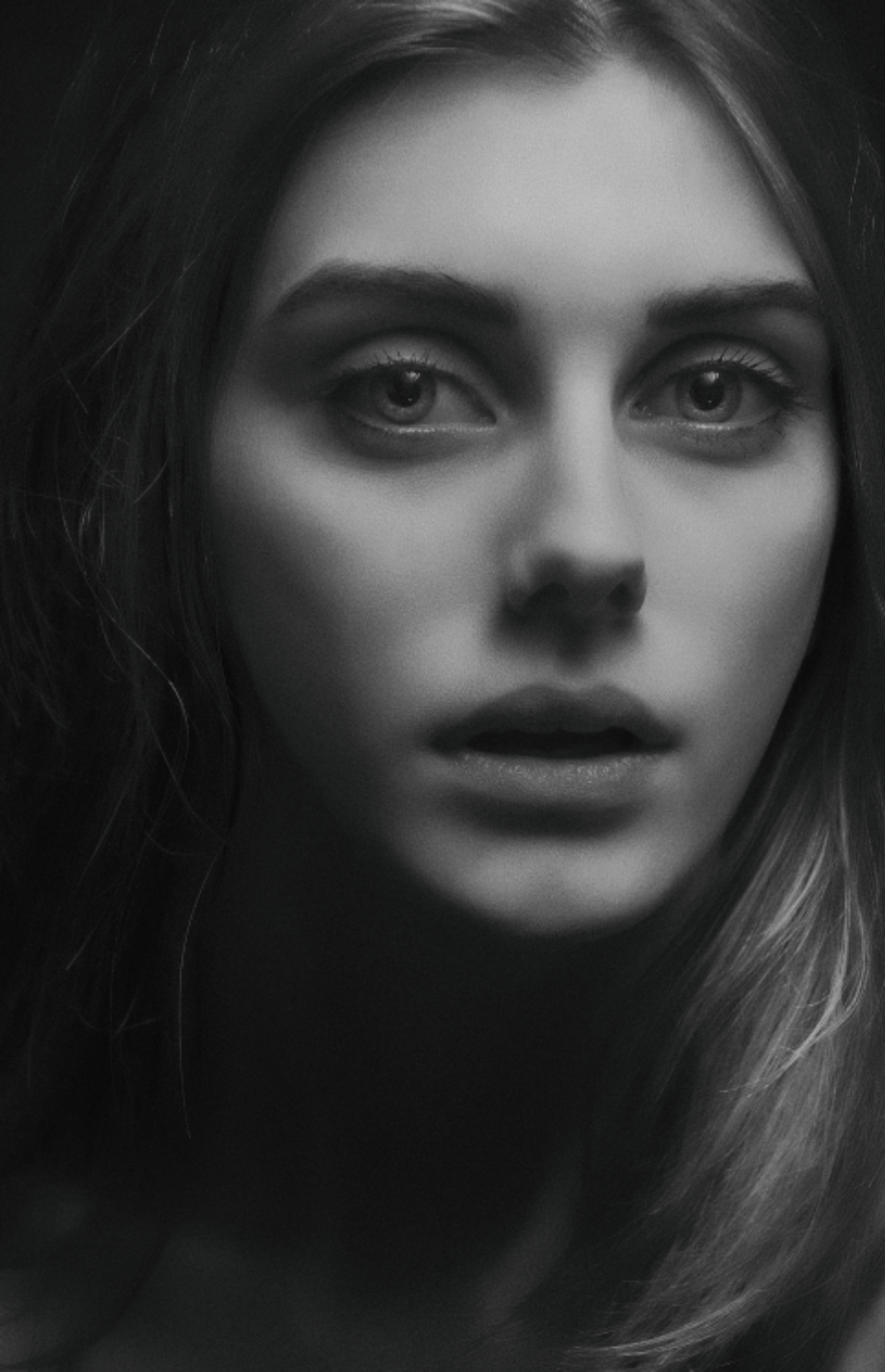
The most reliable change is to describe the photograph instead of the picture. Camera vocabulary carries an enormous amount of implicit information because it appears in captions attached to actual photographs.
| Vocabulary family | Examples | What it pulls in |
|---|---|---|
| Optics | 85mm lens, f/1.8, shallow depth of field | Real background falloff and compression, correct facial proportions |
| Medium | shot on 35mm film, Portra 400, medium format | Grain structure, muted colour response, tonal roll-off |
| Situation | candid, unposed, natural light, overcast window light | Asymmetric lighting and imperfect framing |
| Surface | visible skin texture, pores, fine facial hair, freckles | The single strongest cue against the plastic look |
| Imperfection | slight motion blur, sensor noise, backlit haze | Artefacts that only ever appear in real capture |
Just as important is what to remove. Terms like unreal engine, octane render, artstation trending, hyperdetailed and 8k are heavily represented in CG and concept art captions. They will drag a portrait toward a rendered look no matter how much photographic language sits next to them. Delete them before adding anything else.
Negative prompts, used properly
On SDXL and other classifier-free guidance models, the negative prompt is a genuine second conditioning pass: the model computes what the negative text would produce and steers away from it. It is not a filter, and it is not free — every term you add moves the guidance vector.
Here is a negative prompt that works because every entry names a rendering style the model might otherwise fall into:
high contrast, illustration, cartoon, anime, 3d render, painting, crayon, sketch,
graphite, impressionist, unreal engine
The useful pattern: name concrete media and styles, not quality words. Bad, ugly and low quality are vague and appear next to every kind of image, so they steer weakly and unpredictably. Naming 3d render and painting steers hard, because those terms sit on tightly clustered sets of images.
One caveat that matters when you move models. Guidance-distilled models, including much of the FLUX family, either ignore the negative prompt or expose no field for it. If you carry an SDXL workflow across and realise your negatives stopped working, that is why — those models need the exclusion written into the positive prompt instead.
Settings and checkpoints
- Generate at 1024x1024 or another supported bucket. SDXL was trained around one megapixel. Off-bucket sizes produce distorted faces and duplicated features long before you notice anything else is wrong.
- Keep guidance scale low, roughly 4 to 7. High CFG crushes contrast and hardens edges, which is precisely the artificial look you are trying to avoid.
- Use 25 to 35 steps. More rarely helps at this scale; it mostly increases the polish you are fighting.
- Pick a photographic fine-tune over base SDXL. The community checkpoints on Civitai trained on photography give you a better starting point than any prompt engineering on the base model. Read what each was trained on: a fine-tune bakes in a look, and one trained mostly on beauty retouching will resist everything above.
- Add a skin-texture LoRA at low weight if the checkpoint is still too smooth. Around 0.3 to 0.5 is usually enough. At full weight these tip into a leathery, over-textured result that is its own kind of obviously generated.
Finish outside the prompt
Prompting gets you most of the way. Three passes handle the rest.
Inpaint the eyes and hands. They fail first and they are what people look at. Mask, raise denoise to around 0.5, and generate a few variants. This is worth more than any prompt change.
Add grain and slight chromatic aberration in an editor. Real capture has sensor and lens artefacts. A small amount of both, added after generation, does more for perceived realism than another hour of prompt iteration.
Render larger and downsample. A 20 to 30 percent reduction averages away the micro-artefacts that read as generated, and sharpens apparent detail at the same time.
A worked prompt
A soft portrait of a woman behind a neon sign, high softness, faded, soft light,
low contrast
Paired with the negative prompt above, this is a compact example of the whole approach on an SDXL-family checkpoint. Every positive term fights the model's default: soft against its preference for sharp, faded and low contrast against its preference for saturated punch. The neon sign supplies a coloured light source from a specific direction, which breaks the flat frontal lighting that makes generated faces look pasted on.
It is also short, which is deliberate. Long portrait prompts tend to accumulate contradictory quality terms that average into exactly the look you started with.
Practical takeaways
- The plastic look comes from aesthetic-weighted training data. Every technique here steers away from that default.
- Describe the photograph: lens, film stock, lighting situation, skin surface.
- Cut render-engine and 8k vocabulary first. It undermines everything else.
- Negative prompts should name media and styles, not quality adjectives, and they do nothing on guidance-distilled models.
- Stay on trained resolution buckets, keep guidance low, and start from a photographic fine-tune.
- Inpaint eyes and hands, add grain in post, and downsample at the end.





Top comments (0)