

A large commerce project rarely fails because someone wrote one bad line of code. Trouble usually starts earlier, with a vague requirement, an integration nobody examined, or a launch date fixed before the scope was understood. By the time these gaps surface, correcting them costs far more.
A clear process gives every team the same map. It shows what must be decided, who signs off, and what proof is needed before the work moves forward.
How the Journey Takes Shape
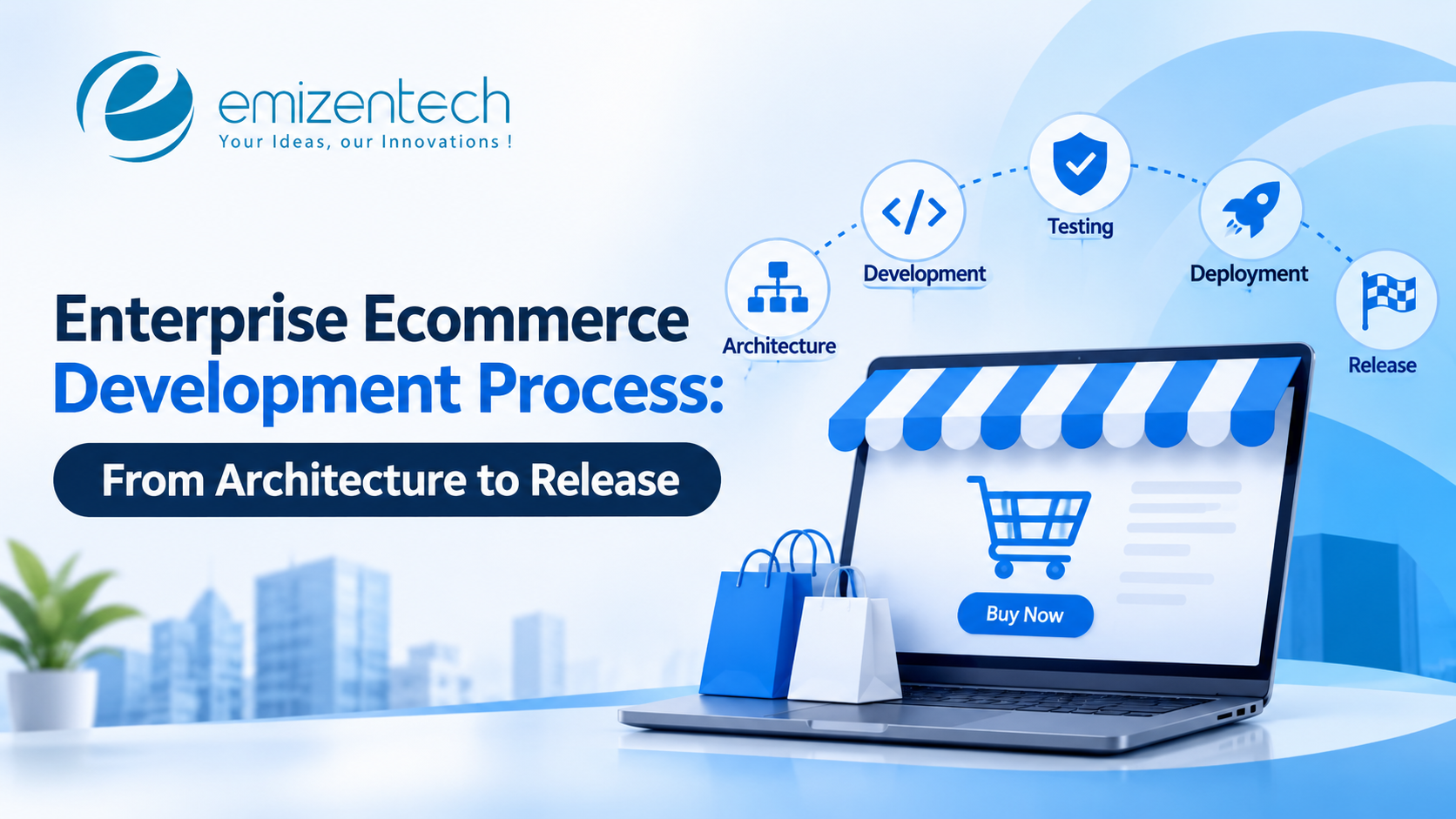
A commerce build touches sales, marketing, finance, warehouse operations, and customer service, so it cannot be treated as an IT task alone. Each group depends on the platform in a different way. A typical enterprise ecommerce development project therefore moves through discovery, architecture, build, testing, and release, with feedback loops between them instead of a strict one-way path.
The order matters because every stage feeds the next. Rushing an early one tends to return as rework during testing or, worse, after launch.
Starting With Discovery
Discovery turns assumptions into written facts. Before any design begins, the team studies how orders move today and where people rely on manual workarounds.
Business Goals and Constraints
Define what the project should improve, such as checkout completion, time needed to launch a market, or order processing effort. Record budget limits, fixed dates, and legal obligations alongside these goals.
Systems and Data Audit
List every connected tool, including ERP, CRM, PIM, payment gateways, and shipping services. Check data quality too. Duplicate customers and incomplete product attributes will cause problems later if they are simply copied across.
Requirement Priorities
Separate launch essentials from later improvements. This protects the first release from growing endlessly.
Designing the Architecture
Architecture decides how the platform will behave for years, so changes of direction here are far cheaper than changes made after coding starts.
The first choice is the overall approach. A full-stack platform is quicker to manage, while a headless or composable setup offers more freedom to change the storefront and individual services. The right answer depends on team skills, customization needs, and how often the customer experience has to change.
Next comes integration design. Decide which system owns each type of data. For example, the ERP may control pricing while the PIM controls product descriptions. Plan how systems will exchange information, what happens when one is unavailable, and how failed messages will be retried.
Non-functional requirements belong in this stage as well. Set measurable targets for page speed, order capacity, uptime, security, and recovery time. A short proof of concept can test risky areas before the larger budget is committed.
Turning Plans Into Working Software
Development moves faster and safer when delivered in small cycles. Each sprint should end with something stakeholders can actually try.
Experience Design and Frontend
Wireframes and prototypes help teams agree on journeys before screens are built. Pay close attention to search, product pages, account areas, and checkout, especially on mobile devices.
Backend, Customization and Integrations
Use native platform features wherever they meet the need. Every custom module has to be maintained and upgraded, so it should earn its place. Build integrations early, since they often reveal hidden business rules.
Code Quality and Environments
Keep separate development, testing, staging, and production environments. Code reviews, version control, and automated build pipelines reduce surprises. AI coding assistants can speed up routine tasks and draft test cases, but experienced developers should review what they produce, particularly around payments and personal data.
Data Migration
Migrate in rehearsals. Move a sample first, verify totals, passwords, order history, and URLs, and then repeat with the full set.
Testing Before Anything Goes Live
Testing should run alongside development instead of being squeezed into the final fortnight. Functional tests confirm that features behave as agreed. Integration tests follow an order from cart to warehouse and invoice. Load tests show how the platform copes with heavy demand, while security testing looks for weaknesses and compliance gaps.
User acceptance testing deserves real business users. A warehouse supervisor or finance executive will notice issues that a technical tester may miss. AI tools can help generate test scenarios and spot unusual patterns in logs, though final approval should remain with people who understand the business.
Releasing With Control
A release needs a written runbook that lists each task, its owner, timing, and the conditions for rolling back. Rehearse it at least once on staging.
| Stage | Main Output | Exit Check |
|---|---|---|
| Discovery | Requirements and priorities | Stakeholder approval |
| Architecture | Integration and data design | Risks tested |
| Build | Working increments | Reviews passed |
| Testing | Defect and performance reports | Critical issues closed |
| Release | Runbook and live store | Orders verified |
Avoid launching near a major sale. Where possible, release in phases, perhaps by region, brand, or customer group. Place real test orders right after launch and watch payments, redirects, stock sync, and error logs.
Post-launch care is part of the process. Keep a focused team available for the first few weeks, collect user feedback, and plan the next set of improvements from actual data.
Specialist skills for custom builds, integrations, and platform setup can also be added through ecommerce development services when internal capacity runs short.
Keeping the Project on Course
Good stages still need good coordination. Name one product owner who can settle priorities quickly, supported by representatives from operations, finance, marketing, and IT. Without that single point of decision, questions wait for days and sprints lose momentum.
Hold short reviews at the end of each cycle and show working features instead of status slides. Stakeholders spot misunderstandings far sooner when they can click through a real screen. Keep a visible risk log as well, with an owner and next action for every item. Integration delays, pending access, and unclear data rules belong there from the first week.
Scope changes are normal in long projects. What matters is how they are handled. Estimate the effect on cost, timeline, and testing before a request is accepted, then decide whether it replaces something else or waits for a later release.
Documentation often gets postponed, yet it protects the investment. Record architecture decisions, integration contracts, configuration settings, and deployment steps while the reasons are still fresh. New developers can then contribute faster, and future upgrades become less risky.
Finally, plan training before launch. Customer service, warehouse, and content teams should practise on staging with realistic orders, so their first day on the new platform does not feel like guesswork.
Conclusion
Strong releases come from steady decisions at every stage, not a heroic effort in the last week. Question assumptions early, test the risky parts first, and keep ownership visible. If your roadmap is still taking shape, a conversation with EmizenTech may help; it is a mobile app development company whose engineers also handle commerce platform projects.
Frequently Asked Questions
How long does a large commerce build take?
Many projects run from several months to more than a year. Integrations, data volume, customization, and approval speed have the biggest influence.
Is agile or waterfall better for this work?
Many teams blend them, fixing architecture and key milestones early while delivering features in short sprints.
What causes the most delays?
Unclear requirements, poor data quality, late integration work, and slow decisions are common reasons.
When should testing start?
From the first sprint. Early testing finds defects while they are still inexpensive to fix.






Top comments (0)