

A lot of people want to make short videos but don't want to learn heavy editing software. If you just need a quick clip for TikTok, Instagram Reels, or a YouTube Short, typing what you want and getting a video back is a much easier way to start.
That's the idea behind Omni Flash. It's an online AI video generator that runs in your web browser, so there's nothing to download or install. You write a plain prompt, upload an image, or add a short reference clip, and it turns that into a short video.
What it does
Text to video: Describe a scene in normal words and let it build the clip.
Image to video: Upload a picture and turn it into motion.
Reference clips: Add a short clip to guide the style or movement.
Two aspect ratios: 16:9 for YouTube and 9:16 for phone-first content.
Why it's easy to pick up
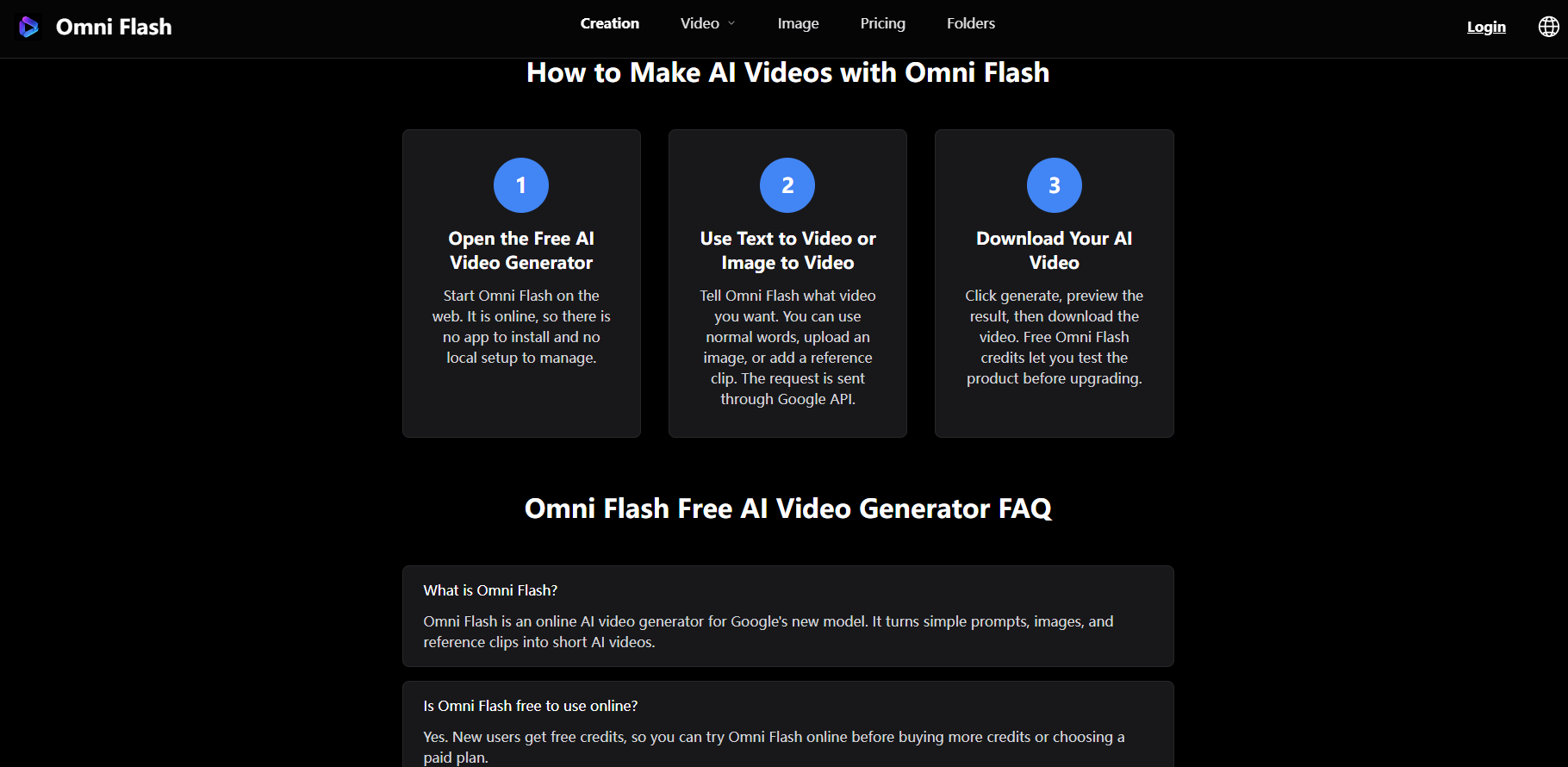
You don't need fancy prompt tricks. Everyday language works fine, which is good for anyone new to AI video. New users get a few free credits to test it first, so you can check the quality before you pay. After that it's a one-time payment with no auto-renewal and no hidden fees, so there's no monthly subscription to worry about.
Who it's for
If you make social posts, run ads, show off a product, or just want a fast clip without opening a full editor, this kind of browser tool saves a lot of time. You can try Omni Flash and see what it makes from your first prompt.
If you've been looking for a simple way to make short videos from a prompt, it's worth a look.



Top comments (0)