
Hey PromptZone crew,
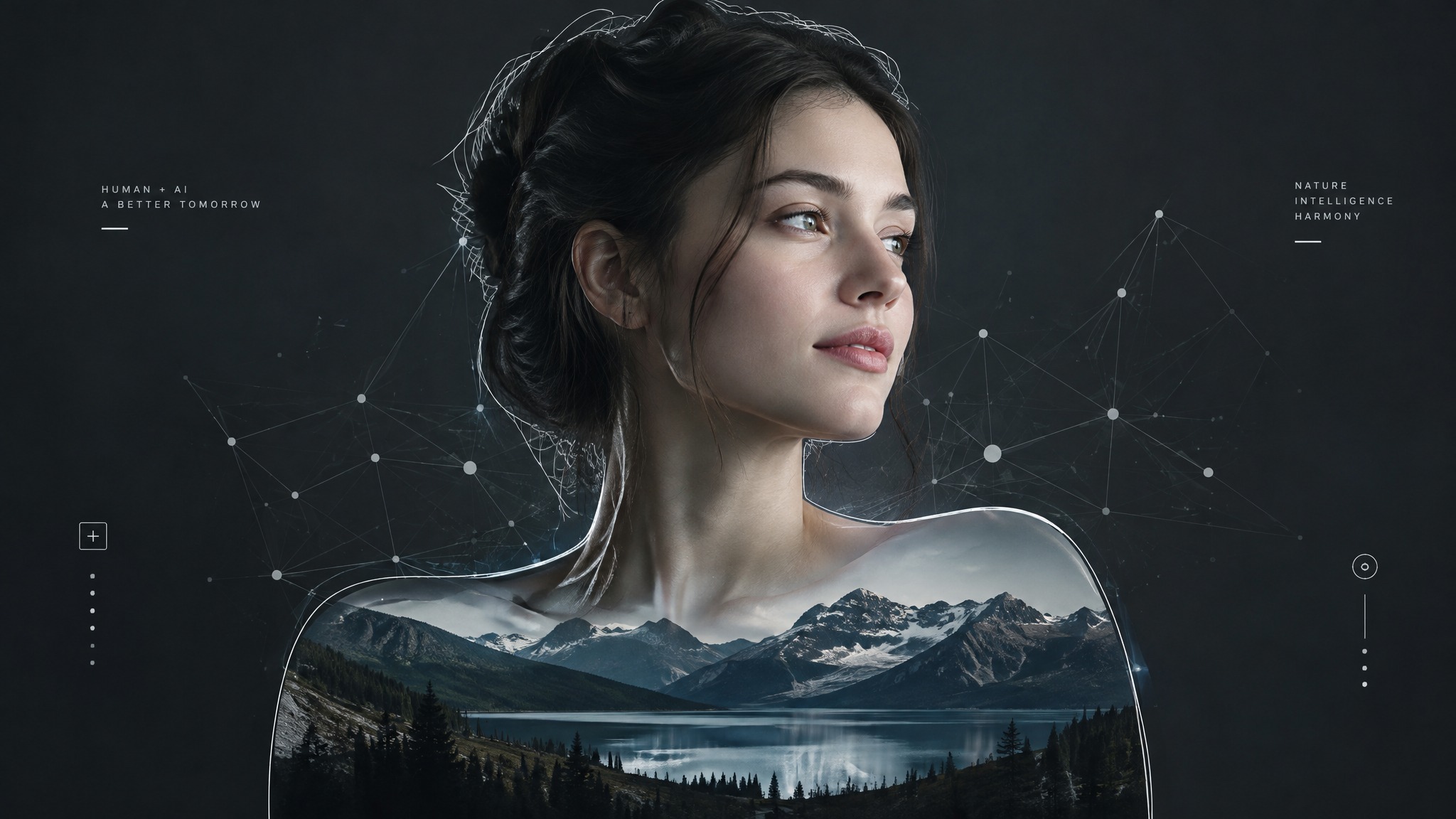
If you’ve been pushing Flux, Midjourney v6, or Stable Diffusion for high-res portraits and landscapes, you’ve definitely ran into prompt contamination during single-pass generation.
Trying to control a complex character lighting setup or fine environmental elements while simultaneously prompting a custom backdrop almost always leads to messy edge artifacts. Fine hair, translucent fabrics, tree foliage, and depth-of-field blur frequently get color-contaminated by the original rendered background.
Prompting harder rarely fixes this—it just burns GPU credits. A modular workflow separating foreground subject isolation from background re-rendering is infinitely more reliable.
Here’s my current breakdown for clean compositing:
- Extract the Foreground Element Cleanly: Skip tedious manual pen-tooling in Photoshop or heavy local segmentation nodes when you just need speed. Running raw generations through a dedicated tool to change image background to a clean transparent layer isolates fine hair strands and edge lighting fast without destroying semi-opaque details.
- Re-contextualize via Depth Control: Drop the transparent element into an inpainting canvas or ComfyUI pipeline. Passing a clean cutout through depth maps or ControlNet ensures your new scenery matches original perspective without background pixels bleeding back onto the subject.
- Manage Alpha Blending: If you’re compositing high-res photography plates, keeping an eye on standardized alpha blending principles (like standard W3C Digital Media Standards) helps avoid gray fringing or harsh borders when switching light/dark backdrops.
How are you guys handling edge bleed in your current generation stacks? Are you sticking strictly to ComfyUI node setups, or pairing local models with quick web utility tools? Drop your setups below!



Top comments (0)