
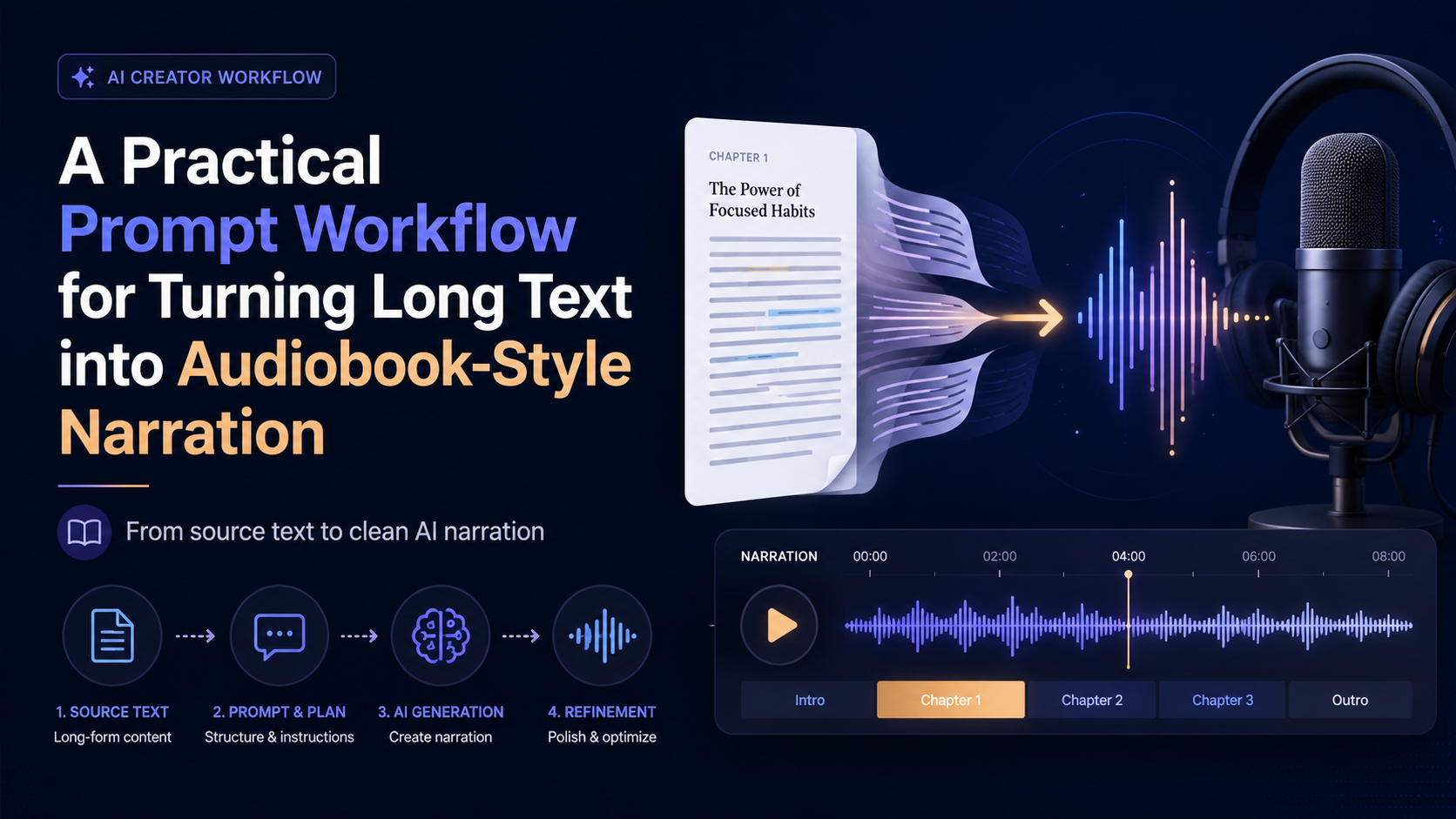

Turning a long article, manuscript, or ebook chapter into audio sounds simple at first. You paste the text into a voice tool, choose a voice, and generate the file.
But in practice, long-form narration often breaks down for a few predictable reasons. The pacing feels flat. Dialogue does not sound distinct from narration. Chapter transitions feel abrupt. Footnotes, page numbers, menus, and repeated headings sneak into the audio. A paragraph that looks fine on a screen may feel exhausting when spoken aloud.
That is why I usually treat audiobook-style narration as a workflow, not a one-click conversion. Before generating a full audio file, it helps to clean the source text, divide it into narration-friendly blocks, add light voice direction, and test a short sample first.
Below is a practical prompt workflow you can reuse when preparing long text for AI narration.
Why Long Text Needs a Narration Workflow
Short text is forgiving. A single paragraph, quote, or product script can often be read aloud without much preparation.
Long text is different.
When the source is a chapter, essay, manuscript, or ebook section, the AI voice has to handle more than pronunciation. It has to maintain rhythm across many paragraphs. It has to make scene changes feel natural. It has to avoid treating headings, notes, and body text as if they all have the same importance.
This is where prompt preparation helps. The goal is not to rewrite the original text into something new. The goal is to make the text easier to narrate while preserving the original meaning, tone, and structure.
A good narration workflow usually answers four questions:
Can the source text be spoken cleanly?
Are the sections short enough for natural pacing?
Does the voice need light emotional or delivery guidance?
Is the sample good enough before generating the full audio?
Step 1: Clean the Source Text
The first step is to remove anything that should not be spoken. This is especially important when the text comes from copied web pages, PDFs, EPUB files, exported documents, or OCR output.
Navigation labels, repeated headers, page numbers, footnotes, broken line breaks, and formatting noise can all damage the final listening experience.
Use this prompt:
Clean the following text for audiobook-style narration.

Rules:
- Keep the original meaning and structure.
- Remove page numbers, repeated headers, navigation text, menu labels, footnotes, and formatting noise.
- Fix broken line breaks only when they interrupt the reading flow.
- Do not summarize the text.
- Do not rewrite the author’s style.
- Preserve chapter titles, section headings, and dialogue.

Text:
[Paste your text here]
After this step, read the cleaned output quickly. If the text still contains things a listener should not hear, clean it again before moving on.
Step 2: Split the Text into Narration-Friendly Blocks
Long paragraphs are often readable on a screen but uncomfortable in audio. If the narration block is too large, the generated voice may sound rushed, flat, or difficult to follow.
The next step is to divide the text into smaller spoken blocks. This does not mean chopping every sentence into tiny fragments. It means creating natural units for listening.
Use this prompt:
Split the following text into narration-friendly blocks.

Rules:
- Keep the original order.
- Do not remove important details.
- Keep each block focused on one idea, scene, or moment.
- Preserve dialogue flow.
- Mark chapter titles and section headings clearly.
- Do not add commentary or analysis.
- Do not summarize.

Text:
[Paste the cleaned text here]
For nonfiction, each block should usually contain one clear idea. For fiction, each block should follow a scene beat, action moment, or dialogue exchange.
Step 3: Add Light Voice Direction
This step is optional, but useful when the text has emotional shifts, dialogue, suspense, reflection, or dramatic pacing.
The key word is light. Over-directing every sentence can make the narration feel artificial. You only want to guide moments where the voice may need help.
Use this prompt:
Add light narration direction to the following text.

Rules:
- Only add direction when it improves spoken delivery.
- Use simple labels such as [calm], [reflective], [tense], [warm], [dramatic], or [slower].
- Do not label every sentence.
- Do not change the wording of the original text.
- Preserve all paragraph breaks and dialogue.

Text:
[Paste the narration blocks here]
Example output might look like this:
[reflective]
I did not understand the importance of that moment until years later.

[tense]
The door opened before anyone had time to answer.

[warm]
“Come in,” she said. “You must be tired.”
This is especially useful for audiobook-style drafts, story samples, educational listening material, and manuscript review.
Step 4: Generate a Short Sample First
Before generating a full audiobook-style file, test a short section. A sample can reveal problems that are easy to miss in text.
For example, you may discover that the selected voice sounds good for one paragraph but tiring after three minutes. You may notice that the source text still contains unwanted formatting. You may realize that a chapter opening needs a slower pace, or that dialogue needs clearer separation.
This is where a short AI audiobook narration test can reduce risk before you commit to the full generation process.
A useful sample should include:
A paragraph of narration
A section heading or transition
At least one longer sentence
Dialogue, if the source contains dialogue
A tonal shift, if the text has emotional range
Do not test only the easiest paragraph. Test the part most likely to break.
Step 5: Review the Sample Like a Listener
When reviewing the sample, do not only ask, “Does the voice sound realistic?”
That question is too narrow.
Instead, listen for the full experience:
Does the pacing feel comfortable?
Are pauses natural?
Can you understand the structure without seeing the text?
Does the voice fit the material?
Do headings and transitions sound clear?
Does dialogue feel distinguishable from narration?
Is there any text that should have been removed before generation?
Would you keep listening for another five minutes?
If the answer is no, the issue may not be the voice model. It may be the source preparation.
Step 6: Adjust the Text Before Adjusting the Tool
A common mistake is to keep changing voices when the real issue is the text.
If the narration sounds awkward, try checking the input first:
Are the paragraphs too long?
Are headings formatted clearly?
Are scene changes marked?
Are there broken line breaks?
Does the text contain page numbers, menu labels, citations, or repeated titles?
Are dialogue lines separated cleanly?
A better-prepared script often improves the final audio more than switching from one voice to another.
Use this prompt if the sample sounds unnatural:
Review the following narration text and identify anything that may cause awkward AI voice delivery.

Look for:
- Overly long sentences
- Paragraphs that are too dense
- Unclear dialogue flow
- Missing transitions
- Formatting noise
- Headings that may be read awkwardly
- Places where a pause or section break would help

Return a revised narration-ready version without changing the meaning.

Text:
[Paste the sample text here]
A Simple End-to-End Workflow
Here is the complete process in one view:
- Clean the source text.
- Split it into narration-friendly blocks.
- Add light voice direction only where needed.
- Generate a short sample.
- Review the sample as a listener.
- Fix the text before generating the full audio.
This workflow is useful for authors, students, educators, creators, and anyone experimenting with long-form audio. It works for manuscript drafts, study material, blog posts, ebook chapters, training documents, and personal listening projects.
For quick experiments, a free audiobook generator can be useful when you want to test a short section before building a longer audiobook-style workflow.
Final Thoughts
AI narration works best when the input is prepared for listening, not just reading.
A clean source, natural section breaks, light delivery guidance, and a short sample can make the difference between flat text-to-speech output and audio that feels easier to follow.
The main lesson is simple: do not treat long-form narration as a single prompt. Treat it as a small production workflow.
The better the text is prepared, the better the final listening experience becomes.






Top comments (0)