
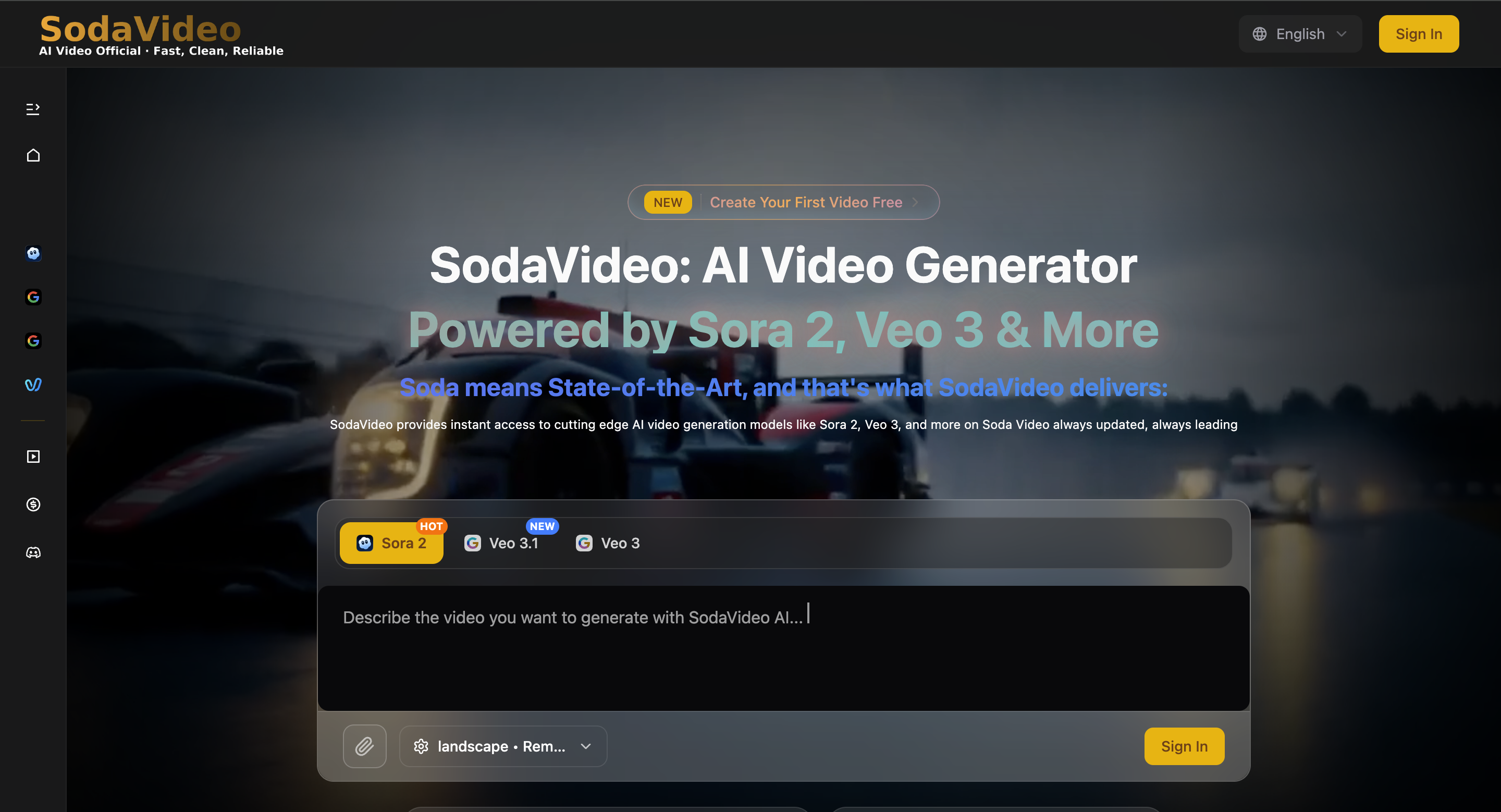

AI video generation in 2025 is less about “magic” and more about repeatable creative systems. The tools are strong—but the creators who win are the ones who can translate a visual idea into instructions a model understands: motion, camera language, composition, and constraints.
SodaVideo is built around that reality: it gives you a single hub to access multiple video models and iterate quickly. If you’re producing social content, product visuals, or micro-ads, that “model choice + prompt discipline” combo matters.
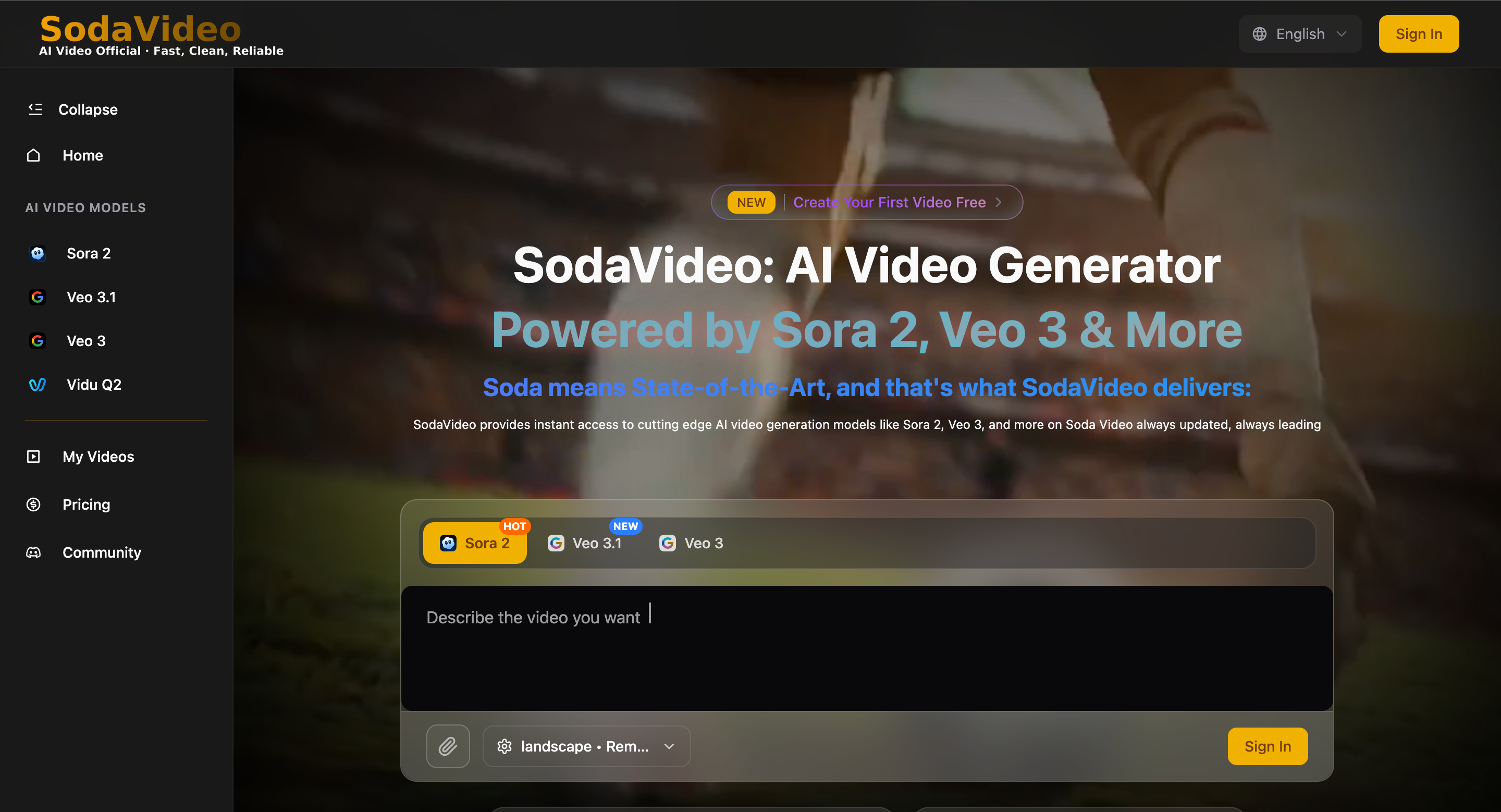
Start with the model menu (and pick intentionally)
On SodaVideo, you’ll see different engines available—like Sora 2, Veo 3.1, Veo 3, and Vidu Q2.
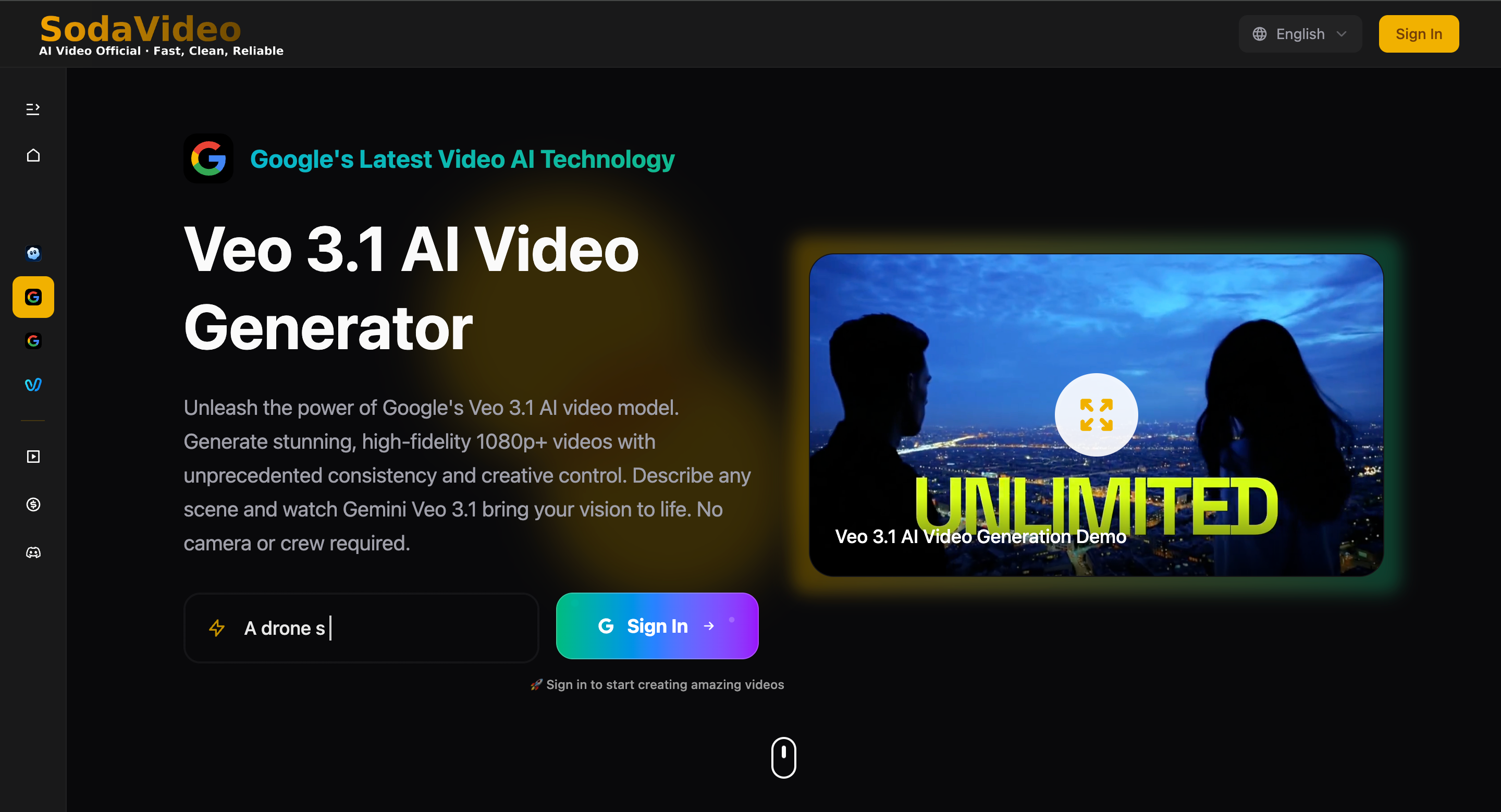
Instead of asking “which is best?”, ask:
Do I need cinematic consistency or fast iteration?
Is this text-only or do I have an image reference?
Am I making a single shot clip or a mini narrative?
If you need inspiration before prompting, open the Showcase and steal the structure (not the content): how scenes are described, what details are included, how motion is specified.
Prompting is a choreography script, not a caption
A strong prompt is basically a shot list:
Prompt Template
Scene: location + time + atmosphere
Subject: main character/product + visual details
Motion: what moves + how fast + what stays stable
Camera: angle + lens vibe + movement (drone / handheld / dolly)
Style: commercial / cinematic / documentary / retro / anime
Output constraints: duration + aspect ratio + “single shot”
Example Prompt (product reveal):
A hand opens a sleek box on a light wooden table. Slow top-down camera tilt into a close-up. The product rotates gently with soft reflections; minimal studio lighting, premium commercial style, clean background, single shot, no cuts.
Text-to-video AND image-to-video: use both on purpose
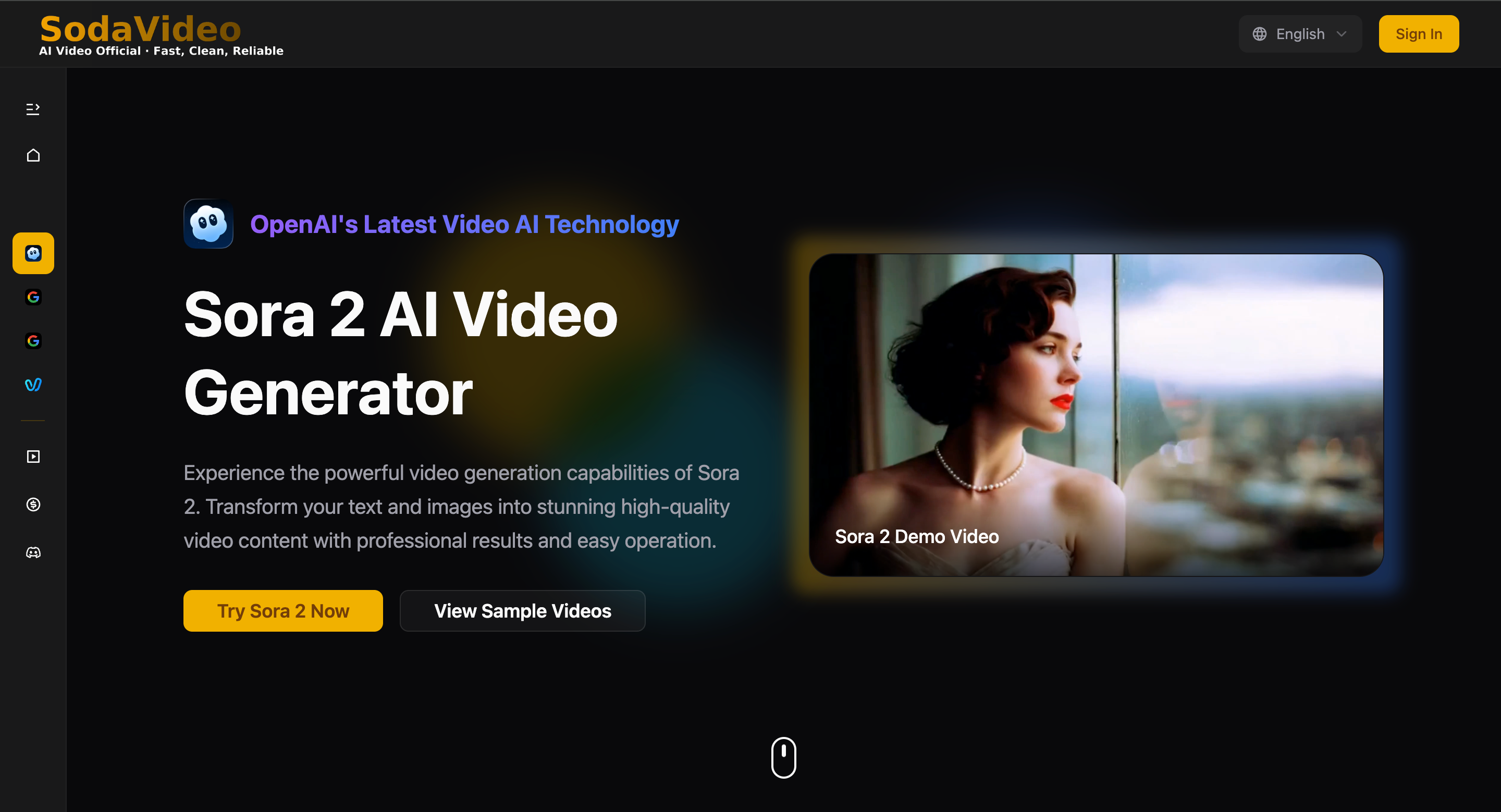
With Sora 2, you can start from pure text—or anchor the look with a starting image. If you already have brand visuals, uploading an image reduces randomness and keeps your output “on model.”
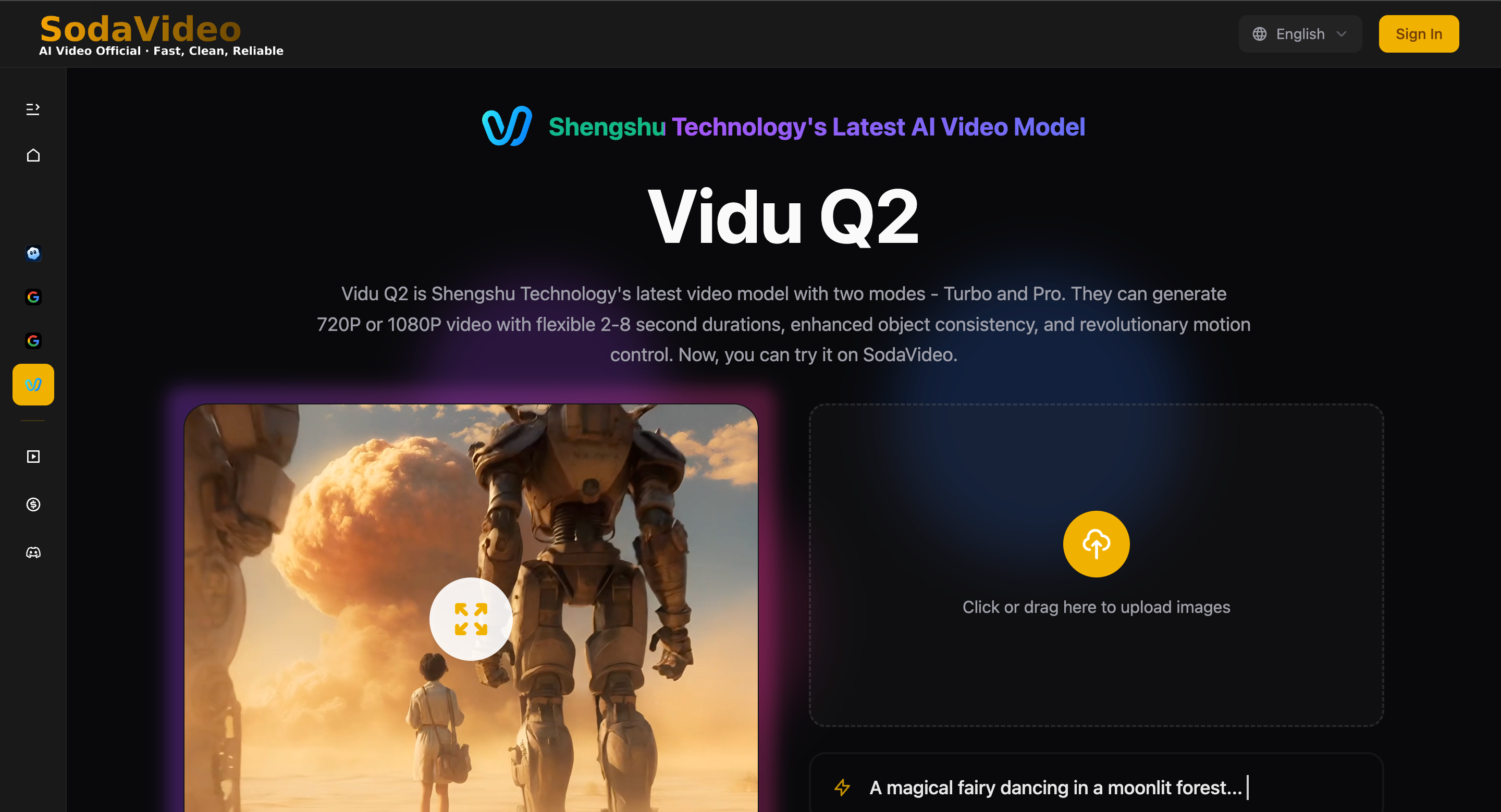
For faster tests (multiple variants), Vidu Q2 is great for quickly iterating different motions and camera moves—then you keep the best concept and refine it.
A repeatable 3-step workflow that scales
Draft 3 prompts that differ only in one variable (camera / lighting / motion)
Generate with one model, then try the same prompt on another model
Keep the best 10% and rewrite prompts based on what worked (not what you hoped)
This is how creators get consistent output without overthinking.
Practical “prompt upgrades” that instantly improve results
Add camera language (“slow dolly-in”, “drone shot”, “handheld documentary”)
Add stability constraints (“keep logo sharp”, “no background change”, “single shot”)
Add motion direction (“wind from left”, “subtle head turn”, “fabric sways slowly”)
Add visual hierarchy (“product centered”, “clean negative space”, “subject in foreground”)
Transparency note (useful if you’re sharing publicly)
If you’re curious about the platform’s positioning, About Us explains SodaVideo.ai as an independent platform.
Final thought
AI video in 2025 rewards creators who treat prompting like a craft. Tools help—but prompts decide quality. If you want a single place to test multiple models and build a repeatable workflow, start here: SodaVideo. And if you’re stuck, browse the Showcase, copy the structure, and make it yours.


Top comments (0)