
YouTube Shorts move fast.
A viewer decides in seconds whether your video deserves attention. The hook matters. The edit matters. The thumbnail matters.
But there's another piece creators often treat like an afterthought: the caption.
A weak caption can bury a good Short. A strong caption can add context, improve discoverability, and give viewers a reason to engage.
That's why more creators are searching for a caption generator for Shorts instead of writing every caption from scratch.
The goal isn't to let AI do all the thinking. The goal is to remove repetitive work so you can spend more time creating videos.
Why captions matter on YouTube Shorts
Most creators focus on the first few seconds of the video.
That's fair.
The opening hook is still the biggest factor behind retention.
But captions play a supporting role throughout the viewer journey.
A good caption can:
- Add missing context
- Reinforce the video's main idea
- Encourage comments
- Include relevant keywords
- Help viewers understand the content before watching
- Support search visibility
Think about a Short titled:
"I tested 5 AI tools in one day."
Without a caption, viewers only see the title and video.
With a caption like:
"Spent 12 hours testing AI tools so you don't have to. One of them surprised me."
There's more curiosity. More context. More reason to watch.
Small difference. Big impact.
The problem with writing captions manually
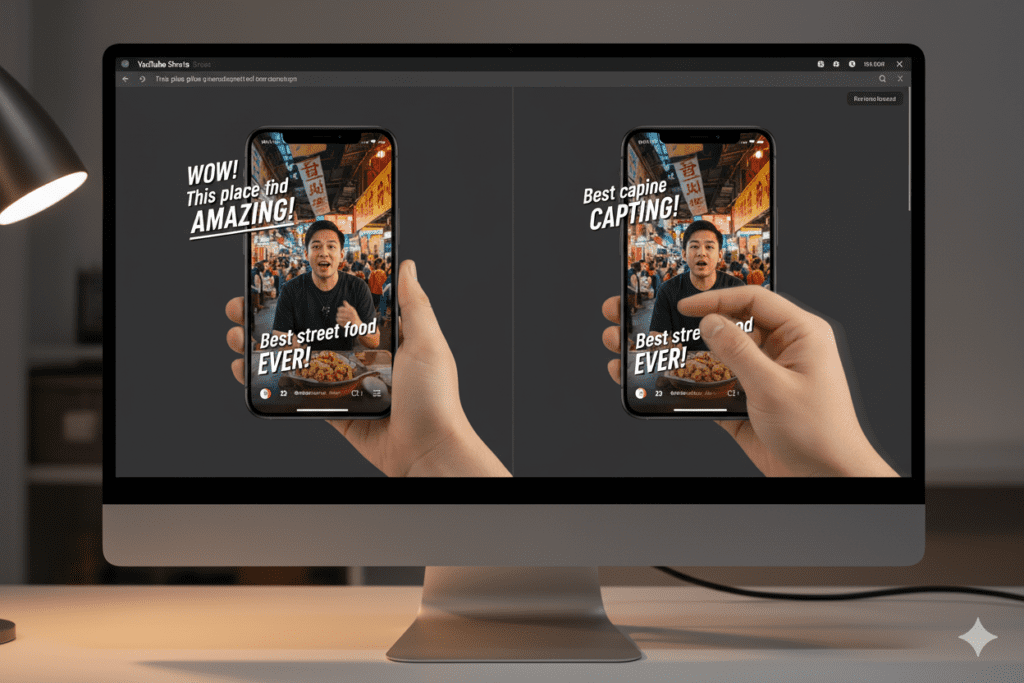
Writing one caption isn't hard.
Writing 3 captions isn't hard either.
The problem starts when you're publishing consistently.
A creator posting 2 Shorts per day will write more than 700 captions in a year.
Most of those captions follow similar patterns:
- Hook
- Context
- Curiosity
- Call to action
After a while, the process becomes repetitive.
You end up staring at a blank screen trying to think of another way to say the same thing.
That's where AI caption generators help.
What a good caption generator should actually do
Many caption tools generate generic text.
You've probably seen outputs like:
"Check out this amazing video!"
"Don't forget to like and subscribe!"
"Watch till the end!"
Those captions sound like they were copied from 2019 YouTube.
A useful caption generator understands platform context.
It should adapt captions based on:
- Video topic
- Audience type
- Content style
- Video length
- Creator goals
A gaming Short needs different language than a finance Short.
A movie recap channel needs a different tone than a fitness creator.
The best tools account for those differences.
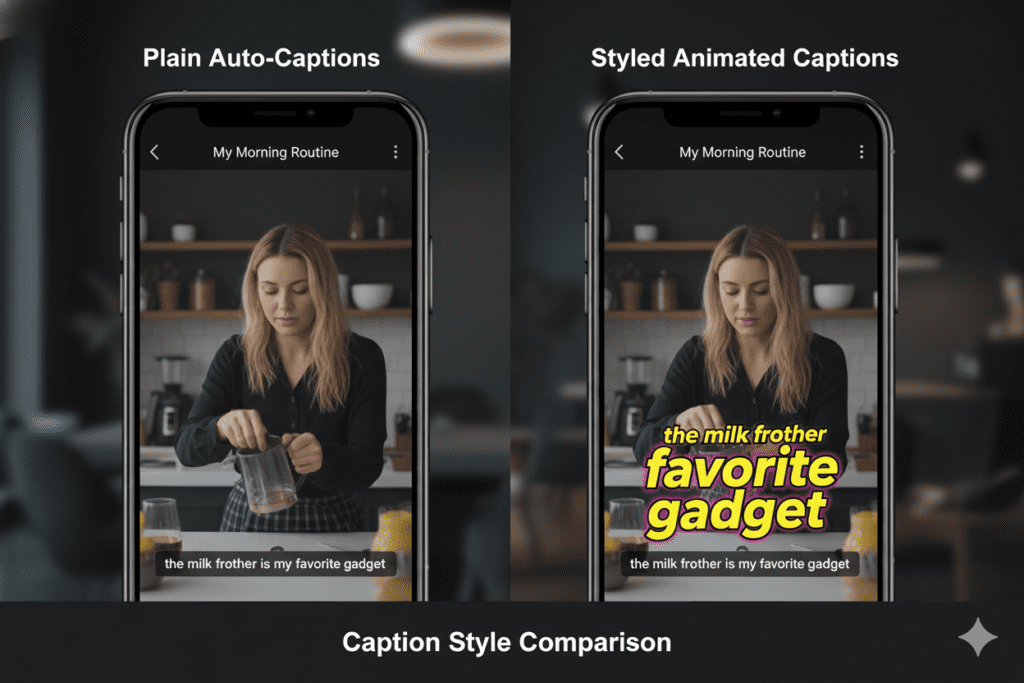
Types of Shorts captions that perform well
There isn't one perfect caption formula.
Different videos need different approaches.
Curiosity captions
These create an information gap.
Examples:
- I wasn't expecting this result.
- The final answer surprised me.
- This changed my opinion completely.
They work because viewers want closure.
Story-driven captions
Useful for personal experiences and case studies.
Examples:
- I spent 30 days testing this strategy.
- Here's what happened after I tried it.
- One mistake cost me weeks of progress.
Stories create emotional investment.
Educational captions
Ideal for tutorials and explainers.
Examples:
- Save this before your next edit.
- Most beginners miss this step.
- This trick takes less than 10 seconds.
The value proposition is clear.
Community captions
These invite interaction.
Examples:
- Would you try this?
- Which one would you choose?
- Agree or disagree?
Simple prompts often generate discussion.
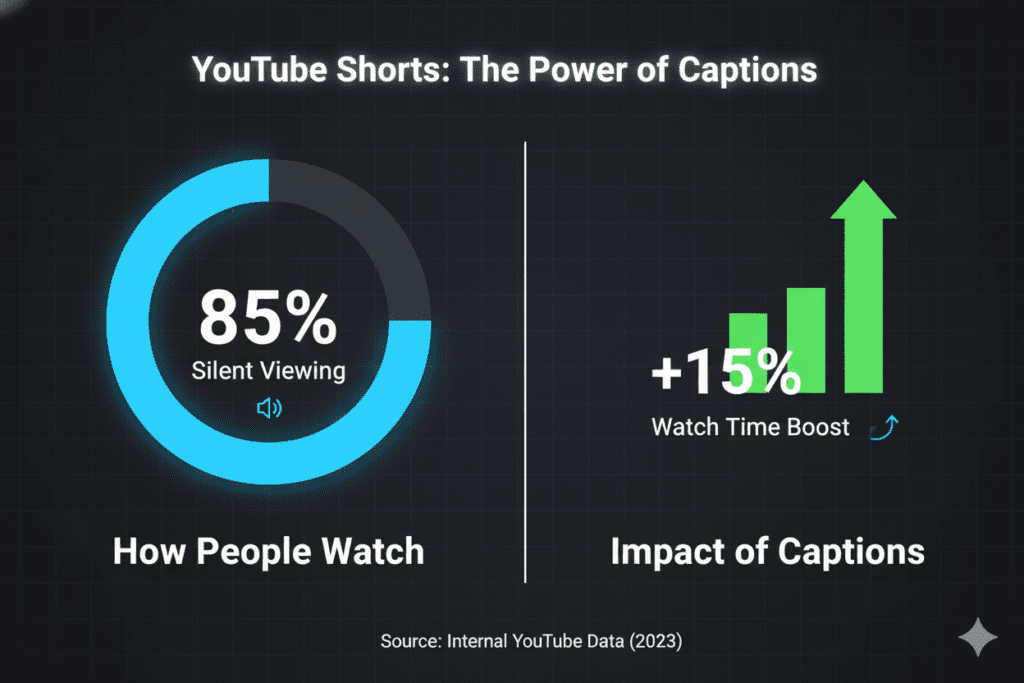
How AI caption generators save time
The biggest advantage isn't creativity.
It's speed.
A creator can generate multiple caption angles for the same video.
For example, imagine a Short about AI video editing.
An AI tool can instantly create:
- A curiosity version
- A tutorial version
- A storytelling version
- A question-based version
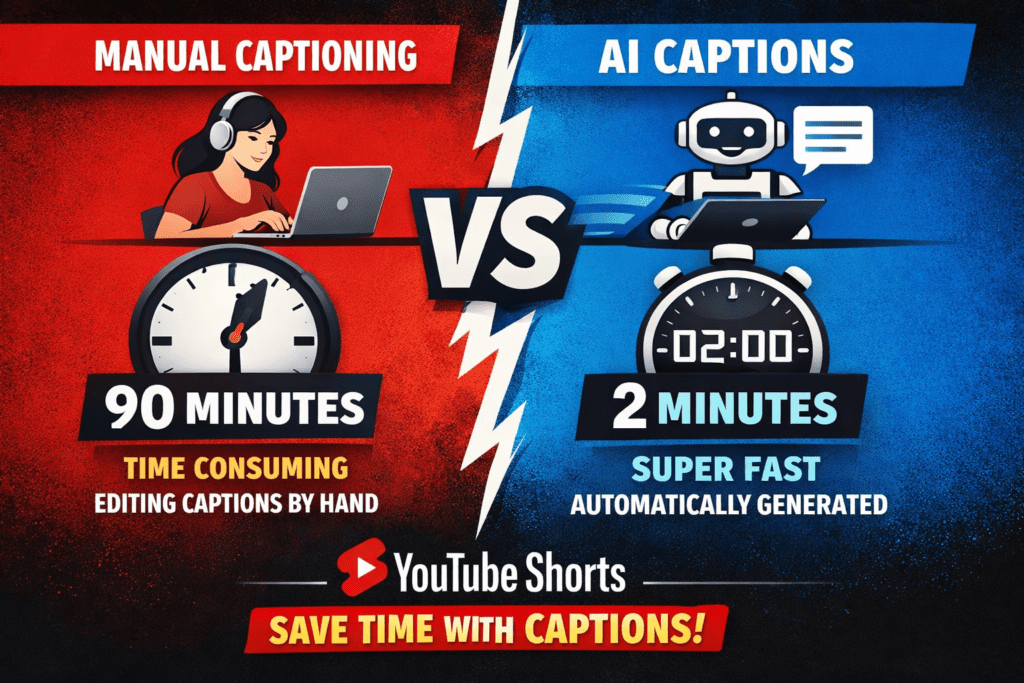
Instead of spending 15 minutes brainstorming, you review options and choose the strongest one.
That compounds quickly when you're publishing daily.
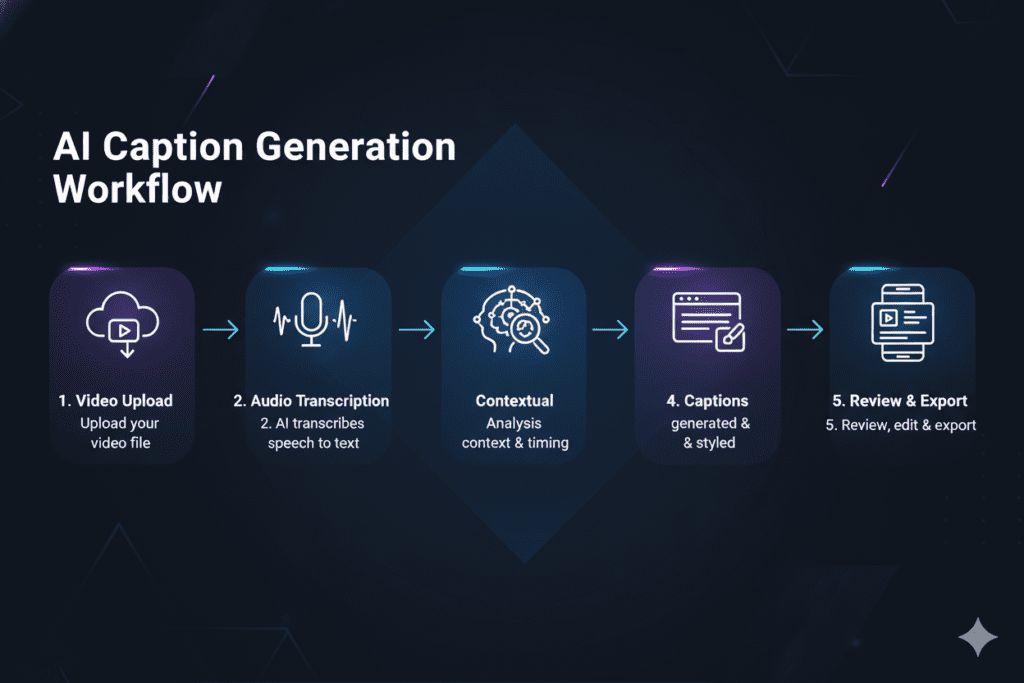
Common mistakes creators make with Shorts captions
I've noticed the same problems appear again and again.
Writing captions that repeat the title
The caption should add information.
If your title already says:
"Best AI editing tools in 2026"
Don't write:
"Best AI editing tools in 2026."
Use the caption to expand the idea.
Using too many hashtags
Hashtags aren't magic.
A caption stuffed with:
- #viral #fyp #shorts #youtube #trending #explore usually looks messy.
A few relevant tags are enough.
Making captions too long
Most viewers skim.
The first line matters most.
Get to the point quickly.
Sounding robotic
People connect with people.
Captions should sound like something a creator would actually say.
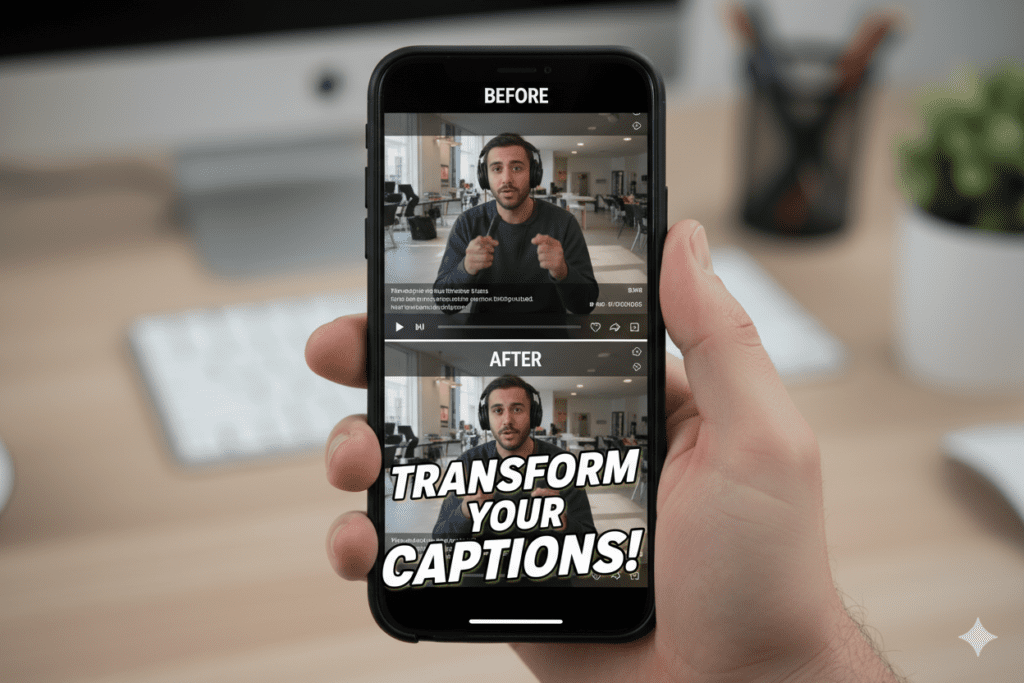
How YouTube creators use AI for captions today
The workflow has changed a lot.
A few years ago creators used AI mainly for titles.
Today many creators use it across the entire production process:
- Idea generation
- Script drafting
- Hook creation
- Caption writing
- Description generation
- Content repurposing
The creators growing fastest usually have systems.
They aren't creating every asset manually.
They're using AI to handle repetitive tasks while keeping creative control.

Choosing the right caption generator for Shorts
Before using any tool, ask a simple question:
Can it understand YouTube content?
Many AI writing tools are designed for general marketing copy.
They can generate text, but they don't always understand retention hooks, creator language, or audience psychology.
That's one reason many YouTube-focused creators prefer dedicated tools built around video workflows.
For example, if you're already creating Shorts from AI-generated scripts, a tool that combines scripting and caption generation can keep your workflow in one place.
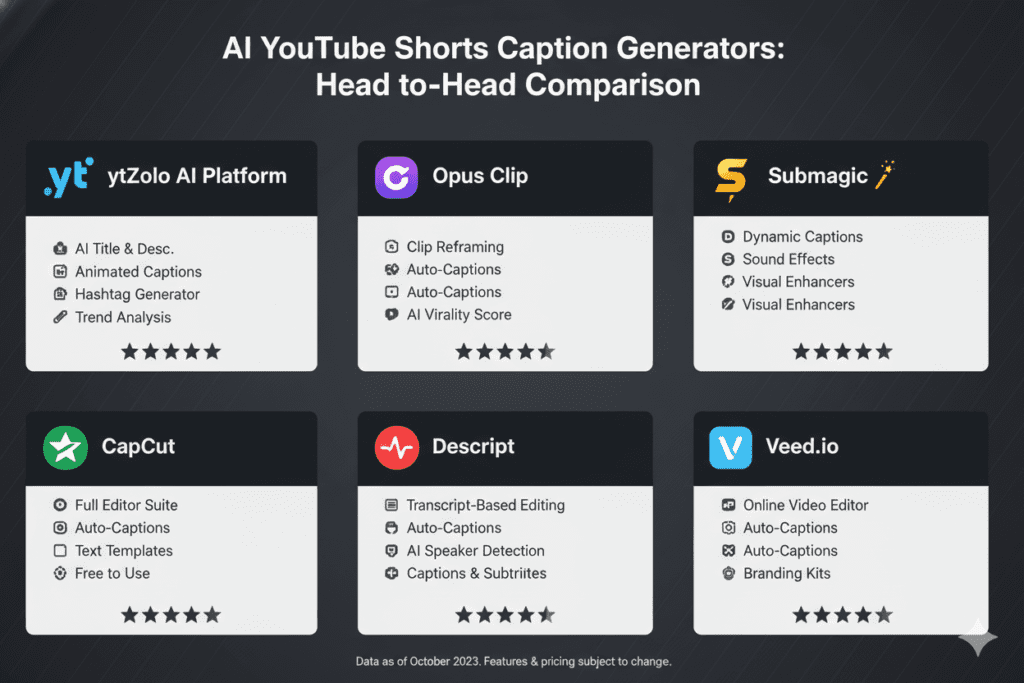
Resources like this guide on a caption generator for Shorts explain how creators use AI to generate captions that match the video's topic, tone, and audience rather than relying on generic templates.
Tools such as ytZolo also focus specifically on YouTube content creation workflows, which makes them useful for creators who want captions, scripts, hooks, and content planning inside a single system.

A simple framework for writing better Shorts captions
Whether you use AI or write manually, this framework works well.
Step 1: Start with the outcome
What does the viewer gain?
Examples:
- Learn a new skill
- Save time
- Avoid a mistake
- Discover a tool Make that clear.
Step 2: Add curiosity
Give people a reason to keep watching.
Examples:
- The result surprised me.
- I didn't expect this.
- The last tip is my favorite.
Step 3: End with interaction
Encourage responses.
Examples:
- Would you try this?
- What's your experience?
- Which option would you pick?
Simple questions often outperform complicated calls to action.
Example captions generated from one video
Let's say your Short is about an AI thumbnail tool.
Caption 1:
"I tested this AI thumbnail generator for a week. The click-through rate increase caught me off guard."
Caption 2:
"Creating thumbnails used to take 30 minutes. This tool cut that time dramatically."
Caption 3:
"Would you trust AI to design your YouTube thumbnails?"
Same video.
Three completely different angles.
That's why generating multiple options usually works better than settling for the first idea.
The future of Shorts captions
AI-generated captions are getting smarter.
Instead of generating text from a title alone, newer systems can analyze:
- Video scripts
- Audience intent
- Content category
- Engagement patterns
That means captions become more relevant to the actual video.
Creators still need judgment.
AI can generate options.
Humans choose the best one.
That combination tends to produce stronger results than either approach alone.
Final thoughts
Captions won't rescue a bad video.
They won't fix weak editing.
They won't create retention where none exists.
But they do influence how viewers discover, understand, and interact with your content.
For creators publishing Shorts consistently, even small improvements matter.
A better caption written in 30 seconds instead of 10 minutes saves time today and adds up across hundreds of uploads.
That's why caption generators have become part of the modern creator workflow. The best ones help you move faster while keeping your voice intact.
For more info visit ytZolo.






Top comments (0)