

The Ultimate AI Workflow for Gaming YouTubers in 2026
Gaming is one of the few YouTube niches where creativity alone isn't enough anymore.
Every day, thousands of creators upload gameplay videos, challenge runs, tutorials, reaction clips, lore explanations, patch breakdowns, and livestream highlights. The competition isn't just about who has the best gameplay—it's about who can consistently publish engaging content that gets discovered.
That's where AI has quietly become a competitive advantage.
Contrary to popular belief, successful creators aren't using AI to replace their creativity. They're using it to automate repetitive tasks that previously took hours—researching ideas, organizing scripts, generating thumbnail concepts, optimizing metadata, and analyzing performance.
The result? More time spent creating content and less time switching between tools.
If you're a gaming YouTuber in 2026, the question isn't whether you should use AI. It's how to build an AI workflow that helps you create faster while maintaining your unique style.
In this guide, we'll walk through the complete content creation process, explore the best categories of AI tools for gaming YouTubers, and share practical prompts you can use immediately.
Why Gaming Is the Most Competitive YouTube Category
Gaming has always been crowded, but the pace of content production has accelerated dramatically.
New games launch every week. Live-service titles receive constant updates. Esports events create spikes in audience interest. Indie games go viral overnight.
For creators, timing matters almost as much as quality.
Miss the trend by a few days, and your video may struggle to gain traction.
At the same time, viewers expect:
- Better storytelling
- Higher production quality
- More engaging thumbnails
- Faster uploads
- Consistent publishing schedules
Meeting these expectations manually is difficult, especially for solo creators.
This is where AI becomes less of a novelty and more of a productivity system.
Instead of replacing creativity, it helps eliminate repetitive work throughout the production process.
The Biggest Bottlenecks Gaming Creators Face
Before choosing AI tools, it's worth identifying where most creators actually lose time.
Typically, the biggest challenges include:
Finding video ideas
After uploading dozens or hundreds of videos, coming up with fresh concepts becomes increasingly difficult.
Researching trending topics
Which game is gaining momentum?
Which update deserves coverage?
What are competitors publishing?
Writing scripts
Tutorials, reviews, and lore videos often require structured storytelling.
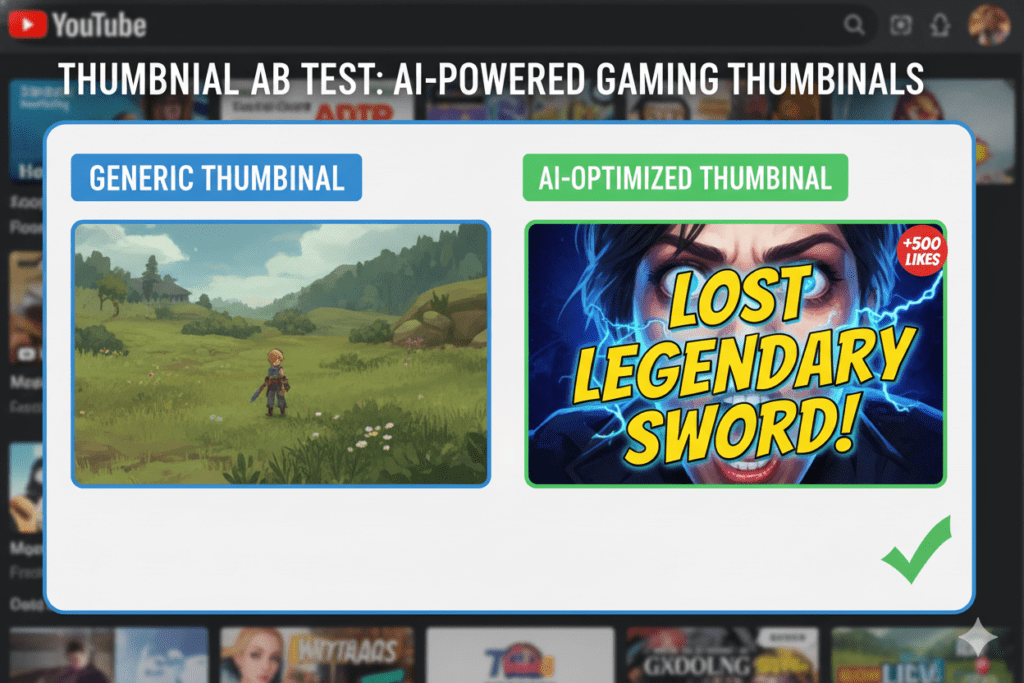
Designing thumbnails
Even a fantastic video won't perform well if nobody clicks on it.
Writing titles and descriptions
Many creators spend longer naming their videos than editing them.
YouTube SEO
Understanding search intent, keywords, and metadata can feel overwhelming.
Editing
Removing pauses, adding captions, improving pacing, and creating Shorts all consume time.
Publishing consistently
Consistency remains one of the strongest signals for long-term channel growth.
The good news?
AI can help at every stage.
Stage 1: AI for Research & Content Planning
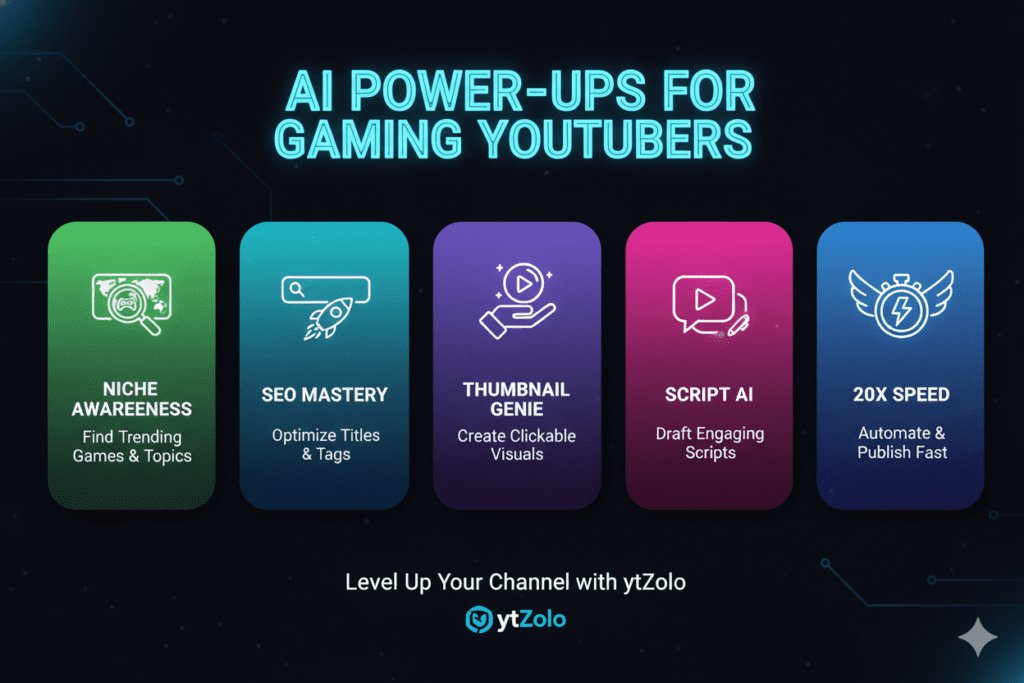
Many creators begin by opening YouTube and scrolling through competitors.
A better approach is using AI to organize information before you even start recording.
Good research tools can help identify:
- Trending games
- Viral topics
- Popular video formats
- Frequently asked questions
- Content gaps
- Evergreen tutorial ideas
Instead of copying competitors, use AI to understand what audiences are searching for and where you can add unique value.
Prompt Example
"Act as a YouTube strategist for a gaming channel focused on FPS games. Suggest 20 high-potential video ideas based on recent gameplay trends, viewer questions, and evergreen search topics. Include why each idea would attract viewers."
Stage 2: AI for Script Writing
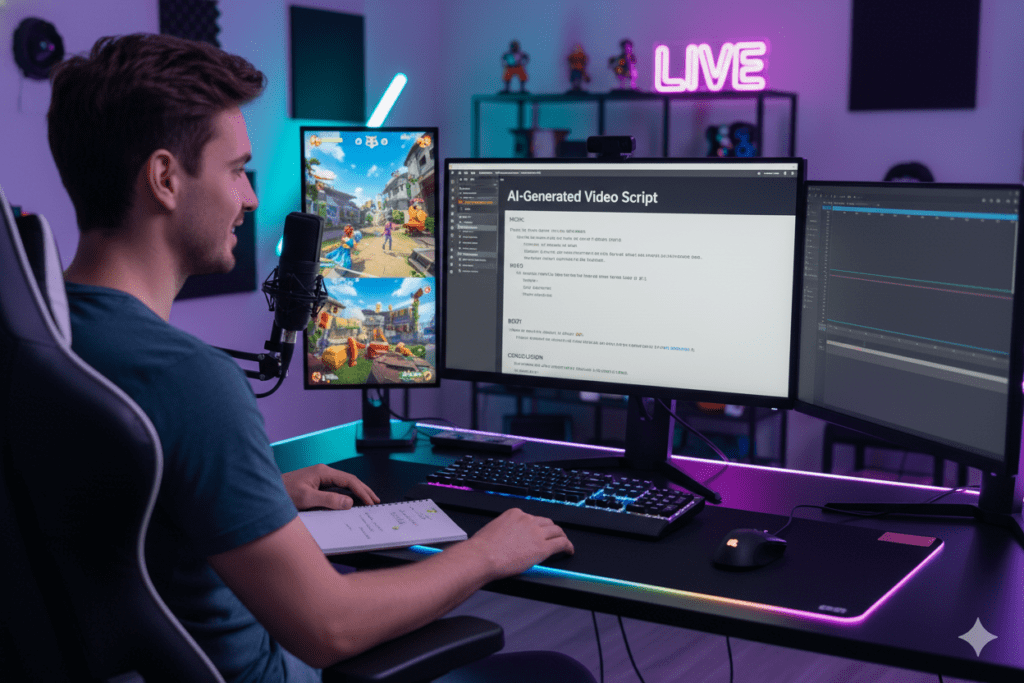
Not every gaming video requires a word-for-word script.
However, structured content consistently performs better.
AI script generators can assist with:
- Hooks
- Introductions
- Storytelling
- Video outlines
- Educational explanations
- Conclusions
The key is treating AI as a brainstorming partner rather than an automatic content creator.
Your experiences, opinions, and gameplay still make the video unique.
Prompt Example
"Write a conversational YouTube script explaining the newest Fortnite update. Include an engaging hook, simple explanations, examples from gameplay, viewer retention moments every 45 seconds, and a compelling ending."
Stage 3: AI Thumbnail Generation
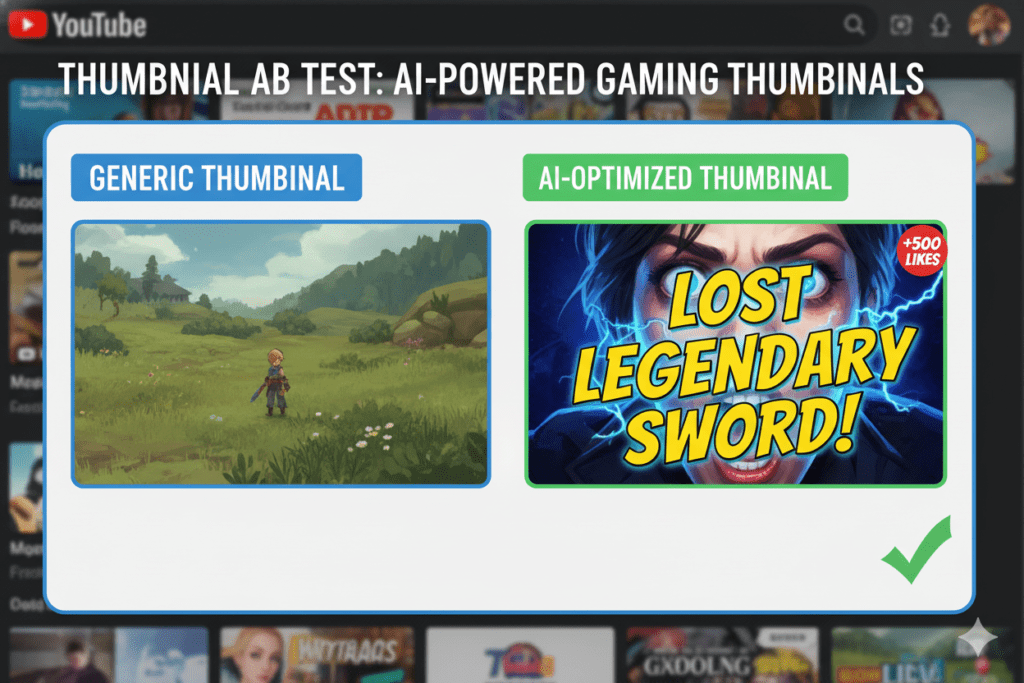
Most viewers decide whether to click within seconds.
That makes thumbnails one of the highest-impact parts of the entire workflow.
Modern AI thumbnail generators help creators:
- Generate multiple design concepts
- Remove distracting backgrounds
- Improve lighting
- Enhance facial expressions
- Suggest visual layouts
- Explore different styles quickly
Instead of replacing design skills, they speed up the creative process.
Many creators still refine the final image manually, but AI significantly reduces the time needed to reach a strong concept.
Prompt Example
"Create three YouTube thumbnail concepts for a Minecraft survival challenge. Focus on high contrast, emotional reactions, bold composition, and minimal text."
Why an Integrated Workflow Beats Using Ten Different Tools
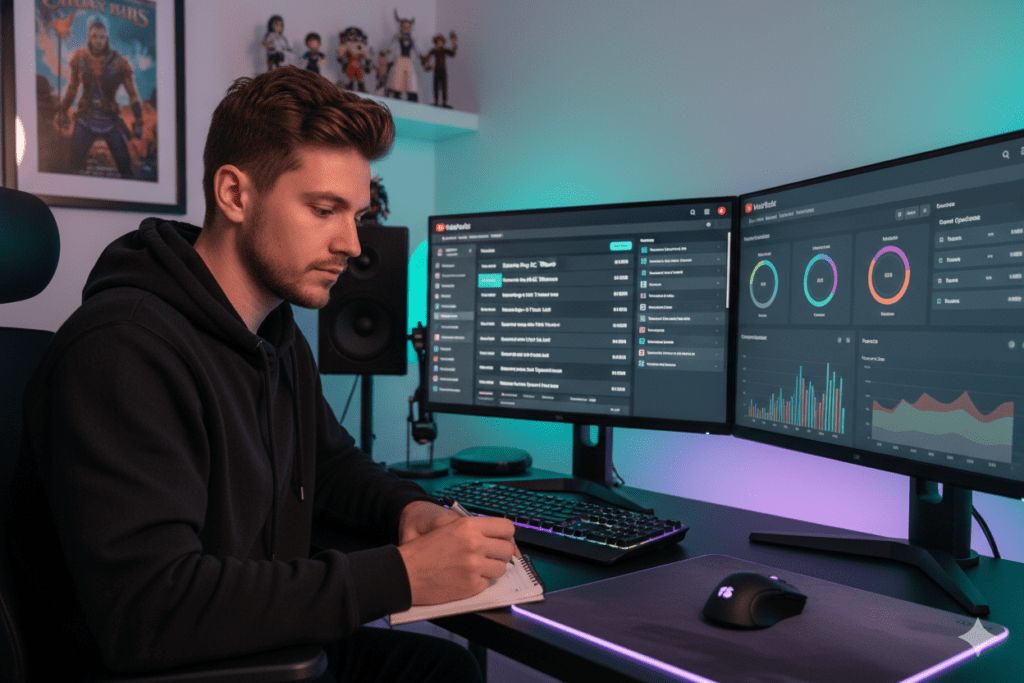
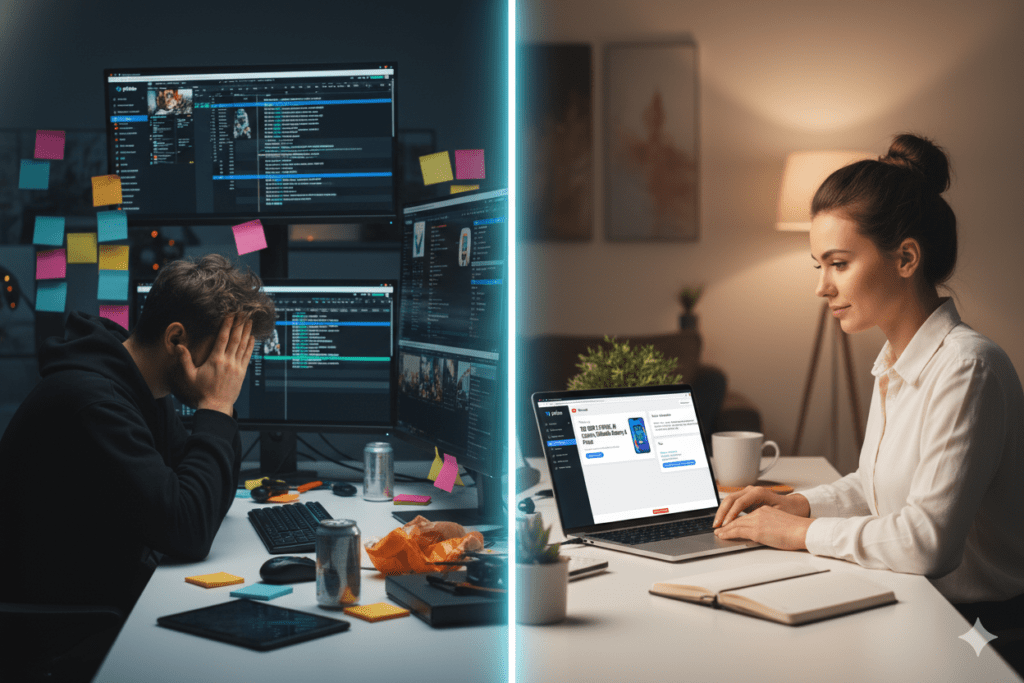
One of the biggest productivity killers isn't creating content—it's switching between apps.
A typical workflow might involve:
- One AI tool for research
- Another for scripting
- A design platform for thumbnails
- A keyword tool for SEO
- A title generator
- A description writer
- Analytics software
Individually, these tools are useful.
Collectively, they create unnecessary friction.
Many creators now prefer integrated workflows that combine multiple stages of content creation in one place, reducing context switching and making it easier to move from an idea to a published video.
If you're exploring different approaches, this guide on AI tools for gaming YouTubers offers a practical overview of how various AI-powered tasks—from planning and scripting to thumbnails and SEO—can fit together within a streamlined creator workflow.
The objective isn't to rely on a single platform for everything. It's to minimize repetitive work so you can spend more time creating content that connects with your audience.
Stage 4: AI Video Editing – Save Hours Without Sacrificing Quality
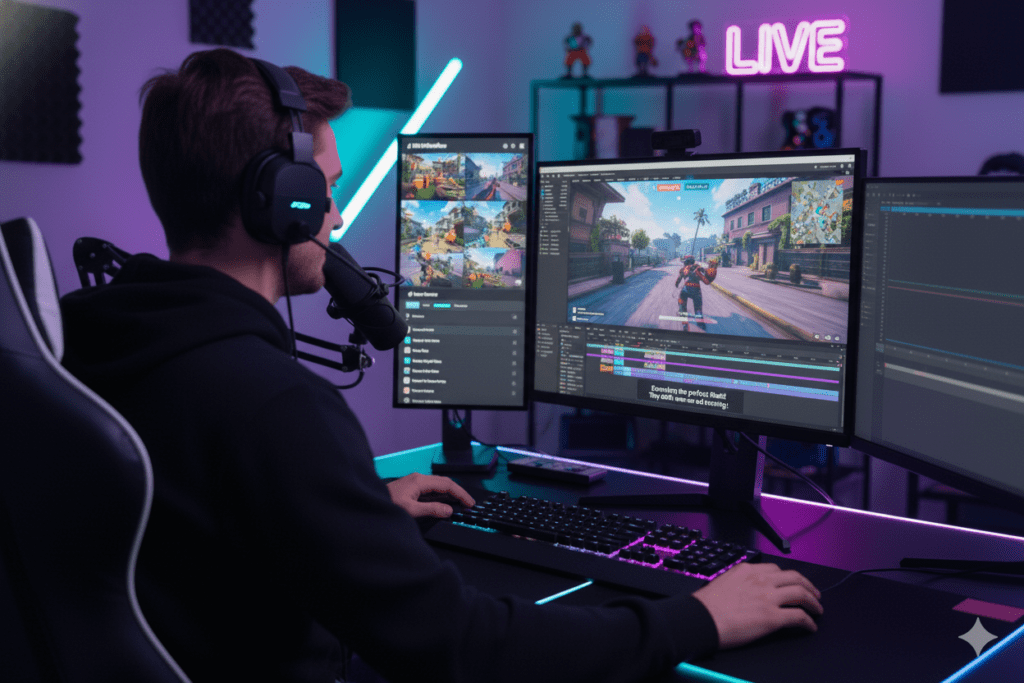
Editing has traditionally been the most time-intensive part of YouTube production. For gaming creators, it's even more demanding. A single recording session can easily exceed two hours, but only 10–20 minutes may make it into the final upload.
Today's AI-powered editing tools dramatically reduce this workload by automating repetitive tasks while leaving creative decisions to the creator.
What AI can automate
- Removing silent sections
- Detecting exciting gameplay moments
- Creating captions automatically
- Cleaning background noise
- Enhancing voice clarity
- Reframing videos for Shorts
- Generating chapter markers
- Suggesting highlight clips
Popular tools like CapCut AI, Descript, Adobe Premiere Pro's AI features, and Opus Clip help creators shorten editing time while maintaining quality.
Prompt Example
"Analyze this gaming commentary transcript and identify the most engaging moments for a 12-minute YouTube video. Suggest timestamps for intro, funniest moment, biggest fail, climax, and ending."
Stage 5: AI Voiceovers and Audio Enhancement
Not every creator is comfortable recording narration, and many gaming channels produce tutorials, lore videos, or strategy guides that benefit from polished voiceovers.
Modern AI voice tools can help with:
- Clear narration
- Noise reduction
- Audio enhancement
- Pronunciation improvements
- Multilingual dubbing
- Accessibility for global audiences
Rather than replacing authentic commentary, these tools are especially valuable for educational gaming content or creators experimenting with new formats.
Prompt Example
"Rewrite this gaming tutorial into a natural, conversational voiceover script with short sentences, clear pacing, and moments that encourage viewers to keep watching."
Stage 6: AI for YouTube SEO
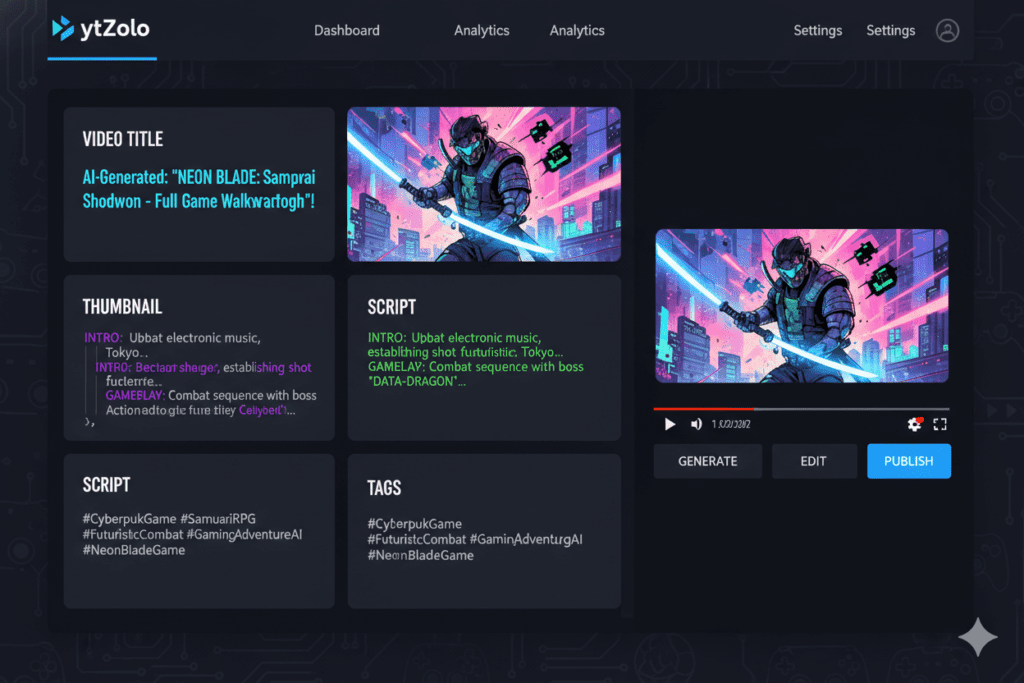
Creating a great video is only part of the equation. If viewers can't discover it, growth becomes much harder.
AI can simplify YouTube SEO by helping creators:
- Find relevant keywords
- Write optimized descriptions
- Suggest tags
- Improve metadata
- Organize timestamps
- Generate FAQ-style descriptions
- Match content with search intent
The goal isn't to "beat the algorithm." It's to clearly communicate what your video offers so YouTube can recommend it to the right audience.
Prompt Example
"Generate an SEO-friendly YouTube title, description, tags, and chapters for a beginner guide to Elden Ring. Include high-intent keywords while keeping the language natural."
Stage 7: AI for Analytics and Growth
One of the biggest advantages AI provides isn't before publishing—it's after.
Instead of guessing why one video succeeds while another underperforms, AI can help uncover meaningful patterns.
Useful metrics include:
- Click-through rate (CTR)
- Audience retention
- Average view duration
- Returning viewers
- Traffic sources
- Search performance
- Viewer engagement
AI can summarize these metrics into actionable recommendations.
For example:
- Which thumbnails consistently earn higher CTR?
- What video length retains viewers best?
- Which topics generate subscribers instead of just views?
- Where do viewers typically stop watching?
These insights make future content decisions much easier.
Prompt Example
"Analyze these YouTube analytics and identify the three biggest reasons my gaming videos are losing viewers. Suggest practical improvements for future uploads."
The Best AI Stack for Gaming YouTubers
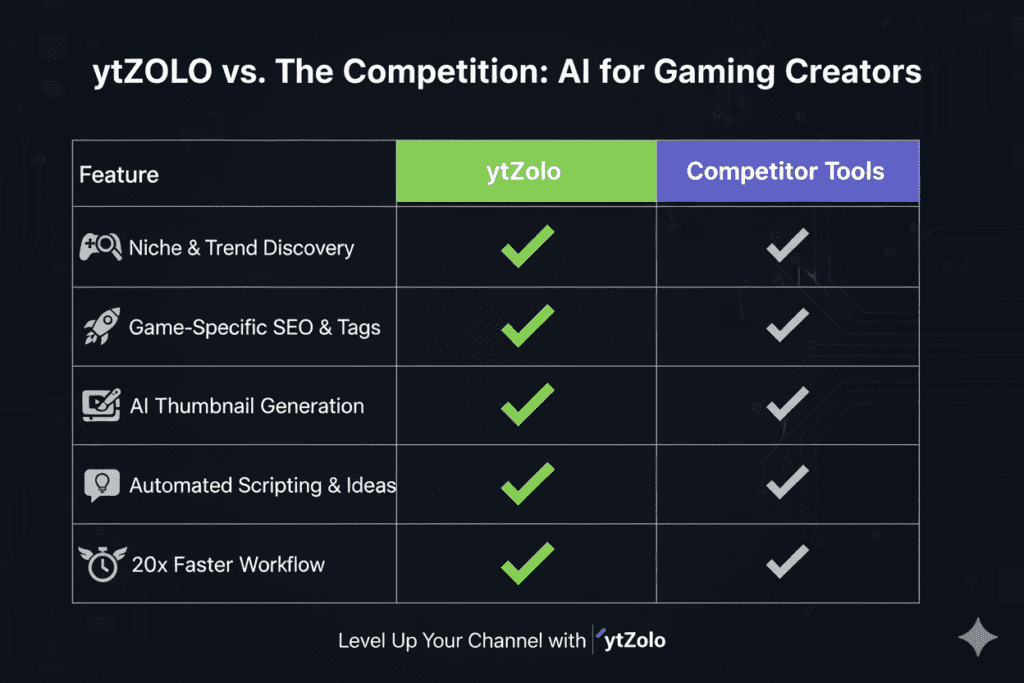
There isn't a single "best" AI tool. Instead, the most effective workflow combines tools based on specific tasks.
Here's a practical AI stack for many gaming creators:
| Task | Recommended AI Tools |
|---|---|
| Research | ChatGPT, Perplexity, Gemini |
| Script Writing | ChatGPT, Claude |
| Thumbnail Concepts | Midjourney, Leonardo AI, Ideogram |
| Thumbnail Editing | Photoshop AI, Canva AI |
| Video Editing | CapCut AI, Descript, Premiere Pro |
| Voiceovers | ElevenLabs |
| SEO | TubeBuddy, vidIQ, integrated creator tools |
| Analytics | YouTube Studio, ViewStats, AI assistants |
Remember, these are examples rather than prescriptions. The right combination depends on your workflow, budget, and content style.
A Complete AI Workflow Example
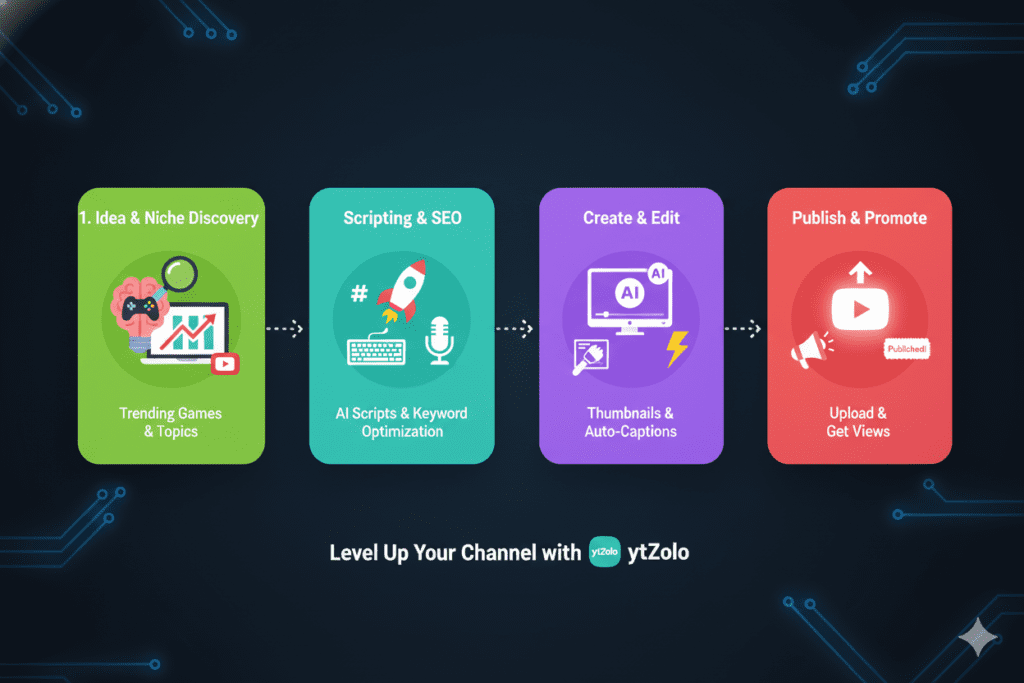
Let's say you're creating a video titled:
"I Beat Minecraft Using Only Wooden Tools."
Here's how AI can support the process:
Step 1 – Research
Ask AI to identify:
- Trending Minecraft challenges
- Similar high-performing videos
- Frequently searched questions
Step 2 – Planning
Generate:
- Three unique video angles
- Viewer hook ideas
- Story structure
Step 3 – Script
Create:
- Opening hook
- Mid-video retention moments
- Call-to-action
- Ending
Step 4 – Thumbnail
Generate concepts emphasizing:
- Emotional reaction
- High contrast
- Clean composition
- Minimal text
Step 5 – SEO
Produce:
- Multiple title options
- Search-friendly description
- Keyword suggestions
- Chapters
Step 6 – Editing
Use AI to:
- Remove silence
- Create captions
- Detect highlights
- Export Shorts
Step 7 – Analytics
Review:
- CTR
- Watch time
- Audience retention
- Returning viewers
Then use those insights to improve your next upload.
This workflow doesn't eliminate creativity—it frees up more time for it.
10 Copy-and-Paste AI Prompts Every Gaming YouTuber Should Save
1. Video Idea Generator
Suggest 25 YouTube video ideas for a gaming channel focused on RPG games. Include search intent, target audience, and estimated difficulty.
2. Hook Generator
Write 10 high-retention hooks for a YouTube video about the latest Call of Duty update.
3. Thumbnail Brainstorm
Suggest five thumbnail concepts that maximize curiosity without using misleading clickbait.
4. Title Generator
Generate 20 SEO-friendly YouTube titles for a Valorant gameplay challenge.
5. Description Writer
Write a YouTube description that improves search visibility while sounding natural and conversational.
6. Competitor Analysis
Analyze the top gaming videos on this topic and identify content gaps I can cover.
7. Viewer Retention
Suggest five moments during this script where I should add humor, suspense, or visual changes to maintain audience attention.
8. Shorts Repurposing
Identify the three most engaging clips from this transcript that could become YouTube Shorts.
9. Community Posts
Write five engaging YouTube Community posts that encourage viewers to comment before my next upload.
10. Performance Review
Based on these analytics, suggest three experiments I should run on my next gaming video.
Future Trends in AI for Gaming Creators
AI tools are improving rapidly, but the next wave isn't just about generating content faster. It's about making better creative decisions.
In the coming years, creators can expect:
- Smarter content planning based on audience behavior
- Predictive analytics that estimate video performance
- More accurate thumbnail testing
- Improved multilingual publishing
- AI-powered workflow automation across research, scripting, editing, and publishing
- Better collaboration between human creativity and AI assistance
The creators who benefit most won't necessarily be those using the most AI tools—they'll be the ones integrating AI thoughtfully into their existing workflow.
Final Thoughts
The best gaming creators have always been great storytellers, entertainers, and community builders. AI doesn't change that.
What it changes is the amount of time spent on repetitive production tasks.
Whether you're brainstorming ideas, writing scripts, designing thumbnails, optimizing YouTube SEO, or analyzing performance, AI can help you work more efficiently while keeping your unique voice at the center of every video.
Instead of asking, "Which AI tool should I use?", consider asking:
"Which part of my workflow is slowing me down the most?"
Start there, experiment with one or two AI-powered improvements, and refine your process over time. Consistency, creativity, and a well-designed workflow will always matter more than chasing every new tool that appears.






Top comments (0)