


If you've ever stared at a keyword and wondered, "What videos could I actually make around this?", you're not alone. Finding a keyword is only the beginning. The real challenge is turning that keyword into ideas that people are excited to watch.
This is where AI can help—but only if you know how to ask the right questions. Many creators type a keyword into ChatGPT and receive a list of generic suggestions that sound repetitive or lack a clear audience. The difference isn't the AI model; it's the prompt.
In this guide, you'll learn how to generate YouTube video ideas from keywords using ChatGPT in a way that aligns with search intent, audience needs, and content strategy. You'll also discover why some prompts fail, how to improve them, and how to build a repeatable workflow that produces fresh ideas every time.
Whether you're starting a new channel or planning your next month of content, these techniques will help you spend less time brainstorming and more time creating.
Why Keyword-First Ideation Works
Successful YouTube creators rarely begin with random ideas. Instead, they start with topics that people are already searching for and expand them into multiple content opportunities.
For example, suppose your keyword is:
"budget gaming laptop"
A basic brainstorming session might produce:
Best Budget Gaming Laptop
Gaming Laptop Under $800
Cheap Gaming Laptop Review
While these are valid topics, they barely scratch the surface.
A keyword-first approach helps you uncover multiple search angles instead of limiting yourself to a single video idea. Take the keyword "budget gaming laptop" as an example. Rather than creating one generic review, you can target different types of viewer intent.
Beginners might search for "Best Budget Gaming Laptop for Beginners", while buyers comparing options may be interested in "Budget Gaming Laptop vs Gaming PC." Users who are close to making a purchase often look for buying advice, making a topic like "7 Mistakes to Avoid When Buying a Budget Gaming Laptop" highly relevant.
You can also address common problems with videos such as "Why Your Budget Gaming Laptop Overheats," or build credibility by sharing long-term experiences through content like "I Used a Budget Gaming Laptop for One Year.
" Finally, trend-focused viewers are likely to engage with updated recommendations such as "Best Budget Gaming Laptops in 2026." By exploring these different search intents, a single keyword can become the foundation for an entire content series instead of jus
Instead of creating one video, you've created an entire content series.
This strategy also helps build topical authority. When several related videos cover different aspects of the same subject, viewers are more likely to continue watching your channel, and YouTube gains a clearer understanding of your niche.
Common Mistakes Creators Make
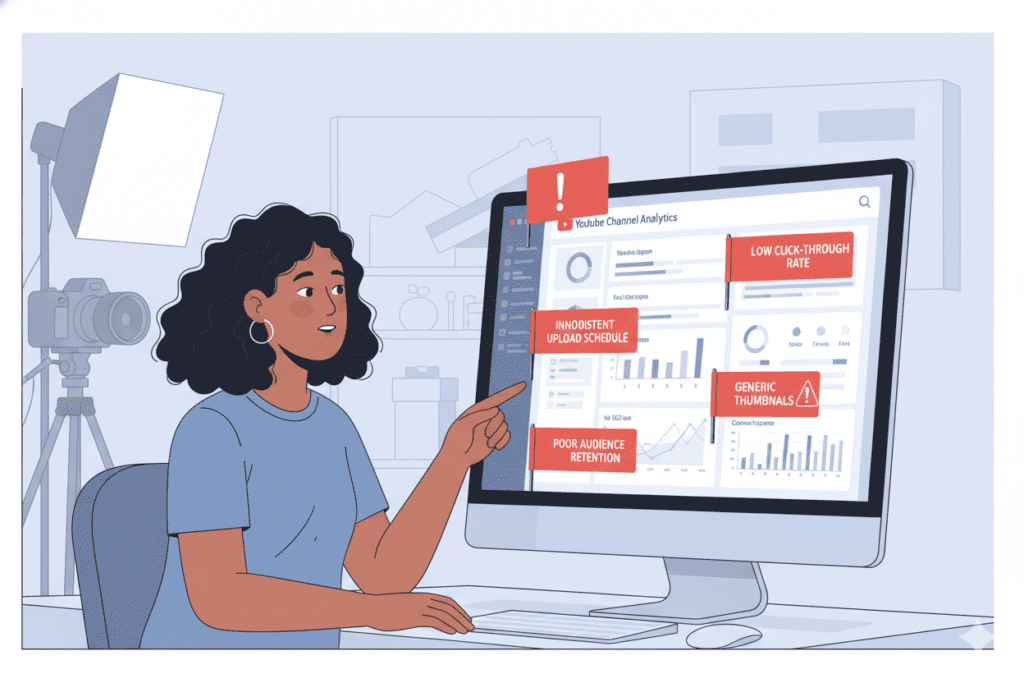
AI is excellent at expanding ideas, but it depends on the quality of the instructions you provide. Here are some of the most common mistakes creators make when using ChatGPT for brainstorming.
- Using Extremely Short Prompts
A prompt like:
Give me YouTube ideas about fitness.
provides almost no context.
Fitness includes weight loss, bodybuilding, nutrition, running, yoga, mobility, and countless other subtopics. Without additional guidance, AI defaults to broad, predictable suggestions.
A better prompt includes:
- Target audience
- Experience level
- Goal
- Desired video style
- Number of ideas
The more context you provide, the more useful the output becomes.
- Ignoring Search Intent
Not every keyword represents the same user need.
Consider these examples:
"How to edit YouTube videos"
The viewer wants a step-by-step tutorial.
"Best video editing software"
The viewer wants recommendations and comparisons.
"Final Cut Pro review"
The viewer is evaluating a purchase.
If your prompt doesn't specify the intended search intent, AI may generate ideas that don't match what viewers are actually looking for.
- Asking for Quantity Instead of Quality
Many people request:
Give me 100 YouTube ideas.
Large lists often contain repetitive concepts with only slight wording differences.
Instead, ask for:
- Unique perspectives
- Different audience segments
- Multiple content formats
- Emotional hooks
- Contrarian opinions
- Beginner and advanced angles
Twenty well-developed ideas are often more valuable than one hundred generic ones.
- Forgetting About the Audience
A keyword alone doesn't define the viewer.
Compare these two audiences:
- First-time creators
- Professional YouTubers
The same keyword can produce completely different video concepts depending on who you're trying to help.
Always include audience information inside your prompt.
For example:
- Beginners
- Small businesses
- Teachers
- Students
- Gamers
- Parents
- Freelancers This simple addition dramatically improves idea relevance.
- Accepting the First Response
Think of ChatGPT as a brainstorming partner rather than a final decision-maker.
Instead of stopping after the first response, continue the conversation with follow-up prompts such as:
- Make these ideas more unique.
- Focus on videos with high click-through potential.
- Suggest evergreen topics only.
- Group these ideas into playlists.
- Remove ideas that feel oversaturated.
Iterating on the output often produces significantly stronger concepts than starting from scratch.
How ChatGPT Interprets Keywords

Many people assume ChatGPT performs keyword research in real time. It doesn't.
Instead, it analyzes patterns in language and predicts related concepts based on its training.
When you enter a keyword, the model typically identifies:
- Related topics
- Frequently associated questions
- Common audience problems
- Educational angles
- Comparison opportunities
- Industry terminology
- Typical content formats
For instance, if you enter:
- home workout
ChatGPT may connect it with ideas such as:
- No-equipment workouts
- Weight loss routines
- Beginner exercises
- Apartment-friendly fitness
- Resistance bands
- Morning workouts
- Full-body training
- Time-saving exercise plans
This ability to expand semantic relationships makes AI especially useful for brainstorming around a single keyword.
However, because the model isn't reading live search results, it's important to refine and validate ideas before publishing.
Understanding Search Intent Before Writing Prompts
One of the biggest reasons AI-generated ideas fall flat is that they ignore why someone searched for a keyword in the first place.
When writing prompts, specify the search intent you want AI to focus on.
Instead of:
Generate YouTube ideas about podcasts.
Try:
Generate educational YouTube ideas for beginner podcasters who want practical tutorials.
The second prompt gives AI much clearer direction, resulting in more relevant suggestions.
How to Write Better Prompts

The quality of your ideas depends largely on the quality of your instructions. A well-structured prompt gives AI the context it needs to produce useful, targeted results.
A simple framework is:
Role + Keyword + Audience + Goal + Output Format + Constraints
For example:
- Role: Act as an experienced YouTube strategist.
- Keyword: Home office setup.
- Audience: Remote workers and freelancers.
- Goal: Generate video ideas that satisfy informational search intent.
- Output: A table with titles, target audience, and hook.
- Constraints: Avoid generic listicles and repeat topics.
This structure encourages AI to think beyond surface-level suggestions and organize its responses in a way that's immediately actionable.
Another helpful practice is to specify diversity in the output. Ask for a mix of tutorials, comparisons, myths, mistakes, case studies, reviews, and trend-based ideas instead of only one format. This results in a more balanced content plan and reduces repetition.
Finally, don't be afraid to iterate. Great prompts are rarely perfect on the first try. Small adjustments—such as narrowing the audience or changing the desired video format—can dramatically improve the relevance and originality of the ideas you receive.
The Master ChatGPT Prompt for Generating YouTube Ideas
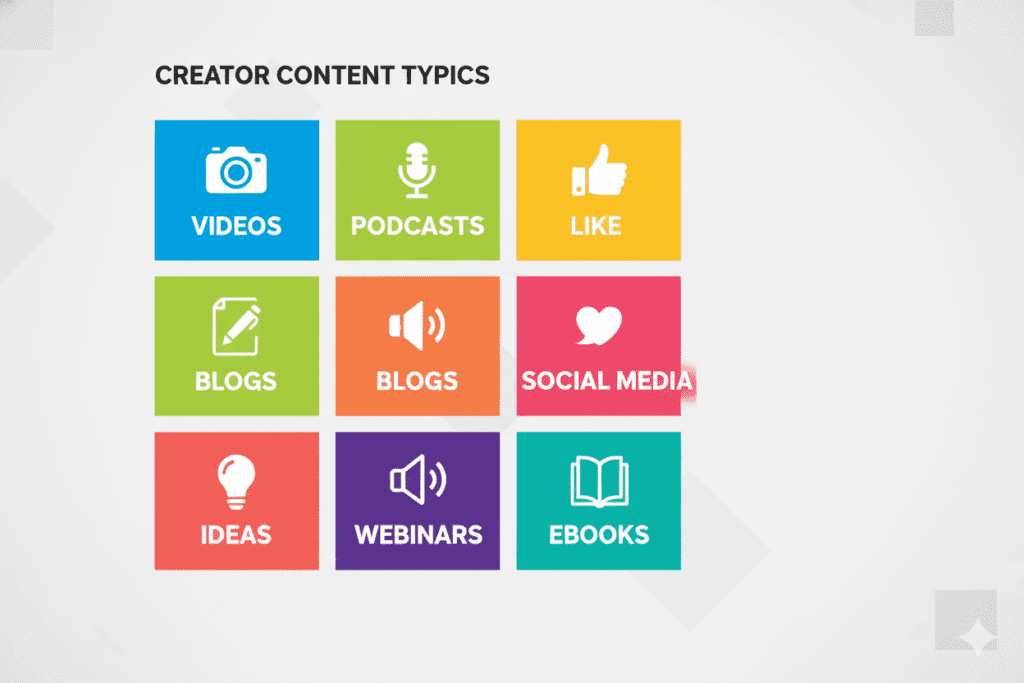
The following prompt is designed to produce diverse, search-intent-driven ideas instead of repetitive title suggestions. It encourages ChatGPT to think like a YouTube strategist by considering audience needs, content formats, and topical depth.
Copy Prompt
Act as an experienced YouTube content strategist and SEO specialist. I will provide a target keyword. Generate 30 unique YouTube video ideas based on that keyword.
For each idea, include:
- A compelling working title
- The primary search intent (informational, comparison, problem-solving, transactional, or entertainment)
- The target audience
- A one-sentence hook explaining why someone would click the video
- A suggested content format (tutorial, review, case study, listicle, experiment, challenge, or Shorts)
Avoid repetitive ideas. Cover beginner, intermediate, and advanced audiences. Include evergreen topics, trending angles, myths, mistakes, FAQs, comparisons, and practical tutorials. Present the results in a table.
This prompt provides enough structure for ChatGPT to produce organized, actionable ideas while leaving room for creativity.
Example Output
Let's say your keyword is:
Productivity Apps
Instead of returning generic suggestions like "Best Productivity Apps," a well-structured prompt could generate ideas such as:
| Video Title | Search Intent | Format |
|---|---|---|
| 10 Productivity Apps That Actually Save Time | Informational | Listicle |
| I Replaced My Notebook With Productivity Apps for 30 Days | Entertainment | Challenge |
| Notion vs Trello: Which Is Better for Beginners? | Comparison | Review |
| 7 Productivity App Mistakes That Waste More Time | Problem-Solving | Educational |
| Best Free Productivity Apps for Students | Transactional | Buying Guide |
| Hidden Productivity Features You're Probably Ignoring | Informational | Tutorial |
| My Daily Workflow Using Only Free Apps | Inspirational | Case Study |
| Top AI Productivity Apps Worth Trying This Year | Informational | Trend Analysis |
Notice that each idea targets a different audience need and content format. This diversity increases your chances of building a well-rounded content calendar.
Prompt Variations for Different Video Types
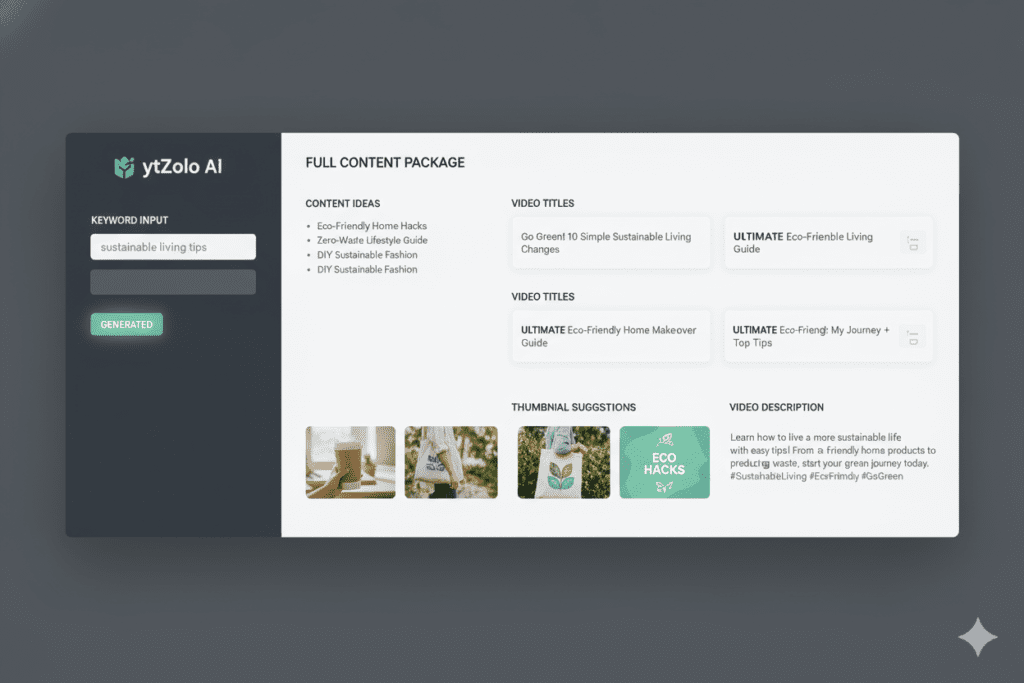
A single keyword can support many styles of content. By slightly changing your prompt, you can tailor ChatGPT's output to specific formats.
1. Tutorial Videos
Use this variation if your audience wants step-by-step guidance.
Prompt:
Generate tutorial-style YouTube video ideas based on the keyword. Focus on beginner-friendly topics with clear learning outcomes.
Best for:
- Software tutorials
- DIY projects
- Cooking
- Education
- Technology
2. Review Videos
Reviews attract viewers who are evaluating products or services.
Prompt:
Generate review-based YouTube ideas that compare products, discuss pros and cons, and help viewers make informed decisions.
Examples include:
- Product comparisons
- Long-term reviews
- Honest experiences
- Value-for-money analyses
3. YouTube Shorts
Short-form videos require concise, attention-grabbing concepts.
Prompt:
Generate YouTube Shorts ideas under 60 seconds based on this keyword. Focus on quick tips, surprising facts, myths, and common mistakes.
These ideas are ideal for increasing reach and testing audience interest before producing longer videos.
4. Educational Content
Educational channels benefit from structured learning paths.
Prompt:
Generate educational YouTube video ideas that progressively teach beginners and gradually introduce advanced concepts.
This approach naturally creates playlists and encourages binge-watching.
5. Entertainment Content
Entertainment often performs best when paired with curiosity or storytelling.
Prompt:
Generate entertaining YouTube video ideas using storytelling, experiments, challenges, unexpected outcomes, or humor while staying relevant to the keyword.
Examples include:
- 30-day challenges
- Before-and-after experiments
- "What happens if..." videos
- React-style formats
6. Local Business Content
If your keyword targets a local audience, include geographical context in your prompt.
Prompt:
Generate YouTube ideas for a local business targeting customers in a specific city. Include educational, seasonal, and community-focused topics.
This helps produce ideas that resonate with viewers in a particular location while improving local search relevance.
How to Refine AI Outputs
Generating ideas is only the first step. Refining them is where real value emerges.
Here are several follow-up prompts that can significantly improve ChatGPT's responses.
Make Titles More Clickable
Rewrite these titles using curiosity without becoming misleading.
Focus on Evergreen Topics
Remove ideas that depend on temporary trends and prioritize evergreen content.
Increase Search Potential
Rank these ideas based on likely search demand and explain your reasoning.
Organize Into Content Series
Group these ideas into logical playlists that build upon one another.
Target a Different Audience
Rewrite these ideas for complete beginners.
or
Rewrite these ideas for experienced professionals.
These follow-up prompts help transform an initial brainstorm into a strategic content plan.
Keyword Clustering Tips for Long-Term Content Planning
One keyword should never lead to just one video. Instead, think of it as the center of a broader topic cluster.
For example, if your keyword is email marketing, related clusters might include:
- Email automation
- Welcome sequences
- Subject line optimization
- Newsletter strategy
- Email design
- A/B testing
- List building
- Analytics and reporting
Creating multiple videos around closely related topics helps establish topical authority and encourages viewers to explore more of your content.
When planning these clusters, it can also be helpful to study how other creators expand a single keyword into multiple content angles.
For a practical walkthrough of this workflow, the guide on YouTube idea generator from keywords by ytZolo explains how one keyword can be developed into dozens of relevant video concepts while maintaining strong search intent.
A simple clustering workflow looks like this:
- Choose one primary keyword.
- List all related subtopics.
- Identify the search intent for each subtopic.
- Prioritize evergreen ideas first.
- Add seasonal or trending topics later.
- Organize everything into playlists.
This method not only improves planning but also creates a more cohesive viewing experience for your audience.
Frequently Asked Questions
Can ChatGPT generate original YouTube video ideas?
Yes. ChatGPT can generate original combinations of topics, formats, and audience angles based on your prompt. The originality of the output depends largely on the level of detail you provide.
Adding context such as your niche, audience, search intent, and preferred content format usually produces more useful results than asking for generic ideas.
How many keywords should I use at once?
For the best results, start with a single primary keyword. Once you've explored the main topic, expand into related keywords and subtopics. This keeps the brainstorming process focused and makes it easier to organize ideas into content clusters.
Should I rely entirely on AI for brainstorming?
No. AI should be treated as a creative assistant rather than a replacement for research and experience. The strongest YouTube content comes from combining AI-generated ideas with audience feedback, search trends, personal expertise, and your unique perspective.
What's the difference between a keyword and a video topic?
A keyword is the phrase people search for, while a video topic is the specific angle you choose to cover.
For example:
Keyword: Running Shoes
Possible topics:
- Best Running Shoes for Beginners
- Running Shoes vs Walking Shoes
- Five Running Shoe Buying Mistakes
- How Long Do Running Shoes Last?
- Budget Running Shoes Under $100
One keyword can support dozens of unique videos when viewed from different search intents.
How often should I generate new content ideas?
Many creators review and expand their content ideas monthly or quarterly. This helps maintain a steady publishing schedule while leaving room to respond to seasonal trends and new audience questions.
Can these prompts work with other AI tools?
Yes. Although this guide uses ChatGPT as the primary example, the same prompt-writing principles apply to most modern AI assistants. The structure—clear context, defined audience, desired output, and specific constraints—remains effective across different platforms.
Final Thoughts
Coming up with YouTube video ideas doesn't have to feel like starting from scratch every time. When you begin with a keyword and understand the search intent behind it, you're already working from a stronger foundation.
The next step is giving AI enough context to generate ideas that are relevant, diverse, and genuinely useful. Instead of asking for a long list of random titles, focus on prompts that define the audience, content format, and desired outcome.
You'll receive ideas that are easier to develop into complete videos and more likely to resonate with viewers.
Remember that brainstorming is an iterative process. The first response from an AI assistant is rarely the final answer. Refine the output, ask follow-up questions, organize ideas into topic clusters, and keep testing different angles.
Over time, you'll build a content library that serves both your audience and your long-term publishing strategy.
A well-crafted prompt isn't just a shortcut—it becomes a repeatable system for discovering new opportunities from every keyword you explore.





Top comments (0)