


YouTube Community Post Ideas: 25 Creative Ways to Keep Your Audience Engaged Between Uploads
Uploading great videos is only one part of building a successful YouTube channel. The creators who consistently grow their audience also find ways to stay connected between uploads.
That's where the Community tab becomes valuable.
Instead of waiting days or weeks for your next video, you can start conversations, gather feedback, test ideas, and encourage interaction with simple posts that take only a few minutes to create.
Whether you're a gaming creator, educator, vlogger, musician, or business owner, learning new YouTube Community Post ideas can help keep your subscribers engaged and interested in your content.
What Are YouTube Community Posts?
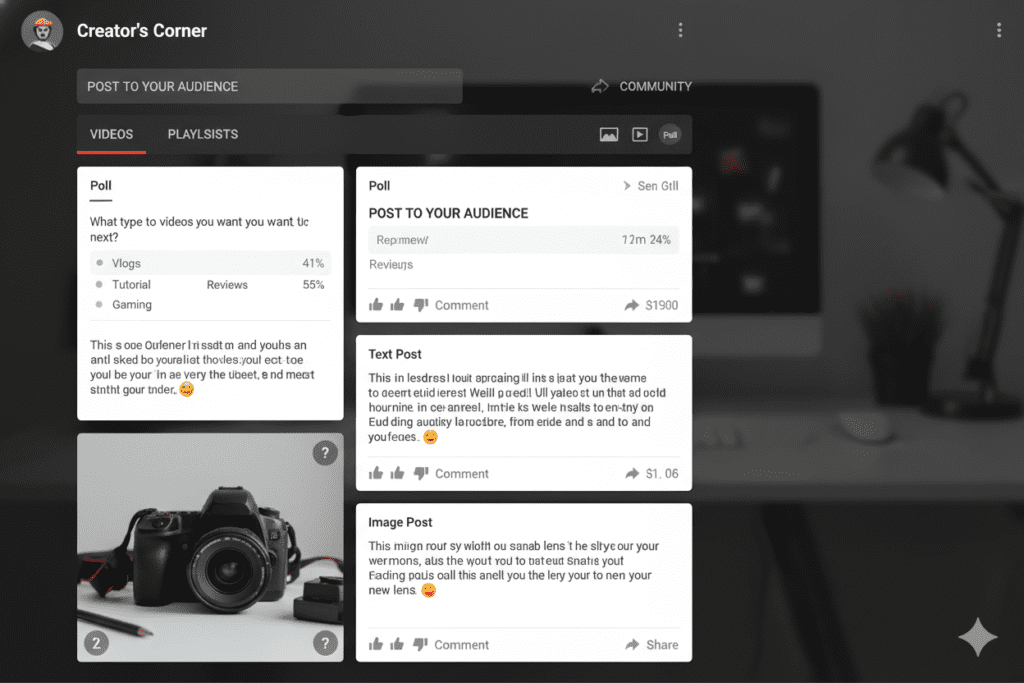
The YouTube Community tab allows eligible creators to publish content beyond traditional videos. Depending on your channel's access, you can share:
- Text updates
- Images
- GIFs
- Polls
- Quizzes
- Video recommendations
Unlike regular uploads, Community Posts appear in subscribers' feeds and give viewers an easy way to interact without watching a full video.
They also provide creators with a way to maintain consistent communication even during breaks from uploading.
Why Community Posts Matter
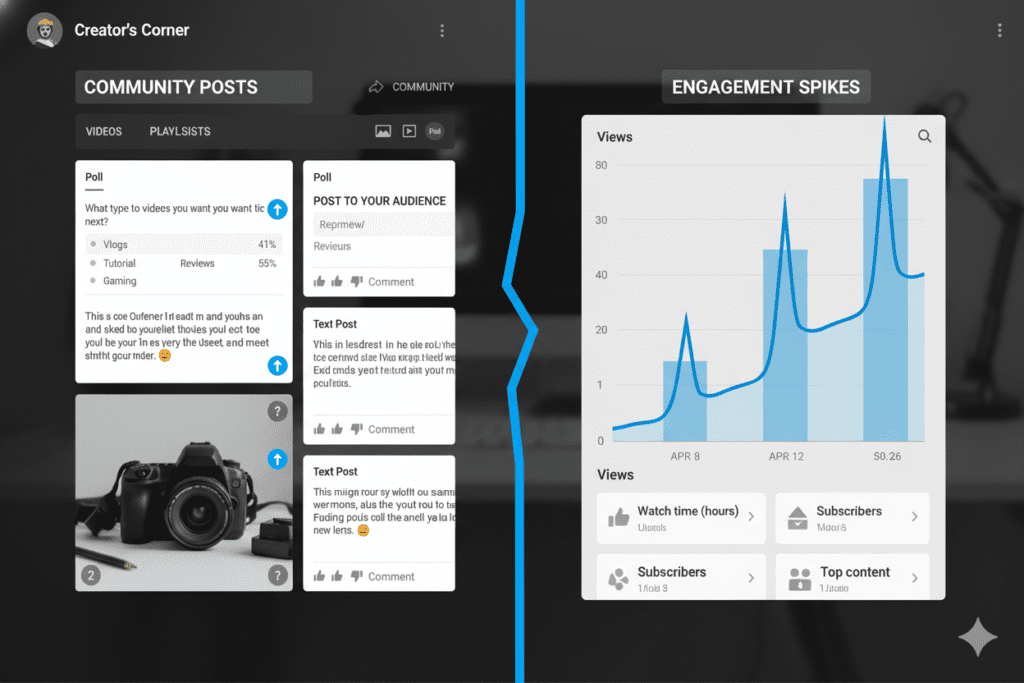
Community Posts aren't just social updates. They can strengthen the relationship between creators and viewers in several ways.
They help you:
- Stay visible between uploads
- Encourage comments and discussions
- Learn what your audience wants next
- Test ideas before creating videos
- Build a stronger community around your channel
Instead of treating YouTube as a one-way publishing platform, Community Posts turn it into an ongoing conversation.
25 YouTube Community Post Ideas
1. Ask a Simple Question
Invite your audience into a conversation.
Example:
"What's one editing trick you wish you had learned earlier?"
2. Create a Poll
Polls generate quick engagement.
Examples include:
- Long-form videos or Shorts?
- Morning uploads or evening uploads?
- Tutorials or case studies?
3. Share Behind-the-Scenes Photos
Show your recording setup, editing workspace, or planning process.
People enjoy seeing what happens before the finished video appears.
4. Preview Your Next Video
Instead of announcing a title, share a small clue or screenshot that builds curiosity.
5. Host a Caption Contest
Post an interesting image and ask subscribers to write funny captions.
6. Run a Quiz
Educational channels can challenge viewers with multiple-choice questions.
It's an entertaining way to reinforce learning.
7. Feature Subscriber Content
Highlight fan art, success stories, or creative projects shared by your audience.
Recognition encourages future participation.
8. Celebrate Milestones
Thank your community for reaching subscriber goals.
Whether it's 1,000 or 100,000 subscribers, appreciation helps strengthen loyalty.
9. Recommend Helpful Resources
Share books, podcasts, websites, or videos that have influenced your work.
If readers are looking for additional inspiration, this guide from ytZolo on YouTube Community Post ideas offers more examples creators can adapt to different niches.
10. Ask for Video Suggestions
Your next successful upload might come directly from your audience.
Example:
"What should I cover next?"
11. Share a Quick Tip
Offer one useful insight that can be read in under a minute.
Small pieces of value encourage regular engagement.
12. Post Before-and-After Results
Show improvements in editing, thumbnails, photography, or design.
People enjoy seeing progress.
13. Share an Interesting Statistic
Data sparks curiosity.
For example, discuss watch time trends, audience retention, or creator habits.
14. Ask Viewers to Vote on a Thumbnail
Upload two thumbnail options and let your audience choose.
Besides increasing interaction, you'll also receive valuable feedback before publishing.
15. Start a Weekend Discussion
Ask an open-ended question unrelated to your latest upload.
Example:
"What's one creator you've recently discovered?"
16. Share Your Workspace
A simple desk photo often starts conversations about equipment and workflow.
17. Reveal an Editing Mistake
Showing failures makes creators more relatable.
Discuss what went wrong and what you learned.
18. Post a Motivational Update
Share lessons from your own creative journey without pretending everything has been easy.
Authenticity resonates with audiences.
19. Highlight an Older Video
Instead of reposting a link without context, explain why it's still relevant today.
20. Share a Fun Fact
Interesting facts related to your niche can spark curiosity and encourage comments.
21. Host an AMA
Invite subscribers to ask questions.
Answer the most interesting ones in your next video.
22. Share Progress on a Project
If you're building something over several weeks, document the journey.
Audiences enjoy following ongoing stories.
23. Ask for Feedback
Before launching a new series or changing your content style, ask viewers what they think.
Listening to your audience often leads to better decisions.
24. Celebrate Community Achievements
Feature subscriber milestones or success stories.
This builds a stronger sense of belonging.
25. End the Week with Reflection
Ask viewers:
- What did you learn this week?
- What's your biggest win?
- What's your goal for next week?
Simple questions often generate meaningful conversations.
Common Mistakes to Avoid
Many creators underuse Community Posts because they fall into predictable habits.
Some common mistakes include:
- Posting only promotional updates
- Ignoring comments after publishing
- Using the same poll format repeatedly
- Posting inconsistently
- Sharing low-quality images
- Asking questions without responding to answers
Community Posts work best when they encourage genuine interaction.
Tips for Better Community Posts
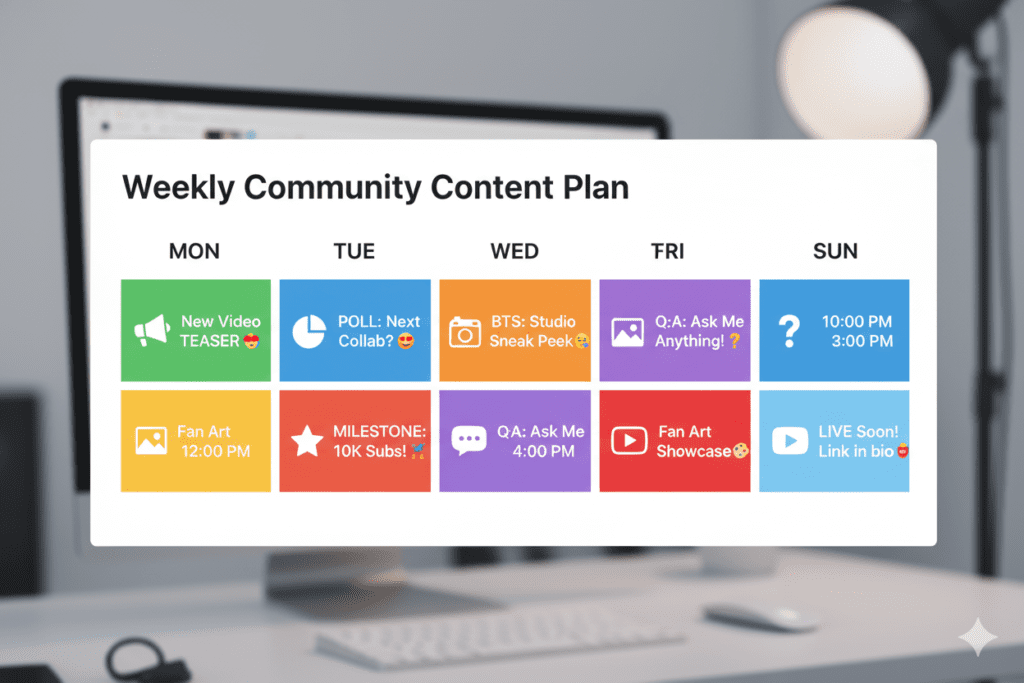
A few small improvements can make your posts more engaging.
Post consistently rather than all at once.
Keep text concise and easy to scan.
Use clear, high-quality visuals when possible.
Mix polls, images, quizzes, and discussion prompts.
Ask one focused question instead of several.
Reply to comments to keep conversations going.
Review engagement to understand which formats resonate with your audience.
Over time, these insights can help shape both your Community Posts and your video strategy.
Final Thoughts
Community Posts are one of the simplest ways to stay connected with your audience between video uploads. Whether you're asking questions, sharing behind-the-scenes moments, or running polls, consistent interaction helps build a stronger relationship with your viewers.
Experiment with different YouTube Community Post ideas, track which formats encourage the most engagement, and refine your approach based on audience feedback. Small conversations today can contribute to a more active and loyal community over time.





Top comments (0)